

Marfa Low Crown
Legacy Members
-
Joined
-
Last visited
Everything posted by Marfa Low Crown
-
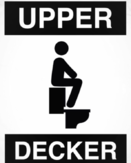 This man knows. I actually just sent that image to my girlfriend. Thats exactly how our last big argument ended. At one point she finally just said, “Shut up and come over here & suck my nipples!”. It was some of the best sex we’ve ever had.
 -
May it never die

-
Fixed it.
Back to this for a second. Ex-gf and I ended up with a squatty potty at a Christmas exchange. There do seem to be two camps to this because while she said it made little difference for her, for me it was a game-changer. I ended up with it after the break up and it's the thing I wish I could take with me everywhere. If it works for you I would say it easily adds 3-4 inches to every turd. I'm still waiting for the legendary unbroken two footer but I've definitely been in the neighborhood. Maybe they should change their slogan to, "Is squatty potty right for you?".
.. and the Japanese will have a host of videos.
Me thinking about a gum job as I watched that whole video unfold. Terminator_3_System_Corruption.mp4
Send him our way & we’ll get him straight.
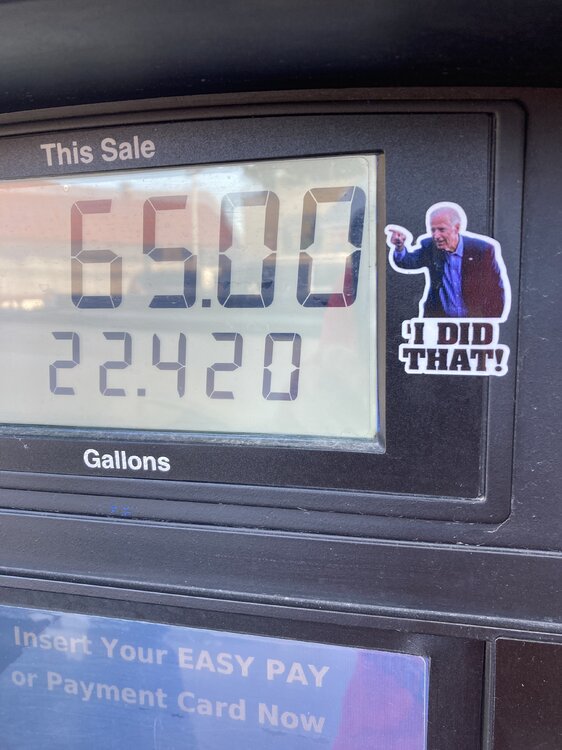
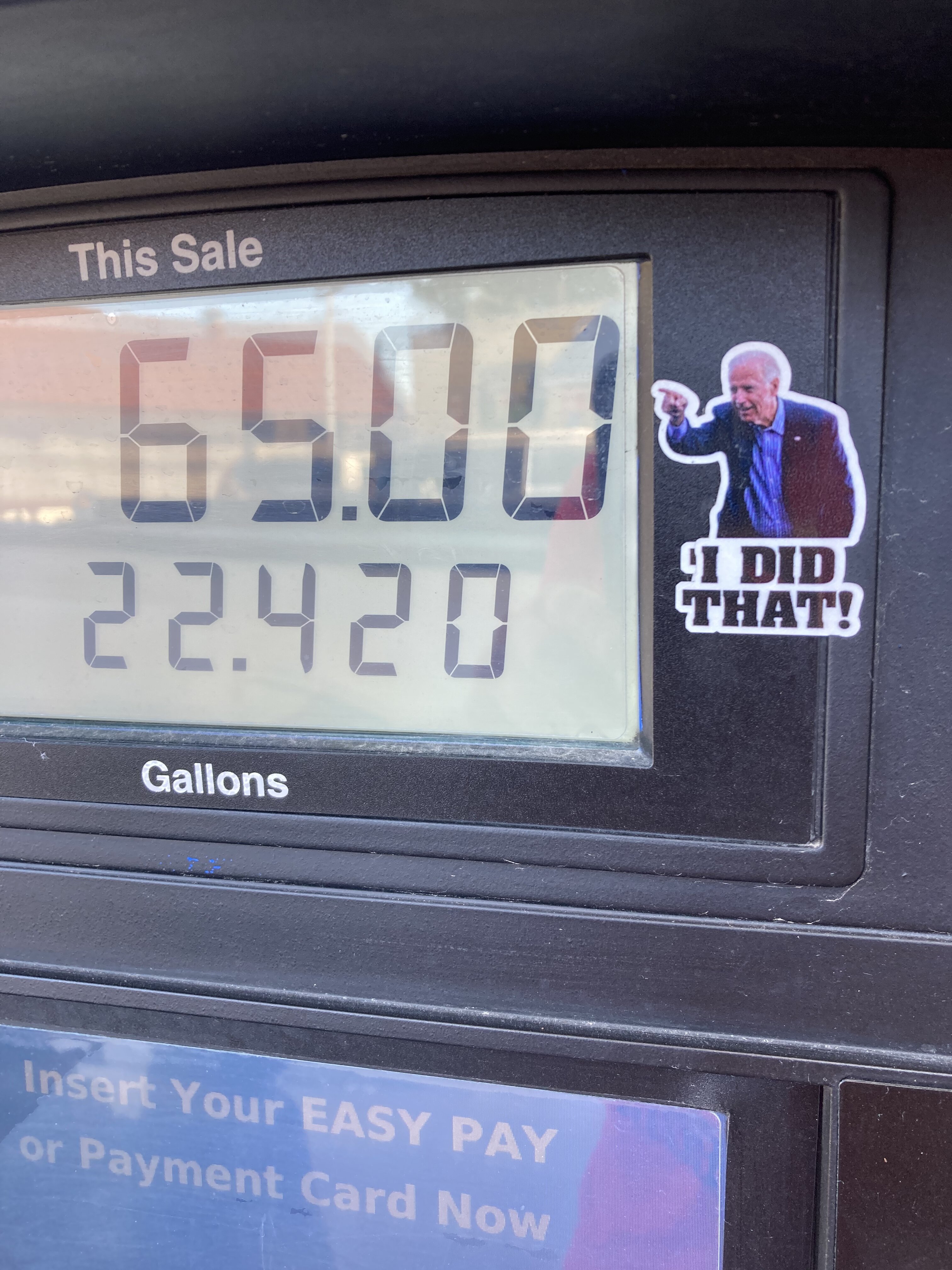
Saw this at a gas pump today 😆
 Thread needs more Le Car
 Folks THIS is you get drunk.^^ it reminds me of a friend I had in Austin, Dave. Legendary drunk. He came in to work one day and was pissed off because somebody had stolen his bicycle. four or five days later I went out with him for drinks in his favorite part of town. we are sitting in a bar overlooking the street & after a minute he says wait a minute that’s my bike over there. It was chained up. so he wanted to sit there and watch for a while, catch the the thief, and we did until it finally dawned on me. You guys already know where this is going. finally I said Dave go over there and take a closer look at your bike. He did. his bike. His lock. yeah… that’s how you do it
Her hair burned for a loooong time before she noticed. Gotta be the
Folks THIS is you get drunk.^^ it reminds me of a friend I had in Austin, Dave. Legendary drunk. He came in to work one day and was pissed off because somebody had stolen his bicycle. four or five days later I went out with him for drinks in his favorite part of town. we are sitting in a bar overlooking the street & after a minute he says wait a minute that’s my bike over there. It was chained up. so he wanted to sit there and watch for a while, catch the the thief, and we did until it finally dawned on me. You guys already know where this is going. finally I said Dave go over there and take a closer look at your bike. He did. his bike. His lock. yeah… that’s how you do it
Her hair burned for a loooong time before she noticed. Gotta be the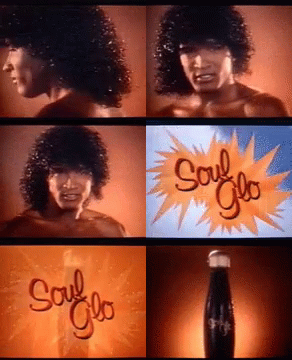 That skirt makes you look fat.
Two pussies for a pound. Sign me up.
For Tolkien nerds
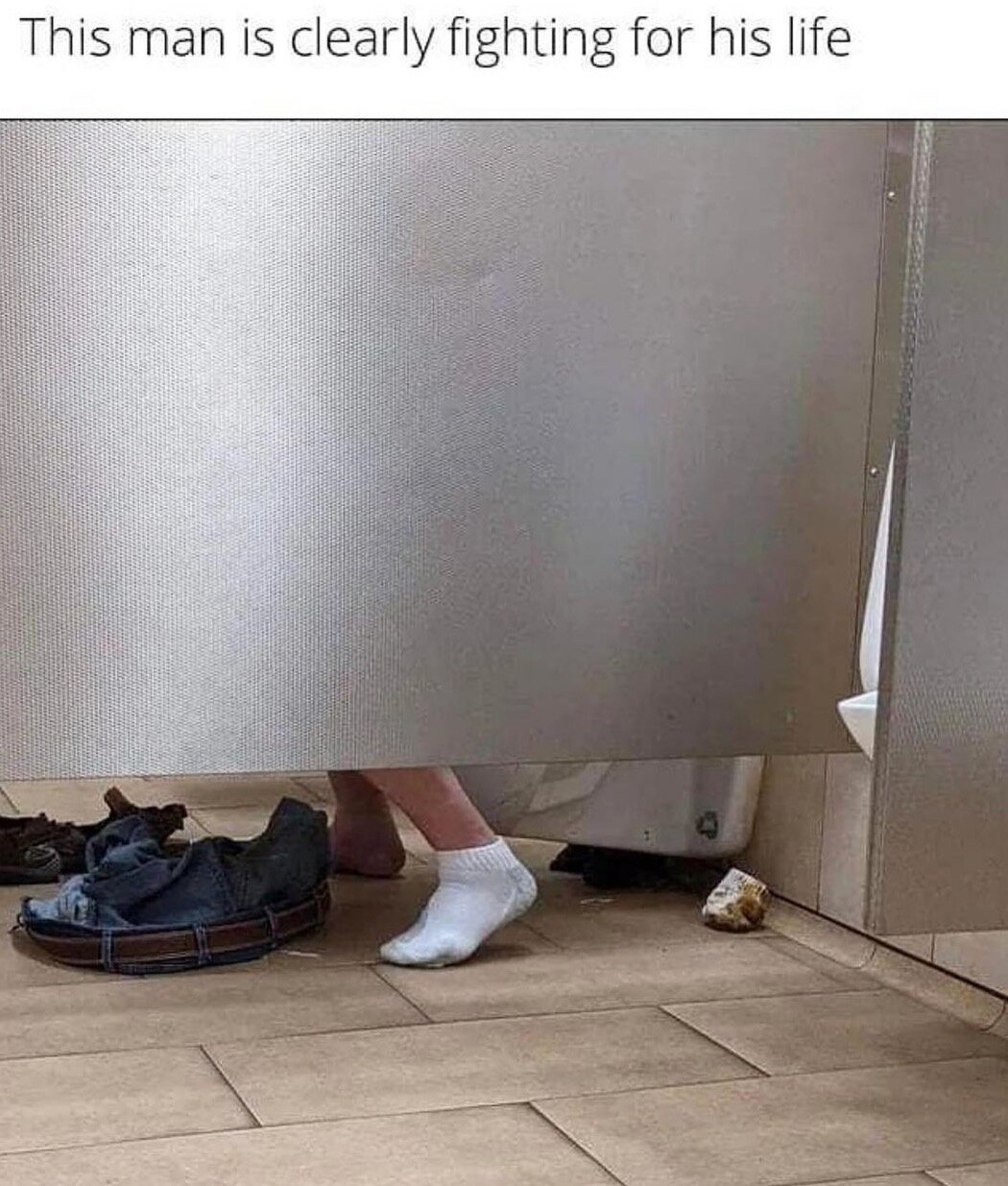
Shoes off. Soiled right sock is a dead soldier behind the toilet. Underwear MIA & presumed dead. Fight on sir. Fight on
That skirt makes you look fat.
Two pussies for a pound. Sign me up.
For Tolkien nerds
Shoes off. Soiled right sock is a dead soldier behind the toilet. Underwear MIA & presumed dead. Fight on sir. Fight on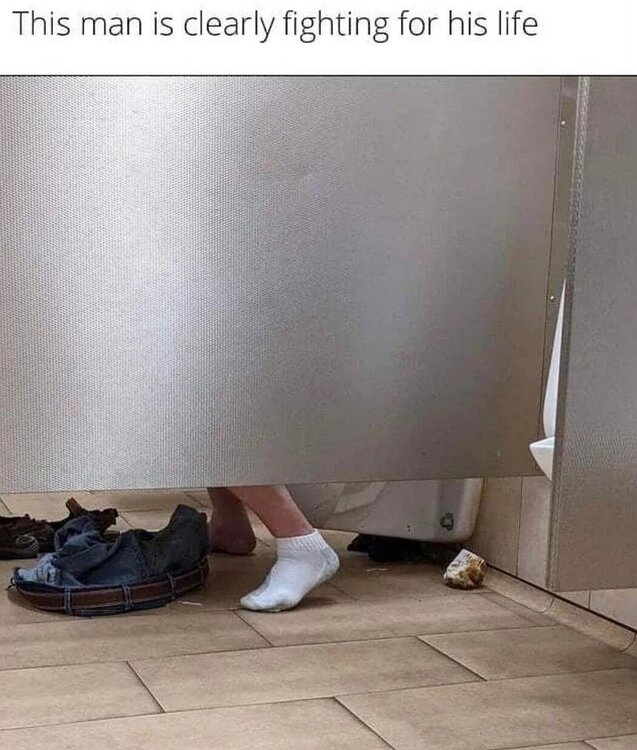 Craven Moorehead, Ivana Pumperhole, Mike Hunt..... these kids need some guidance.
IMG_0520.MOVFootball ... Basketball ... Baseball ... Other Sports ... Futbol ... 🤫995🤫 ... Gambling ... Movies & TV ... Music ... Hobbies ... Lulz ... Food & Travel ... Daily Texan ... Business & Markets ... Cloak Room ... Help ... For Sale ... Board Discussion ... Advertise... Tailgate Donations
Craven Moorehead, Ivana Pumperhole, Mike Hunt..... these kids need some guidance.
IMG_0520.MOVFootball ... Basketball ... Baseball ... Other Sports ... Futbol ... 🤫995🤫 ... Gambling ... Movies & TV ... Music ... Hobbies ... Lulz ... Food & Travel ... Daily Texan ... Business & Markets ... Cloak Room ... Help ... For Sale ... Board Discussion ... Advertise... Tailgate Donations












Account
Search
Configure browser push notifications
Chrome (Android)
- Tap the lock icon next to the address bar.
- Tap Permissions → Notifications.
- Adjust your preference.
Chrome (Desktop)
- Click the padlock icon in the address bar.
- Select Site settings.
- Find Notifications and adjust your preference.
Safari (iOS 16.4+)
- Ensure the site is installed via Add to Home Screen.
- Open Settings App → Notifications.
- Find your app name and adjust your preference.
Safari (macOS)
- Go to Safari → Preferences.
- Click the Websites tab.
- Select Notifications in the sidebar.
- Find this website and adjust your preference.
Edge (Android)
- Tap the lock icon next to the address bar.
- Tap Permissions.
- Find Notifications and adjust your preference.
Edge (Desktop)
- Click the padlock icon in the address bar.
- Click Permissions for this site.
- Find Notifications and adjust your preference.
Firefox (Android)
- Go to Settings → Site permissions.
- Tap Notifications.
- Find this site in the list and adjust your preference.
Firefox (Desktop)
- Open Firefox Settings.
- Search for Notifications.
- Find this site in the list and adjust your preference.