Daichee Bell
Certifiably Surly
-
Joined
-
Last visited
Everything posted by Daichee Bell
-
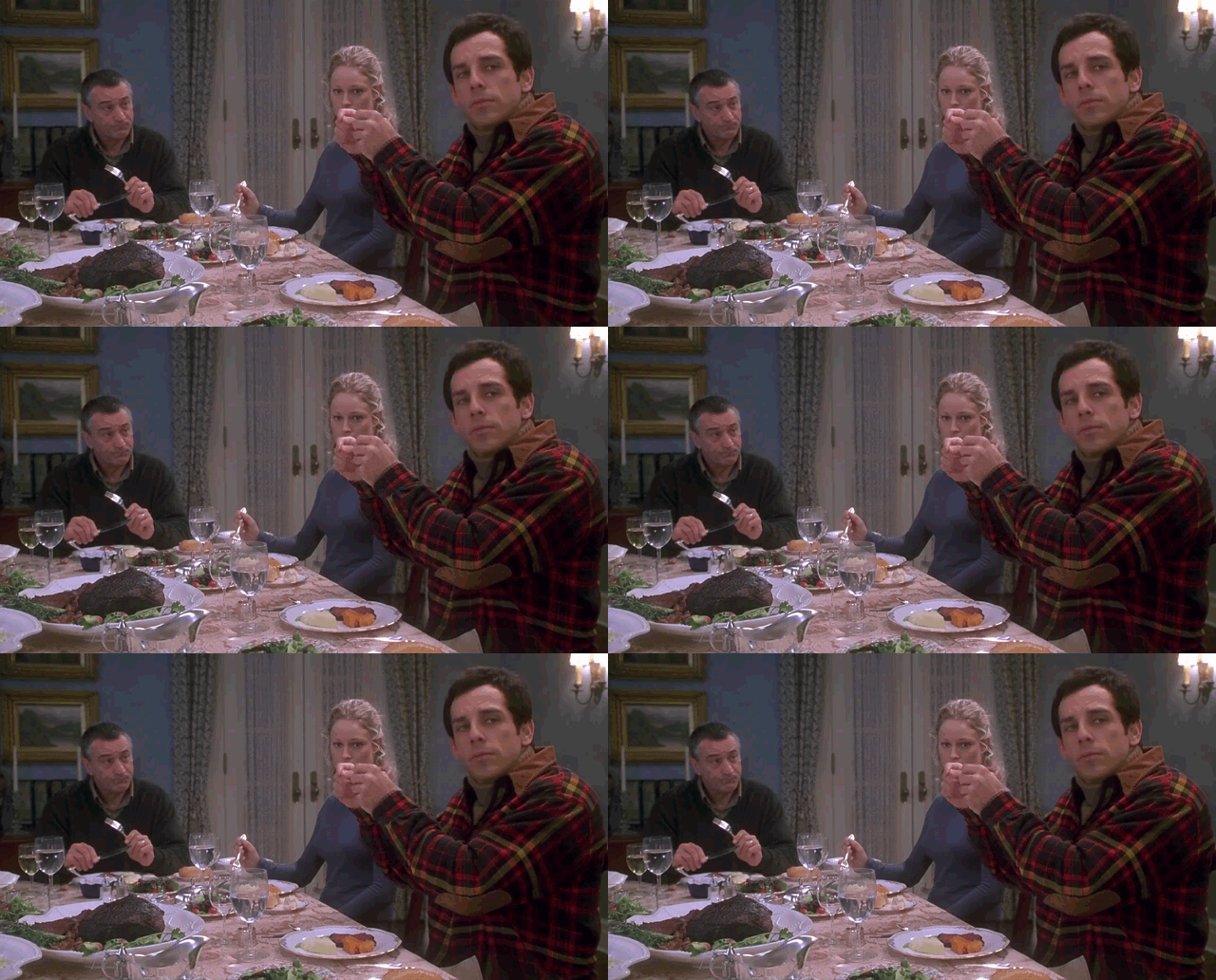
 Paging Vic Mackey.
I love that B and E broke this hours ago.
Some of you fuckers seem a little stressed out this morning.
Paging Vic Mackey.
I love that B and E broke this hours ago.
Some of you fuckers seem a little stressed out this morning. All good, man. Apologies.
They said it right before the last break.
Bucky and Erin. Now Erin and Rod. Now saying he’s sleeping.
They just backed it. Apologies
SMU is the SMU of the south.
Wash 38 Tx 31 penix 30 of 41 for 312 and 2 TDs How I feel about myself right now…
All good, man. Apologies.
They said it right before the last break.
Bucky and Erin. Now Erin and Rod. Now saying he’s sleeping.
They just backed it. Apologies
SMU is the SMU of the south.
Wash 38 Tx 31 penix 30 of 41 for 312 and 2 TDs How I feel about myself right now… Every time I read his name, I just hear drunk Sumlin yelling “Hey Spav! Hey spav!” Soooooo…..To me he will always be Coach Hey Spav.
Sark is gonna help him find a spot to develop. There’s no animosity here. MM made a hard decision but the correct one. He’s not gonna be out there flailing in the wind like 90% of these transfers. Hook ‘em, Maalik.
"Fills a hole at a massive position of need?" Should have nicknamed him "Elko's Button."Football ... Basketball ... Baseball ... Other Sports ... Futbol ... 🤫995🤫 ... Gambling ... Movies & TV ... Music ... Hobbies ... Lulz ... Food & Travel ... Daily Texan ... Business & Markets ... Cloak Room ... Help ... For Sale ... Board Discussion ... Advertise... Tailgate Donations
Every time I read his name, I just hear drunk Sumlin yelling “Hey Spav! Hey spav!” Soooooo…..To me he will always be Coach Hey Spav.
Sark is gonna help him find a spot to develop. There’s no animosity here. MM made a hard decision but the correct one. He’s not gonna be out there flailing in the wind like 90% of these transfers. Hook ‘em, Maalik.
"Fills a hole at a massive position of need?" Should have nicknamed him "Elko's Button."Football ... Basketball ... Baseball ... Other Sports ... Futbol ... 🤫995🤫 ... Gambling ... Movies & TV ... Music ... Hobbies ... Lulz ... Food & Travel ... Daily Texan ... Business & Markets ... Cloak Room ... Help ... For Sale ... Board Discussion ... Advertise... Tailgate DonationsAccount
Search
Configure browser push notifications
Chrome (Android)
- Tap the lock icon next to the address bar.
- Tap Permissions → Notifications.
- Adjust your preference.
Chrome (Desktop)
- Click the padlock icon in the address bar.
- Select Site settings.
- Find Notifications and adjust your preference.
Safari (iOS 16.4+)
- Ensure the site is installed via Add to Home Screen.
- Open Settings App → Notifications.
- Find your app name and adjust your preference.
Safari (macOS)
- Go to Safari → Preferences.
- Click the Websites tab.
- Select Notifications in the sidebar.
- Find this website and adjust your preference.
Edge (Android)
- Tap the lock icon next to the address bar.
- Tap Permissions.
- Find Notifications and adjust your preference.
Edge (Desktop)
- Click the padlock icon in the address bar.
- Click Permissions for this site.
- Find Notifications and adjust your preference.
Firefox (Android)
- Go to Settings → Site permissions.
- Tap Notifications.
- Find this site in the list and adjust your preference.
Firefox (Desktop)
- Open Firefox Settings.
- Search for Notifications.
- Find this site in the list and adjust your preference.