

Upgrayedd
Full Members
-
Joined
-
Last visited
Everything posted by Upgrayedd
-
 Team Healdsburg. Go get yourself some big spicy zins
 -
Funny. We have the same opinion about you.
-
Dude had some taste

-
Don’t need a permit until you need an inspection. Or a loan.
-
Yes. Good flick.
-
Fresh dress like a million bucks
-
The market will take care of it
-
Dude has been showing up in my IG feed. “Not nutrition” lulz
-
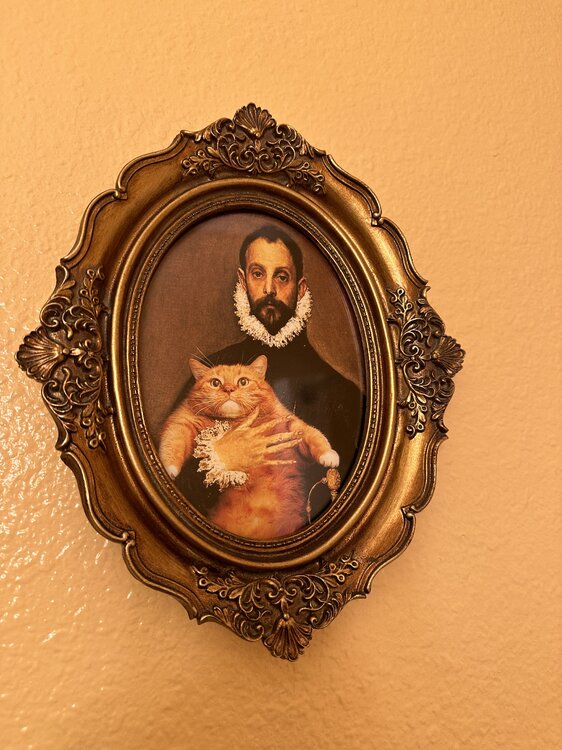
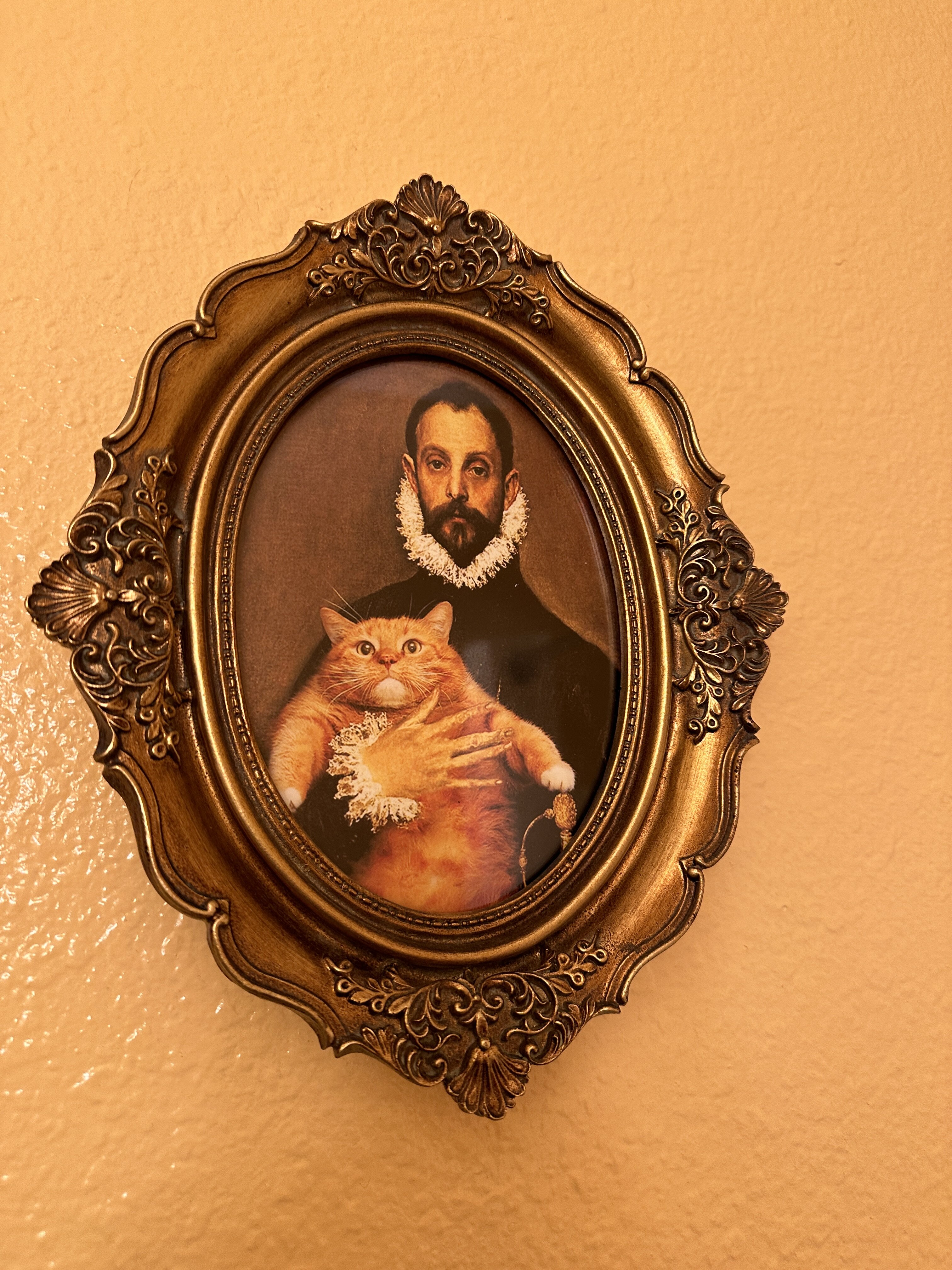
In my hotel room in Julian, California last fall.
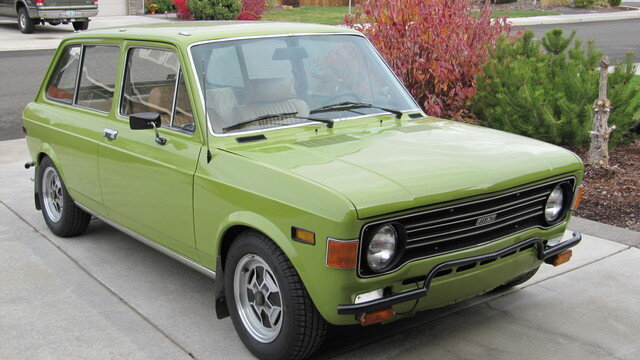
 Fiat 128 Wagon was mine. 1,300 cc of Baja surf mobile. 75 mph downhill with a 40 mph tail wind.
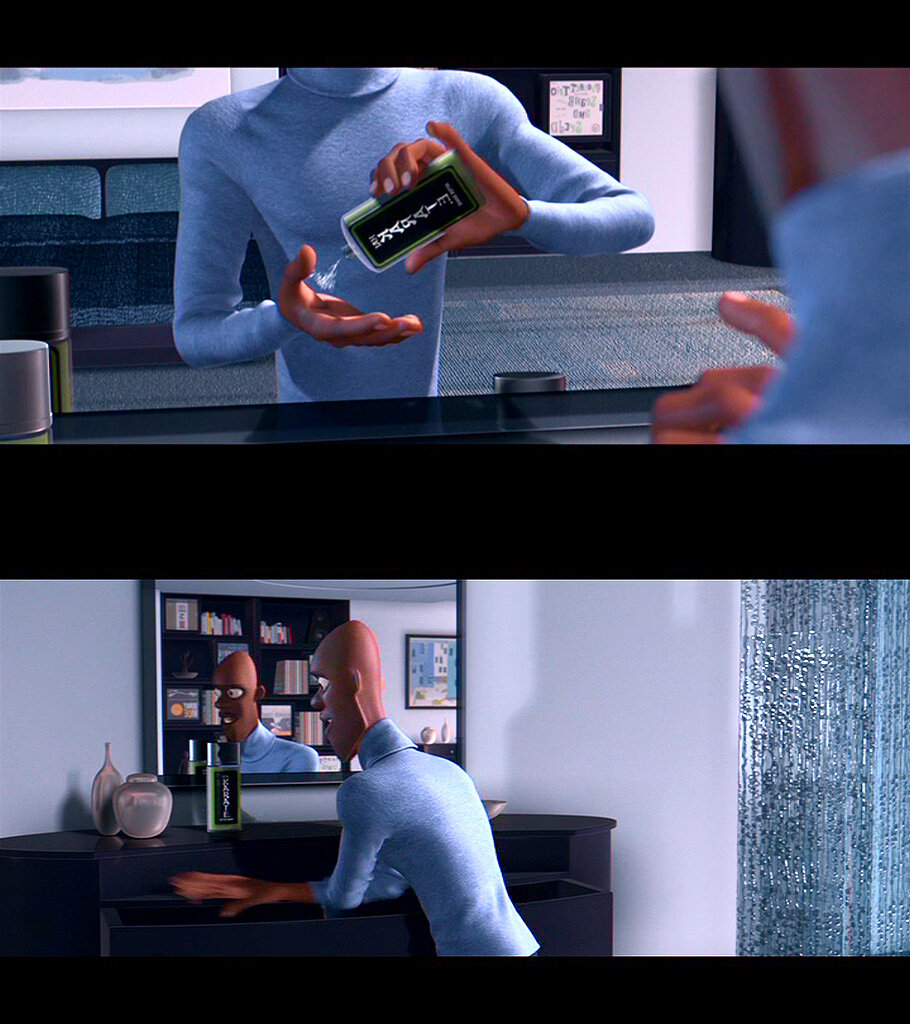
 Is that Will Farrell?
You're not going to lose the house, everyone has three mortgages nowadays
Acquire a dozen middle infielders. Duh.
First one that came to mind
$3.9 million per hour.
Cunt Kelli Ward in there too
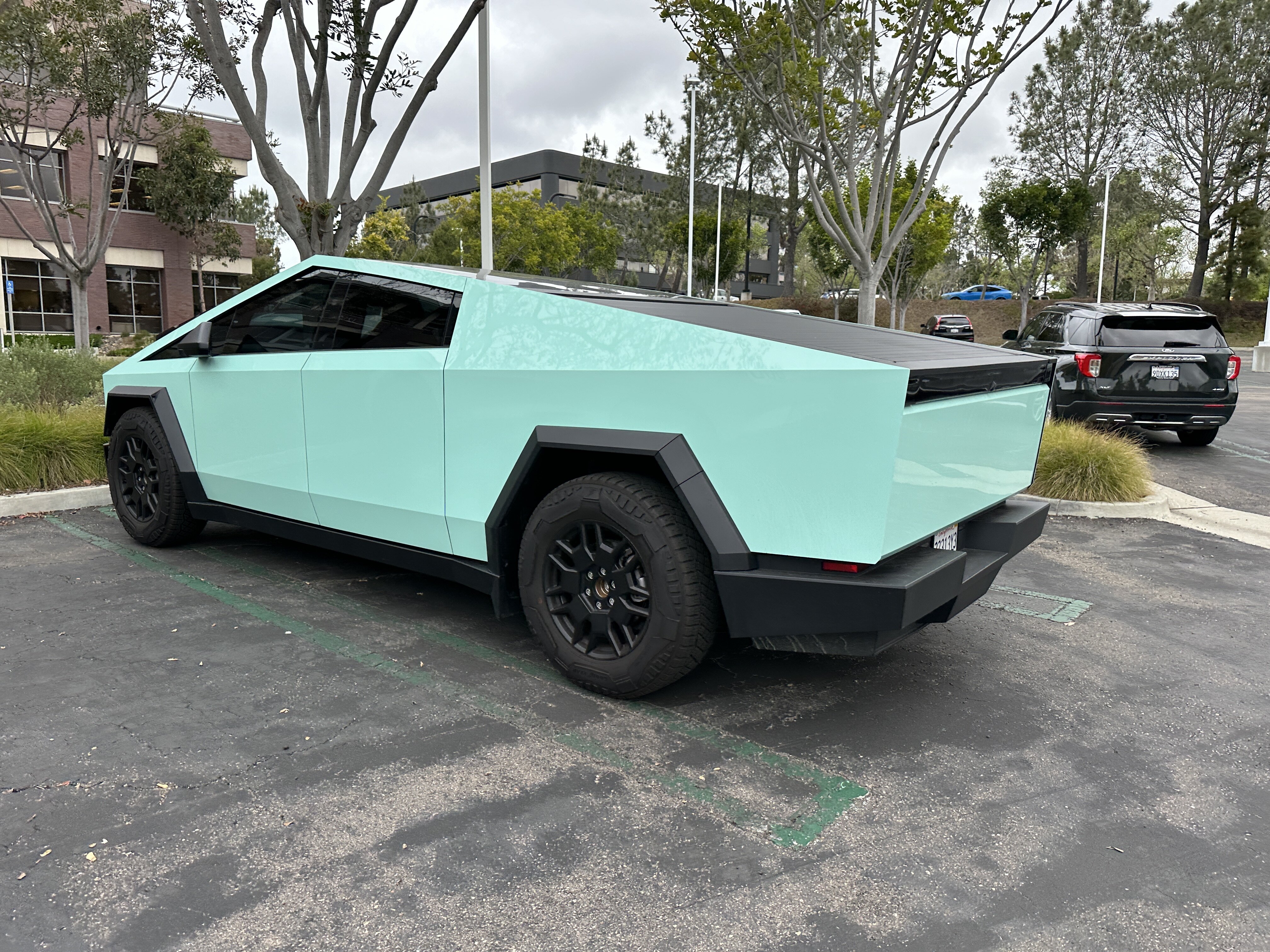
Saw my first one in the wild yesterday. Del Mar.
Is that Will Farrell?
You're not going to lose the house, everyone has three mortgages nowadays
Acquire a dozen middle infielders. Duh.
First one that came to mind
$3.9 million per hour.
Cunt Kelli Ward in there too
Saw my first one in the wild yesterday. Del Mar.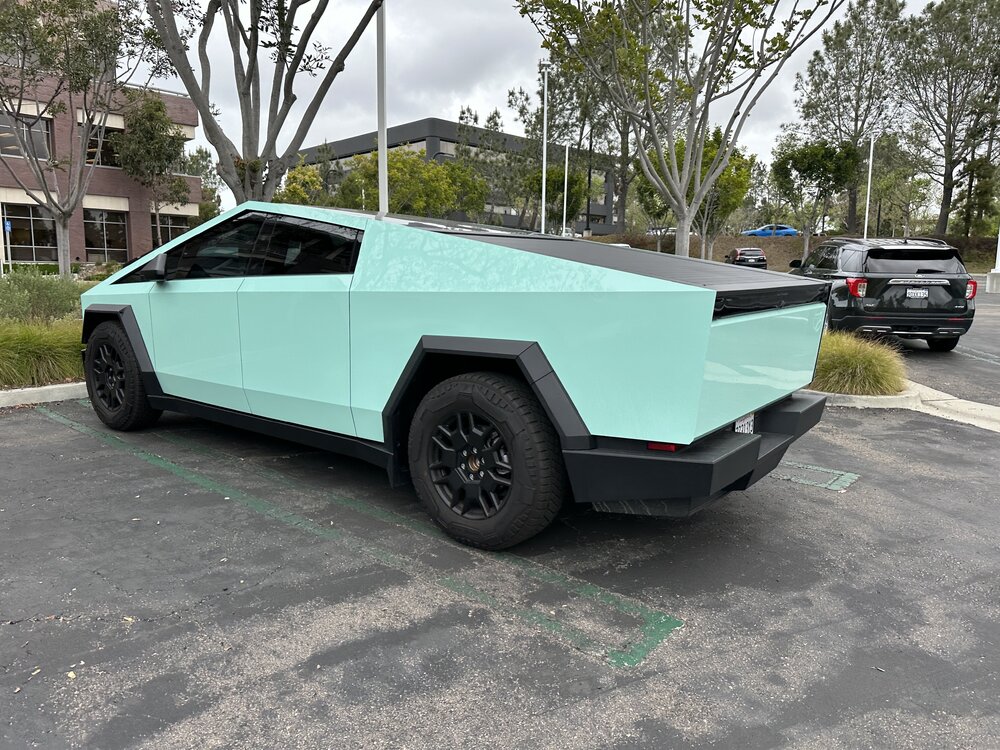 Crab legs are a sight to see
Why would I want to chill the neck of the bottle when most of the thermal mass is lower in the bottle?
Wait until you hear about futures contracts
It’s 450 sf? Do it. I’ll ride over and we can get burgers at Rocky’s.
School bus struck by what exactly? The sovcit driving? Hail of gunfire?
Crab legs are a sight to see
Why would I want to chill the neck of the bottle when most of the thermal mass is lower in the bottle?
Wait until you hear about futures contracts
It’s 450 sf? Do it. I’ll ride over and we can get burgers at Rocky’s.
School bus struck by what exactly? The sovcit driving? Hail of gunfire?





Football ...
Basketball ...
Baseball ...
Other Sports ...
Futbol ...
🤫995🤫 ...
Gambling ...
Movies & TV ...
Music ...
Hobbies ...
Lulz ...
Food & Travel
...
Daily Texan ...
Business & Markets ...
Cloak Room ...
Help ...
For Sale ...
Board Discussion ...
Advertise...
Tailgate Donations
Account
Search
Configure browser push notifications
Chrome (Android)
- Tap the lock icon next to the address bar.
- Tap Permissions → Notifications.
- Adjust your preference.
Chrome (Desktop)
- Click the padlock icon in the address bar.
- Select Site settings.
- Find Notifications and adjust your preference.
Safari (iOS 16.4+)
- Ensure the site is installed via Add to Home Screen.
- Open Settings App → Notifications.
- Find your app name and adjust your preference.
Safari (macOS)
- Go to Safari → Preferences.
- Click the Websites tab.
- Select Notifications in the sidebar.
- Find this website and adjust your preference.
Edge (Android)
- Tap the lock icon next to the address bar.
- Tap Permissions.
- Find Notifications and adjust your preference.
Edge (Desktop)
- Click the padlock icon in the address bar.
- Click Permissions for this site.
- Find Notifications and adjust your preference.
Firefox (Android)
- Go to Settings → Site permissions.
- Tap Notifications.
- Find this site in the list and adjust your preference.
Firefox (Desktop)
- Open Firefox Settings.
- Search for Notifications.
- Find this site in the list and adjust your preference.