
rage-a-holic
Legacy Members
-
Joined
Everything posted by rage-a-holic
-
 How? It wasnt on TV, so unless the great grandparents took a toddler to the game, he didn't see it.
 -
he said his grandfather was at aggy in the 50's, I don't think he could have seen the 39 game.
-
uh, what "major" championship was this?

-
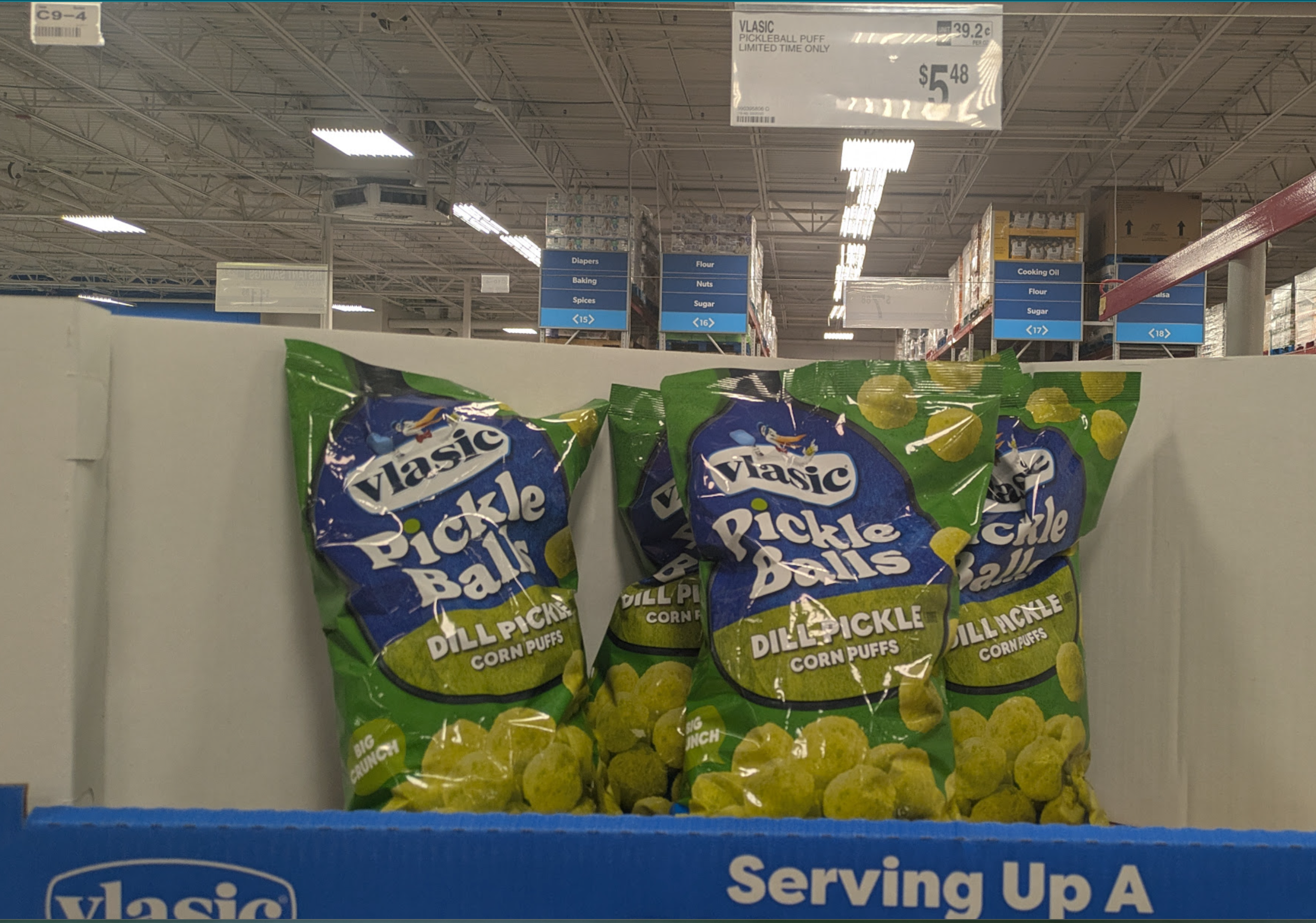
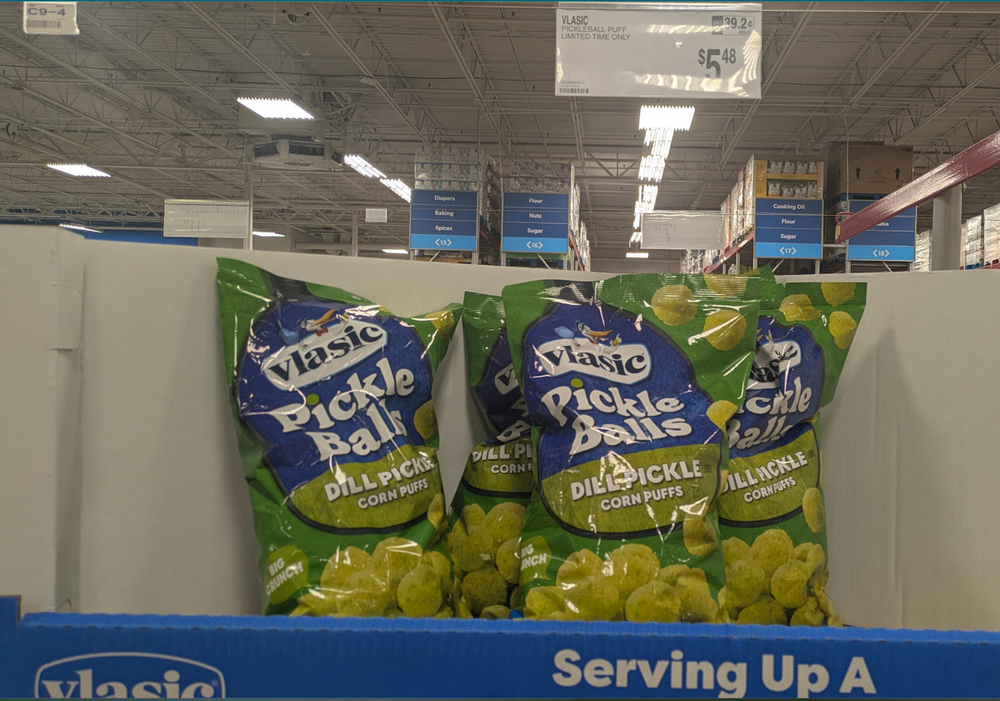
Anyone had these?
 You continue being completely wrong about another subject you needed to opine on. It's really impressive. Try googling "earthquake magnitude scale"
Not an 8.0.... it's literally in the title of the thread An 8.0 is 2.8x stronger than a 7.7 and would have done a shitload more damage.
Damn, keep safe. This shit happened literally minutes after I had finished booking a flight into Bangkok from Koh Samui. My bad.
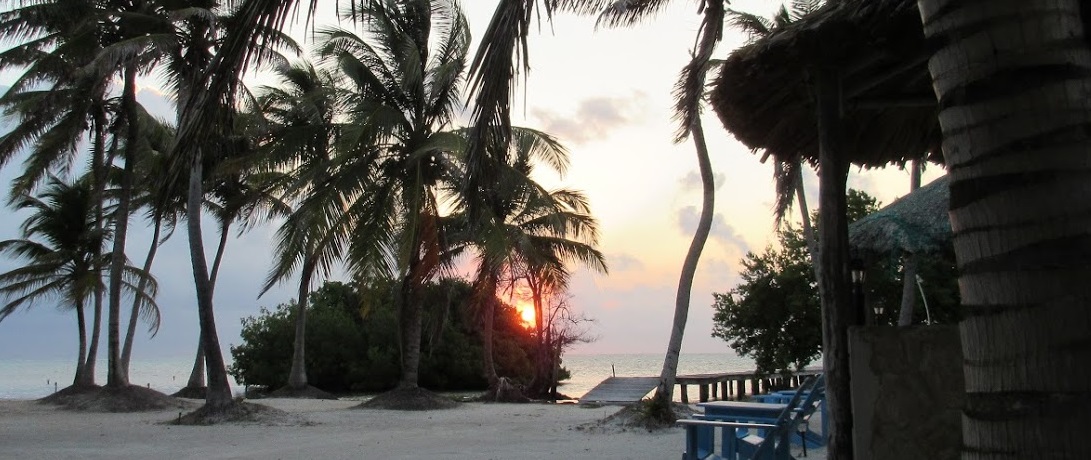
Oops, did we say Isla Mujeres? We meant Playa del Carmen. It's a nice, quiet private island close to Isla Mujeres. Playa del Carmen Set to Host Second Fyre Festival
We stayed in Kensington Gardens 2 years ago and after checking the train routes, we were gonna have to take an Uber on from Paddington anyway, so we just got one from Heathrow. Make sure you have international coverage or get a SIM card from a machine because the free wifi doesn't reach the garage where Uber picks up. We learned that the hard way.
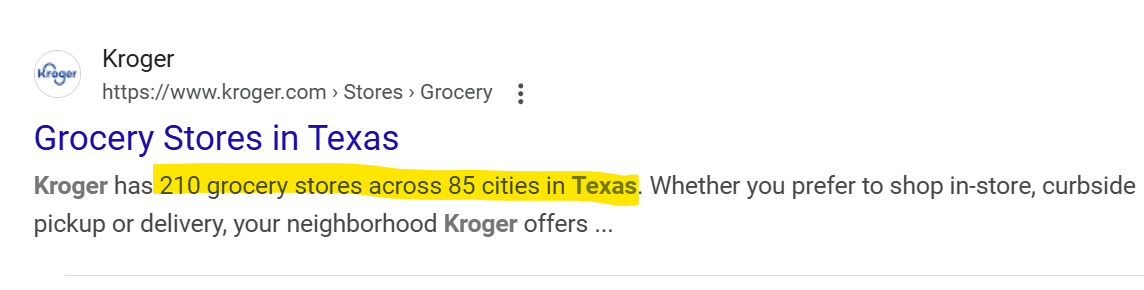
They are all over Texas, ztejas doesn't get out much
Wtf, that's probably the worst Target in Central Texas. If someone doesn't steal your car from the parking lot, the homeless will mob you for crack money.
Is this a ballerina?
You continue being completely wrong about another subject you needed to opine on. It's really impressive. Try googling "earthquake magnitude scale"
Not an 8.0.... it's literally in the title of the thread An 8.0 is 2.8x stronger than a 7.7 and would have done a shitload more damage.
Damn, keep safe. This shit happened literally minutes after I had finished booking a flight into Bangkok from Koh Samui. My bad.
Oops, did we say Isla Mujeres? We meant Playa del Carmen. It's a nice, quiet private island close to Isla Mujeres. Playa del Carmen Set to Host Second Fyre Festival
We stayed in Kensington Gardens 2 years ago and after checking the train routes, we were gonna have to take an Uber on from Paddington anyway, so we just got one from Heathrow. Make sure you have international coverage or get a SIM card from a machine because the free wifi doesn't reach the garage where Uber picks up. We learned that the hard way.
They are all over Texas, ztejas doesn't get out much
Wtf, that's probably the worst Target in Central Texas. If someone doesn't steal your car from the parking lot, the homeless will mob you for crack money.
Is this a ballerina? Football ... Basketball ... Baseball ... Other Sports ... Futbol ... 🤫995🤫 ... Gambling ... Movies & TV ... Music ... Hobbies ... Lulz ... Food & Travel ... Daily Texan ... Business & Markets ... Cloak Room ... Help ... For Sale ... Board Discussion ... Advertise... Tailgate Donations
Account
Search
Configure browser push notifications
Chrome (Android)
- Tap the lock icon next to the address bar.
- Tap Permissions → Notifications.
- Adjust your preference.
Chrome (Desktop)
- Click the padlock icon in the address bar.
- Select Site settings.
- Find Notifications and adjust your preference.
Safari (iOS 16.4+)
- Ensure the site is installed via Add to Home Screen.
- Open Settings App → Notifications.
- Find your app name and adjust your preference.
Safari (macOS)
- Go to Safari → Preferences.
- Click the Websites tab.
- Select Notifications in the sidebar.
- Find this website and adjust your preference.
Edge (Android)
- Tap the lock icon next to the address bar.
- Tap Permissions.
- Find Notifications and adjust your preference.
Edge (Desktop)
- Click the padlock icon in the address bar.
- Click Permissions for this site.
- Find Notifications and adjust your preference.
Firefox (Android)
- Go to Settings → Site permissions.
- Tap Notifications.
- Find this site in the list and adjust your preference.
Firefox (Desktop)
- Open Firefox Settings.
- Search for Notifications.
- Find this site in the list and adjust your preference.