

Everything posted by Wishbone
-
 If I recall correctly it’s actually an RV that spent time as an unplanned convertible model.
Iit’s 4:19 and OU still sux.
For now anyway, Hoosier means “Hoosier daddy?” in CFB.
I just figured he was a confused aggy.
The plan is to have Markus jump over the O-line for easy sacks.
Yes, actually.
Should have gone to Oregon State, obviously.
How is he at completing passes lying down?
“What the hell Pawl?!!
Wut?
Yeah, it was rare in any era.
Reduce the drops from Wingo in a “contract year”, add in the speed factor for both and profit.
With these playmakers to make him look even better for the 2027 draft?
If I recall correctly it’s actually an RV that spent time as an unplanned convertible model.
Iit’s 4:19 and OU still sux.
For now anyway, Hoosier means “Hoosier daddy?” in CFB.
I just figured he was a confused aggy.
The plan is to have Markus jump over the O-line for easy sacks.
Yes, actually.
Should have gone to Oregon State, obviously.
How is he at completing passes lying down?
“What the hell Pawl?!!
Wut?
Yeah, it was rare in any era.
Reduce the drops from Wingo in a “contract year”, add in the speed factor for both and profit.
With these playmakers to make him look even better for the 2027 draft?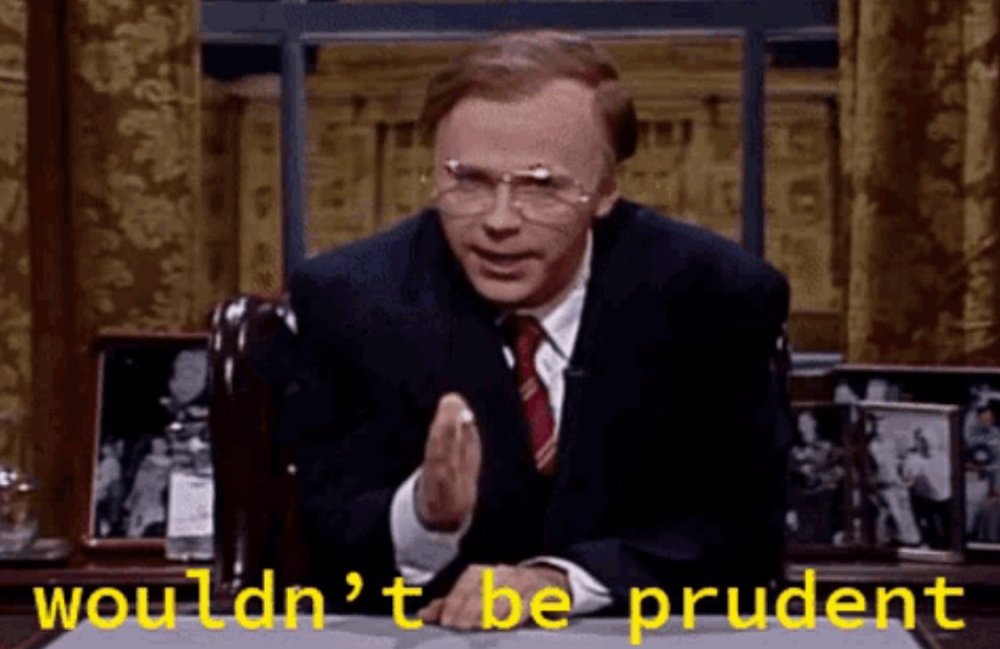 There has to be a hybrid term for “never a doubt” and “thank ya jeezus” for this one. But I I’ll leave that to the rest of you buzzard fucking linguists’ to work on it.
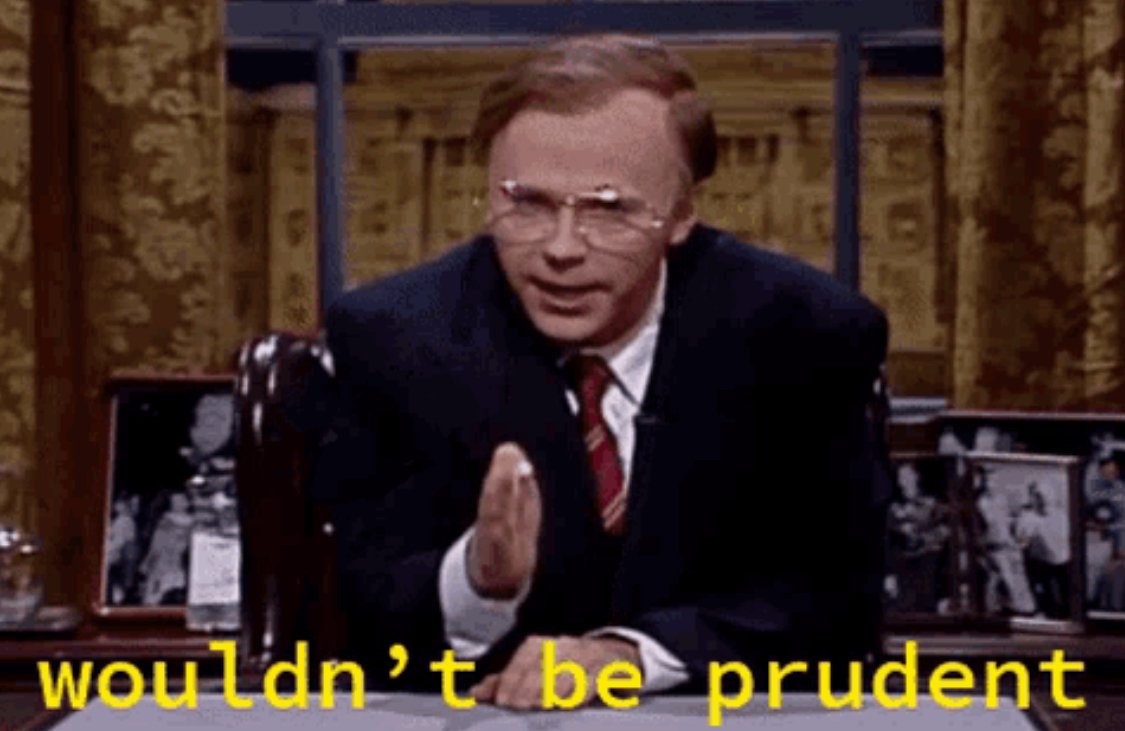
You’re welcome. Will admit GIF works better.
There has to be a hybrid term for “never a doubt” and “thank ya jeezus” for this one. But I I’ll leave that to the rest of you buzzard fucking linguists’ to work on it.
You’re welcome. Will admit GIF works better.








Football ...
Basketball ...
Baseball ...
Other Sports ...
Futbol ...
🤫995🤫 ...
Gambling ...
Movies & TV ...
Music ...
Hobbies ...
Lulz ...
Food & Travel
...
Daily Texan ...
Business & Markets ...
Cloak Room ...
Help ...
For Sale ...
Board Discussion ...
Advertise...
Tailgate Donations
Account
Search
Configure browser push notifications
Chrome (Android)
- Tap the lock icon next to the address bar.
- Tap Permissions → Notifications.
- Adjust your preference.
Chrome (Desktop)
- Click the padlock icon in the address bar.
- Select Site settings.
- Find Notifications and adjust your preference.
Safari (iOS 16.4+)
- Ensure the site is installed via Add to Home Screen.
- Open Settings App → Notifications.
- Find your app name and adjust your preference.
Safari (macOS)
- Go to Safari → Preferences.
- Click the Websites tab.
- Select Notifications in the sidebar.
- Find this website and adjust your preference.
Edge (Android)
- Tap the lock icon next to the address bar.
- Tap Permissions.
- Find Notifications and adjust your preference.
Edge (Desktop)
- Click the padlock icon in the address bar.
- Click Permissions for this site.
- Find Notifications and adjust your preference.
Firefox (Android)
- Go to Settings → Site permissions.
- Tap Notifications.
- Find this site in the list and adjust your preference.
Firefox (Desktop)
- Open Firefox Settings.
- Search for Notifications.
- Find this site in the list and adjust your preference.