Jump to content
View in the app

A better way to browse. Learn more.

Surly Horns

A full-screen app on your home screen with push notifications, badges and more.

To install this app on iOS and iPadOS
  1. Tap the Share icon in Safari
  2. Scroll the menu and tap Add to Home Screen.
  3. Tap Add in the top-right corner.
To install this app on Android
  1. Tap the 3-dot menu (⋮) in the top-right corner of the browser.
  2. Tap Add to Home screen or Install app.
  3. Confirm by tapping Install.
Football ... Basketball ... Baseball ... Other Sports ... Futbol ... 🤫995🤫 ... Gambling ... Movies & TV ... Music ... Hobbies ... Lulz ... Food & Travel ... Daily Texan ... Business & Markets ... Cloak Room ... Help ... For Sale ... Board Discussion ... Advertise... Tailgate Donations

Topper13

Legacy Members
  • Joined

  • Last visited

Everything posted by Topper13

  1. Topper13 replied to Pancho's topic in Football
    Reed got popped
  2. Topper13 replied to Pancho's topic in Football
    Aggy defense looks like a wet paper bag
  3. Wingo caught a pass...
  4. He's dead, Jim...
  5. Lobos putting it in
  6. You have to pick that
  7. We're staying far away from Town Lake, Nicole
  8. right call, fuck Mar
  9. SOME mAR FUCKERY
  10. Zona K State game is hitting
  11. I think that might be his age
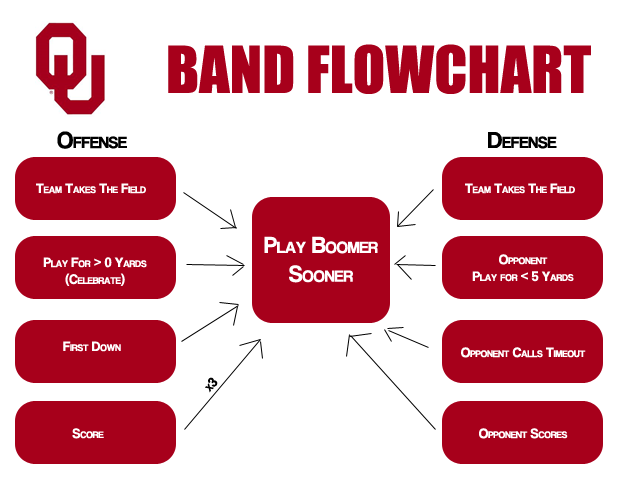
  12. I can't take much more boomer sooner
  13. C'mon man
  14. Hell of a catch
  15. Solid throw
Football ... Basketball ... Baseball ... Other Sports ... Futbol ... 🤫995🤫 ... Gambling ... Movies & TV ... Music ... Hobbies ... Lulz ... Food & Travel ... Daily Texan ... Business & Markets ... Cloak Room ... Help ... For Sale ... Board Discussion ... Advertise... Tailgate Donations

Configure browser push notifications

Chrome (Android)
  1. Tap the lock icon next to the address bar.
  2. Tap Permissions → Notifications.
  3. Adjust your preference.
Chrome (Desktop)
  1. Click the padlock icon in the address bar.
  2. Select Site settings.
  3. Find Notifications and adjust your preference.