Junior Bonner
Burnt Ends
-
Joined
-
Last visited
Everything posted by Junior Bonner
-
 https://www.on3.com/db/devin-sanchez-150783/
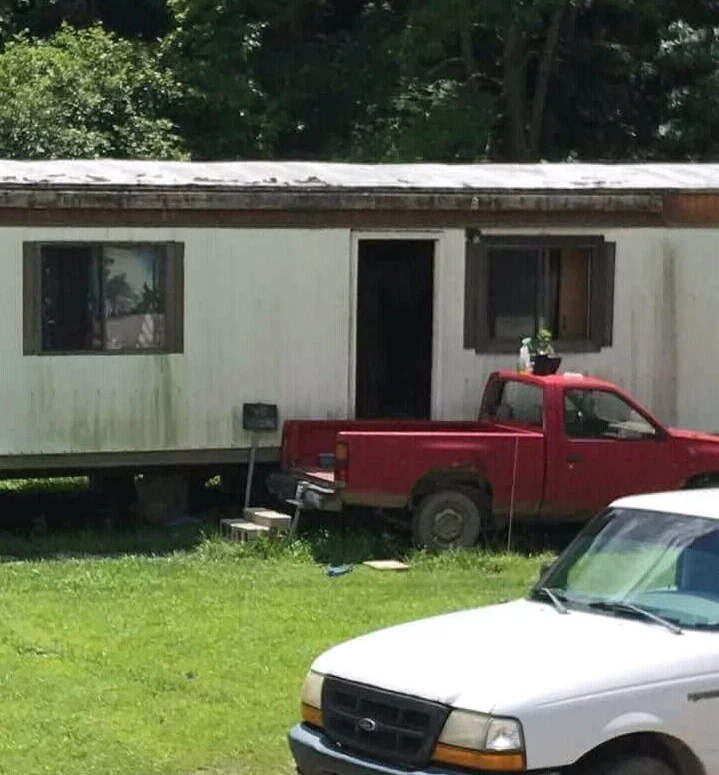
Sometimes you can drive your porch…
https://www.on3.com/db/devin-sanchez-150783/
Sometimes you can drive your porch…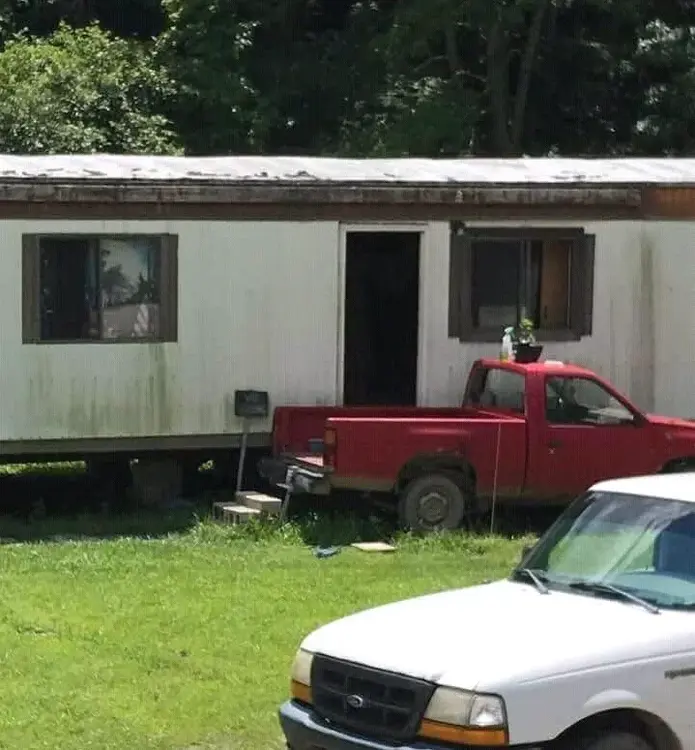 I feel good about this…
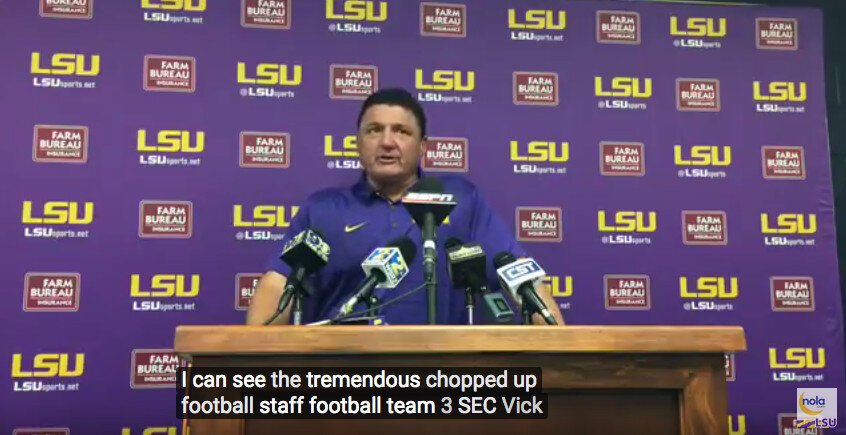
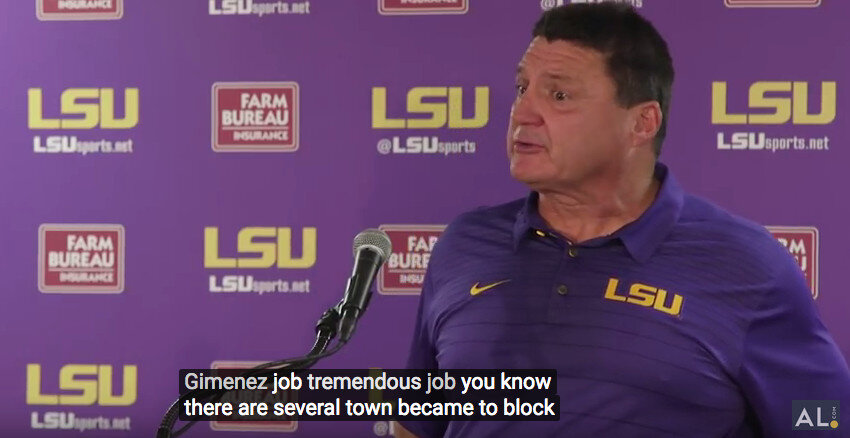
Remember, Ed Orgeron is undefeated versus closed captioning…
I feel good about this…
Remember, Ed Orgeron is undefeated versus closed captioning…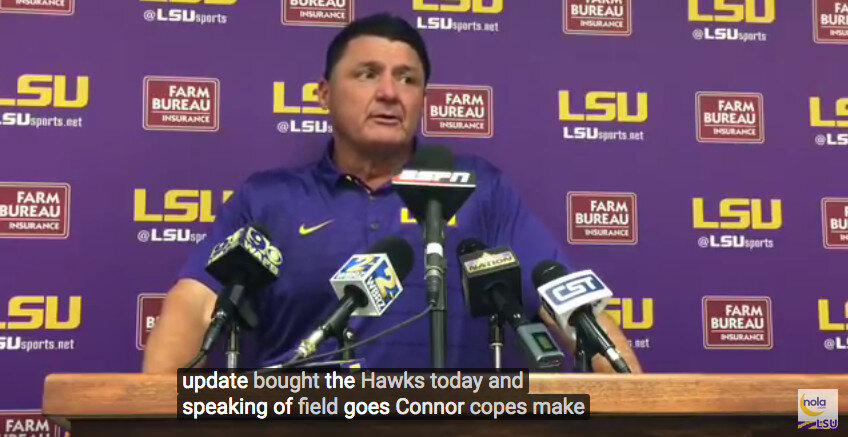


 Yes
It’s the Surly way…
Ketch - right on top of things…
I think an Open Letter is the way to go here…
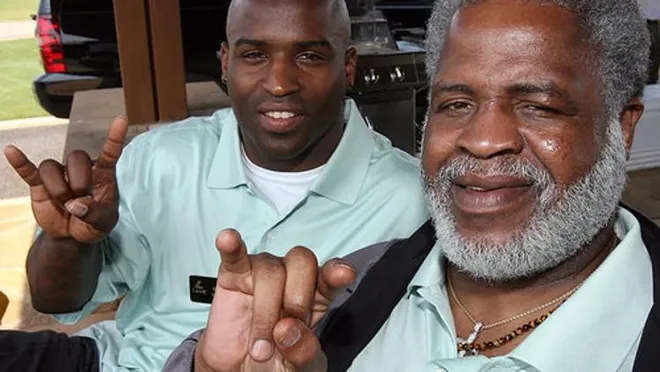
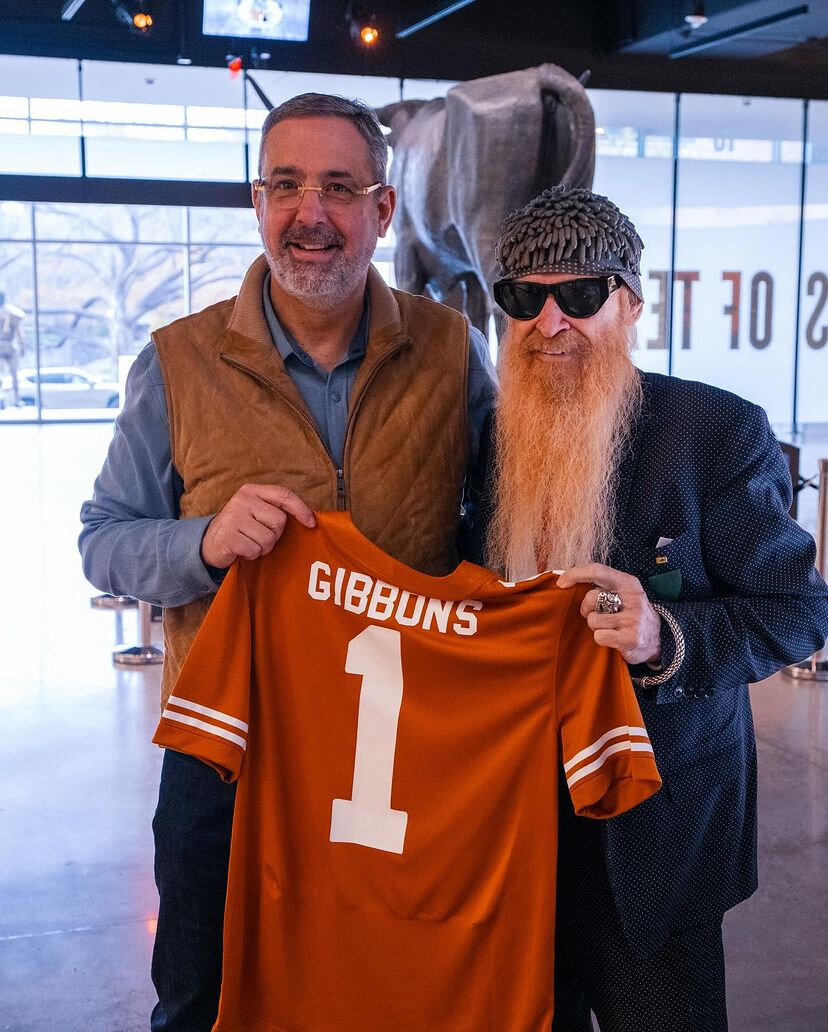
Who’s the guy next to Bobby with the fake wig and beard? He in witness protection?
Have a Happy New Year you surly bastards.
Yes
It’s the Surly way…
Ketch - right on top of things…
I think an Open Letter is the way to go here…
Who’s the guy next to Bobby with the fake wig and beard? He in witness protection?
Have a Happy New Year you surly bastards.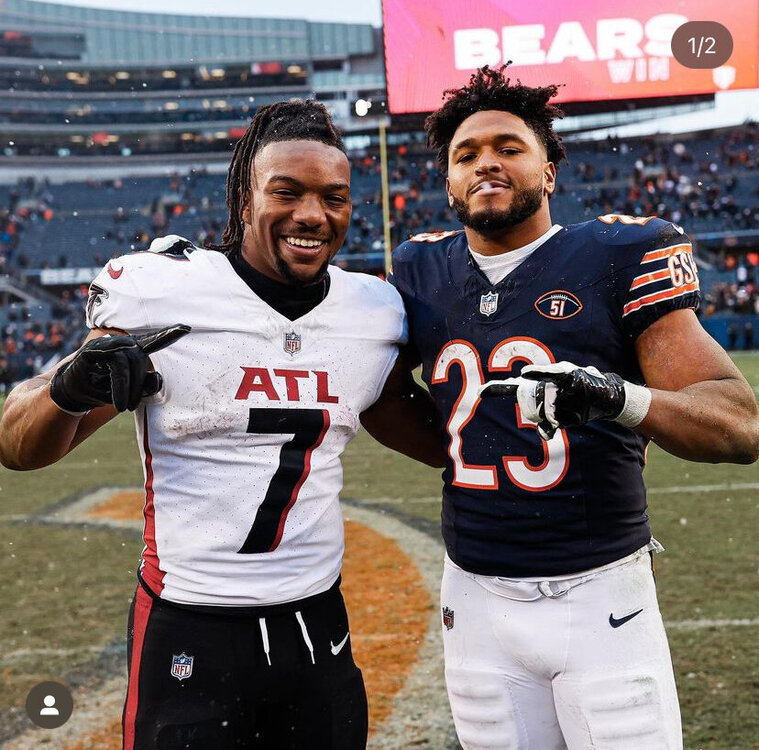 If we SAY “aggy” how does that sound any different than aggie? Also, that 2024 Aggy thread title must really bother you, then…
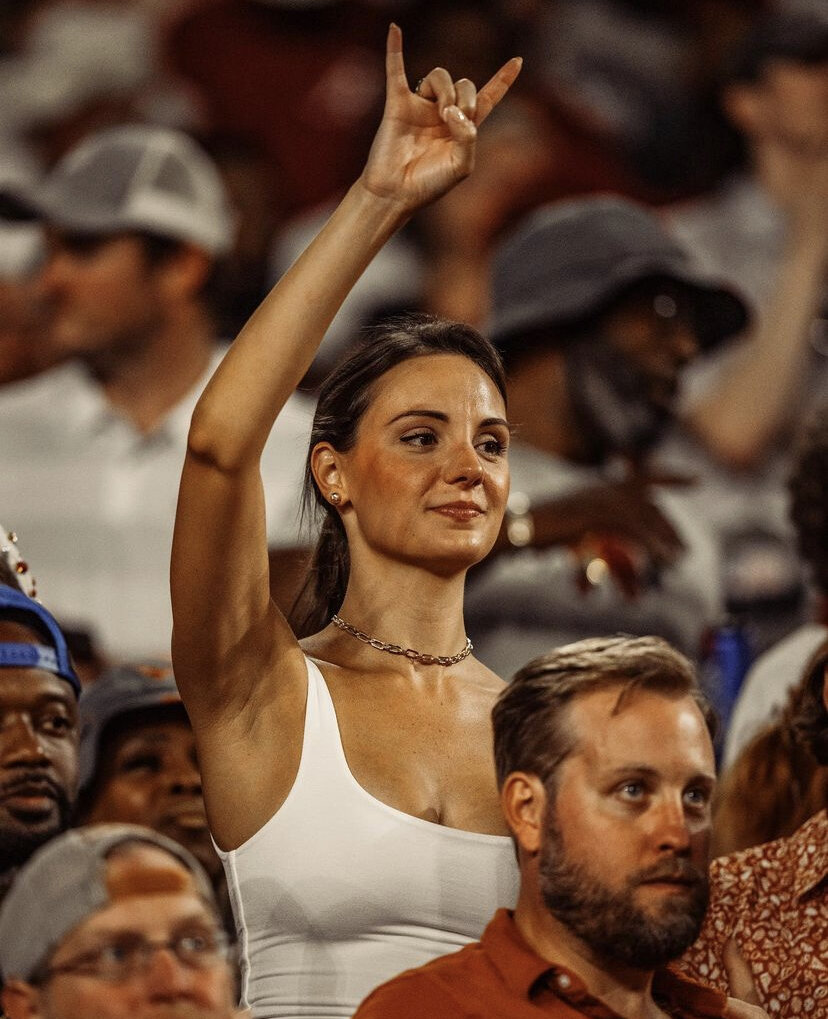
Camera angle…
I believe that CTJ has seen the error of his ways and recently referred to him as Twelve Win Thteven …
That’s a lot of words for baseless speculation…Football ... Basketball ... Baseball ... Other Sports ... Futbol ... 🤫995🤫 ... Gambling ... Movies & TV ... Music ... Hobbies ... Lulz ... Food & Travel ... Daily Texan ... Business & Markets ... Cloak Room ... Help ... For Sale ... Board Discussion ... Advertise... Tailgate Donations
If we SAY “aggy” how does that sound any different than aggie? Also, that 2024 Aggy thread title must really bother you, then…
Camera angle…
I believe that CTJ has seen the error of his ways and recently referred to him as Twelve Win Thteven …
That’s a lot of words for baseless speculation…Football ... Basketball ... Baseball ... Other Sports ... Futbol ... 🤫995🤫 ... Gambling ... Movies & TV ... Music ... Hobbies ... Lulz ... Food & Travel ... Daily Texan ... Business & Markets ... Cloak Room ... Help ... For Sale ... Board Discussion ... Advertise... Tailgate DonationsAccount
Search
Configure browser push notifications
Chrome (Android)
- Tap the lock icon next to the address bar.
- Tap Permissions → Notifications.
- Adjust your preference.
Chrome (Desktop)
- Click the padlock icon in the address bar.
- Select Site settings.
- Find Notifications and adjust your preference.
Safari (iOS 16.4+)
- Ensure the site is installed via Add to Home Screen.
- Open Settings App → Notifications.
- Find your app name and adjust your preference.
Safari (macOS)
- Go to Safari → Preferences.
- Click the Websites tab.
- Select Notifications in the sidebar.
- Find this website and adjust your preference.
Edge (Android)
- Tap the lock icon next to the address bar.
- Tap Permissions.
- Find Notifications and adjust your preference.
Edge (Desktop)
- Click the padlock icon in the address bar.
- Click Permissions for this site.
- Find Notifications and adjust your preference.
Firefox (Android)
- Go to Settings → Site permissions.
- Tap Notifications.
- Find this site in the list and adjust your preference.
Firefox (Desktop)
- Open Firefox Settings.
- Search for Notifications.
- Find this site in the list and adjust your preference.