

Okcool
Certifiably Surly
-
Joined
-
Last visited
Everything posted by Okcool
-
A little bit of sunshine this morning.
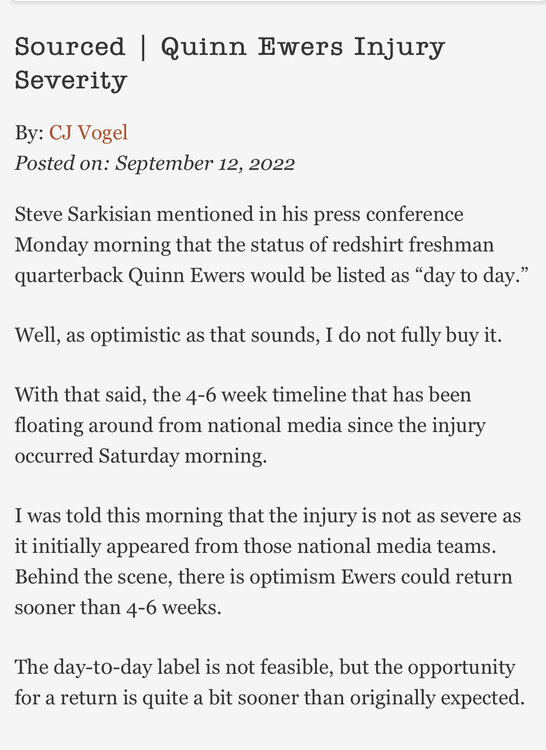
-
I’m selling two seats on the aisle in Section 32 Row 46 for Alabama. $300/each. Pm if interested 🤘🏼
-
I’m selling 4 Alabama tickets in Section 3 Row 18. One Yellow Lot 108 Parking and Champions Club passes included. $675/each. pm if interested.
-
Perfect. This dipshit’s email address will come in handy when I know spam is headed my way with a login.
-
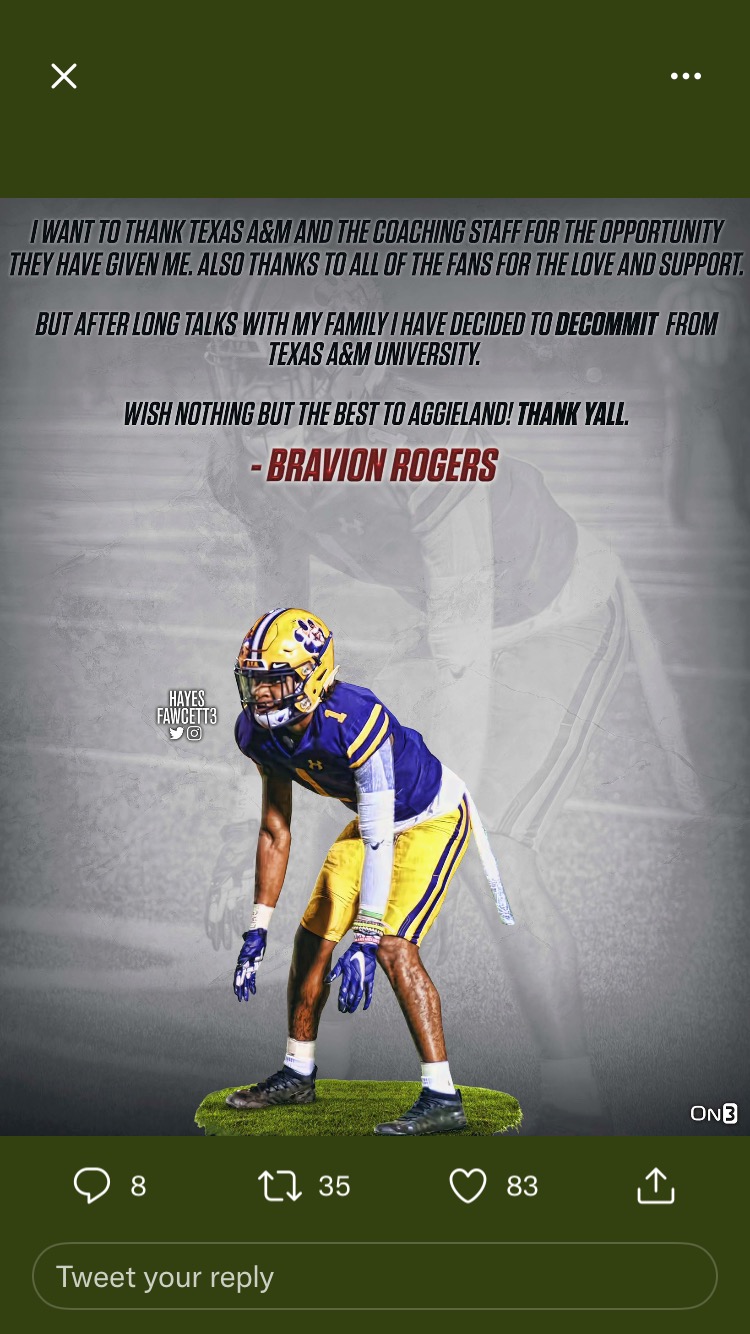
Better yet, when does Jayvon Thomas make the move to join his teammate Muhammad? He’s got an inch on Rogers.Real recruiting. Is this what aggy meant by “flip season”?? 🤣
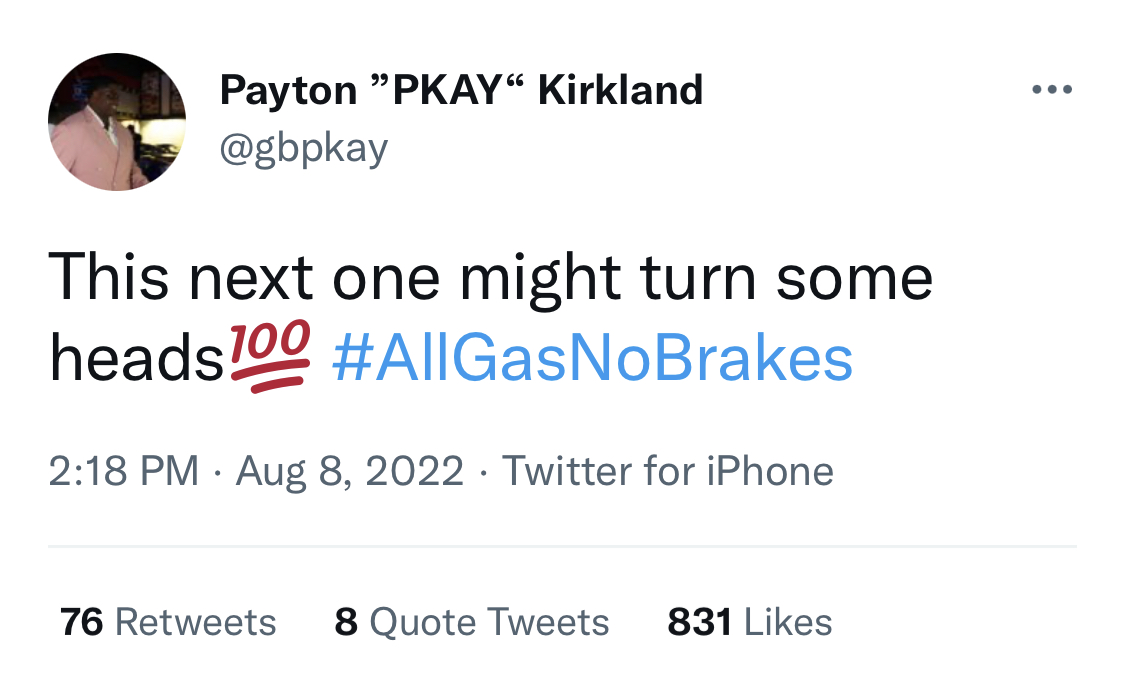
 So this is about Wilson, not Baxter this Wednesday?? LFG if so!
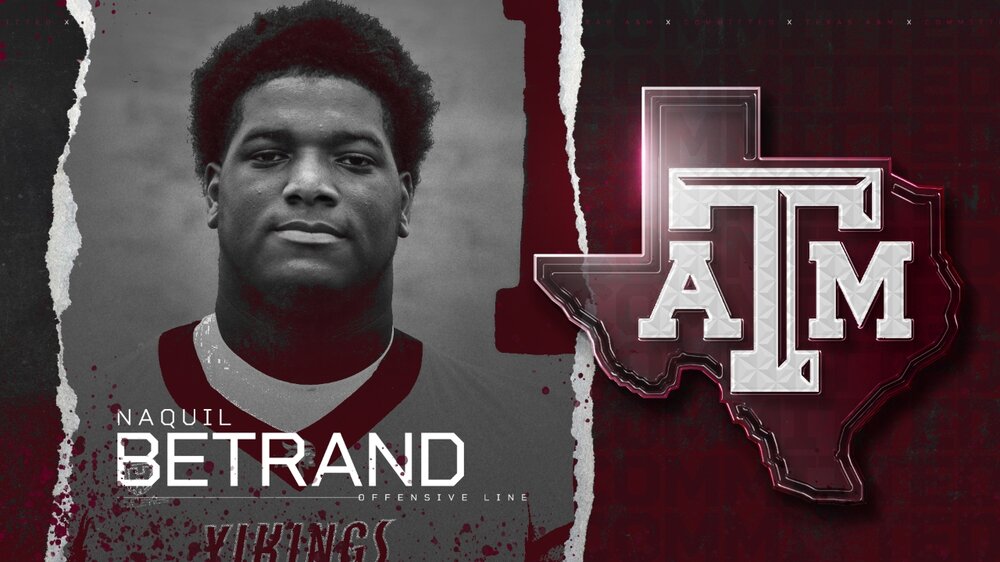
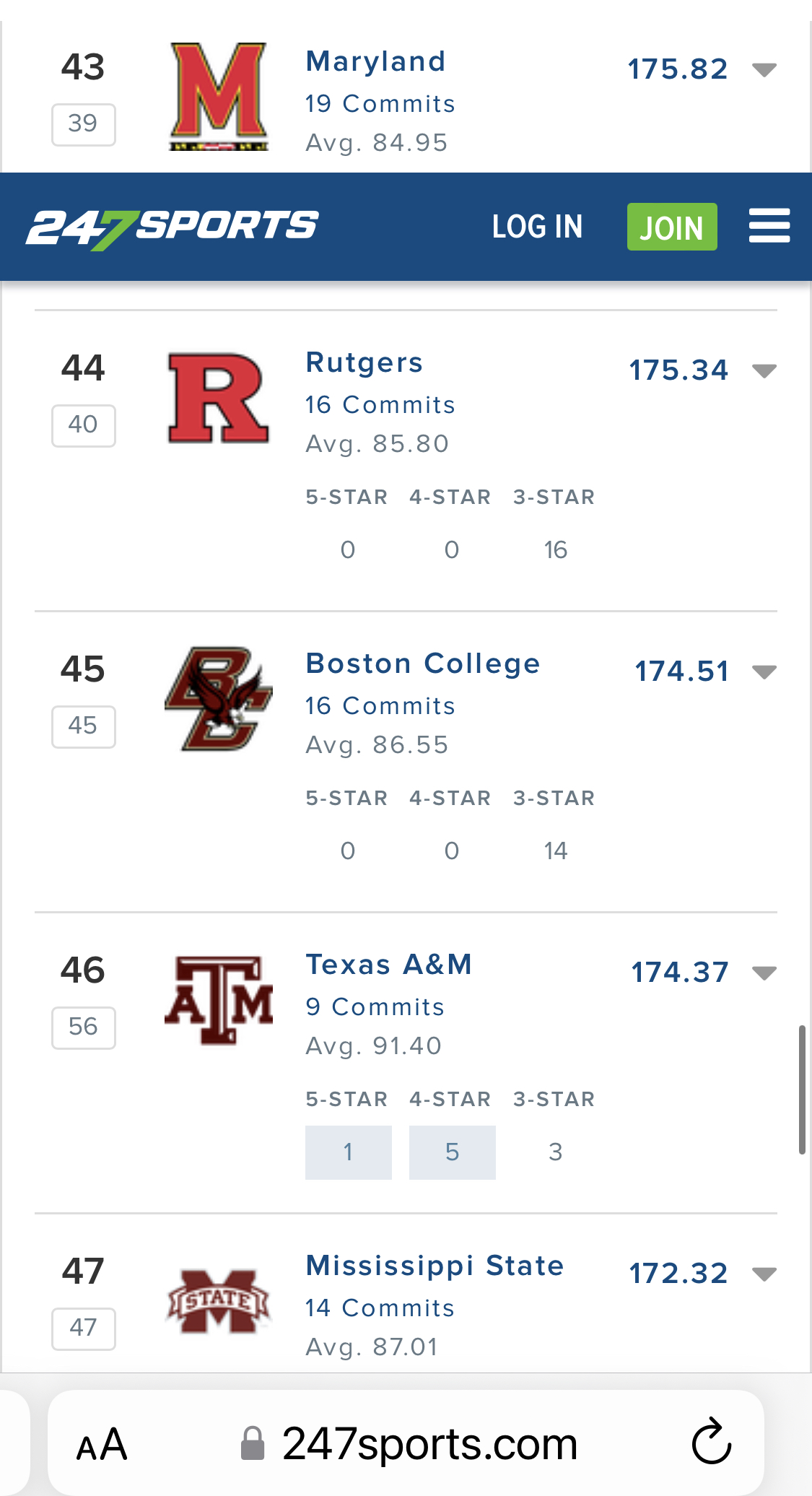
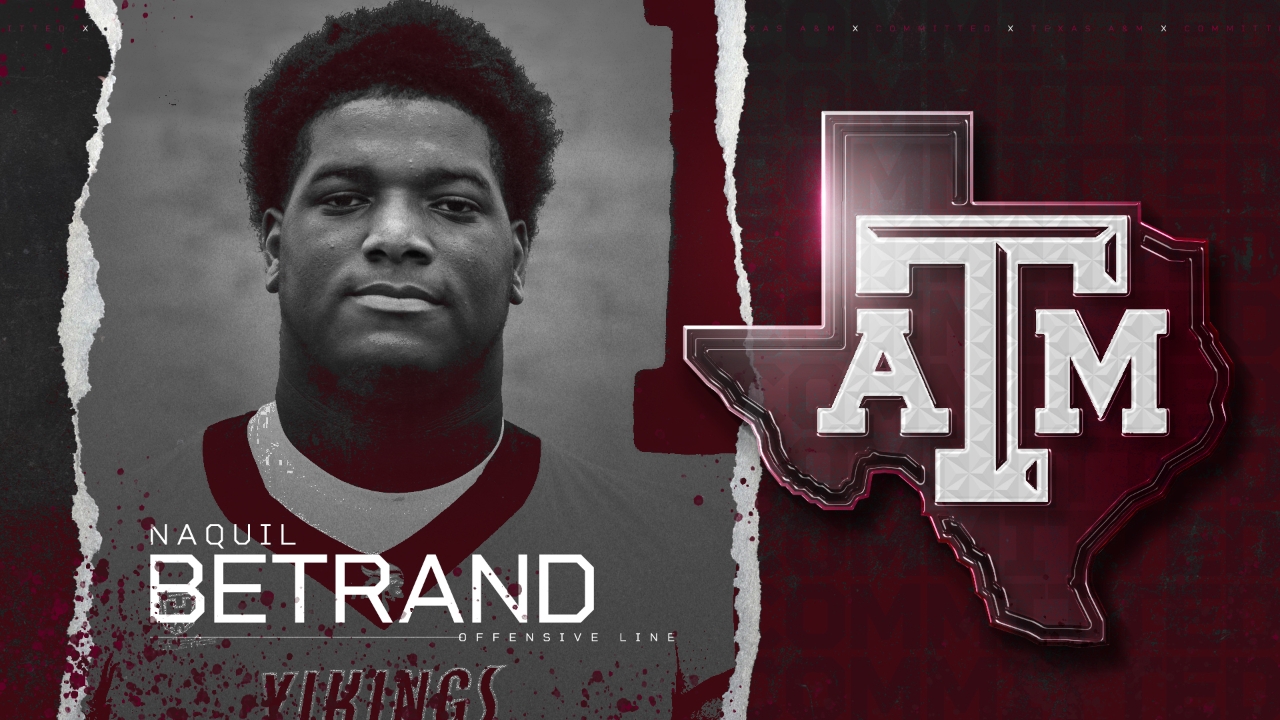
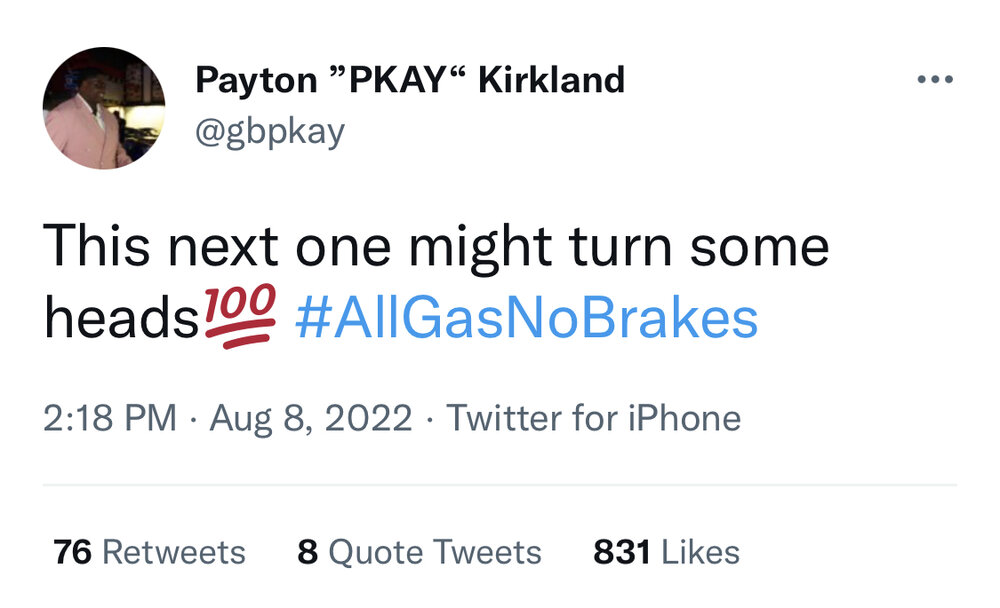 What’s this bring aggy’s beloved avg too? https://247sports.com/player/naquil-betrand-46131038/
 Choice > Drayton?I know it should go on coach’s thread, but fits the post above. Coach Choice is a bad man.With home prices in Texas these days that’s most suburbs/municipalities unfortunately.In my mind I'm going to choose to believe it went like this...LFG 🤘aggy math brother. Never fails to entertain.DL Samu just committed to aggyIncoming looch tweet and aggy mods spewing BS in t-minus….rent freeIt’s still at The Cottages in that shithole of a town? aggy own the apartment complex?Football ... Basketball ... Baseball ... Other Sports ... Futbol ... 🤫995🤫 ... Gambling ... Movies & TV ... Music ... Hobbies ... Lulz ... Food & Travel ... Daily Texan ... Business & Markets ... Cloak Room ... Help ... For Sale ... Board Discussion ... Advertise... Tailgate Donations






Account
Search
Configure browser push notifications
Chrome (Android)
- Tap the lock icon next to the address bar.
- Tap Permissions → Notifications.
- Adjust your preference.
Chrome (Desktop)
- Click the padlock icon in the address bar.
- Select Site settings.
- Find Notifications and adjust your preference.
Safari (iOS 16.4+)
- Ensure the site is installed via Add to Home Screen.
- Open Settings App → Notifications.
- Find your app name and adjust your preference.
Safari (macOS)
- Go to Safari → Preferences.
- Click the Websites tab.
- Select Notifications in the sidebar.
- Find this website and adjust your preference.
Edge (Android)
- Tap the lock icon next to the address bar.
- Tap Permissions.
- Find Notifications and adjust your preference.
Edge (Desktop)
- Click the padlock icon in the address bar.
- Click Permissions for this site.
- Find Notifications and adjust your preference.
Firefox (Android)
- Go to Settings → Site permissions.
- Tap Notifications.
- Find this site in the list and adjust your preference.
Firefox (Desktop)
- Open Firefox Settings.
- Search for Notifications.
- Find this site in the list and adjust your preference.