Jump to content
View in the app

A better way to browse. Learn more.

Surly Horns

A full-screen app on your home screen with push notifications, badges and more.

To install this app on iOS and iPadOS
  1. Tap the Share icon in Safari
  2. Scroll the menu and tap Add to Home Screen.
  3. Tap Add in the top-right corner.
To install this app on Android
  1. Tap the 3-dot menu (⋮) in the top-right corner of the browser.
  2. Tap Add to Home screen or Install app.
  3. Confirm by tapping Install.
Football ... Basketball ... Baseball ... Other Sports ... Futbol ... 🤫995🤫 ... Gambling ... Movies & TV ... Music ... Hobbies ... Lulz ... Food & Travel ... Daily Texan ... Business & Markets ... Cloak Room ... Help ... For Sale ... Board Discussion ... Advertise... Tailgate Donations

Fletch

Full Members
  • Joined

  • Last visited

Everything posted by Fletch

  1. Just like we drew it up
  2. His parents should be ashamed.
  3. What time is game 2 getting ramped up?
  4. Their 3rd baseman seems like he sucks
  5. 2 out hitting is nice
  6. Exactly
  7. I just want everyone to have fun
  8. Is that what I told you?
  9. Don’t see DDA, @HenryJames do you see him?
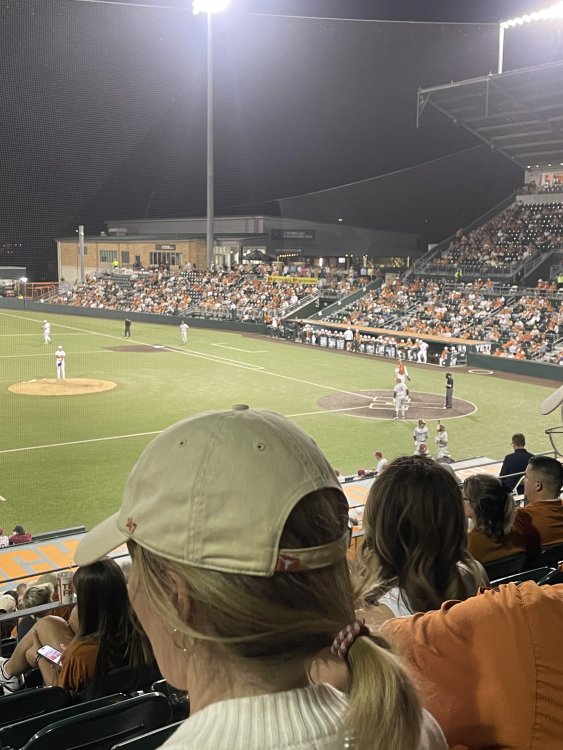
  10. Christ. Galvan knocked the shit out of that
  11. Make ‘em fucking walk home
  12. Oh that was glorious. That’s the kind of chicken shit hit that gets you believing in god.
  13. @Valmy77 and @AbeFroman(was it him?) y’all don’t say a fucking word about run ruling
  14. Atta boy, Flores
  15. I fucking love how this team seemingly doesn’t give up. Wait, where the fuck is @Braff Zacklin?
  16. @BillyGoatHill just sent me this pic from his party
  17. They’re just gonna leave this dude in?
  18. D1baseball.com You’ll need a subscription though
  19. No kidding. Good lord
  20. This review is taking too fucking long
  21. I’d go with Borba. But I didn’t stay at a holiday inn express last night
  22. @HenryJames have you seen DDA yet? Haven’t seen the son of a bitch around
Football ... Basketball ... Baseball ... Other Sports ... Futbol ... 🤫995🤫 ... Gambling ... Movies & TV ... Music ... Hobbies ... Lulz ... Food & Travel ... Daily Texan ... Business & Markets ... Cloak Room ... Help ... For Sale ... Board Discussion ... Advertise... Tailgate Donations

Configure browser push notifications

Chrome (Android)
  1. Tap the lock icon next to the address bar.
  2. Tap Permissions → Notifications.
  3. Adjust your preference.
Chrome (Desktop)
  1. Click the padlock icon in the address bar.
  2. Select Site settings.
  3. Find Notifications and adjust your preference.