

Lobwedgephil
Legacy Members
-
Joined
-
Last visited
Everything posted by Lobwedgephil
-
25% capacity huh.
-
Fuck you Tom.
-
Fuck you Tom.
-
Fuck you Tom.
-
We better hire Urban, because the SEC West is dogshit outside of Bama. Aggy should win 9 if they don't aggy it up.
-
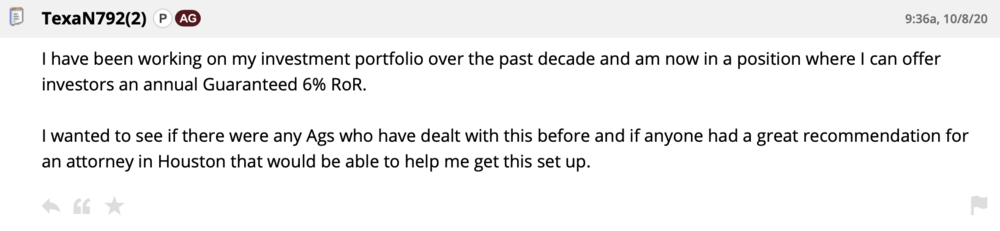
In case y'all are looking for a stonk expert.
-
It is buggy as shit, but great for multi-tasking.
-
Well, Apple is introducing the new models tomorrow. No S20 Fan Edition though from Apple.
-
Dumpster?
-
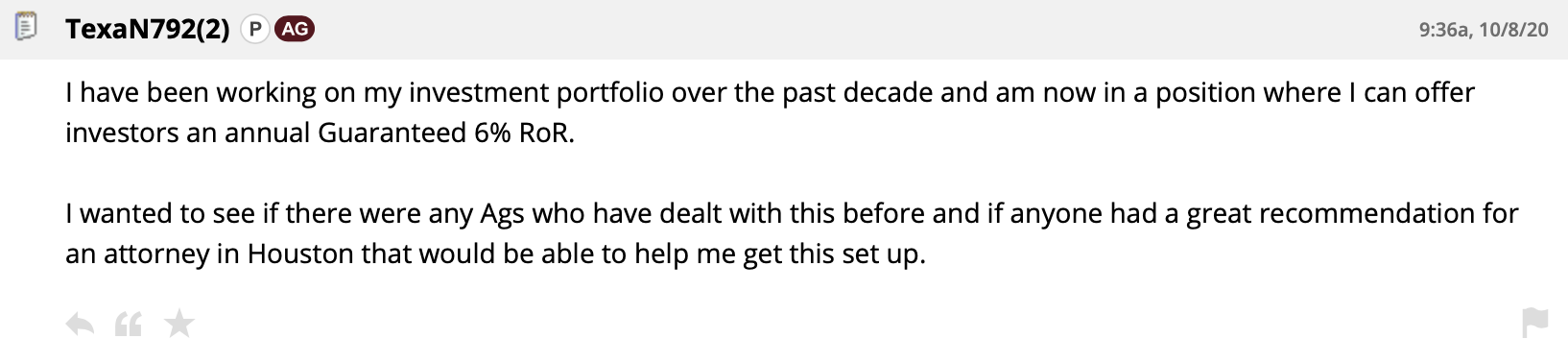
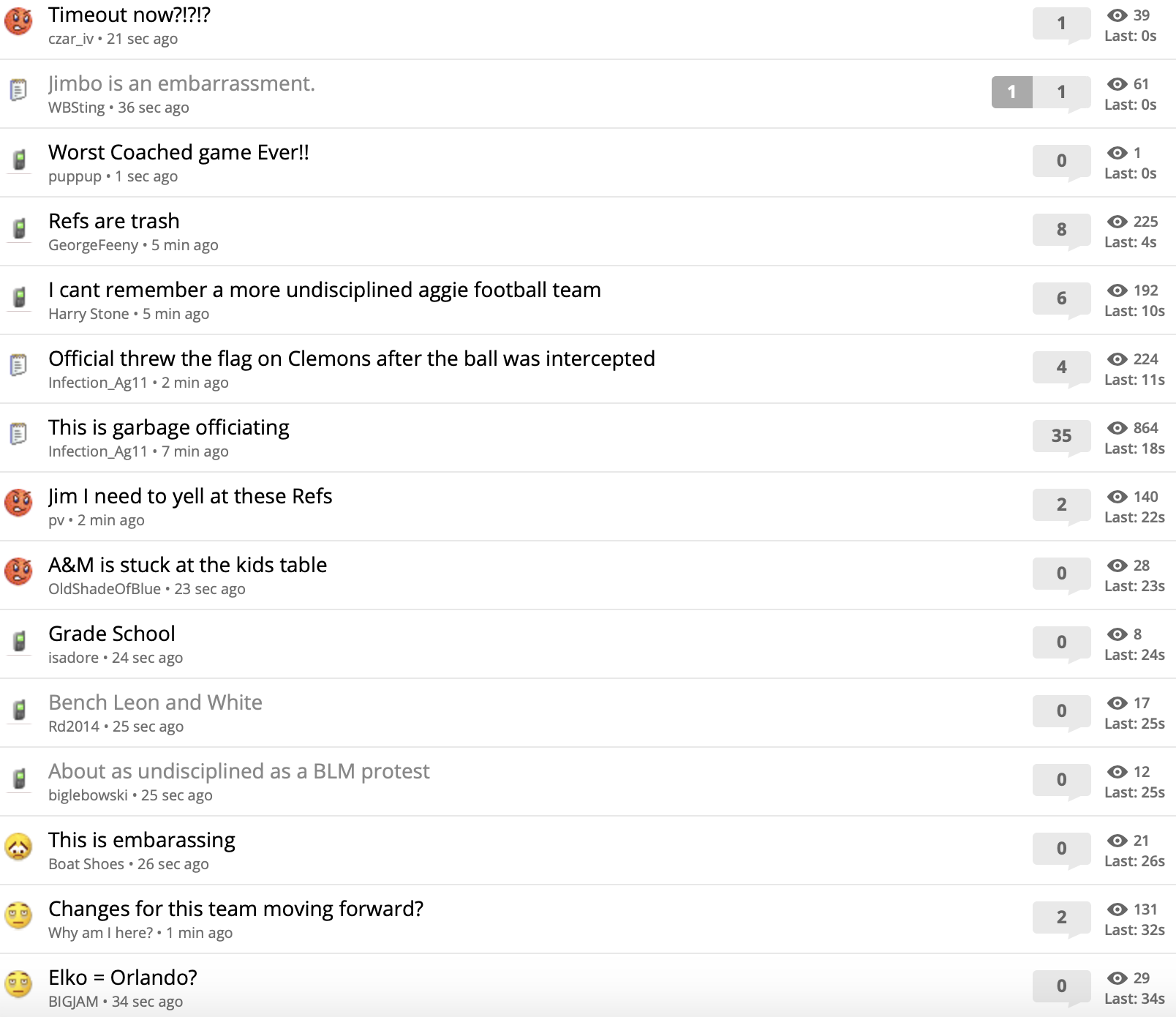
I'm kinda shocked Jimbo brought in King here, hope he leads them on a touchdown drive so aggy will be calling for him all season and he won't play again.4th Quarter game out of reach, time for Mond to pad those stats.Guess you've never heard him talk.Surprised to see Mond in mid-season form.Saving my spot, but not tonight.We should.I don't give a shit about the Big 12, just an observation that everyone sucks. No excuses this year.Man the Big 12 is horrible.Football ... Basketball ... Baseball ... Other Sports ... Futbol ... 🤫995🤫 ... Gambling ... Movies & TV ... Music ... Hobbies ... Lulz ... Food & Travel ... Daily Texan ... Business & Markets ... Cloak Room ... Help ... For Sale ... Board Discussion ... Advertise... Tailgate Donations



Account
Search
Configure browser push notifications
Chrome (Android)
- Tap the lock icon next to the address bar.
- Tap Permissions → Notifications.
- Adjust your preference.
Chrome (Desktop)
- Click the padlock icon in the address bar.
- Select Site settings.
- Find Notifications and adjust your preference.
Safari (iOS 16.4+)
- Ensure the site is installed via Add to Home Screen.
- Open Settings App → Notifications.
- Find your app name and adjust your preference.
Safari (macOS)
- Go to Safari → Preferences.
- Click the Websites tab.
- Select Notifications in the sidebar.
- Find this website and adjust your preference.
Edge (Android)
- Tap the lock icon next to the address bar.
- Tap Permissions.
- Find Notifications and adjust your preference.
Edge (Desktop)
- Click the padlock icon in the address bar.
- Click Permissions for this site.
- Find Notifications and adjust your preference.
Firefox (Android)
- Go to Settings → Site permissions.
- Tap Notifications.
- Find this site in the list and adjust your preference.
Firefox (Desktop)
- Open Firefox Settings.
- Search for Notifications.
- Find this site in the list and adjust your preference.