

cdain3
Legacy Members
-
Joined
-
Last visited
Everything posted by cdain3
-
-
-
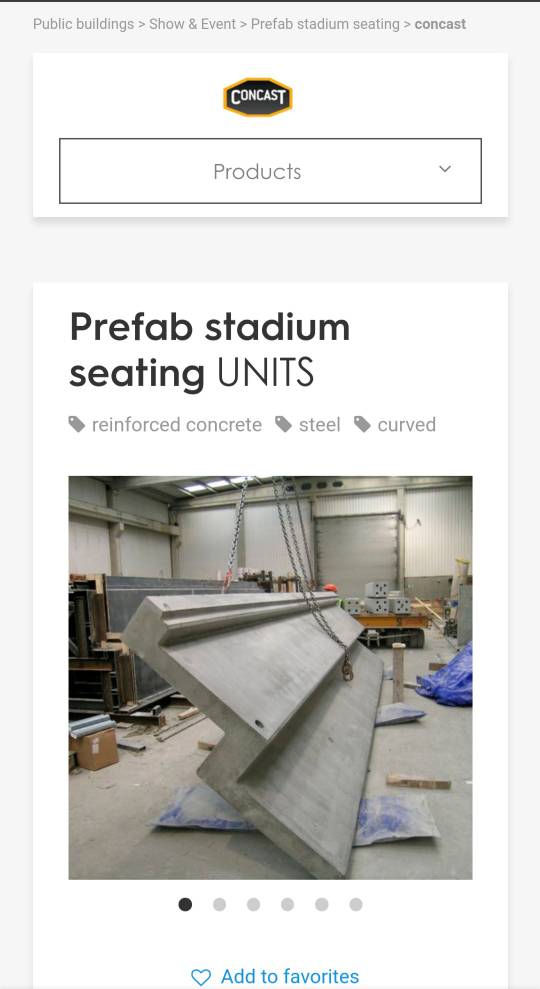
Installing more seating right now.
-
Agreed. His film is meh at best.
-
-
I think I miss EJ.
My bad. I got faked out by tapatalk. Fuck this app.
Nm
It doesn't take much to rename fucking school buildings or name part of the stadium after Julius Whittier(to start). Respect him for taking a stand.
.
Looks like insulation board is being installed on the southeast tower.
LHN area is getting set-up. Looks like underground utilities are also being done.
.
As far as total carries it didn't.
Not comparing them as far as skill. Just by how Jamaal was so talented as an incoming freshman that Selvin's seniority didn't matter.
Ingram/Selvin Bijan/Jamaal
He can smoke all the weed he wants there.


Football ...
Basketball ...
Baseball ...
Other Sports ...
Futbol ...
🤫995🤫 ...
Gambling ...
Movies & TV ...
Music ...
Hobbies ...
Lulz ...
Food & Travel
...
Daily Texan ...
Business & Markets ...
Cloak Room ...
Help ...
For Sale ...
Board Discussion ...
Advertise...
Tailgate Donations
Account
Search
Configure browser push notifications
Chrome (Android)
- Tap the lock icon next to the address bar.
- Tap Permissions → Notifications.
- Adjust your preference.
Chrome (Desktop)
- Click the padlock icon in the address bar.
- Select Site settings.
- Find Notifications and adjust your preference.
Safari (iOS 16.4+)
- Ensure the site is installed via Add to Home Screen.
- Open Settings App → Notifications.
- Find your app name and adjust your preference.
Safari (macOS)
- Go to Safari → Preferences.
- Click the Websites tab.
- Select Notifications in the sidebar.
- Find this website and adjust your preference.
Edge (Android)
- Tap the lock icon next to the address bar.
- Tap Permissions.
- Find Notifications and adjust your preference.
Edge (Desktop)
- Click the padlock icon in the address bar.
- Click Permissions for this site.
- Find Notifications and adjust your preference.
Firefox (Android)
- Go to Settings → Site permissions.
- Tap Notifications.
- Find this site in the list and adjust your preference.
Firefox (Desktop)
- Open Firefox Settings.
- Search for Notifications.
- Find this site in the list and adjust your preference.