CowtownHorn
Burnt Ends
-
Joined
Everything posted by CowtownHorn
-
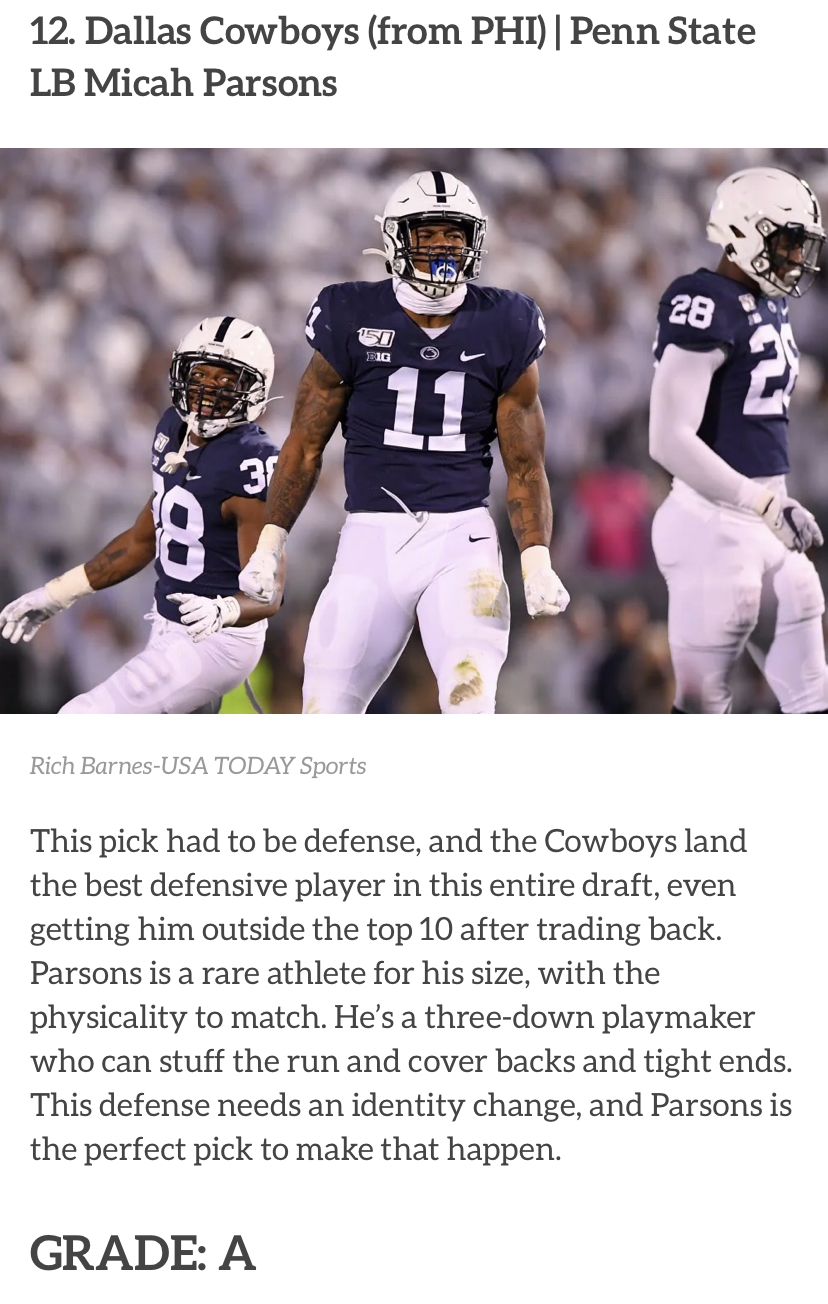
 The best defensive player in the draft and a CB in the 2nd round that was ranked ahead of Stokes drafted in the 1st round by GB. I’m good with this so far.
 -
Let’s just take Cosmi, Ossai, Sterns, and Ehlinger and be done with it.
-
Stephen A. is “sick” and is “very worried” that Dallas got Parsons. Said they got the best defensive player in the draft.
He’s definitely not behind home plate anymore. I’m pretty damn sure I’ve heard him out in LF though. He starts the “TEXAS”...”FIGHT” chant at least 10 times a game. Oh and that damn “ZU-BI-A” chant. Rage!
I’ve seen enough of IKF over the past couple of seasons to know he’s not the answer at SS. Who’s next in line?
Hello Win Column!
Alex Claudio now pitching for the Angels.
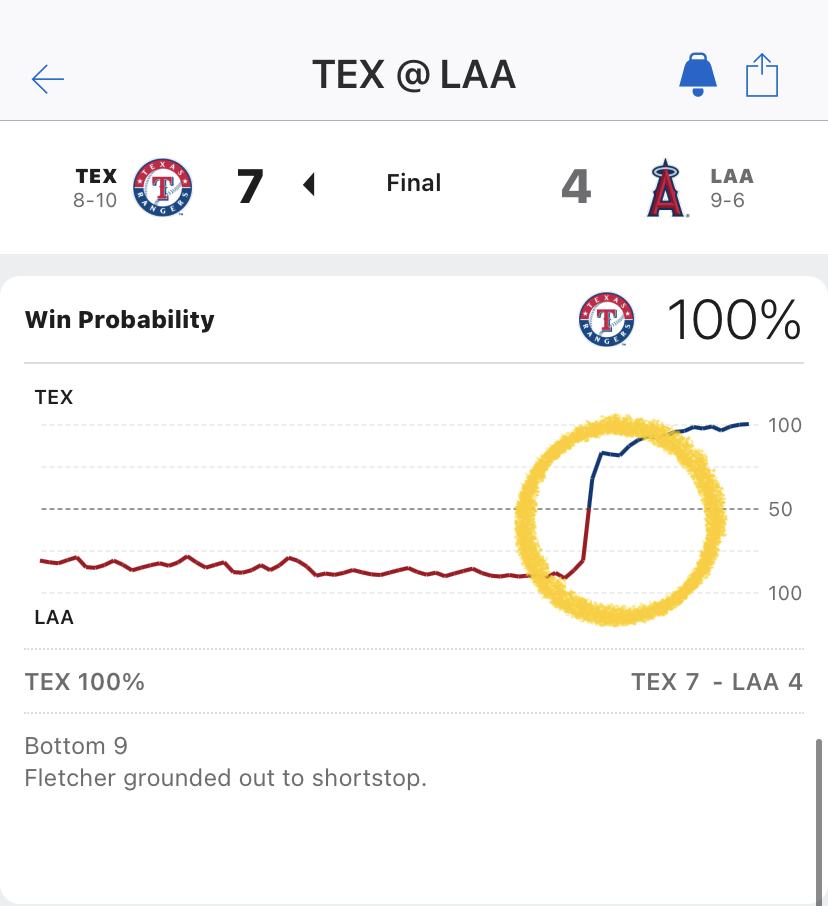
 Damn we just scored a week’s worth of runs in one inning.
Solak has a little bit of Michael Young to his game.
Oh man.
Just scored another run. And...
Damn we just scored a week’s worth of runs in one inning.
Solak has a little bit of Michael Young to his game.
Oh man.
Just scored another run. And... Touchdown. This pitcher’s arm is going to fall off.
Moar runs pls. Make it hurt.
Back to .500 bitches!Football ... Basketball ... Baseball ... Other Sports ... Futbol ... 🤫995🤫 ... Gambling ... Movies & TV ... Music ... Hobbies ... Lulz ... Food & Travel ... Daily Texan ... Business & Markets ... Cloak Room ... Help ... For Sale ... Board Discussion ... Advertise... Tailgate Donations
Touchdown. This pitcher’s arm is going to fall off.
Moar runs pls. Make it hurt.
Back to .500 bitches!Football ... Basketball ... Baseball ... Other Sports ... Futbol ... 🤫995🤫 ... Gambling ... Movies & TV ... Music ... Hobbies ... Lulz ... Food & Travel ... Daily Texan ... Business & Markets ... Cloak Room ... Help ... For Sale ... Board Discussion ... Advertise... Tailgate DonationsAccount
Search
Configure browser push notifications
Chrome (Android)
- Tap the lock icon next to the address bar.
- Tap Permissions → Notifications.
- Adjust your preference.
Chrome (Desktop)
- Click the padlock icon in the address bar.
- Select Site settings.
- Find Notifications and adjust your preference.
Safari (iOS 16.4+)
- Ensure the site is installed via Add to Home Screen.
- Open Settings App → Notifications.
- Find your app name and adjust your preference.
Safari (macOS)
- Go to Safari → Preferences.
- Click the Websites tab.
- Select Notifications in the sidebar.
- Find this website and adjust your preference.
Edge (Android)
- Tap the lock icon next to the address bar.
- Tap Permissions.
- Find Notifications and adjust your preference.
Edge (Desktop)
- Click the padlock icon in the address bar.
- Click Permissions for this site.
- Find Notifications and adjust your preference.
Firefox (Android)
- Go to Settings → Site permissions.
- Tap Notifications.
- Find this site in the list and adjust your preference.
Firefox (Desktop)
- Open Firefox Settings.
- Search for Notifications.
- Find this site in the list and adjust your preference.