butthurt
Full Members
-
Joined
-
Last visited
Everything posted by butthurt
-
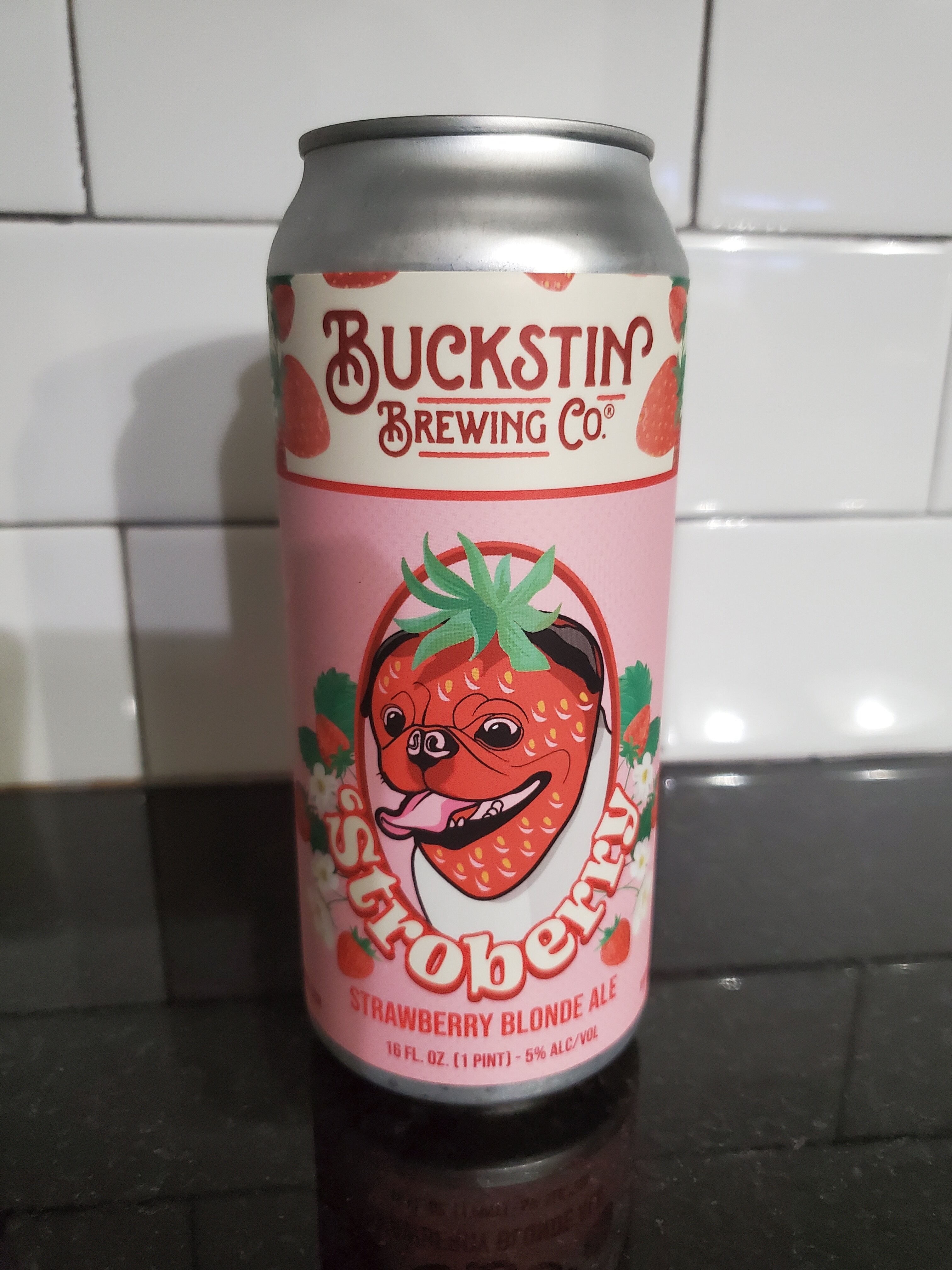
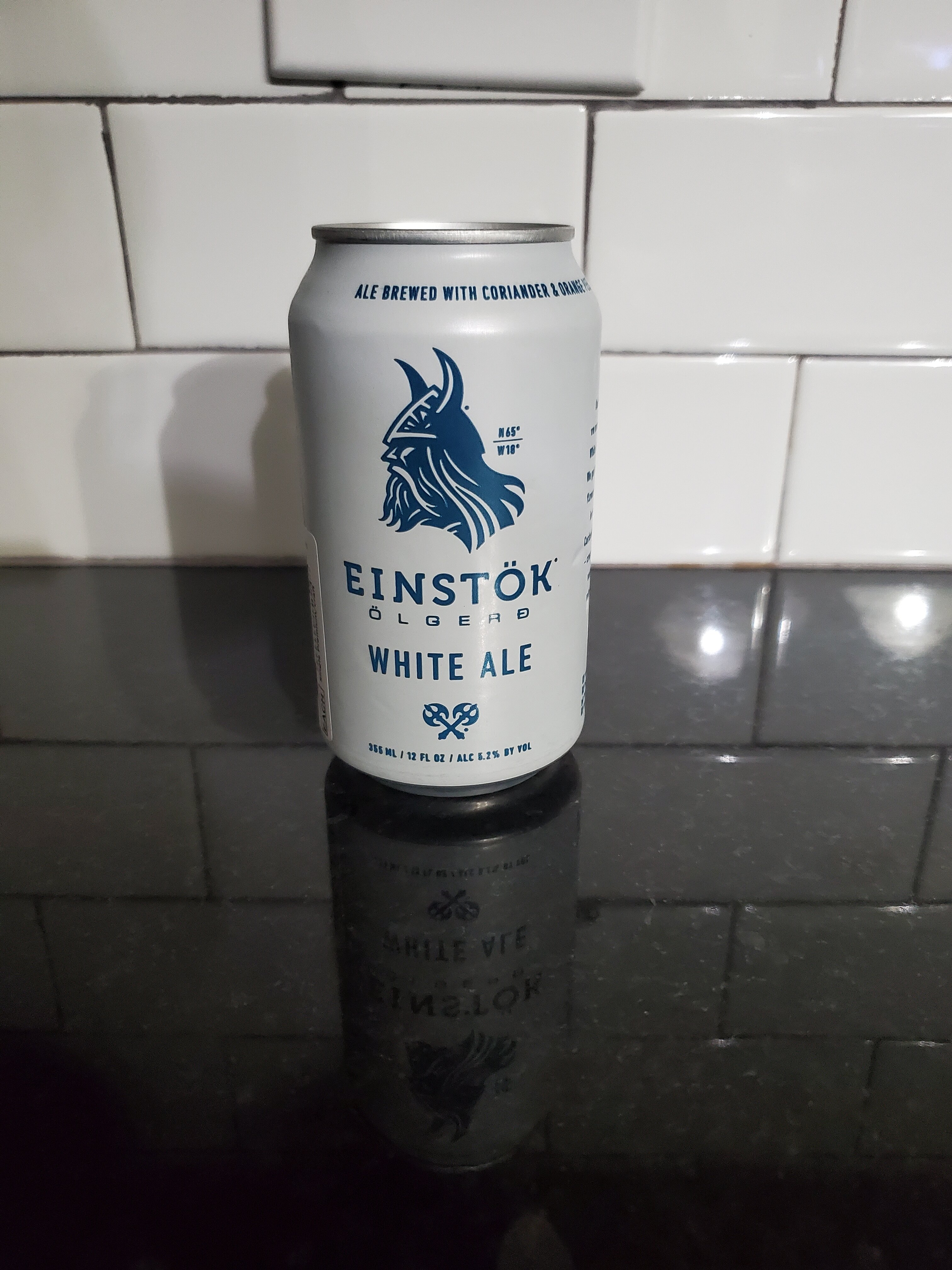
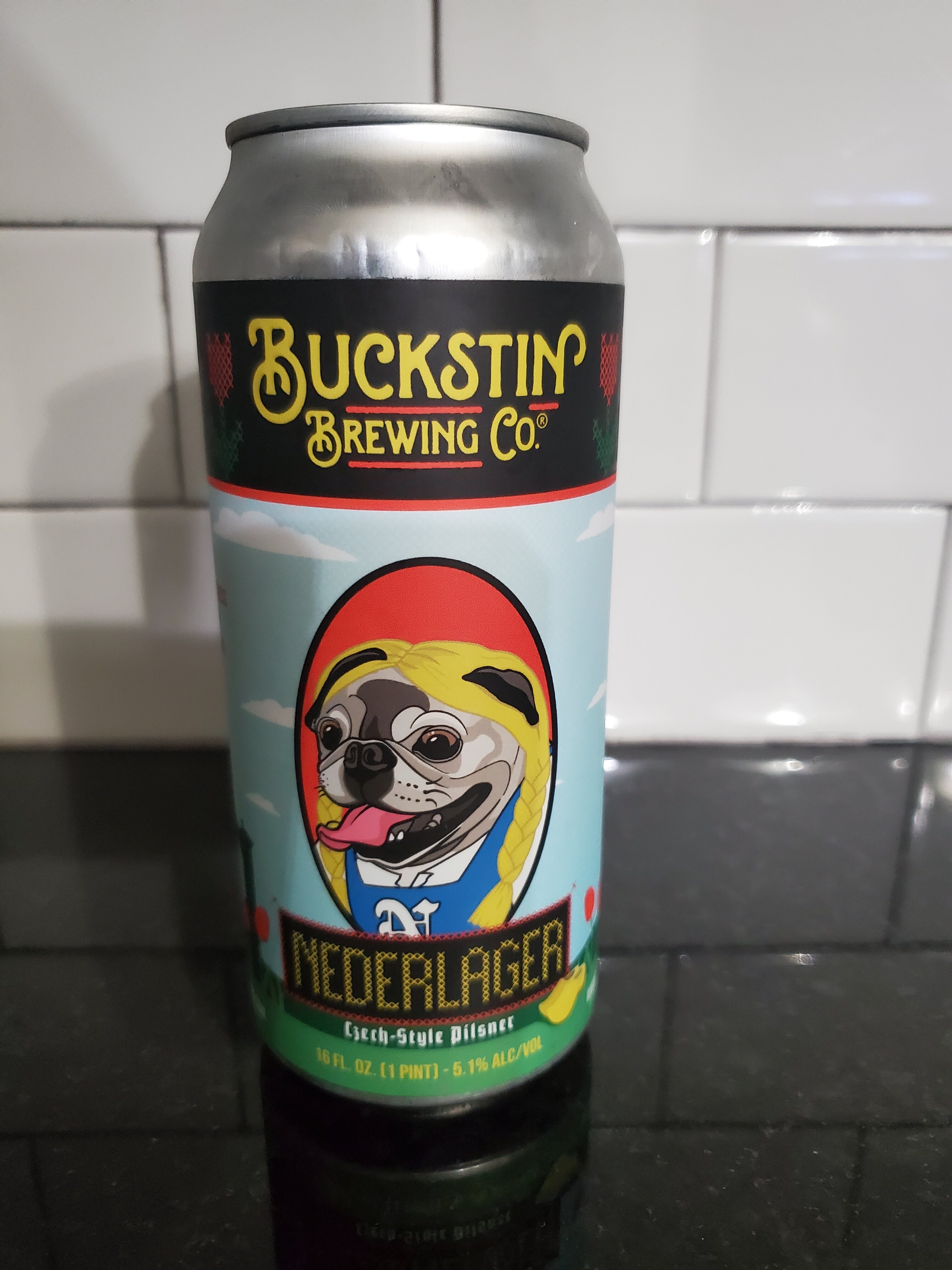
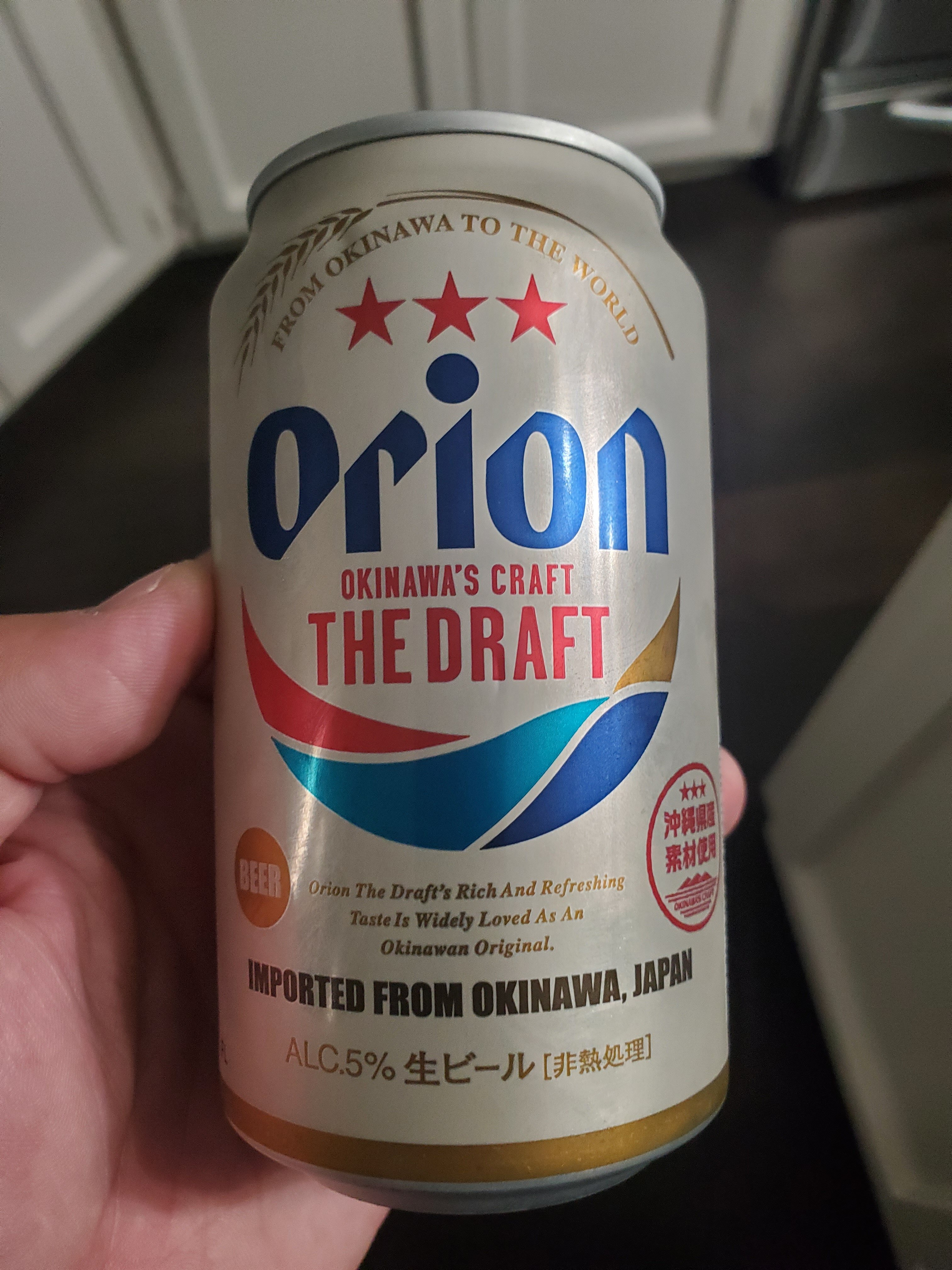
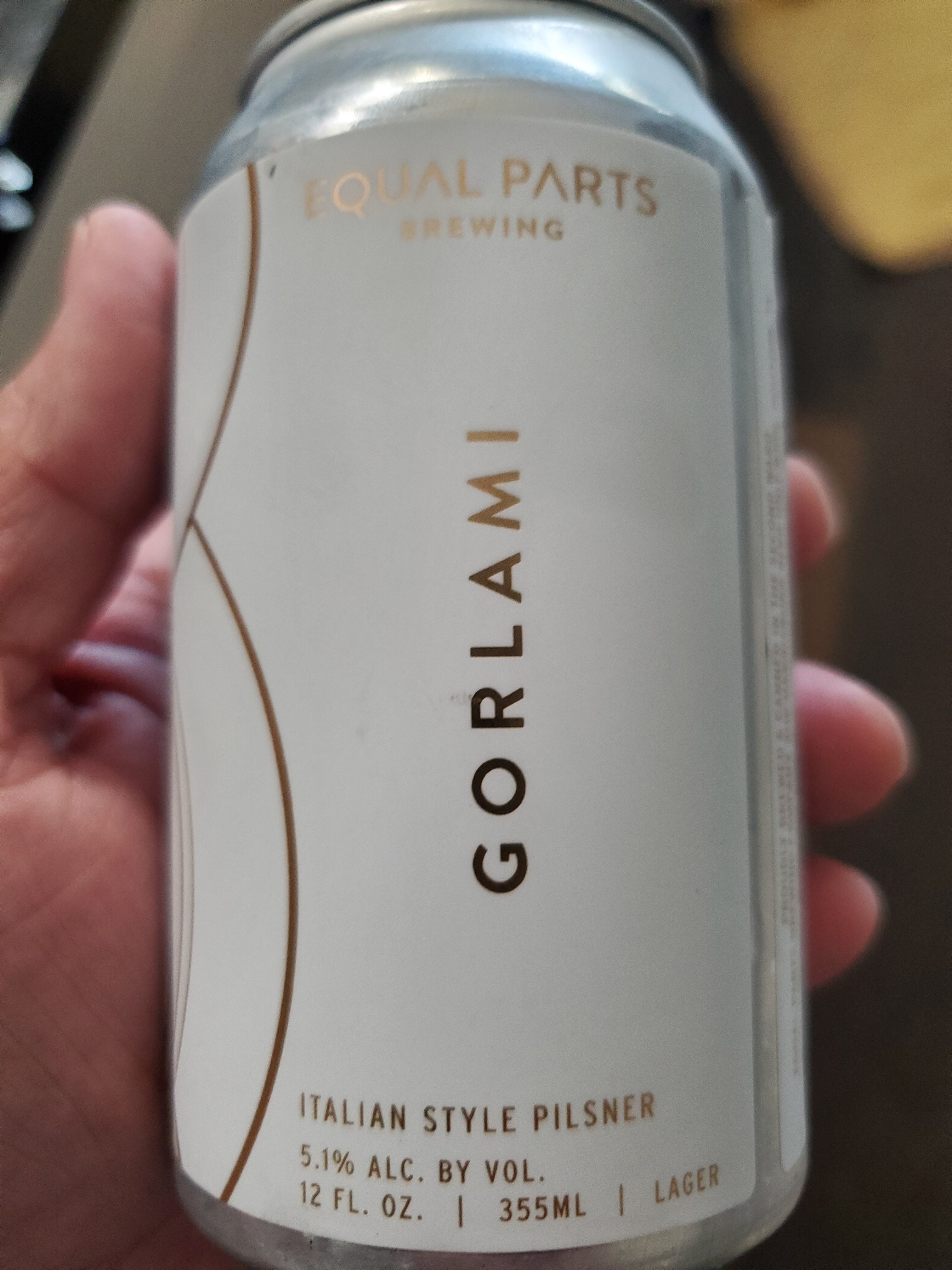
The trio for the night.

-
Not bad but not favorite.

-
https://people.com/resident-alien-canceled-in-shocking-move-ahead-of-season-4-finale-cast-and-creator-react-11779133 Well it's been canceled.
I'm surprised I liked this one.
 My condolences...
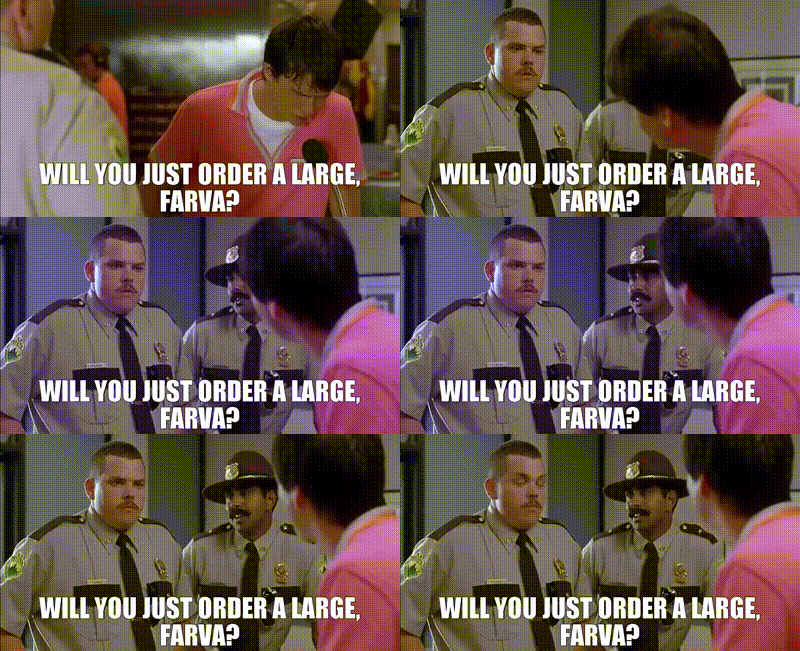
 Ben Wa balls?
A couple I picked up from H.E.B. and enjoyed.
Ben Wa balls?
A couple I picked up from H.E.B. and enjoyed.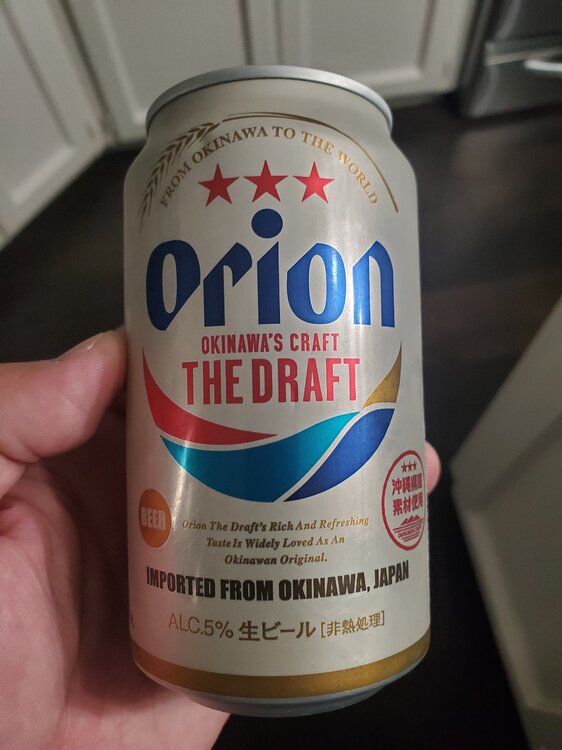

 A grim future? Hello they received a sack of potatoes. You can boil 'em, mash 'em, stick 'em in a stew.
https://www.facebook.com/share/p/1Cm4tw2NyD/?mibextid=Nif5oz Won't embed but meet Igor a "sentient middle finger wrapped in a cloud of fur."
Canadians man, my favorite chirp.
A grim future? Hello they received a sack of potatoes. You can boil 'em, mash 'em, stick 'em in a stew.
https://www.facebook.com/share/p/1Cm4tw2NyD/?mibextid=Nif5oz Won't embed but meet Igor a "sentient middle finger wrapped in a cloud of fur."
Canadians man, my favorite chirp. Speaking of Ram drivers, no cloak room.
Football ... Basketball ... Baseball ... Other Sports ... Futbol ... 🤫995🤫 ... Gambling ... Movies & TV ... Music ... Hobbies ... Lulz ... Food & Travel ... Daily Texan ... Business & Markets ... Cloak Room ... Help ... For Sale ... Board Discussion ... Advertise... Tailgate Donations
Speaking of Ram drivers, no cloak room.
Football ... Basketball ... Baseball ... Other Sports ... Futbol ... 🤫995🤫 ... Gambling ... Movies & TV ... Music ... Hobbies ... Lulz ... Food & Travel ... Daily Texan ... Business & Markets ... Cloak Room ... Help ... For Sale ... Board Discussion ... Advertise... Tailgate DonationsAccount
Search
Configure browser push notifications
Chrome (Android)
- Tap the lock icon next to the address bar.
- Tap Permissions → Notifications.
- Adjust your preference.
Chrome (Desktop)
- Click the padlock icon in the address bar.
- Select Site settings.
- Find Notifications and adjust your preference.
Safari (iOS 16.4+)
- Ensure the site is installed via Add to Home Screen.
- Open Settings App → Notifications.
- Find your app name and adjust your preference.
Safari (macOS)
- Go to Safari → Preferences.
- Click the Websites tab.
- Select Notifications in the sidebar.
- Find this website and adjust your preference.
Edge (Android)
- Tap the lock icon next to the address bar.
- Tap Permissions.
- Find Notifications and adjust your preference.
Edge (Desktop)
- Click the padlock icon in the address bar.
- Click Permissions for this site.
- Find Notifications and adjust your preference.
Firefox (Android)
- Go to Settings → Site permissions.
- Tap Notifications.
- Find this site in the list and adjust your preference.
Firefox (Desktop)
- Open Firefox Settings.
- Search for Notifications.
- Find this site in the list and adjust your preference.