MichaelDicksonFanClub
Full Members
-
Joined
-
Last visited
Everything posted by MichaelDicksonFanClub
-
 The Louisville guard committed to Tech
Yale OT committed to Oregon
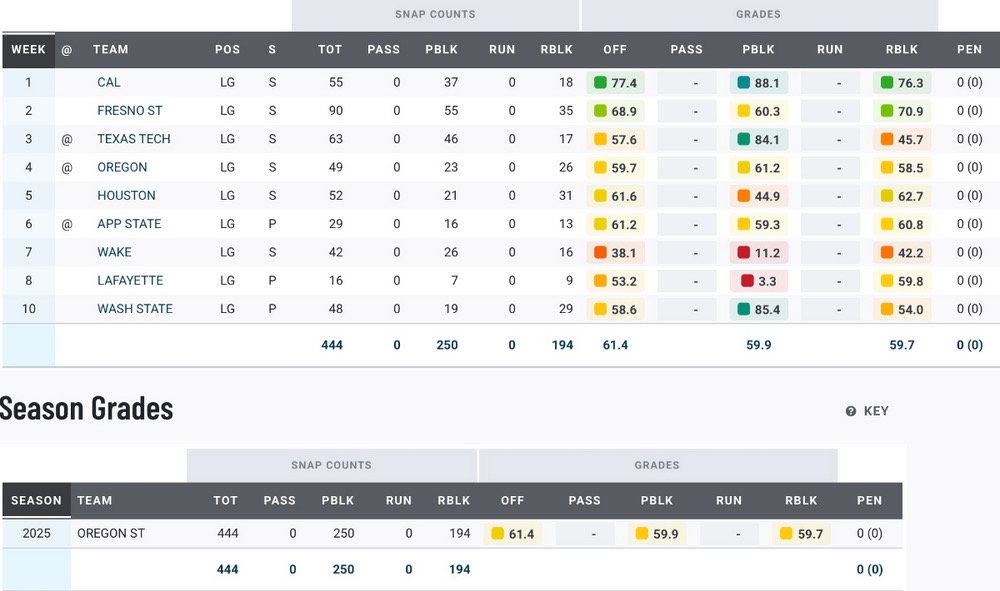
58.7 defensive grade 61.8 tackling 44.9 coverage
Rivals now saying that Anderson has signed with LSU
Contradicts what OTF was saying about Anderson
Anderson and Martinez pls
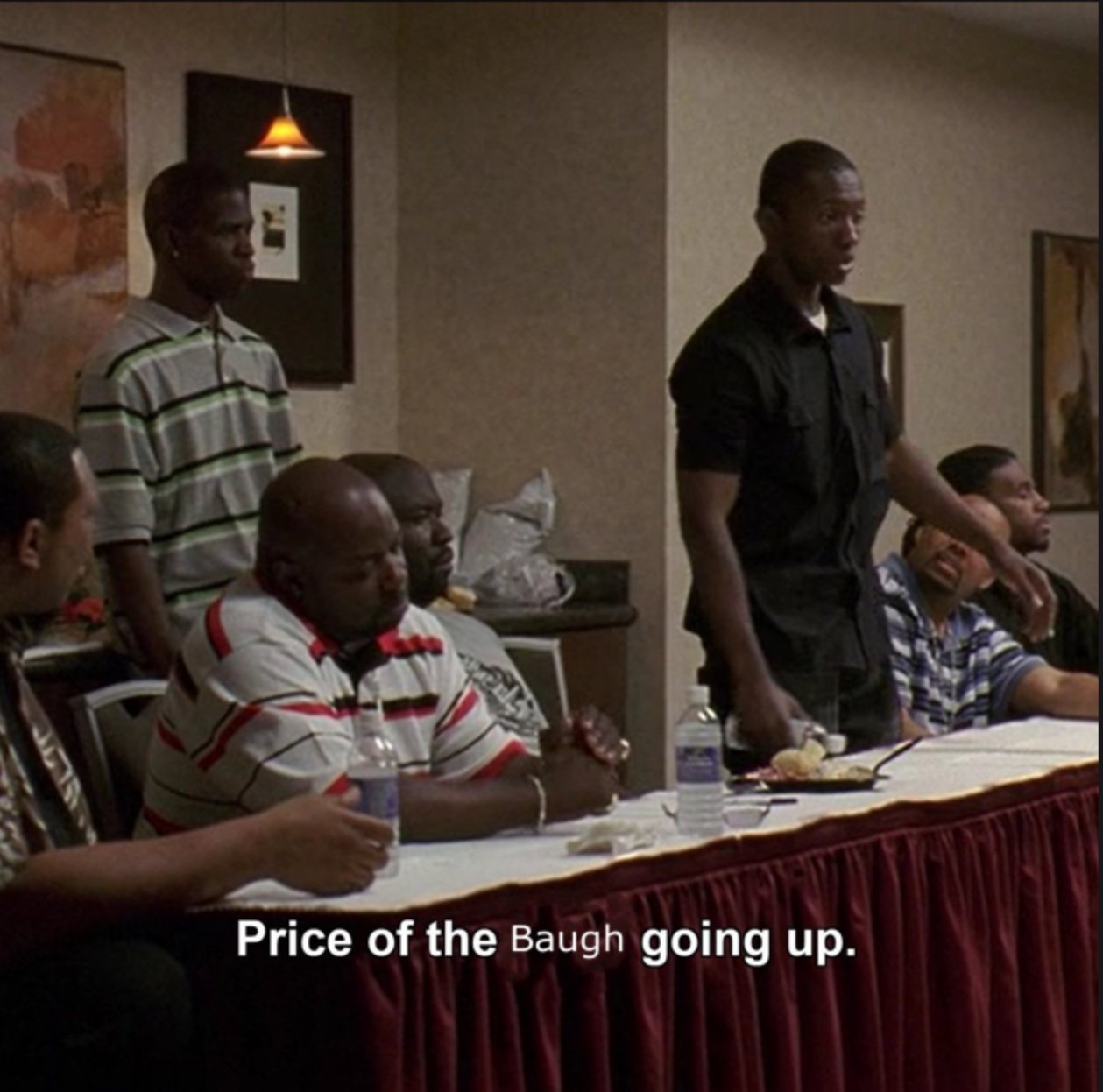
It’s a copypasta, oldest I can see it being used was 8 years ago on an NHL game.
Position of need, I haven’t watched any of their game but the stats aren’t impressive.
Richard Anderson said he’s signing with LSU Wednesday
Would this open up money for Georgia to get back in on Atkinson and/or Johnson?
The Louisville guard committed to Tech
Yale OT committed to Oregon
58.7 defensive grade 61.8 tackling 44.9 coverage
Rivals now saying that Anderson has signed with LSU
Contradicts what OTF was saying about Anderson
Anderson and Martinez pls
It’s a copypasta, oldest I can see it being used was 8 years ago on an NHL game.
Position of need, I haven’t watched any of their game but the stats aren’t impressive.
Richard Anderson said he’s signing with LSU Wednesday
Would this open up money for Georgia to get back in on Atkinson and/or Johnson? Football ... Basketball ... Baseball ... Other Sports ... Futbol ... 🤫995🤫 ... Gambling ... Movies & TV ... Music ... Hobbies ... Lulz ... Food & Travel ... Daily Texan ... Business & Markets ... Cloak Room ... Help ... For Sale ... Board Discussion ... Advertise... Tailgate Donations
Account
Search
Configure browser push notifications
Chrome (Android)
- Tap the lock icon next to the address bar.
- Tap Permissions → Notifications.
- Adjust your preference.
Chrome (Desktop)
- Click the padlock icon in the address bar.
- Select Site settings.
- Find Notifications and adjust your preference.
Safari (iOS 16.4+)
- Ensure the site is installed via Add to Home Screen.
- Open Settings App → Notifications.
- Find your app name and adjust your preference.
Safari (macOS)
- Go to Safari → Preferences.
- Click the Websites tab.
- Select Notifications in the sidebar.
- Find this website and adjust your preference.
Edge (Android)
- Tap the lock icon next to the address bar.
- Tap Permissions.
- Find Notifications and adjust your preference.
Edge (Desktop)
- Click the padlock icon in the address bar.
- Click Permissions for this site.
- Find Notifications and adjust your preference.
Firefox (Android)
- Go to Settings → Site permissions.
- Tap Notifications.
- Find this site in the list and adjust your preference.
Firefox (Desktop)
- Open Firefox Settings.
- Search for Notifications.
- Find this site in the list and adjust your preference.