


CoachTex
Legacy Members
-
Joined
-
Last visited
Everything posted by CoachTex
-
 HOOK 'EM!
.gif.6f06614bb2a22e8cdbe149e85d22d0f5.gif) Hook 'em!
Hook 'em!
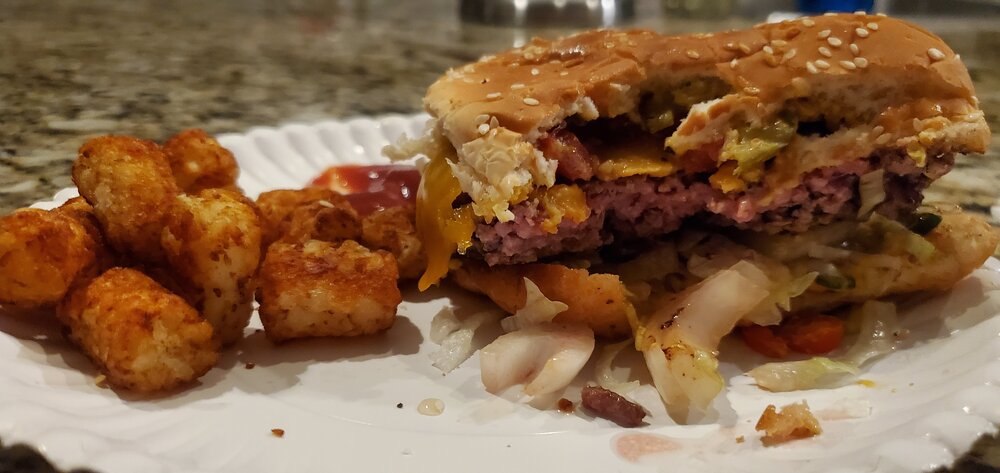
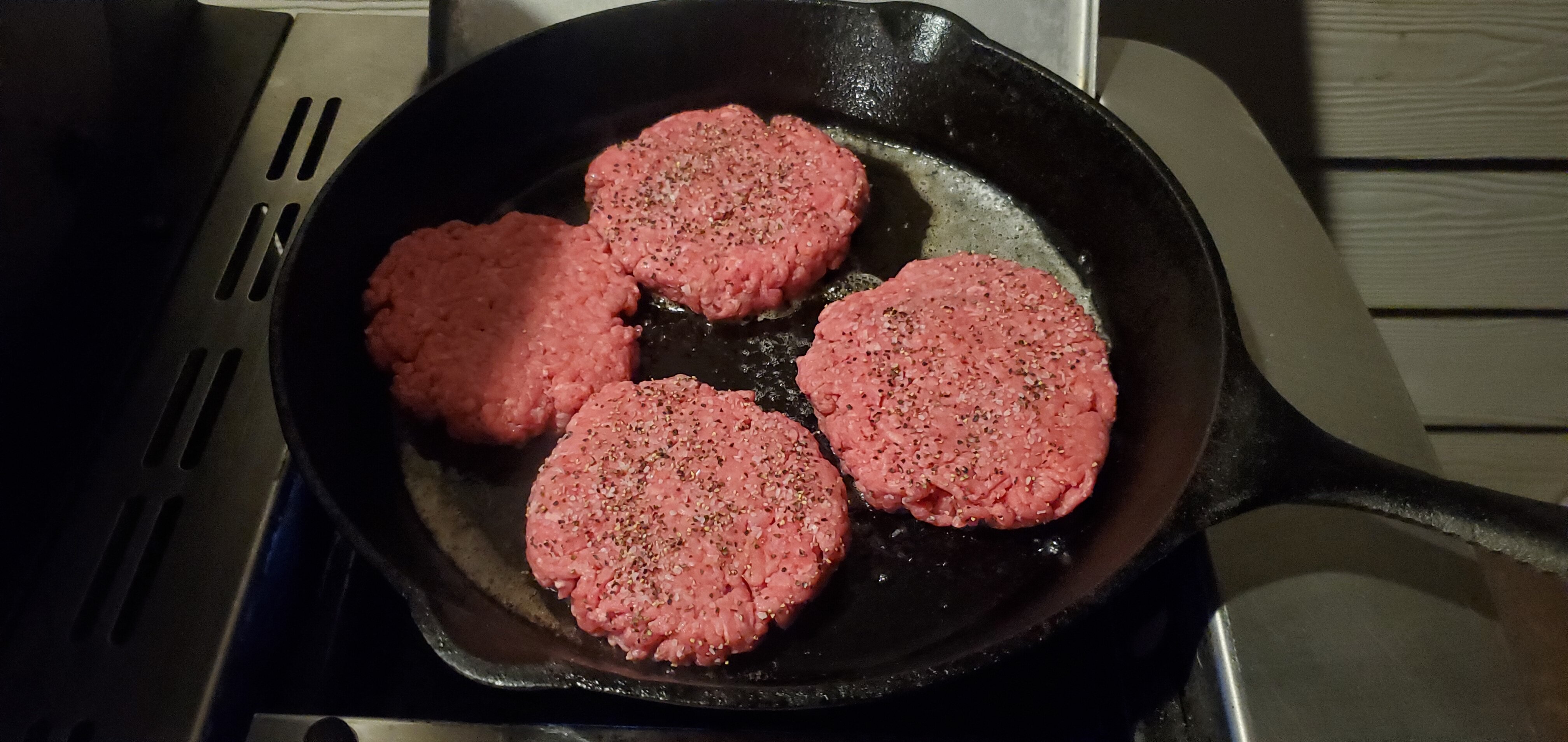
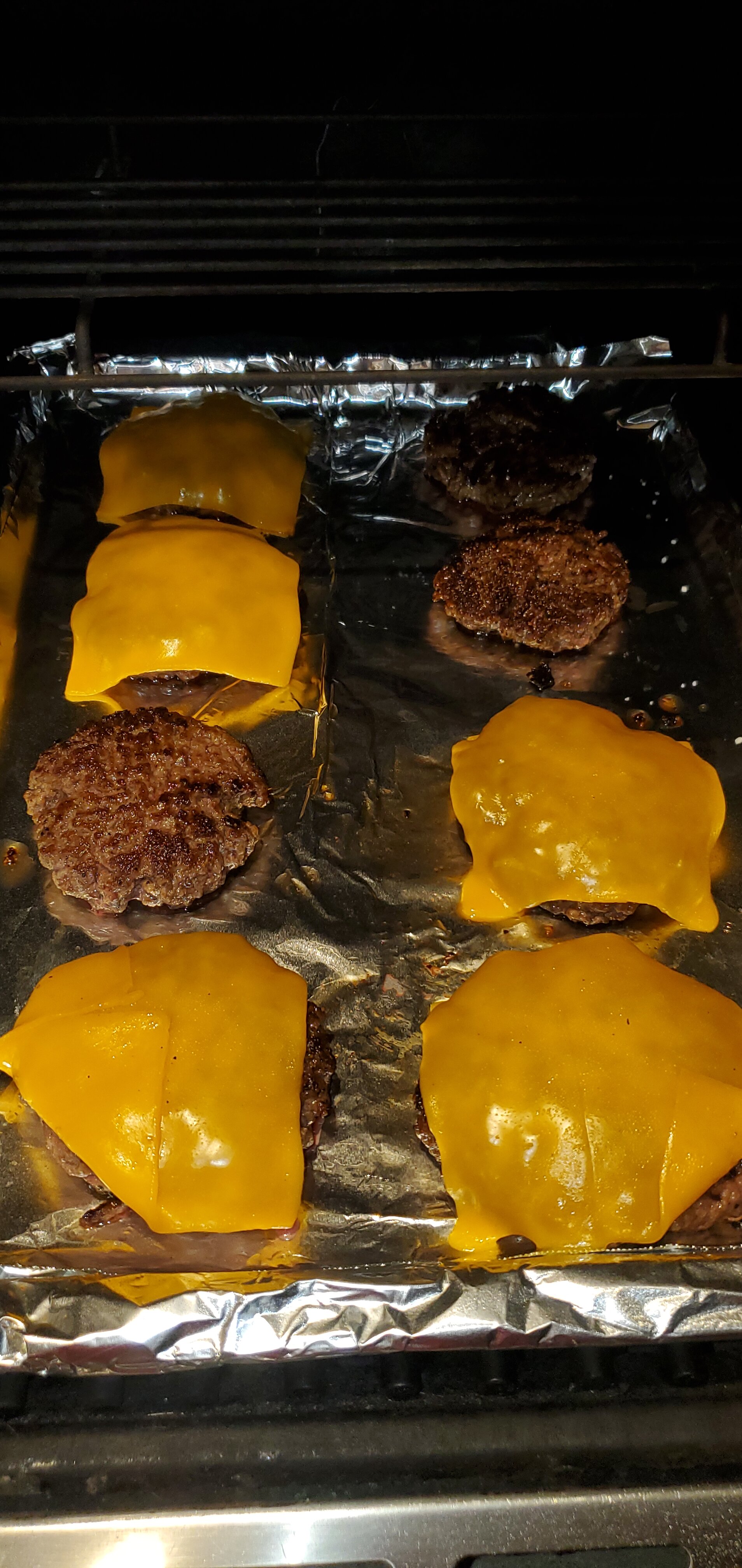
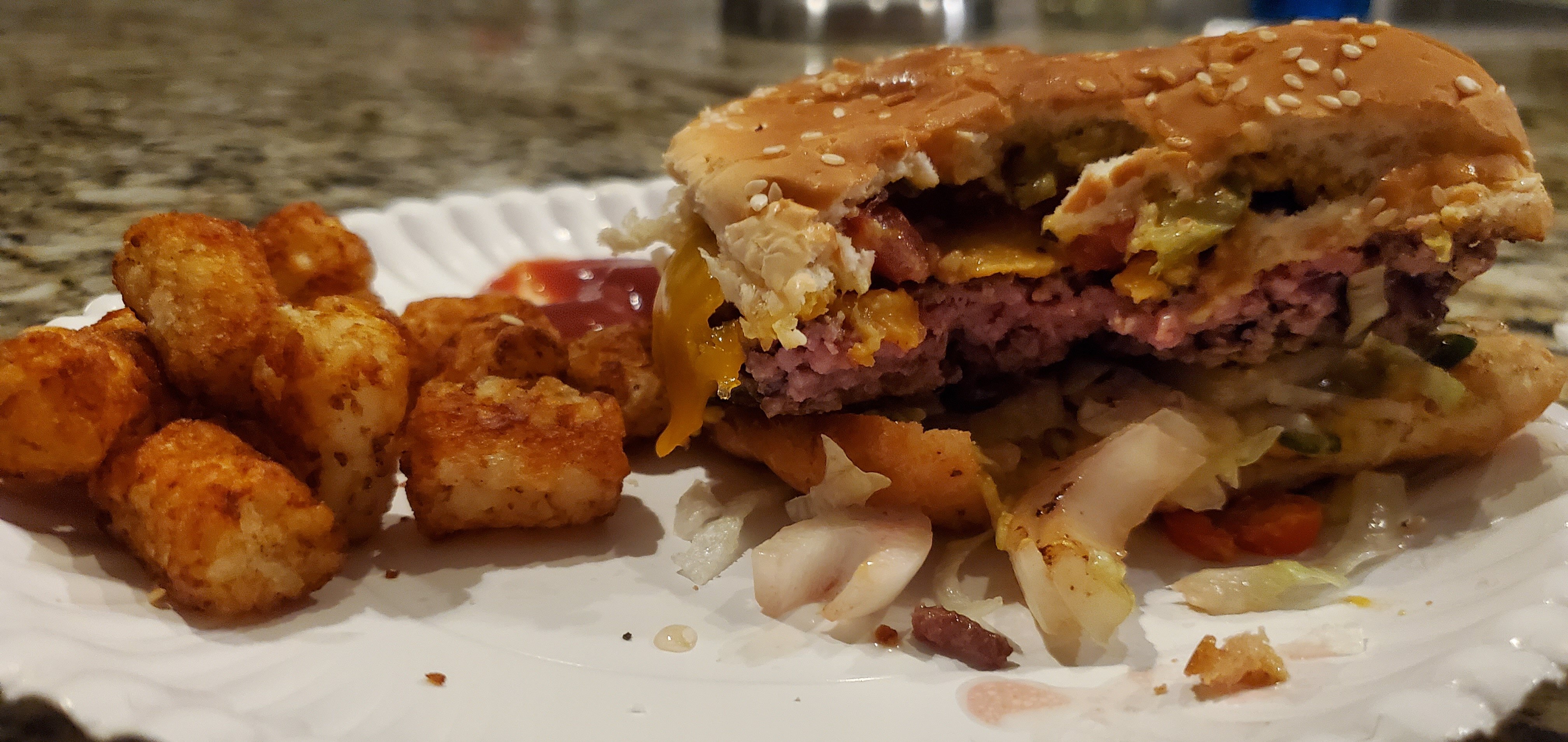
.gif.5d43bd96eeb87b779aceecd7b9ccd40f.gif) Burgers on a cast iron, can it get any better? I submit it can not!
Burgers on a cast iron, can it get any better? I submit it can not!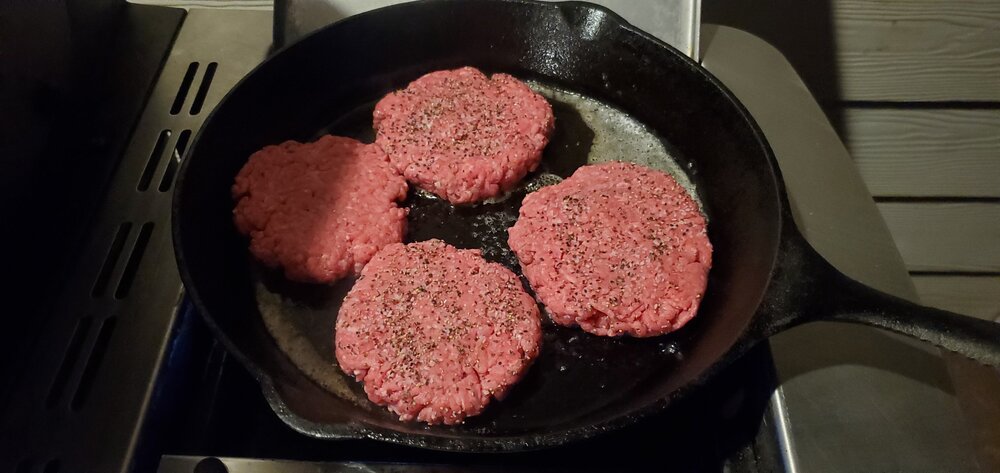


 HOOK 'EM!
.gif.6add96ac1d43501210f9171532279b43.gif) UW 27 TEXAS 41 Penix 36 - 51 for 257 2 TD 3 INTs and 1 fumble. 7 rushes for 9 yards. 3 sacks -16 yards.
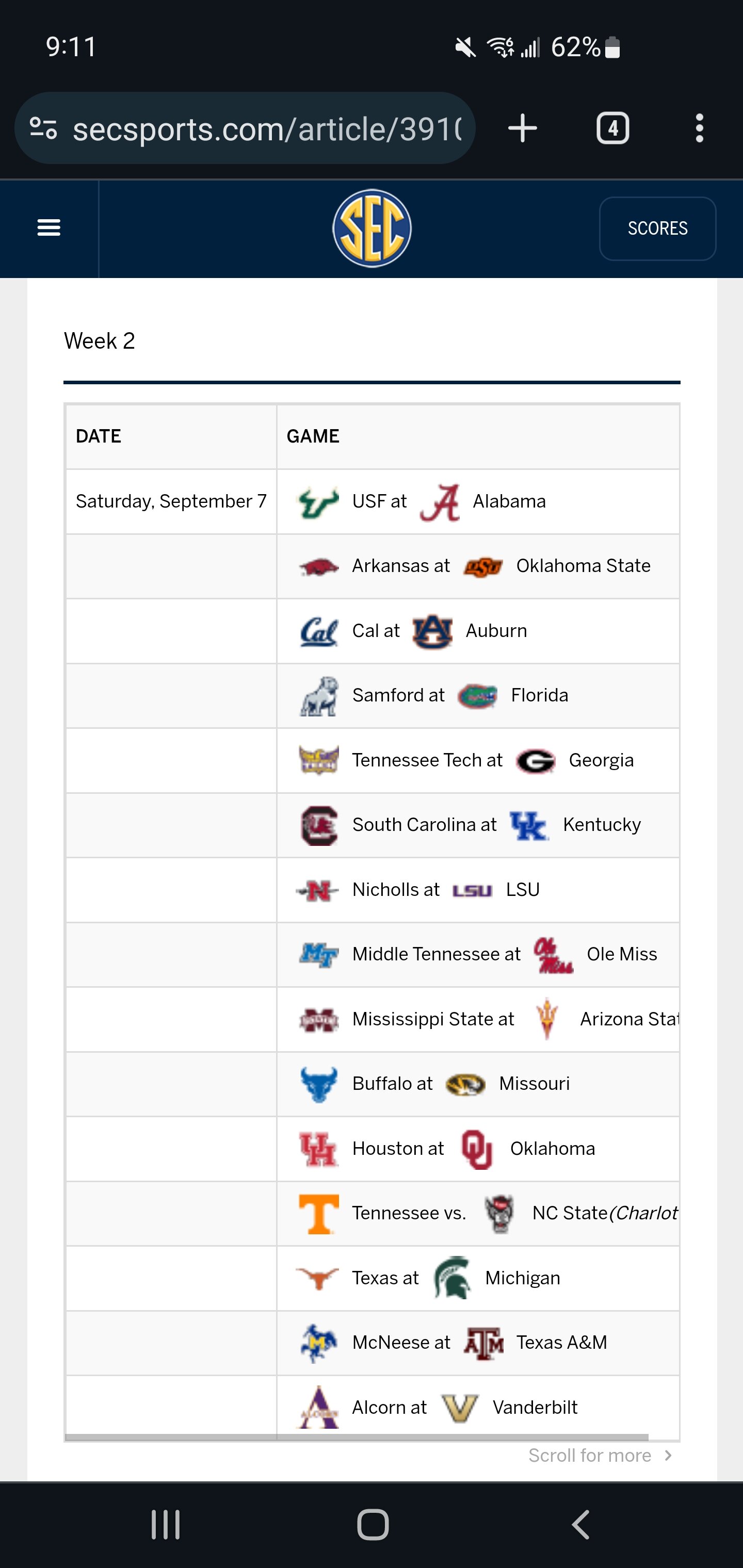
What the hell SEC?
UW 27 TEXAS 41 Penix 36 - 51 for 257 2 TD 3 INTs and 1 fumble. 7 rushes for 9 yards. 3 sacks -16 yards.
What the hell SEC?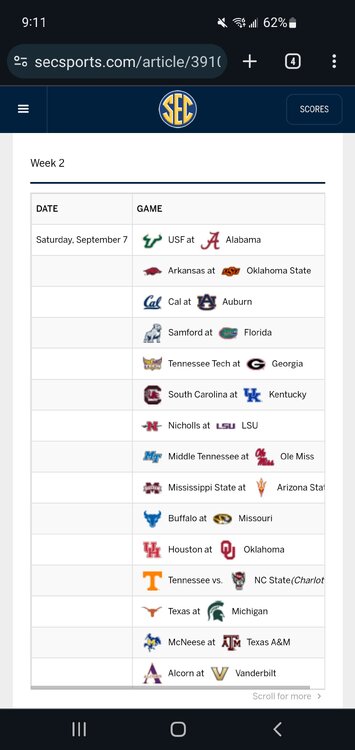 Shit, with all the steak talk I thought it was Iowa Steak and Kansas Steak.
Microwave poached egg and leftover texas toast
Shit, with all the steak talk I thought it was Iowa Steak and Kansas Steak.
Microwave poached egg and leftover texas toast Yep, edges play a lot of spill and wrong sholder on ctr.
Yep looks like they are using uncovered rule and down blocking with the playside tackle. Of course, interior pressure curshes all pullers. Yes pre-snap motion of guards really can screw up reads for linebackers. Just wait till they show their center pre-snap shift.
Simply put, he is a fucking moron. LBs read guards and it is simple. Guard takes you to the play. 2nd, as wide as we play our ends/edges they will never get the reach block to seal that edge. A middle school LB can figure out ctr vs sweep in one step.
Sorry, I'm a dumb ass. Great point.
He was on the last team to play in the Sugar Bowl. Just saying
Only if you are passing through Silsbee.
And yet, you're still here.
Yep, edges play a lot of spill and wrong sholder on ctr.
Yep looks like they are using uncovered rule and down blocking with the playside tackle. Of course, interior pressure curshes all pullers. Yes pre-snap motion of guards really can screw up reads for linebackers. Just wait till they show their center pre-snap shift.
Simply put, he is a fucking moron. LBs read guards and it is simple. Guard takes you to the play. 2nd, as wide as we play our ends/edges they will never get the reach block to seal that edge. A middle school LB can figure out ctr vs sweep in one step.
Sorry, I'm a dumb ass. Great point.
He was on the last team to play in the Sugar Bowl. Just saying
Only if you are passing through Silsbee.
And yet, you're still here. Or someone who likes a stronger beer. I'll show myself out.
From the mean streets of Helotes TX FIGHT!
Or someone who likes a stronger beer. I'll show myself out.
From the mean streets of Helotes TX FIGHT!


.gif.21c6ad6e663171b102b37f60024b65fa.gif)

.gif.ee8a49f47c1ea9ca2976f2499b0d3d58.gif)





.gif.6de59d4b8c96f6920c0ae101cbaf04f6.gif)


.gif.fbfc58343902becfefbf93231d97dc90.gif)

Football ...
Basketball ...
Baseball ...
Other Sports ...
Futbol ...
🤫995🤫 ...
Gambling ...
Movies & TV ...
Music ...
Hobbies ...
Lulz ...
Food & Travel
...
Daily Texan ...
Business & Markets ...
Cloak Room ...
Help ...
For Sale ...
Board Discussion ...
Advertise...
Tailgate Donations
Account
Search
Configure browser push notifications
Chrome (Android)
- Tap the lock icon next to the address bar.
- Tap Permissions → Notifications.
- Adjust your preference.
Chrome (Desktop)
- Click the padlock icon in the address bar.
- Select Site settings.
- Find Notifications and adjust your preference.
Safari (iOS 16.4+)
- Ensure the site is installed via Add to Home Screen.
- Open Settings App → Notifications.
- Find your app name and adjust your preference.
Safari (macOS)
- Go to Safari → Preferences.
- Click the Websites tab.
- Select Notifications in the sidebar.
- Find this website and adjust your preference.
Edge (Android)
- Tap the lock icon next to the address bar.
- Tap Permissions.
- Find Notifications and adjust your preference.
Edge (Desktop)
- Click the padlock icon in the address bar.
- Click Permissions for this site.
- Find Notifications and adjust your preference.
Firefox (Android)
- Go to Settings → Site permissions.
- Tap Notifications.
- Find this site in the list and adjust your preference.
Firefox (Desktop)
- Open Firefox Settings.
- Search for Notifications.
- Find this site in the list and adjust your preference.