


leaf
Legacy Members
-
Joined
-
Last visited
Everything posted by leaf
-
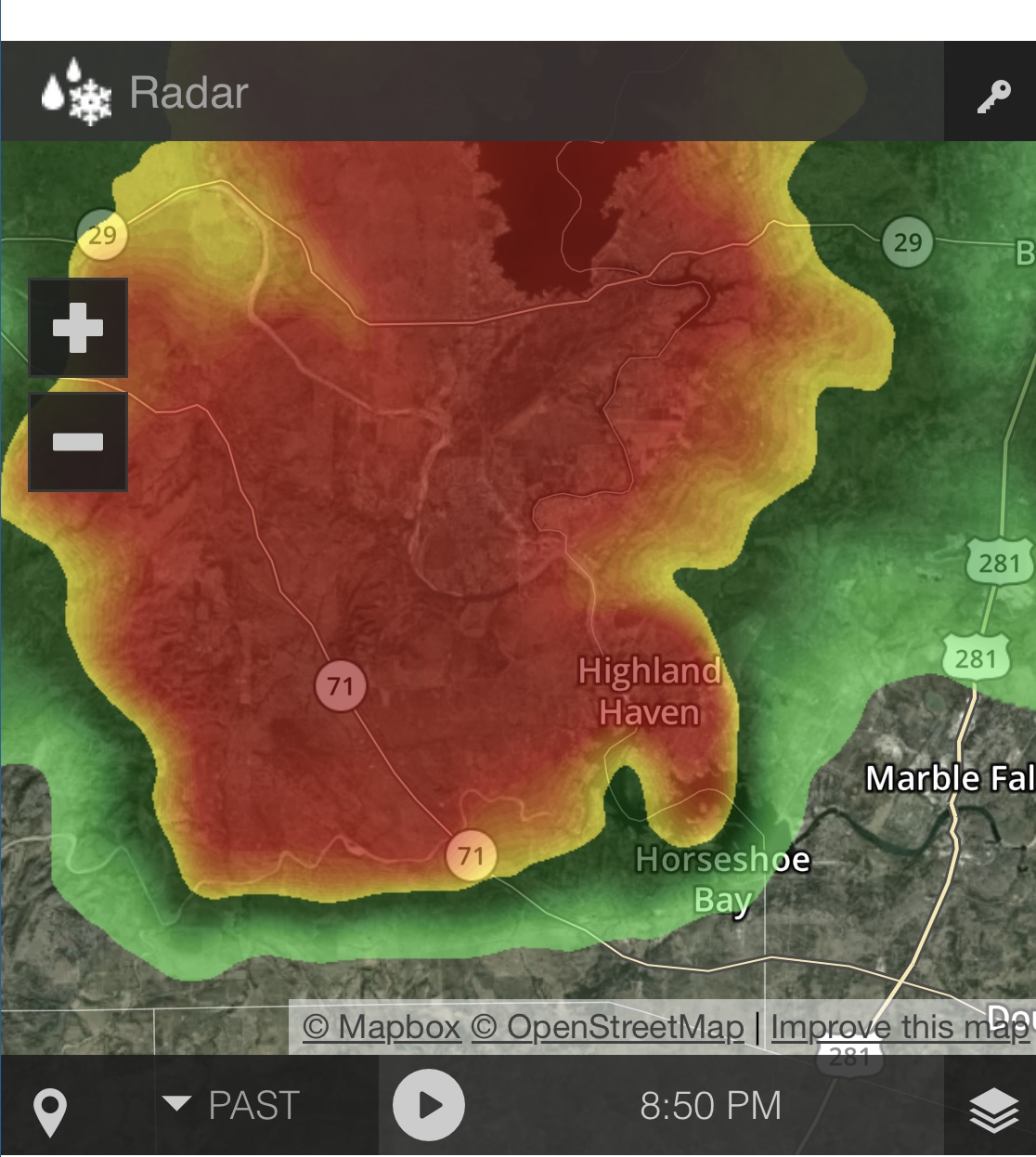
 Horseshoe Bay getting just the tip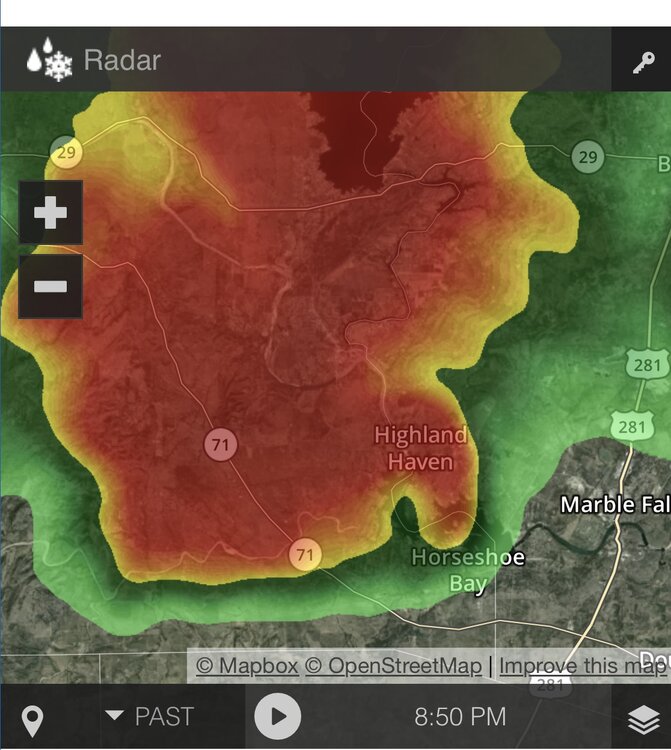
-
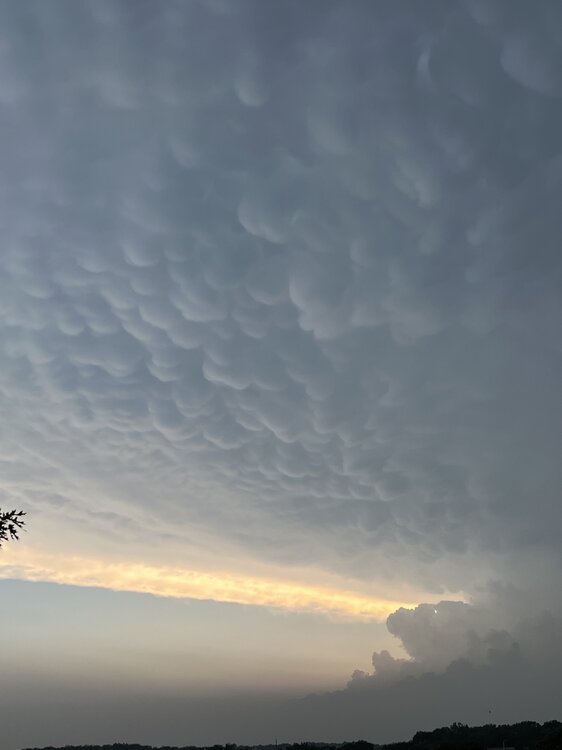
Is going to happen?
-
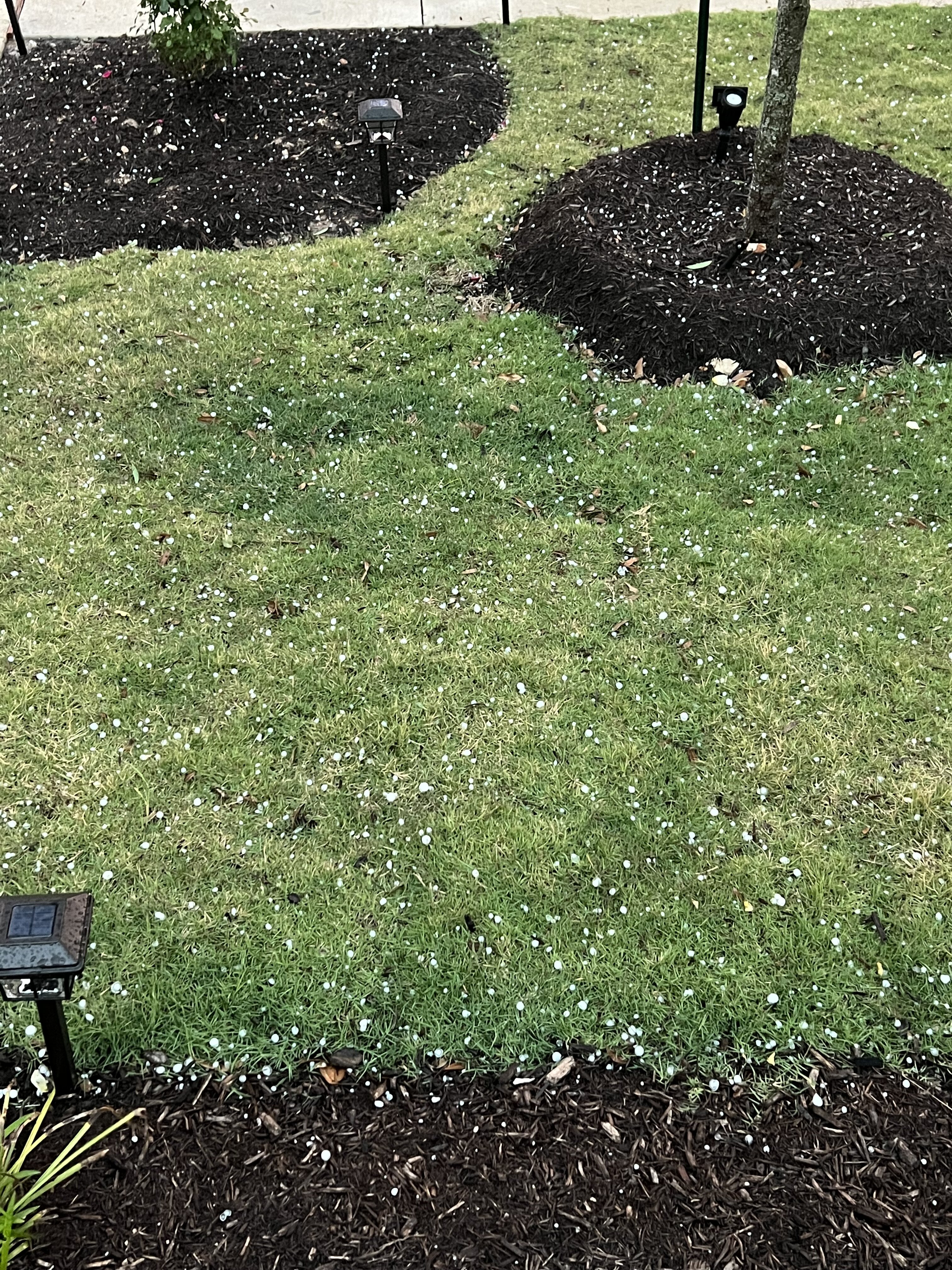
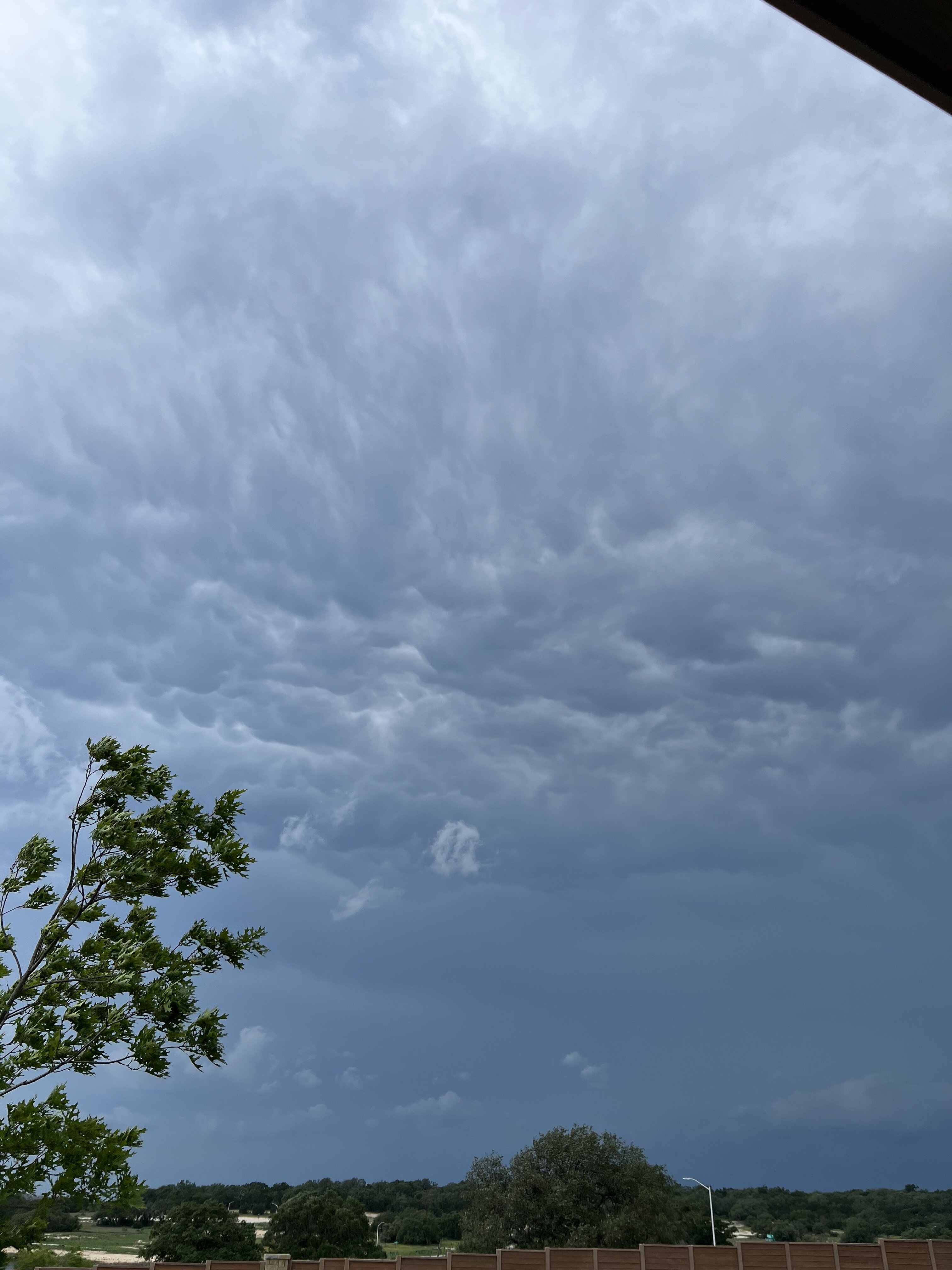
Hail right after that
I see on the news that some areas are having golf ball size hail
This was at the peak IMG_3473.mov
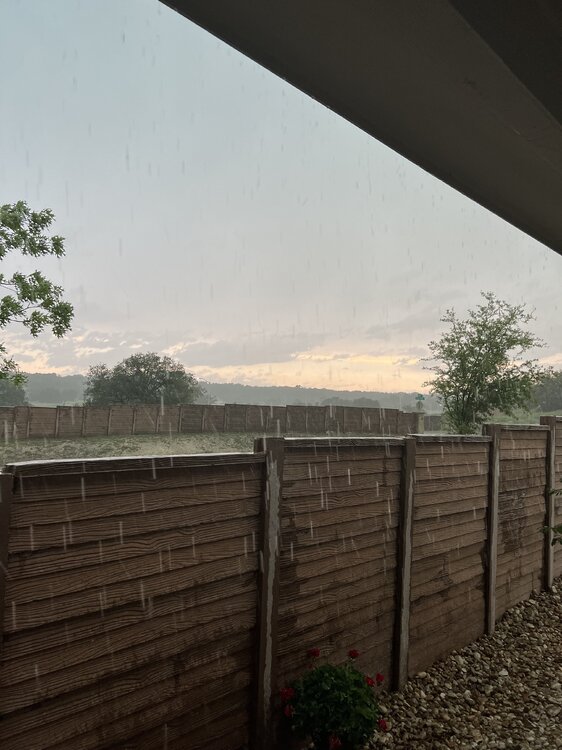
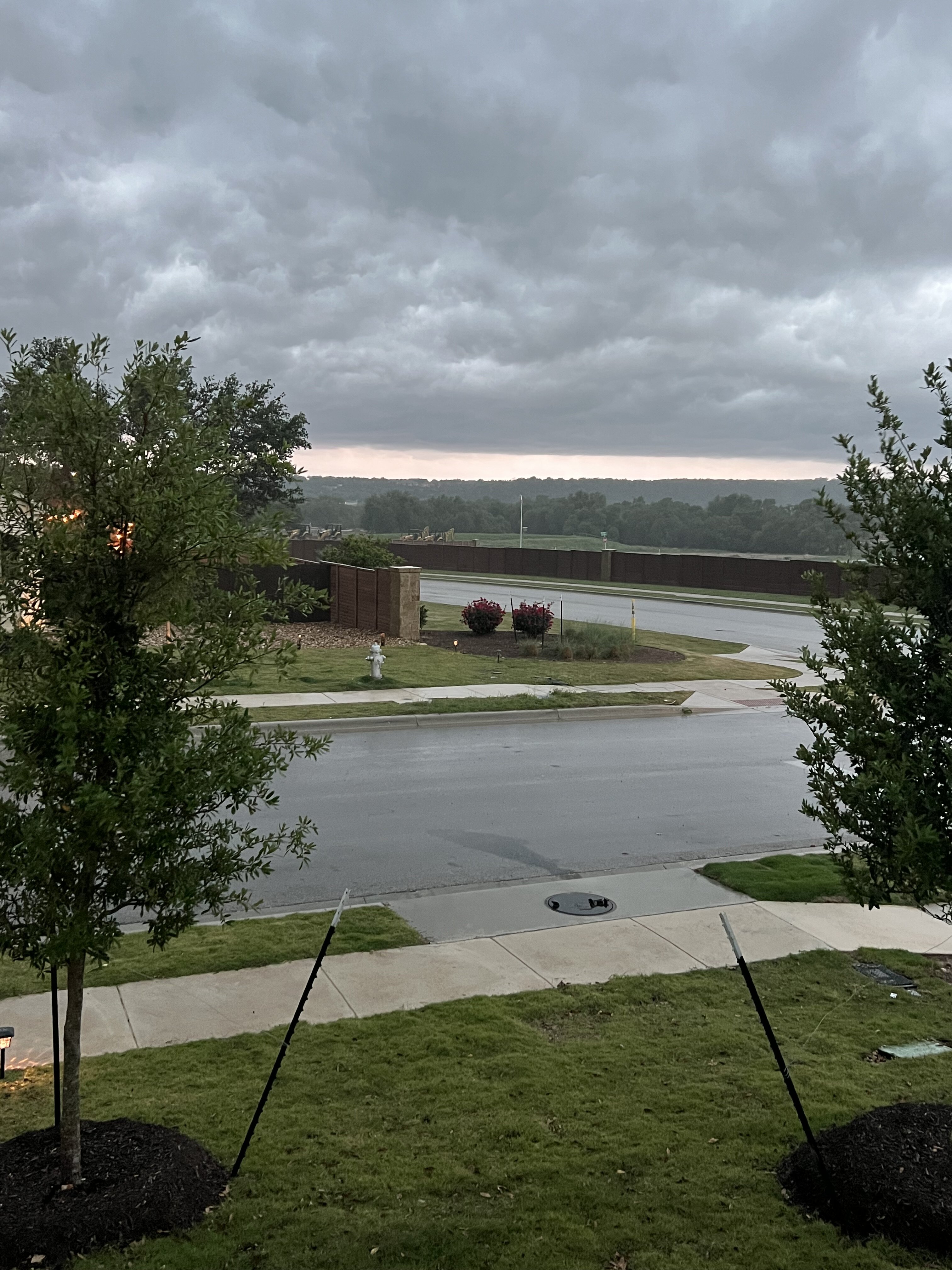
And it’s done here. Just a light drizzle now
Yup. You are about to get it
Yes it is. I can see the clearing behind it.
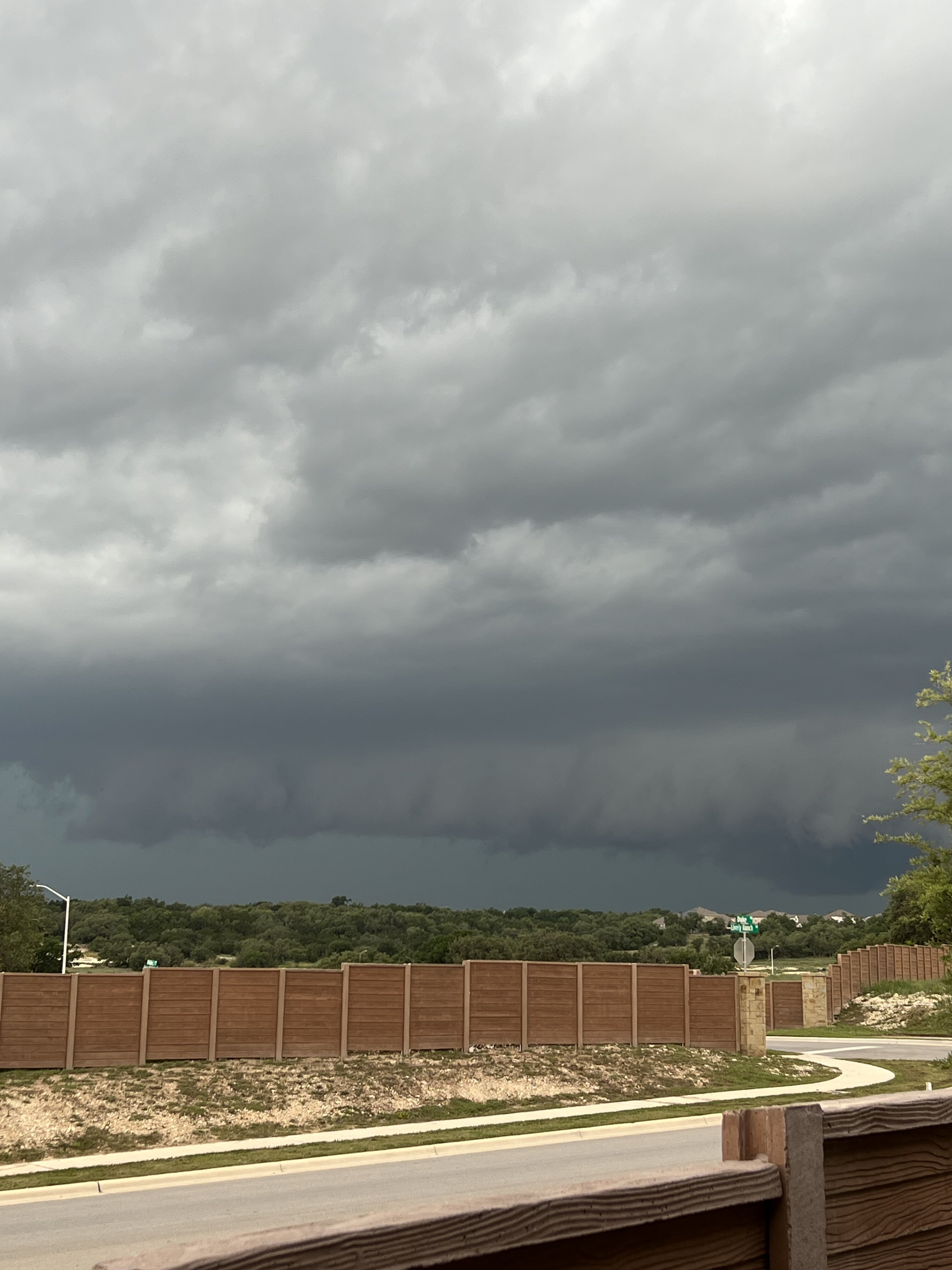
 Hwy 29 and Ronald Regan
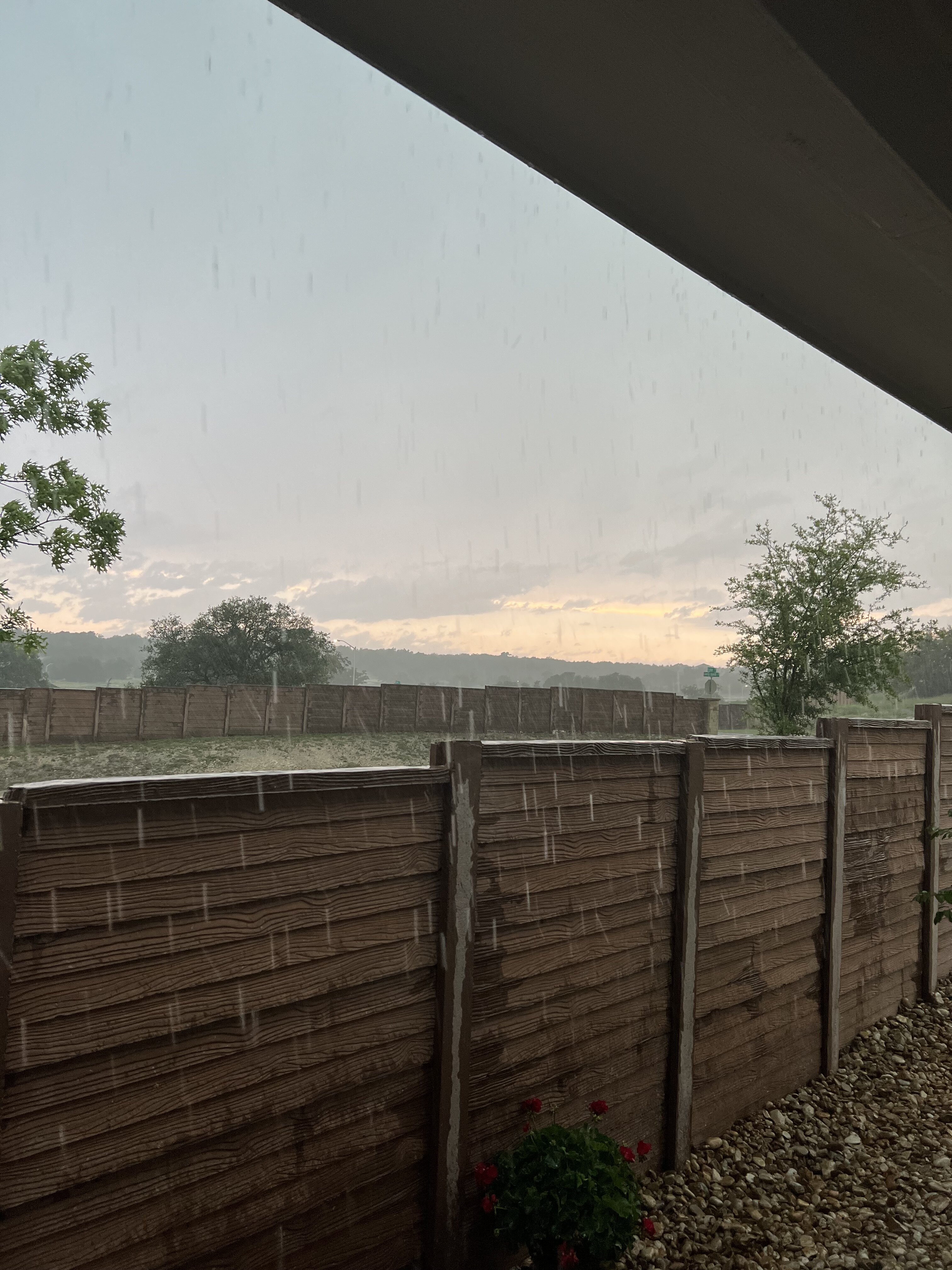
IMG_3472.mov Get ready. It is hailing like a motherfucker
I have small hail right now
Ronald Reagan and Hwy 29
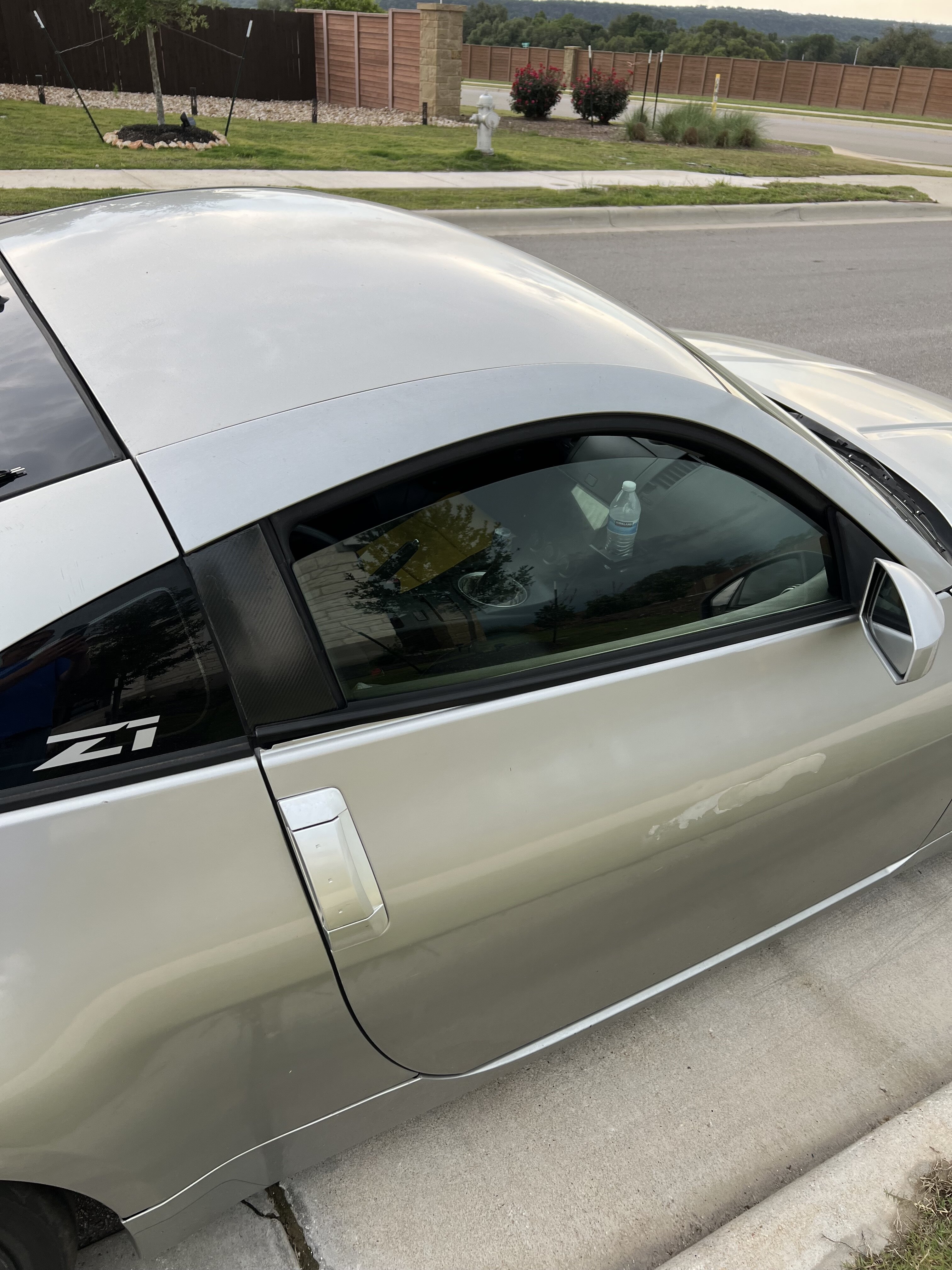
My stepson is about to learn a lesson the hard way. He is out with friends and left his window down.
Hwy 29 and Ronald Regan
IMG_3472.mov Get ready. It is hailing like a motherfucker
I have small hail right now
Ronald Reagan and Hwy 29
My stepson is about to learn a lesson the hard way. He is out with friends and left his window down.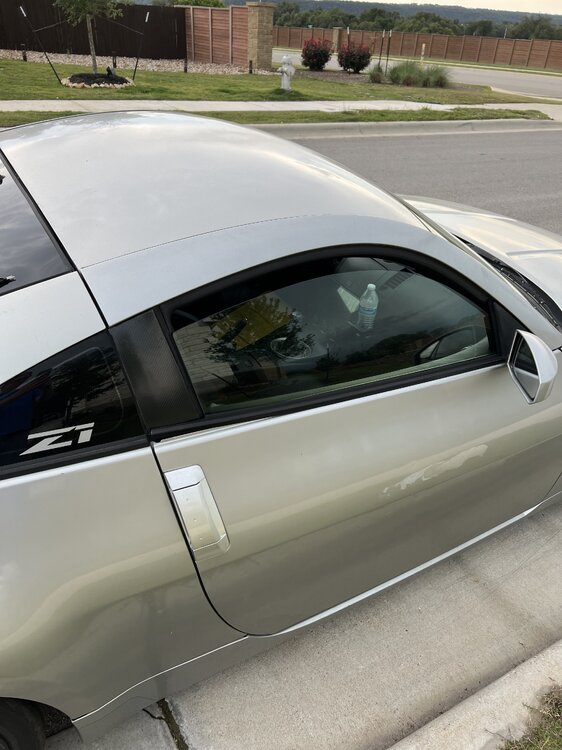 Yeah, is extremely windy
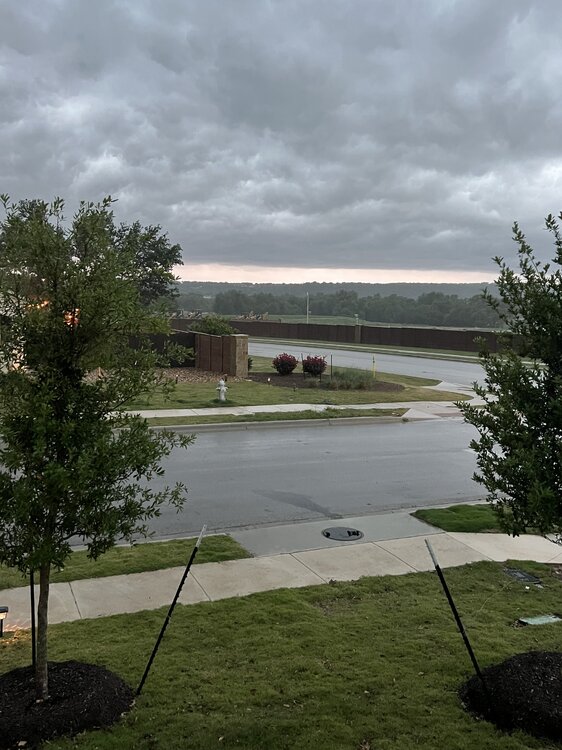
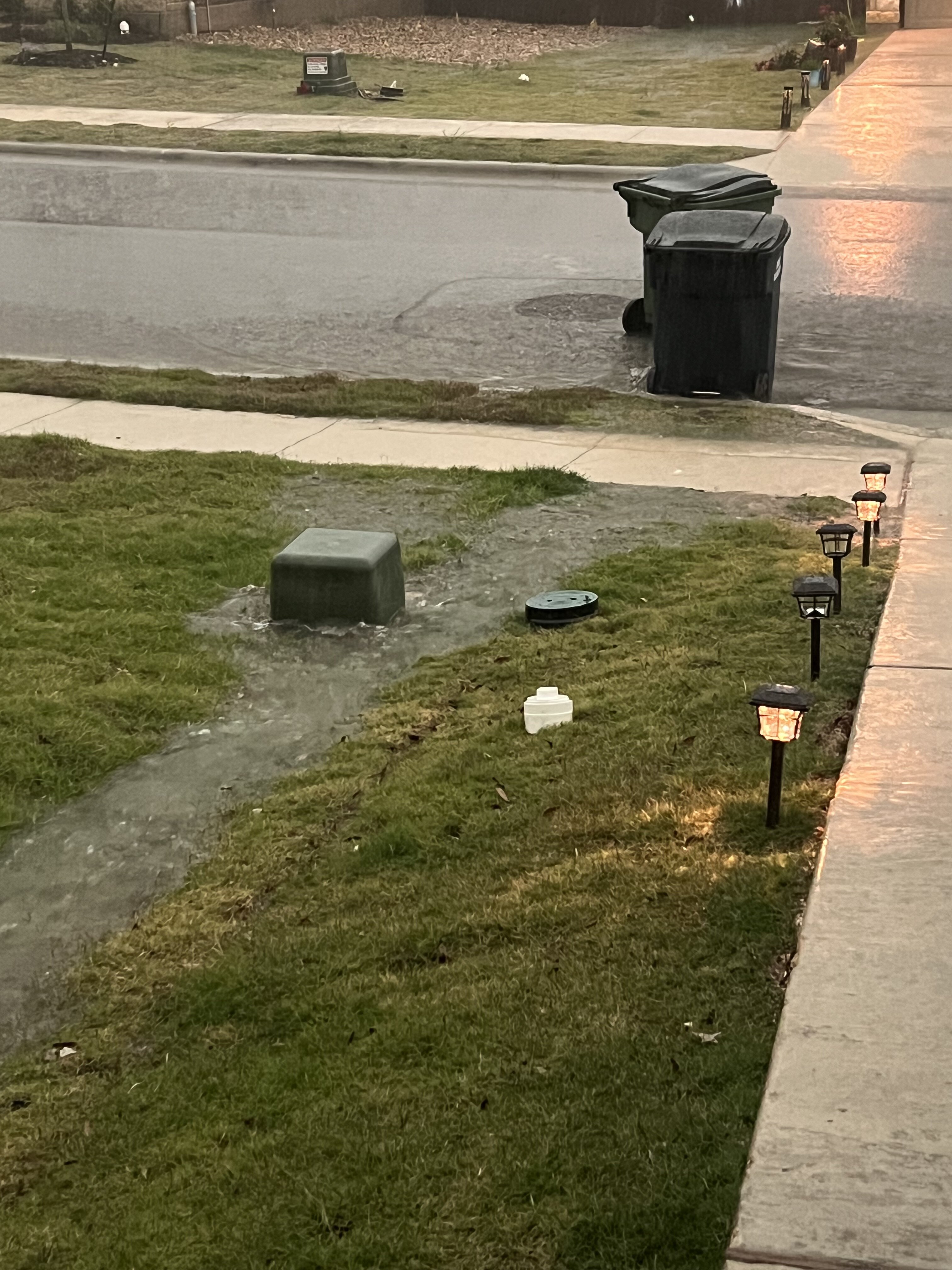
Nice heavy rain. The water rushing down the street has pushed my trash can out into the street
Yeah, is extremely windy
Nice heavy rain. The water rushing down the street has pushed my trash can out into the street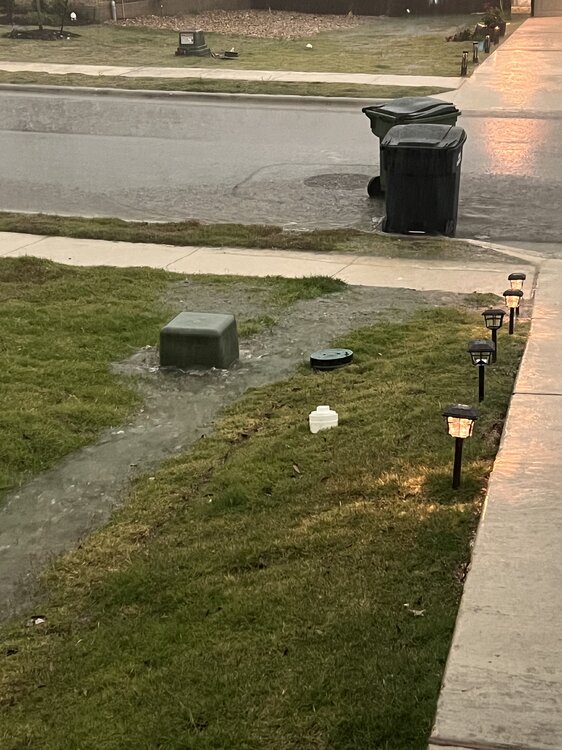 Rolling thru 78628 right now. A lot of lightning
 Fags
Fags







Football ...
Basketball ...
Baseball ...
Other Sports ...
Futbol ...
🤫995🤫 ...
Gambling ...
Movies & TV ...
Music ...
Hobbies ...
Lulz ...
Food & Travel
...
Daily Texan ...
Business & Markets ...
Cloak Room ...
Help ...
For Sale ...
Board Discussion ...
Advertise...
Tailgate Donations
Account
Search
Configure browser push notifications
Chrome (Android)
- Tap the lock icon next to the address bar.
- Tap Permissions → Notifications.
- Adjust your preference.
Chrome (Desktop)
- Click the padlock icon in the address bar.
- Select Site settings.
- Find Notifications and adjust your preference.
Safari (iOS 16.4+)
- Ensure the site is installed via Add to Home Screen.
- Open Settings App → Notifications.
- Find your app name and adjust your preference.
Safari (macOS)
- Go to Safari → Preferences.
- Click the Websites tab.
- Select Notifications in the sidebar.
- Find this website and adjust your preference.
Edge (Android)
- Tap the lock icon next to the address bar.
- Tap Permissions.
- Find Notifications and adjust your preference.
Edge (Desktop)
- Click the padlock icon in the address bar.
- Click Permissions for this site.
- Find Notifications and adjust your preference.
Firefox (Android)
- Go to Settings → Site permissions.
- Tap Notifications.
- Find this site in the list and adjust your preference.
Firefox (Desktop)
- Open Firefox Settings.
- Search for Notifications.
- Find this site in the list and adjust your preference.