Jump to content
View in the app

A better way to browse. Learn more.

Surly Horns

A full-screen app on your home screen with push notifications, badges and more.

To install this app on iOS and iPadOS
  1. Tap the Share icon in Safari
  2. Scroll the menu and tap Add to Home Screen.
  3. Tap Add in the top-right corner.
To install this app on Android
  1. Tap the 3-dot menu (⋮) in the top-right corner of the browser.
  2. Tap Add to Home screen or Install app.
  3. Confirm by tapping Install.
Football ... Basketball ... Baseball ... Other Sports ... Futbol ... 🤫995🤫 ... Gambling ... Movies & TV ... Music ... Hobbies ... Lulz ... Food & Travel ... Daily Texan ... Business & Markets ... Cloak Room ... Help ... For Sale ... Board Discussion ... Advertise... Tailgate Donations

Real Papi

Certifiably Surly
  • Joined

  • Last visited

Everything posted by Real Papi

  1. Holding the whole route
  2. Hell yes love TO on downs. Let’s Sark let them nuts hang.
  3. Let’s get a TO
  4. Let’s go DEFENSE!
  5. Review that play and call the unsportsmanlike foul!
  6. Call the foul on the Aggy!
  7. Sweet play QB1
  8. Nice throw QB1. Let pound the rock and get Wisner back in
  9. I am shocked they reversed the call but agree not targeting just football!
  10. What a BS flag! Come on referees let them play football!
  11. Heck of a catch Blue!
  12. Ok Sark I was wrong hell of a throw QB1
  13. VB doing some work!
  14. That young man is gonna be a beast. Let’s go TEXAS!

  15. That’s a TD!
  16. Let’s go Sark. Pound the rock! Let’s go TEXAS!
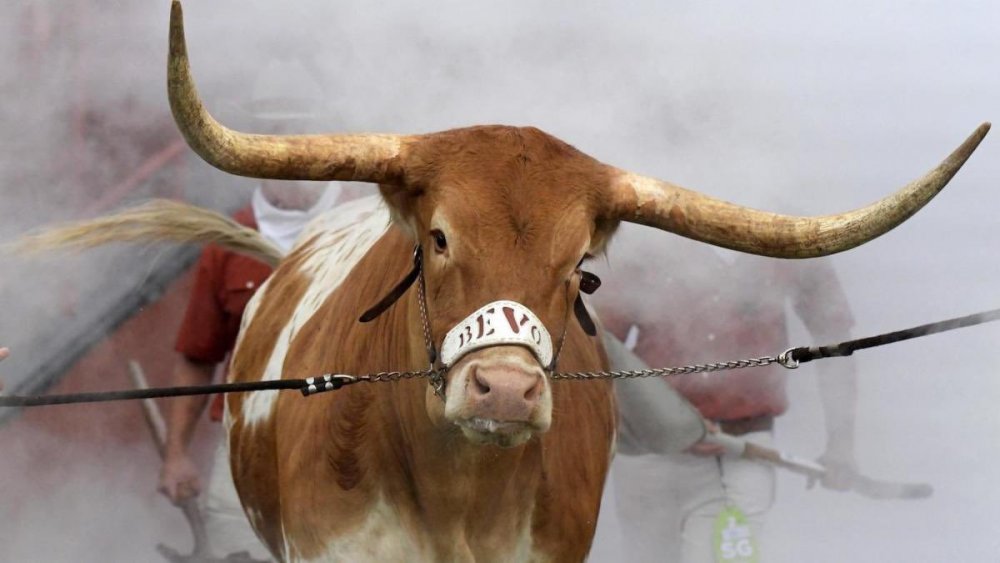
  17. Come on Banks you are Superman. 🙏
  18. Going to have to hit the crossers
  19. Well that sucks after big defensive stop
  20. Damn it come on DEFENSE!
  21. Damn flipped the channel and missed it
  22. This offensive game plan deserves the boos we are hearing
  23. Jerry would give this coaching genius an extension. Punt the damn ball when ahead and your best WR can’t catch a ball

Football ... Basketball ... Baseball ... Other Sports ... Futbol ... 🤫995🤫 ... Gambling ... Movies & TV ... Music ... Hobbies ... Lulz ... Food & Travel ... Daily Texan ... Business & Markets ... Cloak Room ... Help ... For Sale ... Board Discussion ... Advertise... Tailgate Donations

Configure browser push notifications

Chrome (Android)
  1. Tap the lock icon next to the address bar.
  2. Tap Permissions → Notifications.
  3. Adjust your preference.
Chrome (Desktop)
  1. Click the padlock icon in the address bar.
  2. Select Site settings.
  3. Find Notifications and adjust your preference.