


Lou_Sassle
Certifiably Surly
-
Joined
-
Last visited
Everything posted by Lou_Sassle
-
 Bama is at 310.
 -
They are just sooooo painfully stupid and oblivious.....
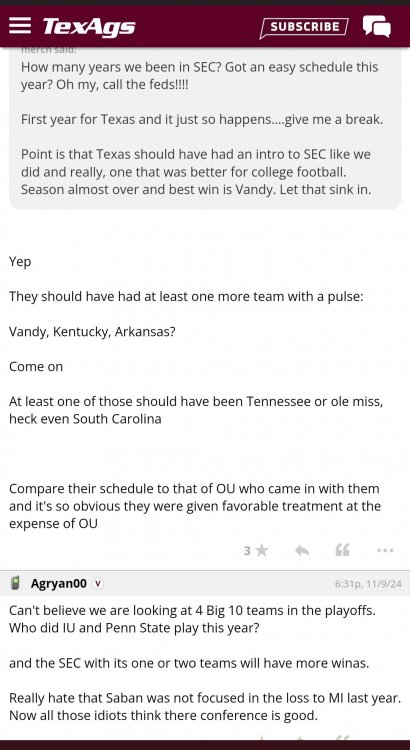
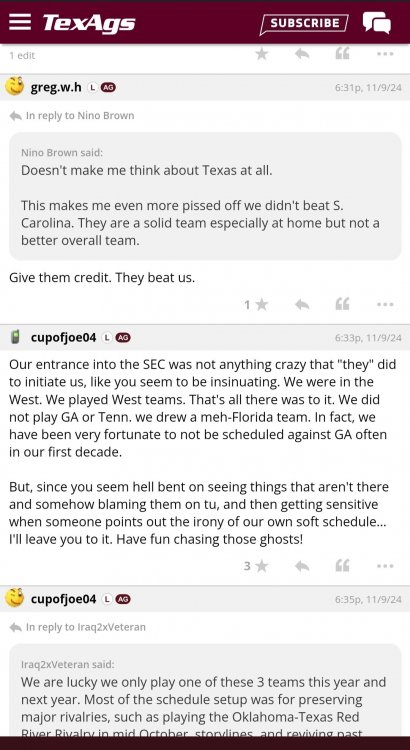
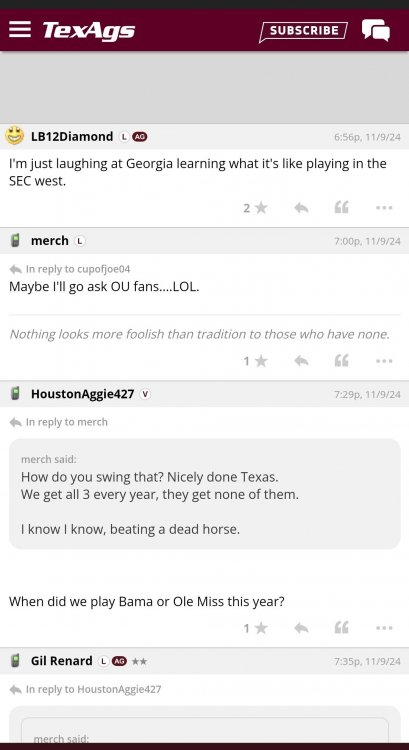
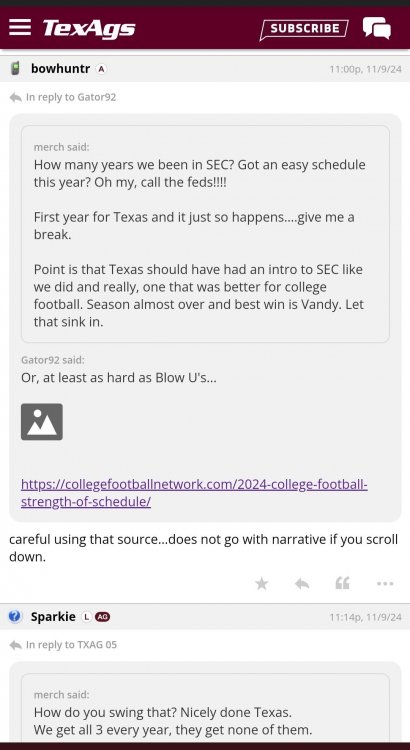
 Lol fuck you, sheep humpers!
Dude looks like a Norman Rockwell painting
Nah... They're light maroon.
More like 4...atm, ou, msu and arkie... just different shades of maroon.
True that
He's an internet white knight... thats what they look like... is this not common knowledge, or do I spend too much time looking at memes?
That girl is fine af
The explanation is... thats jake fromm's mom in the picture.
Subtle....yet elegant.
This is false... he wouldn't be blocking the cock in real life... he would be embracing it with arms wide open.
Football ... Basketball ... Baseball ... Other Sports ... Futbol ... 🤫995🤫 ... Gambling ... Movies & TV ... Music ... Hobbies ... Lulz ... Food & Travel ... Daily Texan ... Business & Markets ... Cloak Room ... Help ... For Sale ... Board Discussion ... Advertise... Tailgate Donations
Lol fuck you, sheep humpers!
Dude looks like a Norman Rockwell painting
Nah... They're light maroon.
More like 4...atm, ou, msu and arkie... just different shades of maroon.
True that
He's an internet white knight... thats what they look like... is this not common knowledge, or do I spend too much time looking at memes?
That girl is fine af
The explanation is... thats jake fromm's mom in the picture.
Subtle....yet elegant.
This is false... he wouldn't be blocking the cock in real life... he would be embracing it with arms wide open.
Football ... Basketball ... Baseball ... Other Sports ... Futbol ... 🤫995🤫 ... Gambling ... Movies & TV ... Music ... Hobbies ... Lulz ... Food & Travel ... Daily Texan ... Business & Markets ... Cloak Room ... Help ... For Sale ... Board Discussion ... Advertise... Tailgate Donations












Account
Search
Configure browser push notifications
Chrome (Android)
- Tap the lock icon next to the address bar.
- Tap Permissions → Notifications.
- Adjust your preference.
Chrome (Desktop)
- Click the padlock icon in the address bar.
- Select Site settings.
- Find Notifications and adjust your preference.
Safari (iOS 16.4+)
- Ensure the site is installed via Add to Home Screen.
- Open Settings App → Notifications.
- Find your app name and adjust your preference.
Safari (macOS)
- Go to Safari → Preferences.
- Click the Websites tab.
- Select Notifications in the sidebar.
- Find this website and adjust your preference.
Edge (Android)
- Tap the lock icon next to the address bar.
- Tap Permissions.
- Find Notifications and adjust your preference.
Edge (Desktop)
- Click the padlock icon in the address bar.
- Click Permissions for this site.
- Find Notifications and adjust your preference.
Firefox (Android)
- Go to Settings → Site permissions.
- Tap Notifications.
- Find this site in the list and adjust your preference.
Firefox (Desktop)
- Open Firefox Settings.
- Search for Notifications.
- Find this site in the list and adjust your preference.