


Lou_Sassle
Certifiably Surly
-
Joined
-
Last visited
Everything posted by Lou_Sassle
-
 Wut? They had 30 yards rushing that entire game...
 -
Weggy is straight cheeks
Their o-line has been so putrid, I'm not sure Arnold would have time for a deep route.
BlowU averaging a sterling 3.6ypc against one of the worst teams in fbs is quite gruntling.
Living the American dream
Too tight!? You could land a jumbo fucking jet in there! Love that movie.
I did....
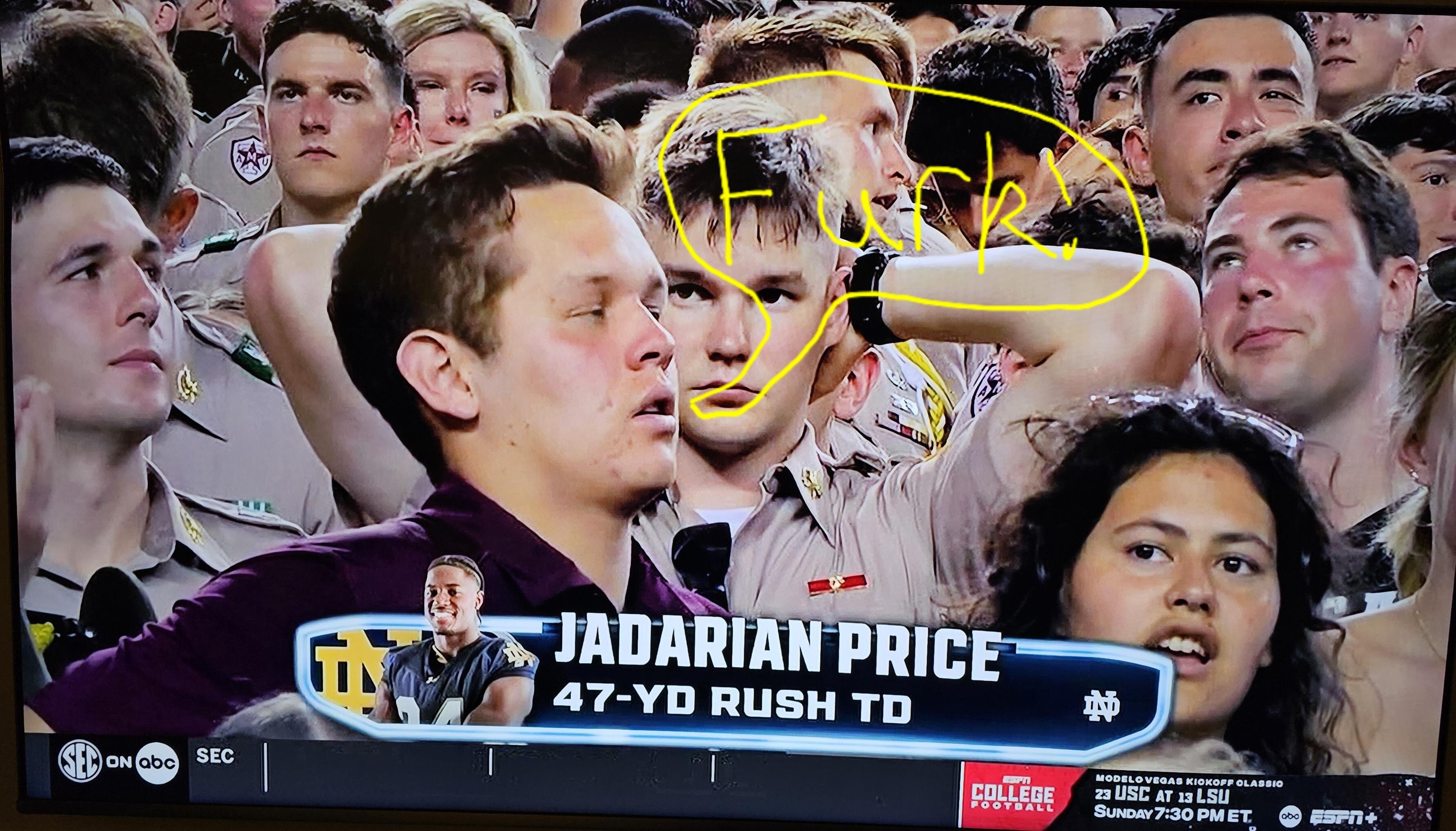
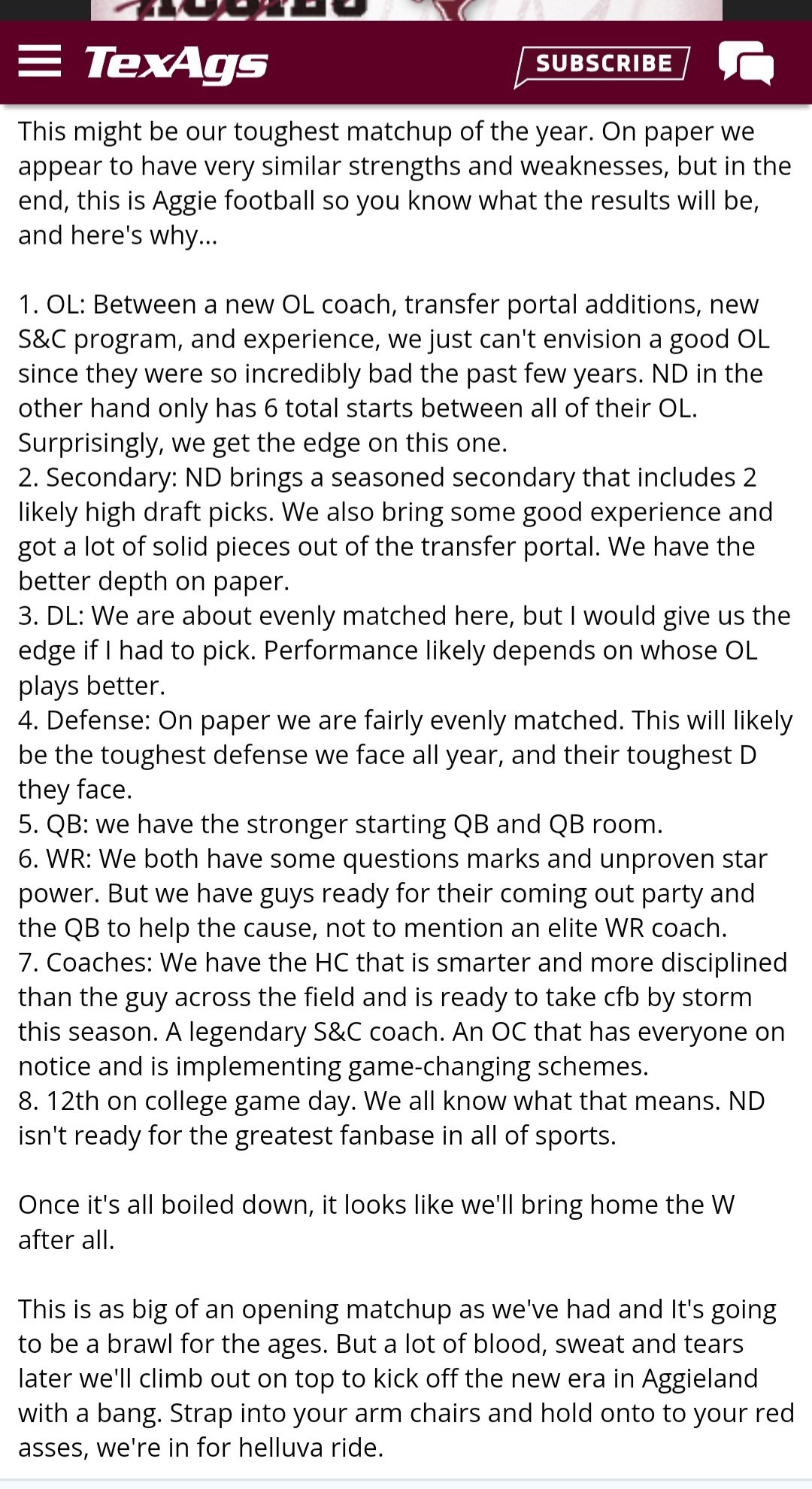
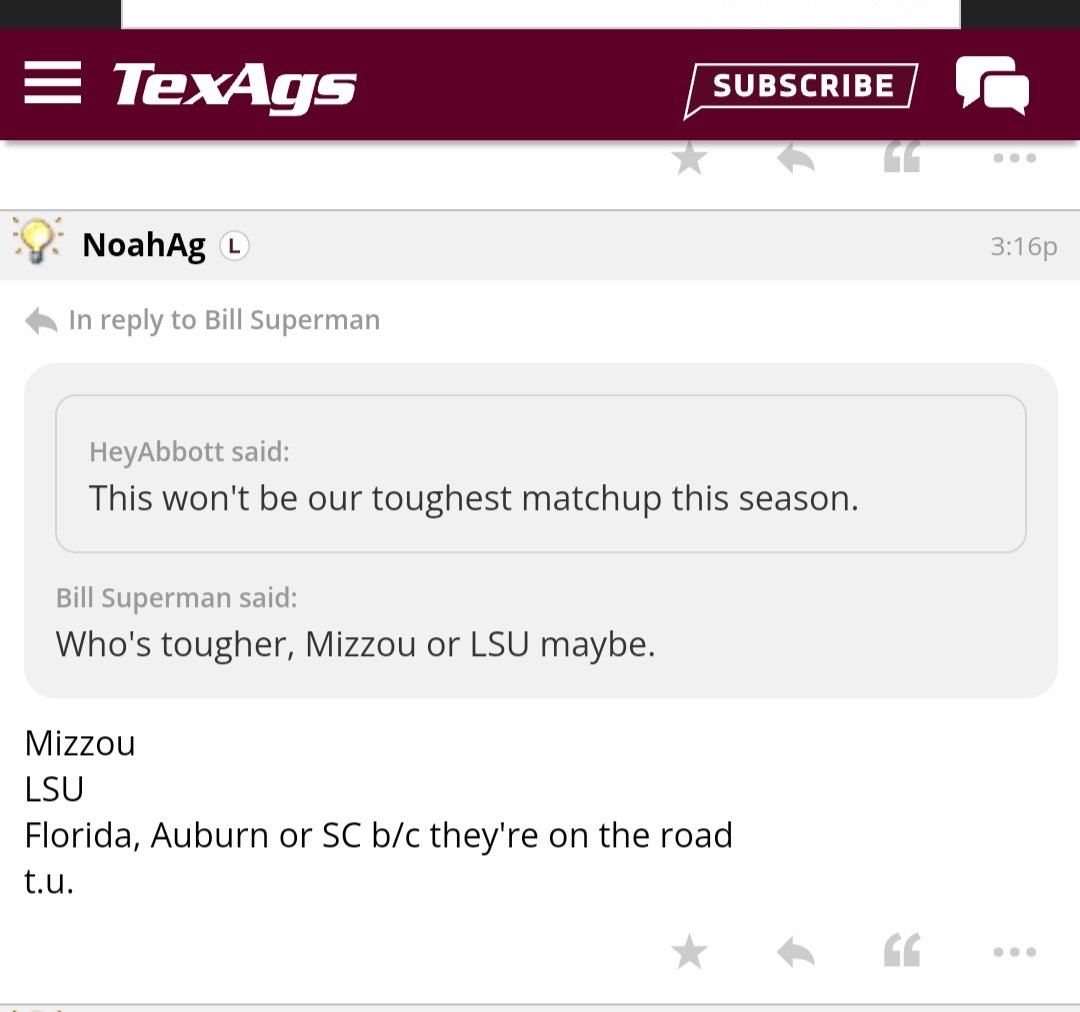
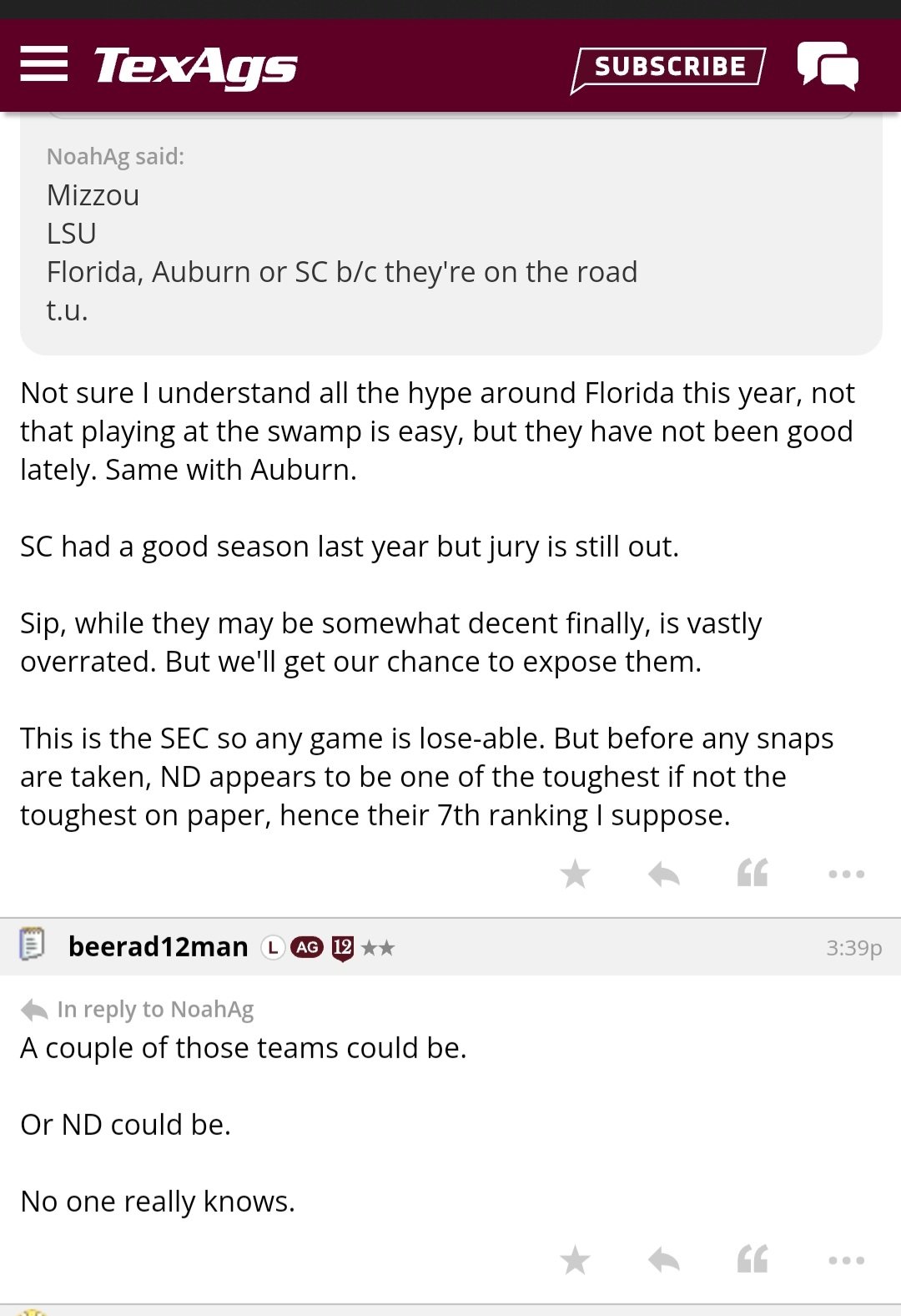
All they have to do is beat ND, their toughest game, and they're all but guaranteed to go on to win a natty!
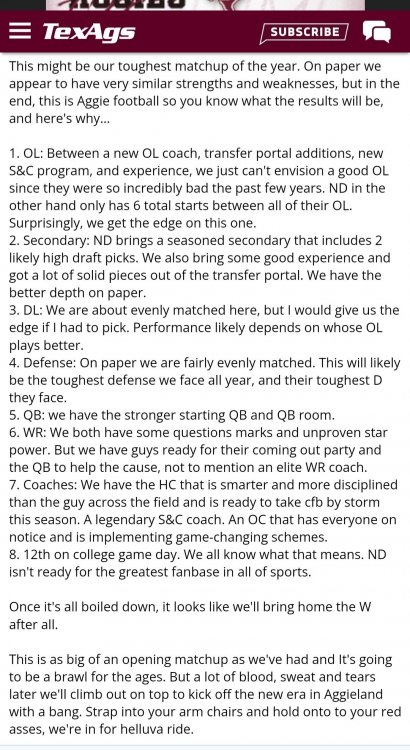
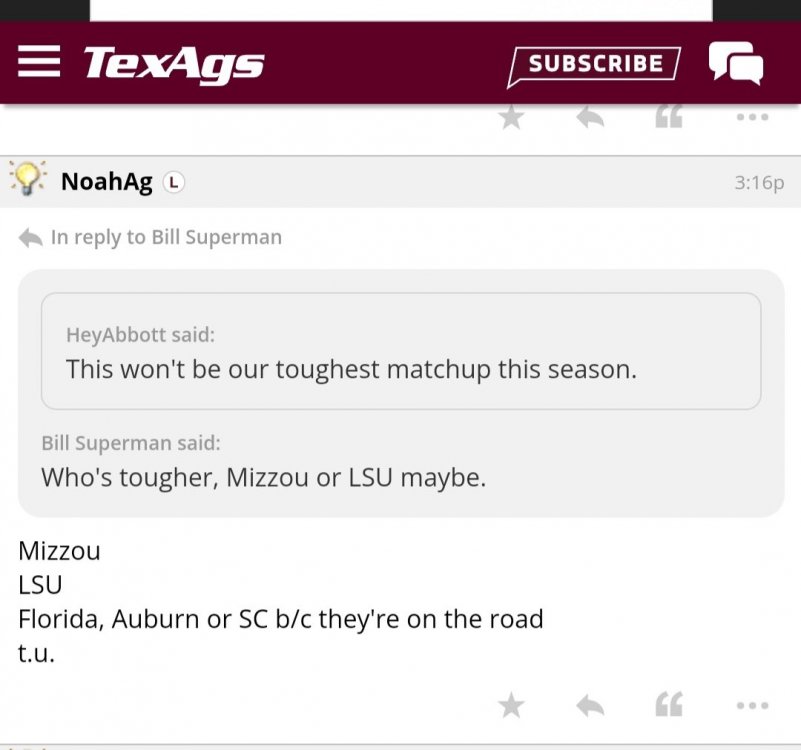
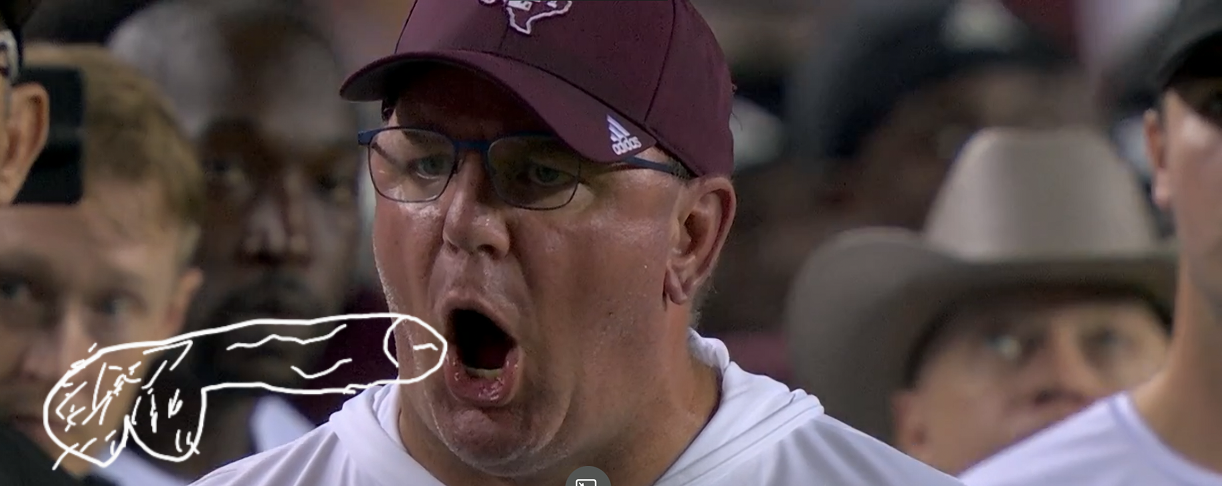
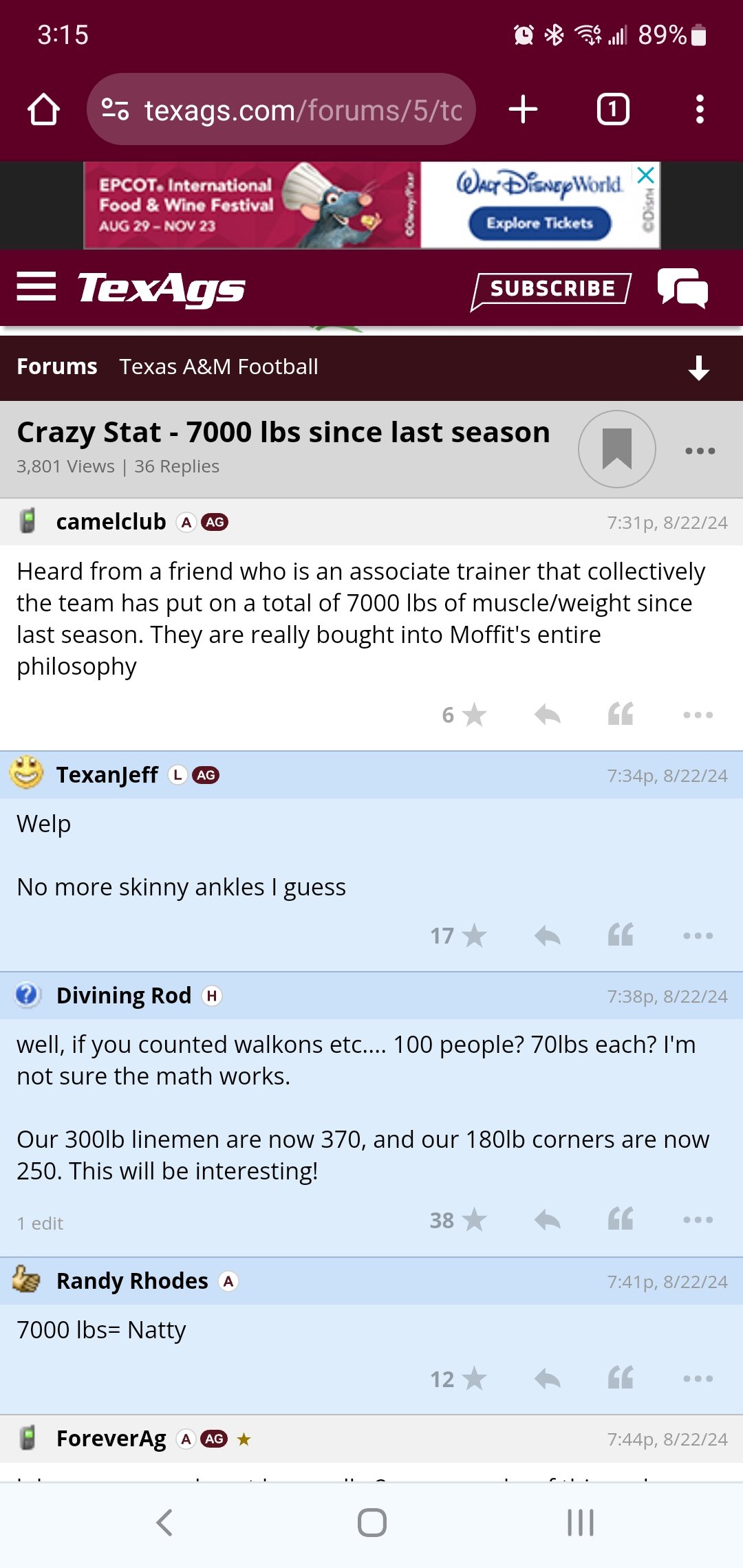
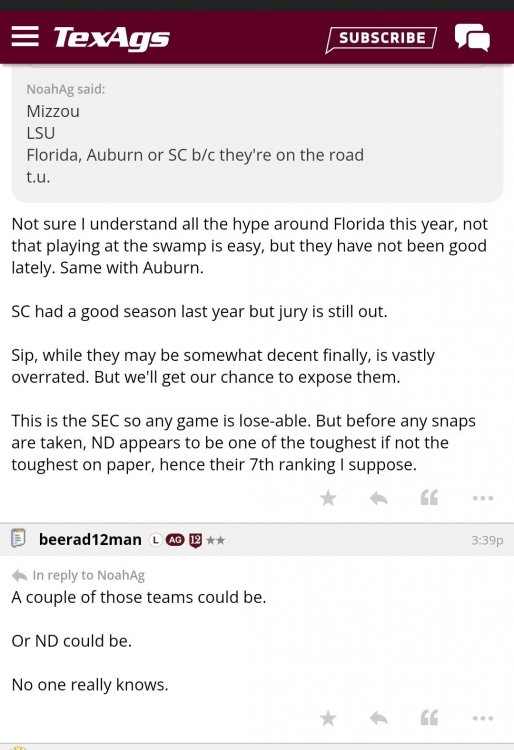 Oh fuck, y'all!!! We might as well forfeit the atm game now so none of our players get hurt from 7000lbs(!!!) of pure muscle!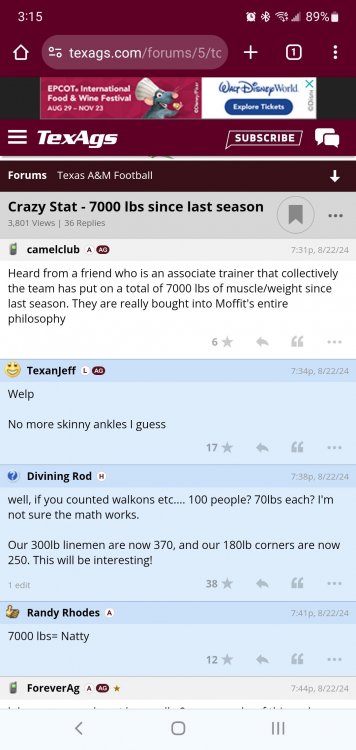










Football ...
Basketball ...
Baseball ...
Other Sports ...
Futbol ...
🤫995🤫 ...
Gambling ...
Movies & TV ...
Music ...
Hobbies ...
Lulz ...
Food & Travel
...
Daily Texan ...
Business & Markets ...
Cloak Room ...
Help ...
For Sale ...
Board Discussion ...
Advertise...
Tailgate Donations
Account
Search
Configure browser push notifications
Chrome (Android)
- Tap the lock icon next to the address bar.
- Tap Permissions → Notifications.
- Adjust your preference.
Chrome (Desktop)
- Click the padlock icon in the address bar.
- Select Site settings.
- Find Notifications and adjust your preference.
Safari (iOS 16.4+)
- Ensure the site is installed via Add to Home Screen.
- Open Settings App → Notifications.
- Find your app name and adjust your preference.
Safari (macOS)
- Go to Safari → Preferences.
- Click the Websites tab.
- Select Notifications in the sidebar.
- Find this website and adjust your preference.
Edge (Android)
- Tap the lock icon next to the address bar.
- Tap Permissions.
- Find Notifications and adjust your preference.
Edge (Desktop)
- Click the padlock icon in the address bar.
- Click Permissions for this site.
- Find Notifications and adjust your preference.
Firefox (Android)
- Go to Settings → Site permissions.
- Tap Notifications.
- Find this site in the list and adjust your preference.
Firefox (Desktop)
- Open Firefox Settings.
- Search for Notifications.
- Find this site in the list and adjust your preference.