
SarksJuggs
Full Members
-
Joined
-
Last visited
Everything posted by SarksJuggs
-
 They’ve been saying that for OU for the last 2 weeks and not shit has happened
I think he forgot to shock the world at 11pm
Must prefer bags of dicks
Shanahan is clearly not a top player…he didn’t even play in the Elite 11.
Fuck around and find out
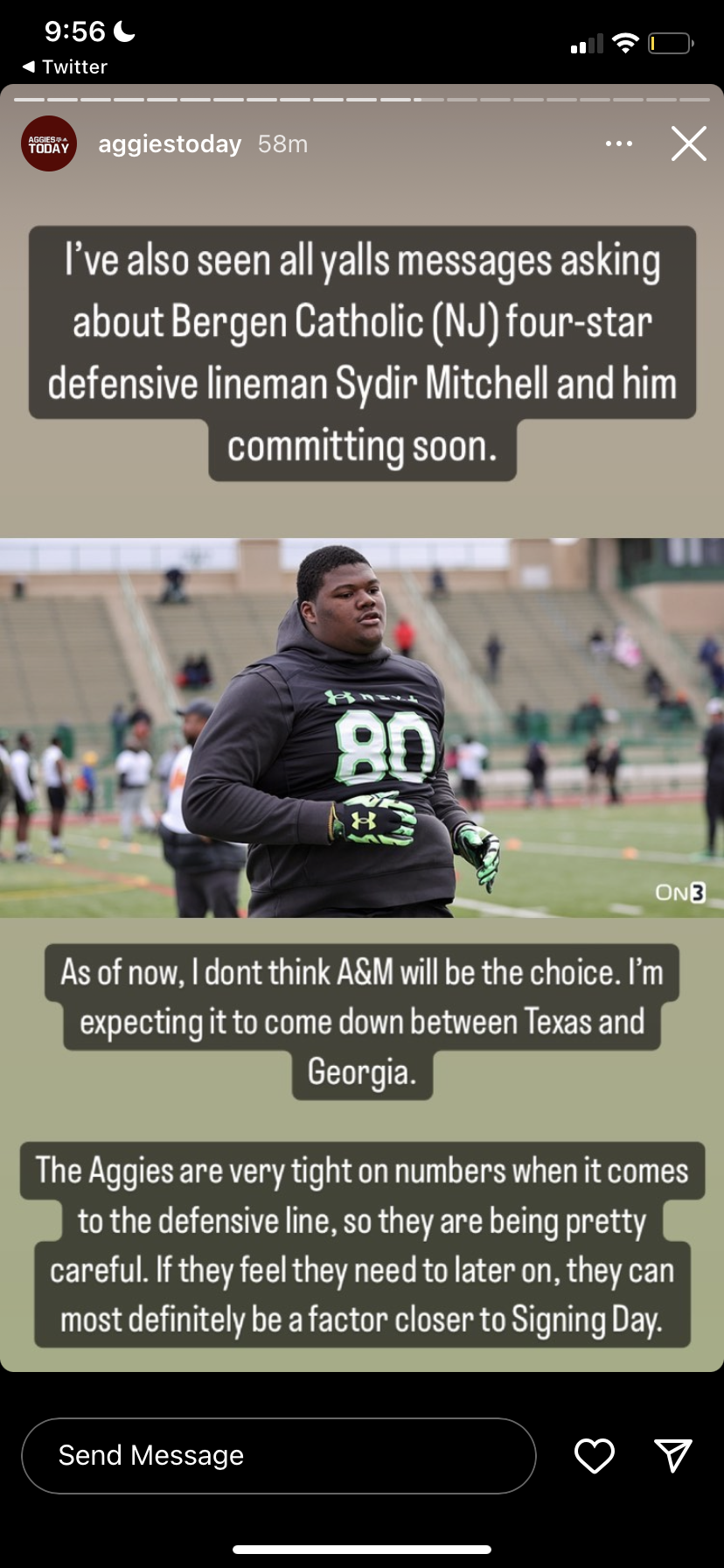
Aggy backed off.
They’ve been saying that for OU for the last 2 weeks and not shit has happened
I think he forgot to shock the world at 11pm
Must prefer bags of dicks
Shanahan is clearly not a top player…he didn’t even play in the Elite 11.
Fuck around and find out
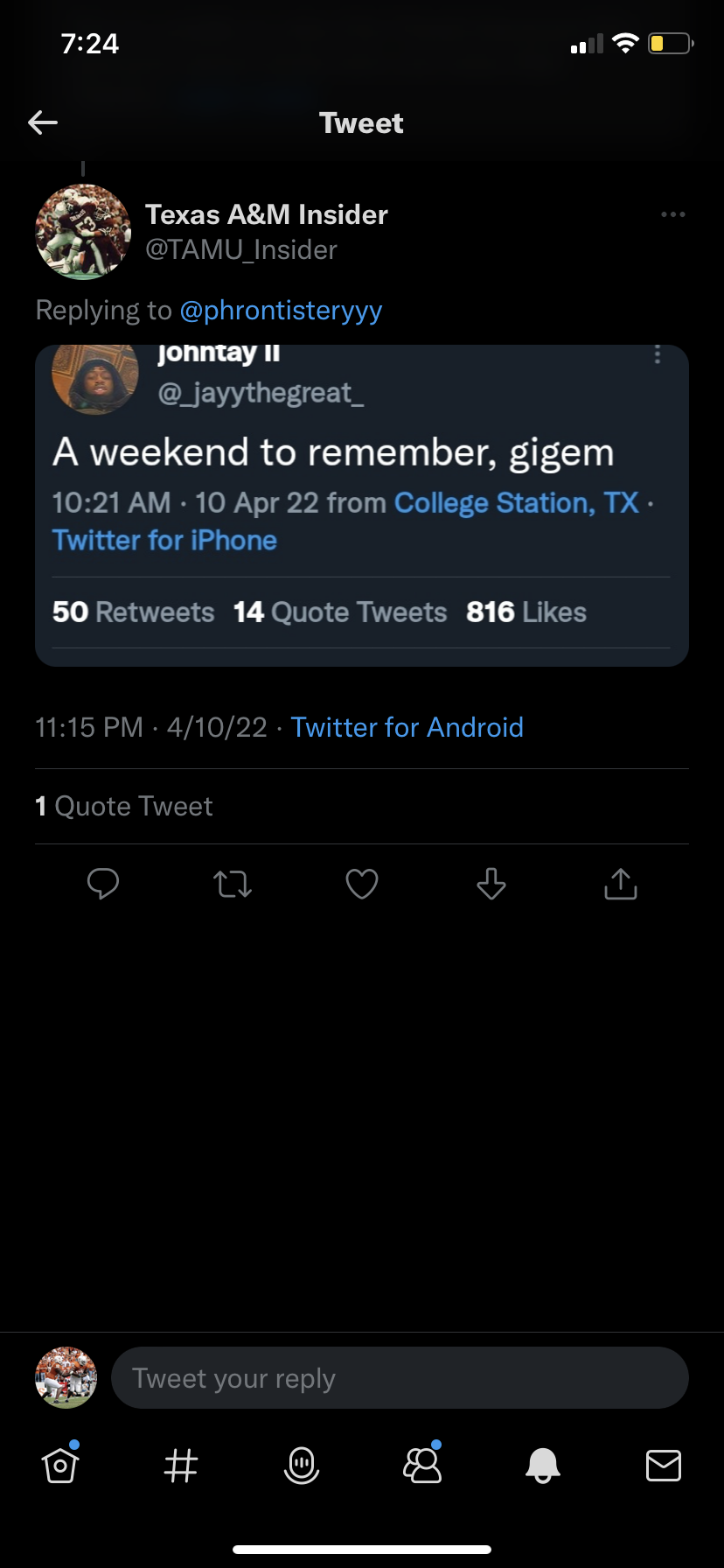
Aggy backed off. Well that’s no fun
They backed off
Pretending like you don’t already have a decision made >
Lol usually it embeds on its own, oh well
https://twitter.com/_jayythegreat_/status/1541876024132214784?s=21&t=Yz914aooI48fIUr-4yXS6g
Our recruiting coordinators and coaches live to troll us
Baxter committing to us fresh off a visit to aggy is the glorious content we all need
What language is that
Lol
Well that’s no fun
They backed off
Pretending like you don’t already have a decision made >
Lol usually it embeds on its own, oh well
https://twitter.com/_jayythegreat_/status/1541876024132214784?s=21&t=Yz914aooI48fIUr-4yXS6g
Our recruiting coordinators and coaches live to troll us
Baxter committing to us fresh off a visit to aggy is the glorious content we all need
What language is that
Lol Football ... Basketball ... Baseball ... Other Sports ... Futbol ... 🤫995🤫 ... Gambling ... Movies & TV ... Music ... Hobbies ... Lulz ... Food & Travel ... Daily Texan ... Business & Markets ... Cloak Room ... Help ... For Sale ... Board Discussion ... Advertise... Tailgate Donations
Account
Search
Configure browser push notifications
Chrome (Android)
- Tap the lock icon next to the address bar.
- Tap Permissions → Notifications.
- Adjust your preference.
Chrome (Desktop)
- Click the padlock icon in the address bar.
- Select Site settings.
- Find Notifications and adjust your preference.
Safari (iOS 16.4+)
- Ensure the site is installed via Add to Home Screen.
- Open Settings App → Notifications.
- Find your app name and adjust your preference.
Safari (macOS)
- Go to Safari → Preferences.
- Click the Websites tab.
- Select Notifications in the sidebar.
- Find this website and adjust your preference.
Edge (Android)
- Tap the lock icon next to the address bar.
- Tap Permissions.
- Find Notifications and adjust your preference.
Edge (Desktop)
- Click the padlock icon in the address bar.
- Click Permissions for this site.
- Find Notifications and adjust your preference.
Firefox (Android)
- Go to Settings → Site permissions.
- Tap Notifications.
- Find this site in the list and adjust your preference.
Firefox (Desktop)
- Open Firefox Settings.
- Search for Notifications.
- Find this site in the list and adjust your preference.