MH BEVO
Full Members
-
Joined
-
Last visited
Everything posted by MH BEVO
-
 No no. Keep up the bravado. Shit’s working.
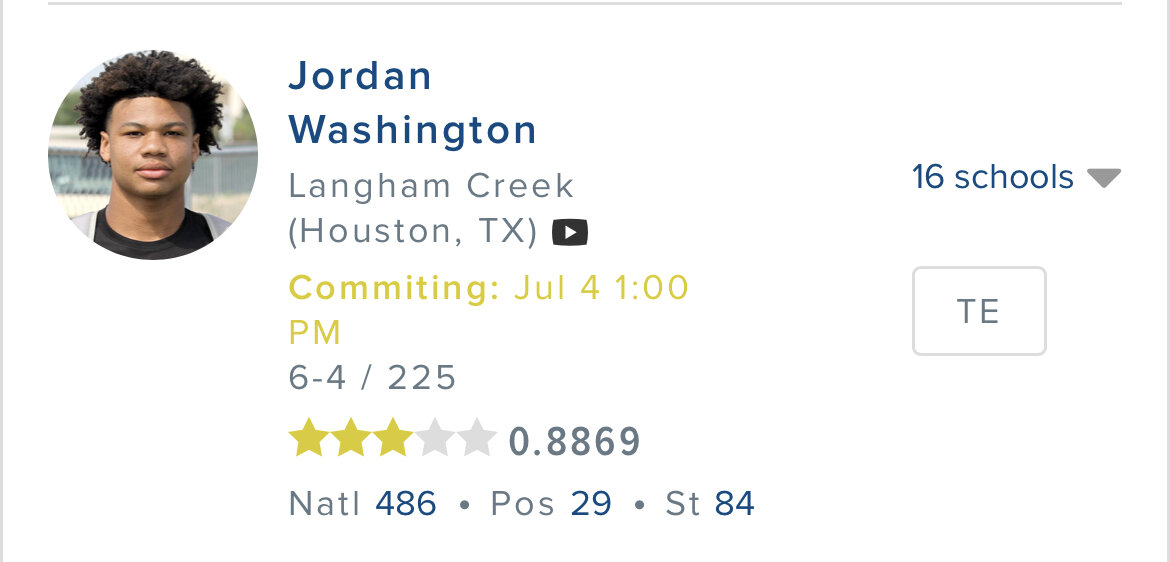
Not sure if the time is accurate but it is today.
No no. Keep up the bravado. Shit’s working.
Not sure if the time is accurate but it is today.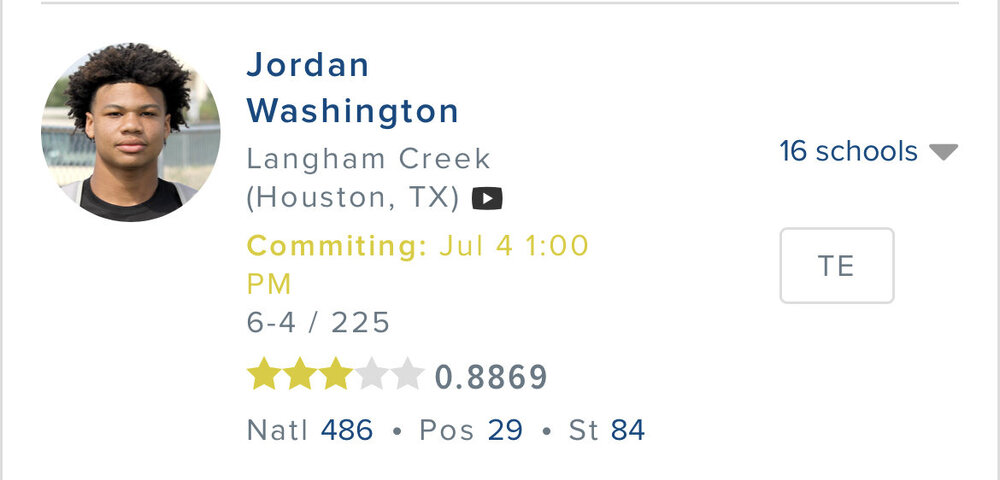 Yea 👀Gerry👀 what do you think.
Hopefully that’s where our money is at as well.
What shitty romance novel is this? 50 shades of maroon: hide yo sheep?
Anwar is that you?
Before we have some fireworks today, do I remember correctly that @RGBIII has a Parker livingstone/aggy story to share post commitment?
“A&M still has a very bad taste in their mouth“
And pair him with Simmons.
Football ... Basketball ... Baseball ... Other Sports ... Futbol ... 🤫995🤫 ... Gambling ... Movies & TV ... Music ... Hobbies ... Lulz ... Food & Travel ... Daily Texan ... Business & Markets ... Cloak Room ... Help ... For Sale ... Board Discussion ... Advertise... Tailgate Donations
Yea 👀Gerry👀 what do you think.
Hopefully that’s where our money is at as well.
What shitty romance novel is this? 50 shades of maroon: hide yo sheep?
Anwar is that you?
Before we have some fireworks today, do I remember correctly that @RGBIII has a Parker livingstone/aggy story to share post commitment?
“A&M still has a very bad taste in their mouth“
And pair him with Simmons.
Football ... Basketball ... Baseball ... Other Sports ... Futbol ... 🤫995🤫 ... Gambling ... Movies & TV ... Music ... Hobbies ... Lulz ... Food & Travel ... Daily Texan ... Business & Markets ... Cloak Room ... Help ... For Sale ... Board Discussion ... Advertise... Tailgate DonationsAccount
Search
Configure browser push notifications
Chrome (Android)
- Tap the lock icon next to the address bar.
- Tap Permissions → Notifications.
- Adjust your preference.
Chrome (Desktop)
- Click the padlock icon in the address bar.
- Select Site settings.
- Find Notifications and adjust your preference.
Safari (iOS 16.4+)
- Ensure the site is installed via Add to Home Screen.
- Open Settings App → Notifications.
- Find your app name and adjust your preference.
Safari (macOS)
- Go to Safari → Preferences.
- Click the Websites tab.
- Select Notifications in the sidebar.
- Find this website and adjust your preference.
Edge (Android)
- Tap the lock icon next to the address bar.
- Tap Permissions.
- Find Notifications and adjust your preference.
Edge (Desktop)
- Click the padlock icon in the address bar.
- Click Permissions for this site.
- Find Notifications and adjust your preference.
Firefox (Android)
- Go to Settings → Site permissions.
- Tap Notifications.
- Find this site in the list and adjust your preference.
Firefox (Desktop)
- Open Firefox Settings.
- Search for Notifications.
- Find this site in the list and adjust your preference.