Born Burnt
Legacy Members
-
Joined
Everything posted by Born Burnt
-
 Yep, this is from a 1981 Texas Monthly article... This gem is from the same article...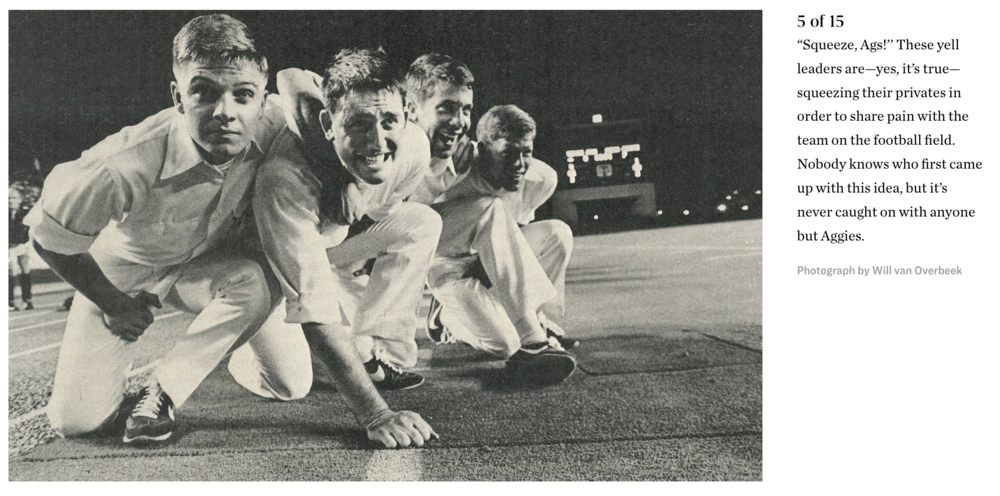

-
-
-
Who accepts a GD 4:00 meeting on a Friday? TEXAS!
Not gonna slog through all these pages of bitching, so don't know if this was posted or not. But here is the Texas Athletics dept. online survey for Saturday's game. Have at it... "Please answer a few questions about your gameday experience at Darrell K Royal-Texas Memorial Stadium this past Saturday at the Wyoming game. Our team will use your feedback to make necessary adjustments to provide you the best possible experience throughout the 2023 season." https://app.texassports.com/fb23wyoming?utm_medium=email&elq_cid=284659&RSRC=Email&RDAT=1943&ehash=1895578ec723d809e8d532094f59aab97fab93198e4daf485a1ab33ed73feee8&elqTrackId=7A012B2F860E630D38843F06F35A0433&elq=d94c0fb15d7a45d79338873731576786&elqaid=1943&elqat=1&elqCampaignId=1666
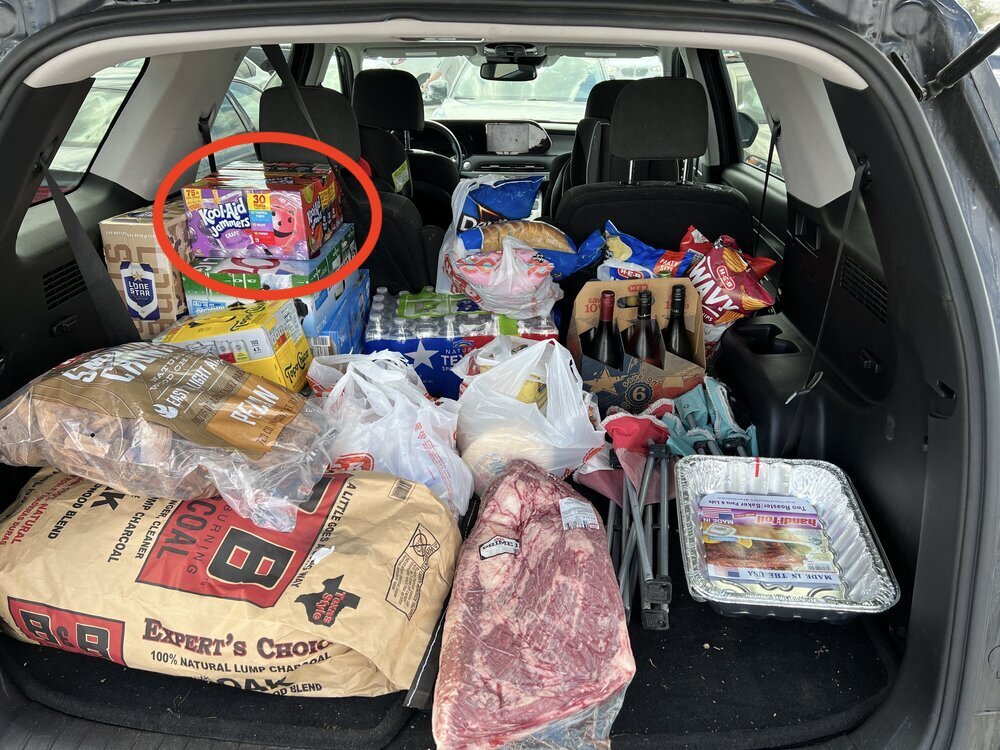
Tailgate gonna be bussin!
 Football ... Basketball ... Baseball ... Other Sports ... Futbol ... 🤫995🤫 ... Gambling ... Movies & TV ... Music ... Hobbies ... Lulz ... Food & Travel ... Daily Texan ... Business & Markets ... Cloak Room ... Help ... For Sale ... Board Discussion ... Advertise... Tailgate Donations
Account
Search
Configure browser push notifications
Chrome (Android)
- Tap the lock icon next to the address bar.
- Tap Permissions → Notifications.
- Adjust your preference.
Chrome (Desktop)
- Click the padlock icon in the address bar.
- Select Site settings.
- Find Notifications and adjust your preference.
Safari (iOS 16.4+)
- Ensure the site is installed via Add to Home Screen.
- Open Settings App → Notifications.
- Find your app name and adjust your preference.
Safari (macOS)
- Go to Safari → Preferences.
- Click the Websites tab.
- Select Notifications in the sidebar.
- Find this website and adjust your preference.
Edge (Android)
- Tap the lock icon next to the address bar.
- Tap Permissions.
- Find Notifications and adjust your preference.
Edge (Desktop)
- Click the padlock icon in the address bar.
- Click Permissions for this site.
- Find Notifications and adjust your preference.
Firefox (Android)
- Go to Settings → Site permissions.
- Tap Notifications.
- Find this site in the list and adjust your preference.
Firefox (Desktop)
- Open Firefox Settings.
- Search for Notifications.
- Find this site in the list and adjust your preference.