
Longboard Horn
Legacy Members
-
Joined
-
Last visited
Everything posted by Longboard Horn
-
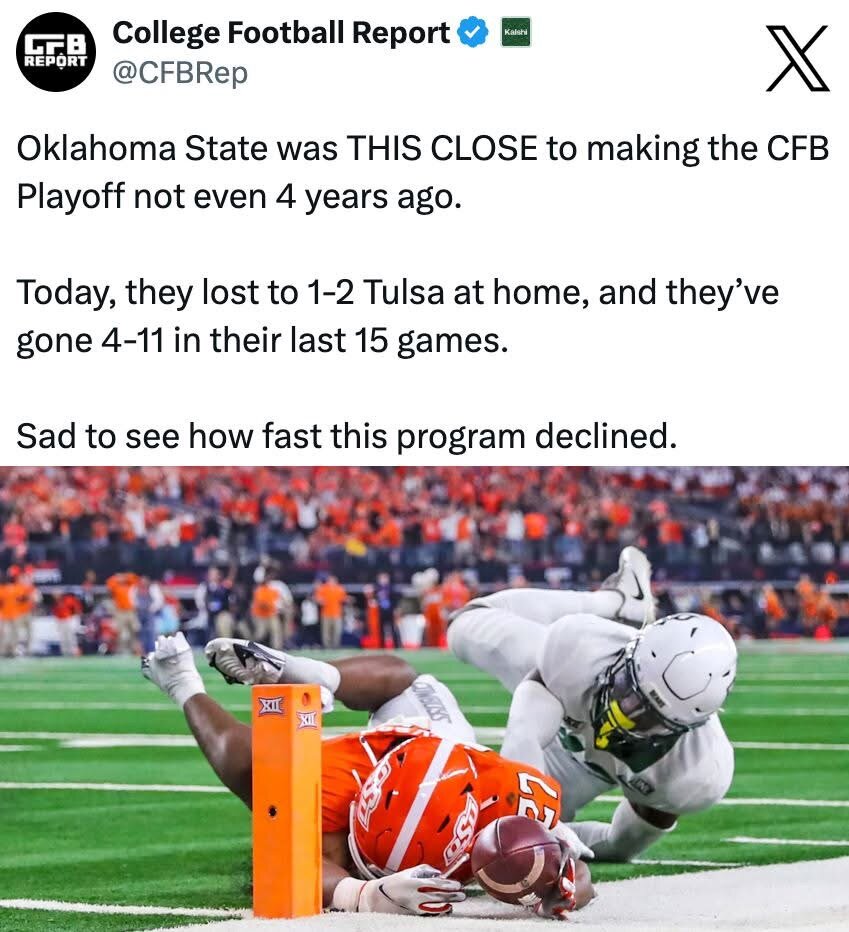
 Cross posting because it's too funny
 -
-
I'm good with either place. Here's the link for Bear and the Butcher for reserving 14 or more people. They also have a button to click for 50+ in your party https://www.bearandthebutcher.com/events
-
God that was painful to read. We haven’t beaten them back to back since I was in high school…
Immamac feeding 750 Surly tailgaters is the same way Jesus fed the 5000.
Wonder who the interim will be. Top two obvious choices: Craig T. Neslon Kyle Chandler
Her on top dude.
LOL I love it when I'm right
Arch stole @Vic Mackey's girl?!
He's a Steelers fan. he doesn't know any better. P.S. fuck them and fuck Aaron Rodgers
The classic quintessential clueless Bert look. It’s borderline erotic!
 Watched some of the game last night(had it on in the bar) and my God that gata first half was atrocious! Will Billy even be their HC when we play them in 2 weeks?Football ... Basketball ... Baseball ... Other Sports ... Futbol ... 🤫995🤫 ... Gambling ... Movies & TV ... Music ... Hobbies ... Lulz ... Food & Travel ... Daily Texan ... Business & Markets ... Cloak Room ... Help ... For Sale ... Board Discussion ... Advertise... Tailgate Donations
Account
Search
Configure browser push notifications
Chrome (Android)
- Tap the lock icon next to the address bar.
- Tap Permissions → Notifications.
- Adjust your preference.
Chrome (Desktop)
- Click the padlock icon in the address bar.
- Select Site settings.
- Find Notifications and adjust your preference.
Safari (iOS 16.4+)
- Ensure the site is installed via Add to Home Screen.
- Open Settings App → Notifications.
- Find your app name and adjust your preference.
Safari (macOS)
- Go to Safari → Preferences.
- Click the Websites tab.
- Select Notifications in the sidebar.
- Find this website and adjust your preference.
Edge (Android)
- Tap the lock icon next to the address bar.
- Tap Permissions.
- Find Notifications and adjust your preference.
Edge (Desktop)
- Click the padlock icon in the address bar.
- Click Permissions for this site.
- Find Notifications and adjust your preference.
Firefox (Android)
- Go to Settings → Site permissions.
- Tap Notifications.
- Find this site in the list and adjust your preference.
Firefox (Desktop)
- Open Firefox Settings.
- Search for Notifications.
- Find this site in the list and adjust your preference.