


deadshank
Legacy Members
-
Joined
-
Last visited
Everything posted by deadshank
-
 She sang it well
 -
Dang. Was listening to him on the way to deer camp this weekend and driving around checking on protein feeders. RIP
-
aggy on ESiPN? No wai !!
In true Surly fashion, the pendulum needs to swing as far to the other end of the arc: Can we lose despite Sark?
Wordle 813 4/6 ⬛🟨⬛⬛⬛ ⬛⬛⬛⬛🟩 ⬛🟨🟩⬛🟩 🟩🟩🟩🟩🟩
Me too. Let you know when we’re done.
Texas to SEC: You’re new overlords have arrived.
CALL THE HOLDING. My word
Game is not over. Pull your pants back up.
Damn. Good for refs review and get the right call
Here comes the home cooking.
Ugh
Keep your head on a swivel, ump.
Dude. Enough. Just stop.
Bama OTs stretching jerseys. Unreal.
One dead soldier. Time to send in reinforcements.
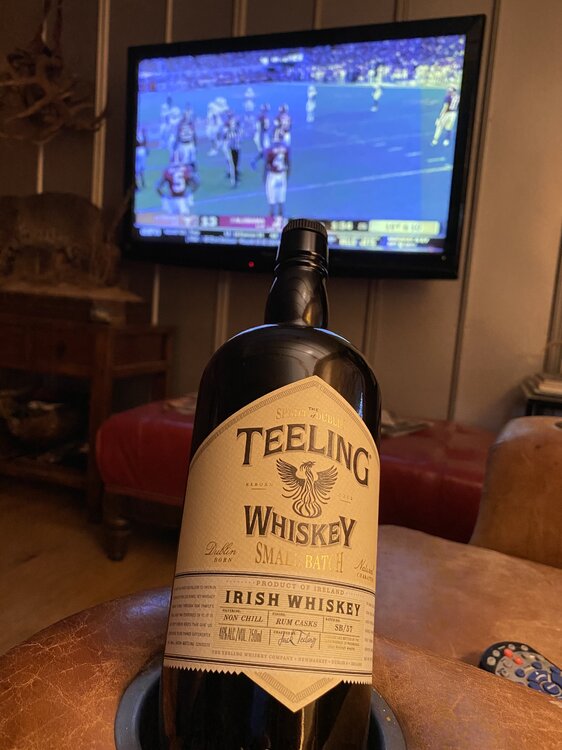 Their OTs are hooking our DEs necks on EVERY play. Truly remarkable.
BAMA corners biting on the short lateral passes. Pump fakes coming soon. WRs stutter and go up field.
Needs to follow his blocker
Fakes macks
Tap the brakes, home chicken.
Bama 74 getting lots of jersey. Lots
Their OTs are hooking our DEs necks on EVERY play. Truly remarkable.
BAMA corners biting on the short lateral passes. Pump fakes coming soon. WRs stutter and go up field.
Needs to follow his blocker
Fakes macks
Tap the brakes, home chicken.
Bama 74 getting lots of jersey. Lots





Football ...
Basketball ...
Baseball ...
Other Sports ...
Futbol ...
🤫995🤫 ...
Gambling ...
Movies & TV ...
Music ...
Hobbies ...
Lulz ...
Food & Travel
...
Daily Texan ...
Business & Markets ...
Cloak Room ...
Help ...
For Sale ...
Board Discussion ...
Advertise...
Tailgate Donations
Account
Search
Configure browser push notifications
Chrome (Android)
- Tap the lock icon next to the address bar.
- Tap Permissions → Notifications.
- Adjust your preference.
Chrome (Desktop)
- Click the padlock icon in the address bar.
- Select Site settings.
- Find Notifications and adjust your preference.
Safari (iOS 16.4+)
- Ensure the site is installed via Add to Home Screen.
- Open Settings App → Notifications.
- Find your app name and adjust your preference.
Safari (macOS)
- Go to Safari → Preferences.
- Click the Websites tab.
- Select Notifications in the sidebar.
- Find this website and adjust your preference.
Edge (Android)
- Tap the lock icon next to the address bar.
- Tap Permissions.
- Find Notifications and adjust your preference.
Edge (Desktop)
- Click the padlock icon in the address bar.
- Click Permissions for this site.
- Find Notifications and adjust your preference.
Firefox (Android)
- Go to Settings → Site permissions.
- Tap Notifications.
- Find this site in the list and adjust your preference.
Firefox (Desktop)
- Open Firefox Settings.
- Search for Notifications.
- Find this site in the list and adjust your preference.