


Alex Karev
Legacy Members
-
Joined
-
Last visited
Everything posted by Alex Karev
-
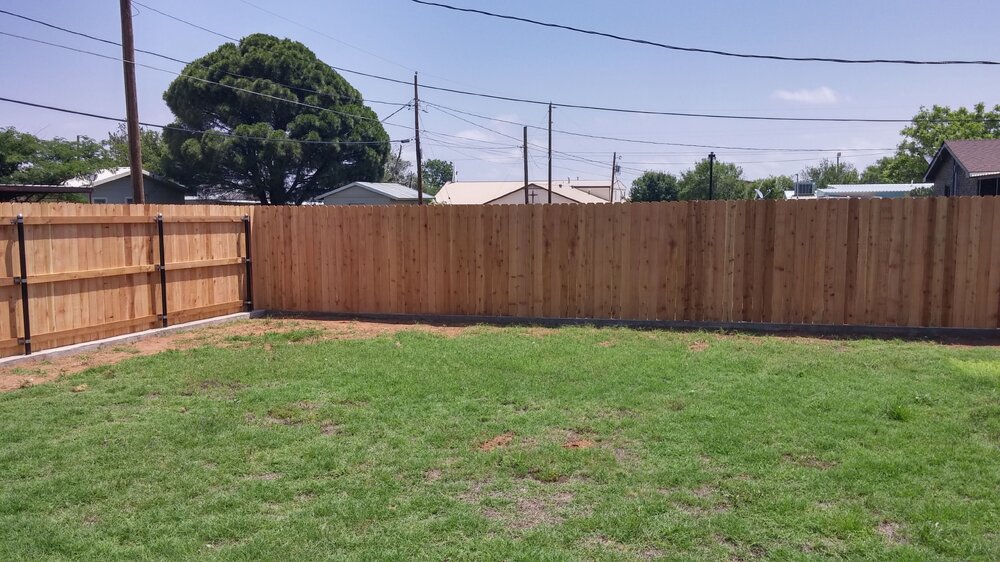
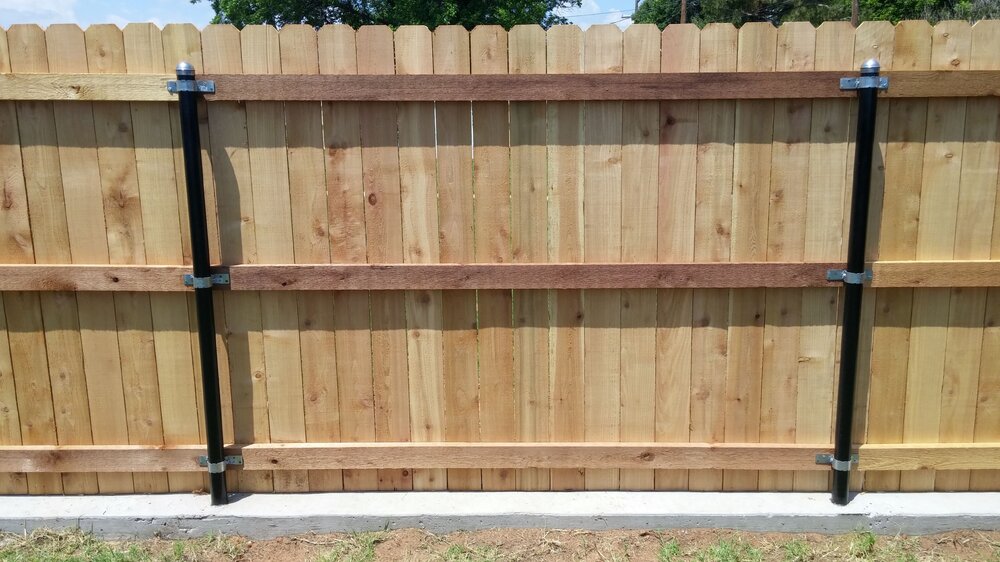
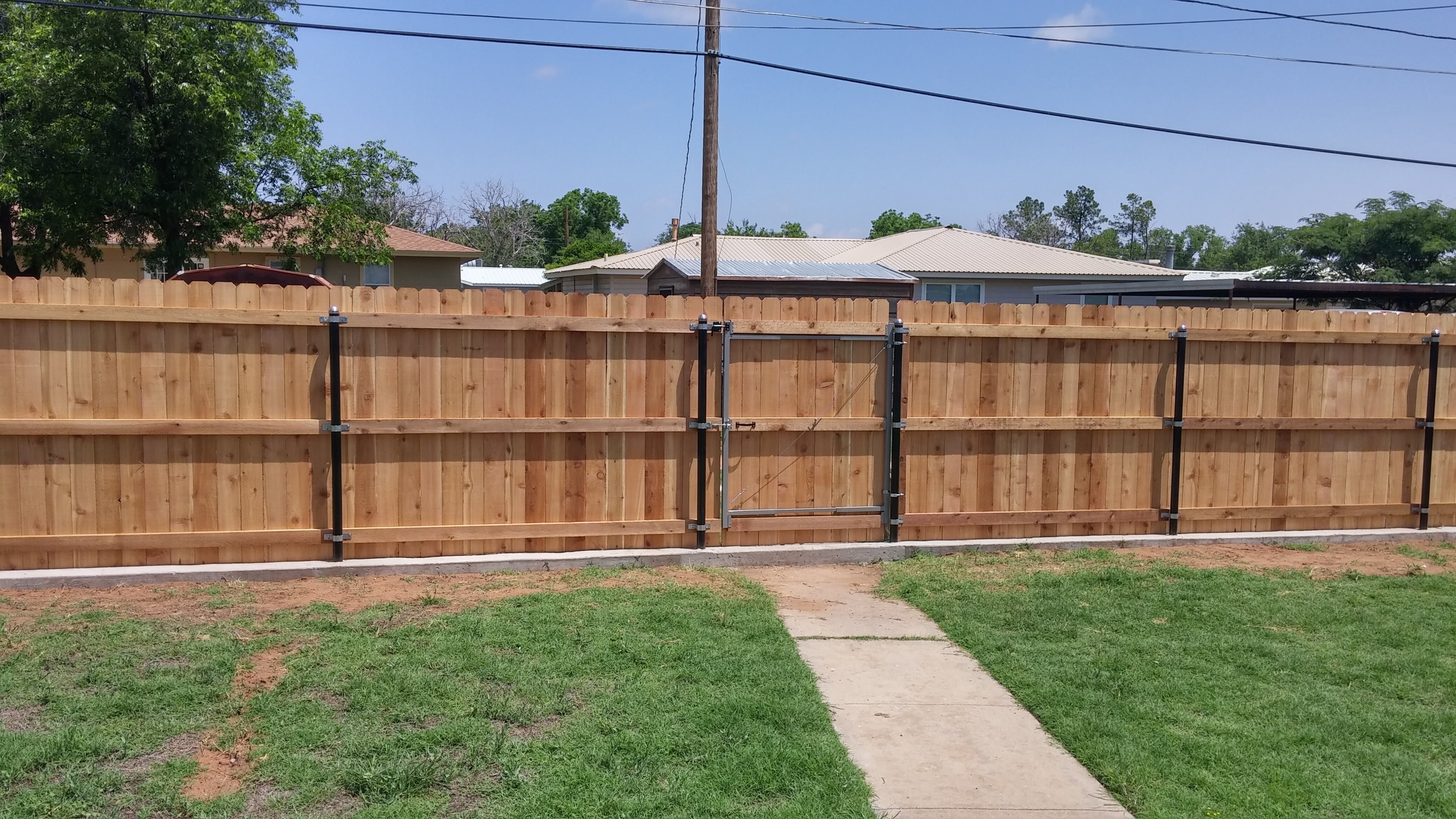
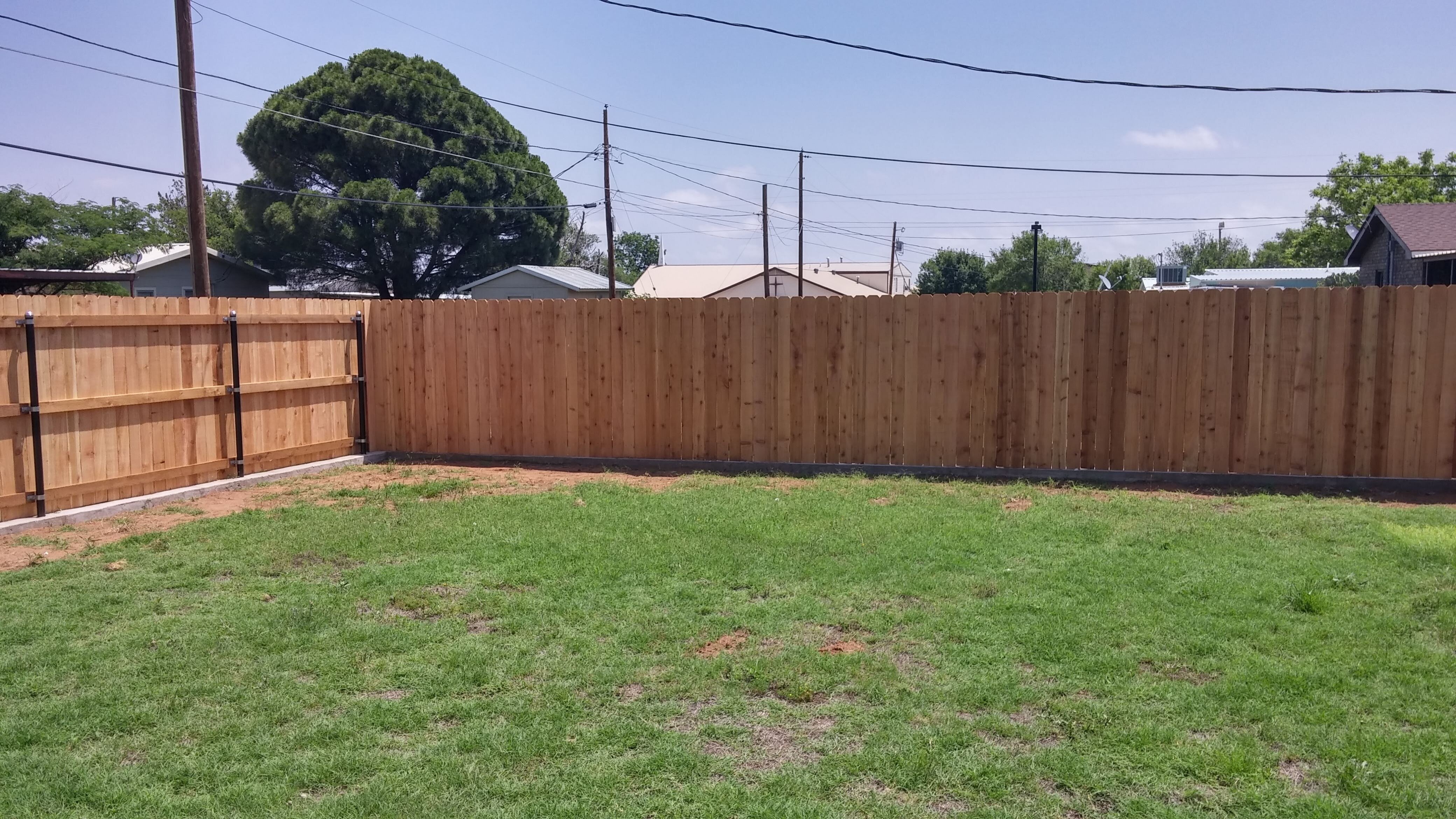
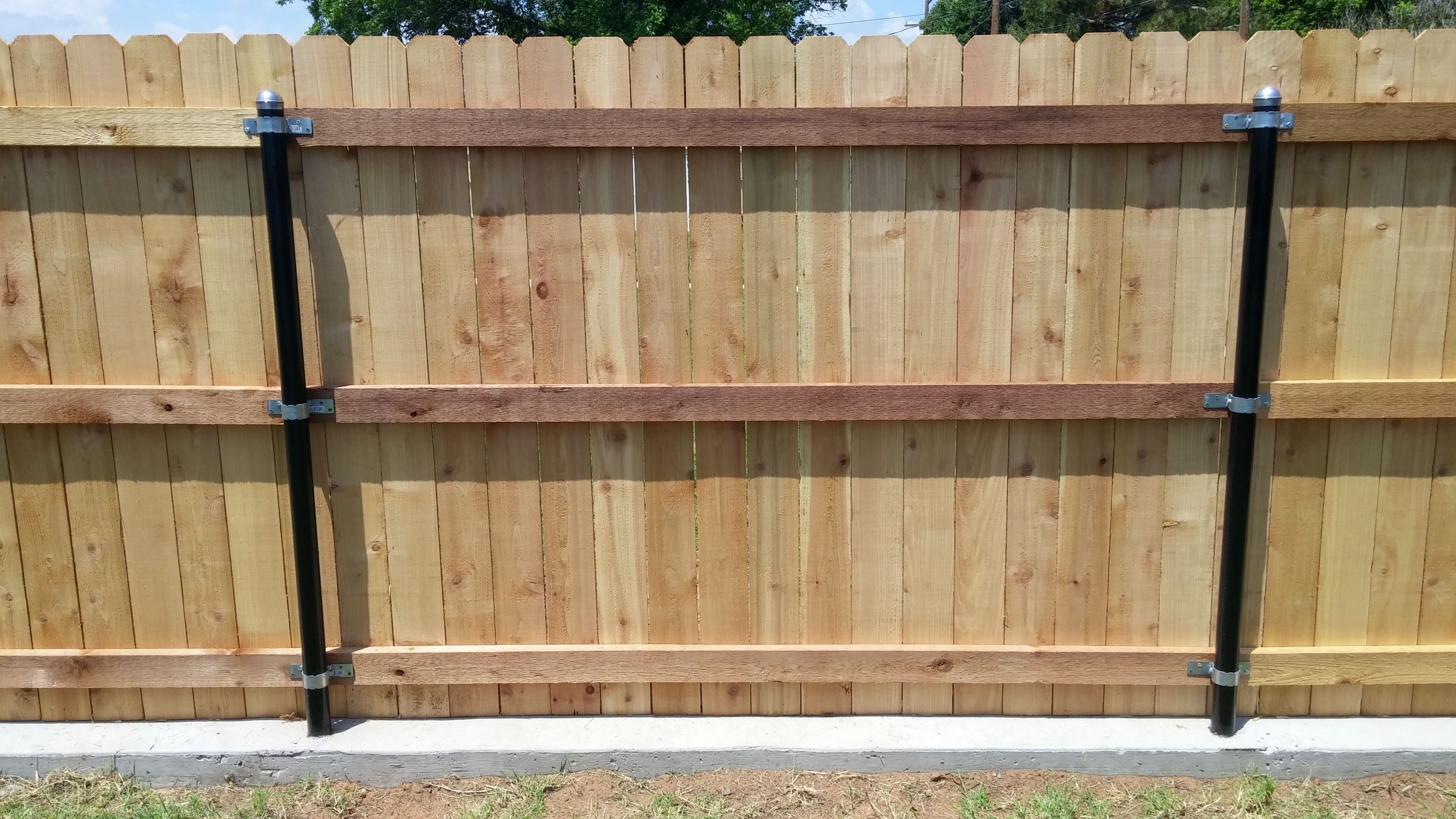
 I built this for my In-Laws and the 2 Neighbors on each side paid me for their part without question. Poured the foundation 8 inches deep by 9 inches wide with 2 runs of steel rebar inforcement. I used Western Red Cedar 2x4s and Pickets from Home Depot. For Post i used 2 1/4 oil field pipe. This fence will be there for years to come.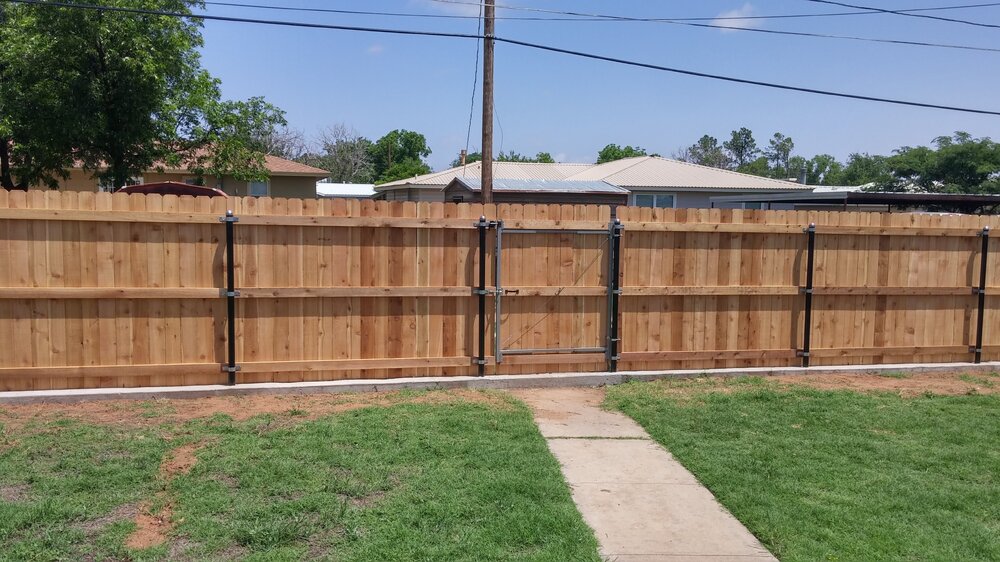
-
Merry Christmas and Hook 'em!

-
Merry Christmas to all!
 Welcome to the 40 Aaron!
 Hook'em Aaron! Lets Go!
 I guess he can't find his hat sack.
Wait till we play them and see who gets the big win. It's going to be all Longhorns!
I guess he can't find his hat sack.
Wait till we play them and see who gets the big win. It's going to be all Longhorns!






.gif.6643a0e07f899afb9eb4bd22ffcd9b74.gif)










Football ...
Basketball ...
Baseball ...
Other Sports ...
Futbol ...
🤫995🤫 ...
Gambling ...
Movies & TV ...
Music ...
Hobbies ...
Lulz ...
Food & Travel
...
Daily Texan ...
Business & Markets ...
Cloak Room ...
Help ...
For Sale ...
Board Discussion ...
Advertise...
Tailgate Donations
Account
Search
Configure browser push notifications
Chrome (Android)
- Tap the lock icon next to the address bar.
- Tap Permissions → Notifications.
- Adjust your preference.
Chrome (Desktop)
- Click the padlock icon in the address bar.
- Select Site settings.
- Find Notifications and adjust your preference.
Safari (iOS 16.4+)
- Ensure the site is installed via Add to Home Screen.
- Open Settings App → Notifications.
- Find your app name and adjust your preference.
Safari (macOS)
- Go to Safari → Preferences.
- Click the Websites tab.
- Select Notifications in the sidebar.
- Find this website and adjust your preference.
Edge (Android)
- Tap the lock icon next to the address bar.
- Tap Permissions.
- Find Notifications and adjust your preference.
Edge (Desktop)
- Click the padlock icon in the address bar.
- Click Permissions for this site.
- Find Notifications and adjust your preference.
Firefox (Android)
- Go to Settings → Site permissions.
- Tap Notifications.
- Find this site in the list and adjust your preference.
Firefox (Desktop)
- Open Firefox Settings.
- Search for Notifications.
- Find this site in the list and adjust your preference.