
Hpara759
Certifiably Surly
-
Joined
-
Last visited
Everything posted by Hpara759
-
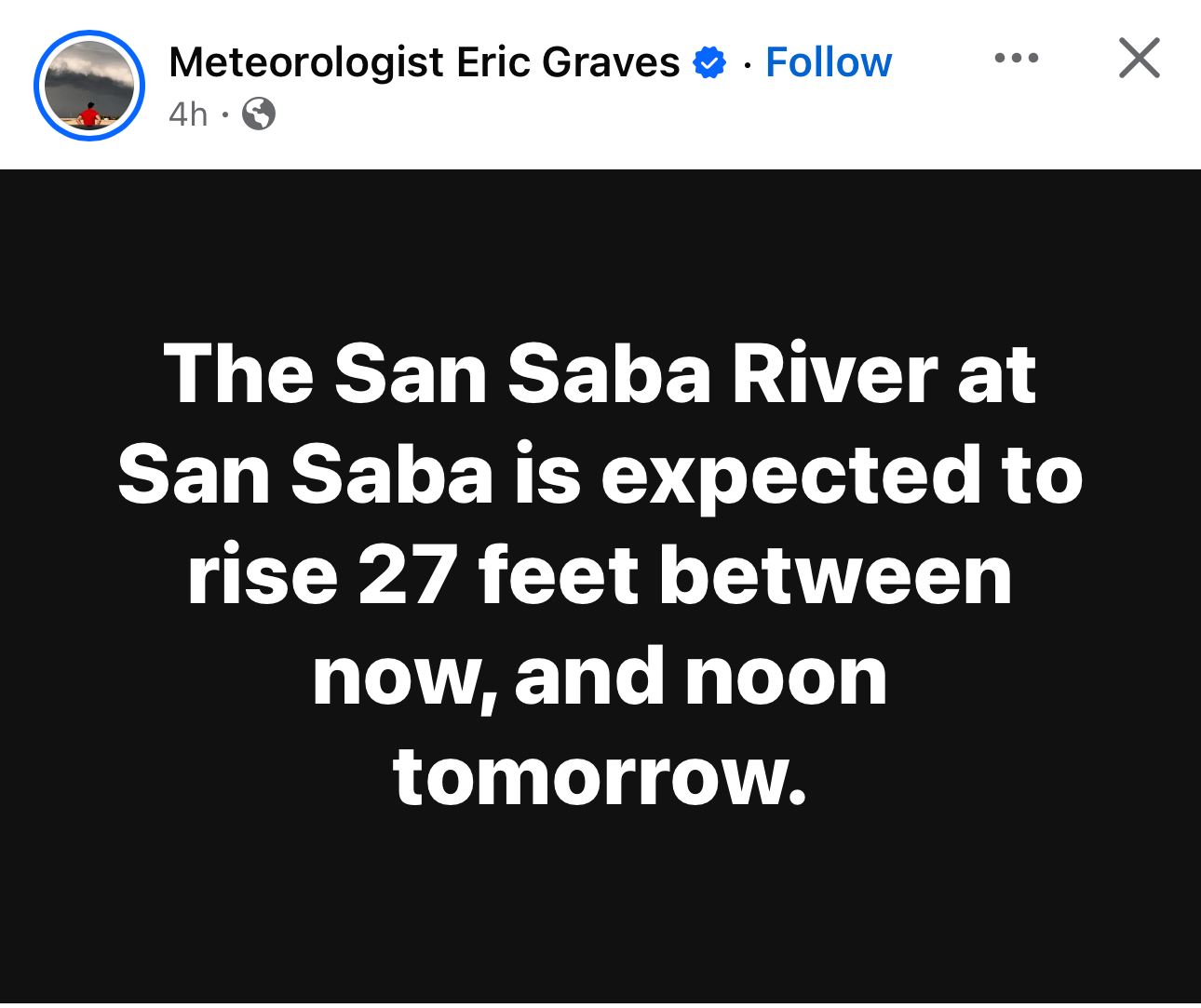
 Xcel Energy outage map getting active
 -
Look at the travel for district 3-3A D-2
-
No calf fries or frog legs....bogus list
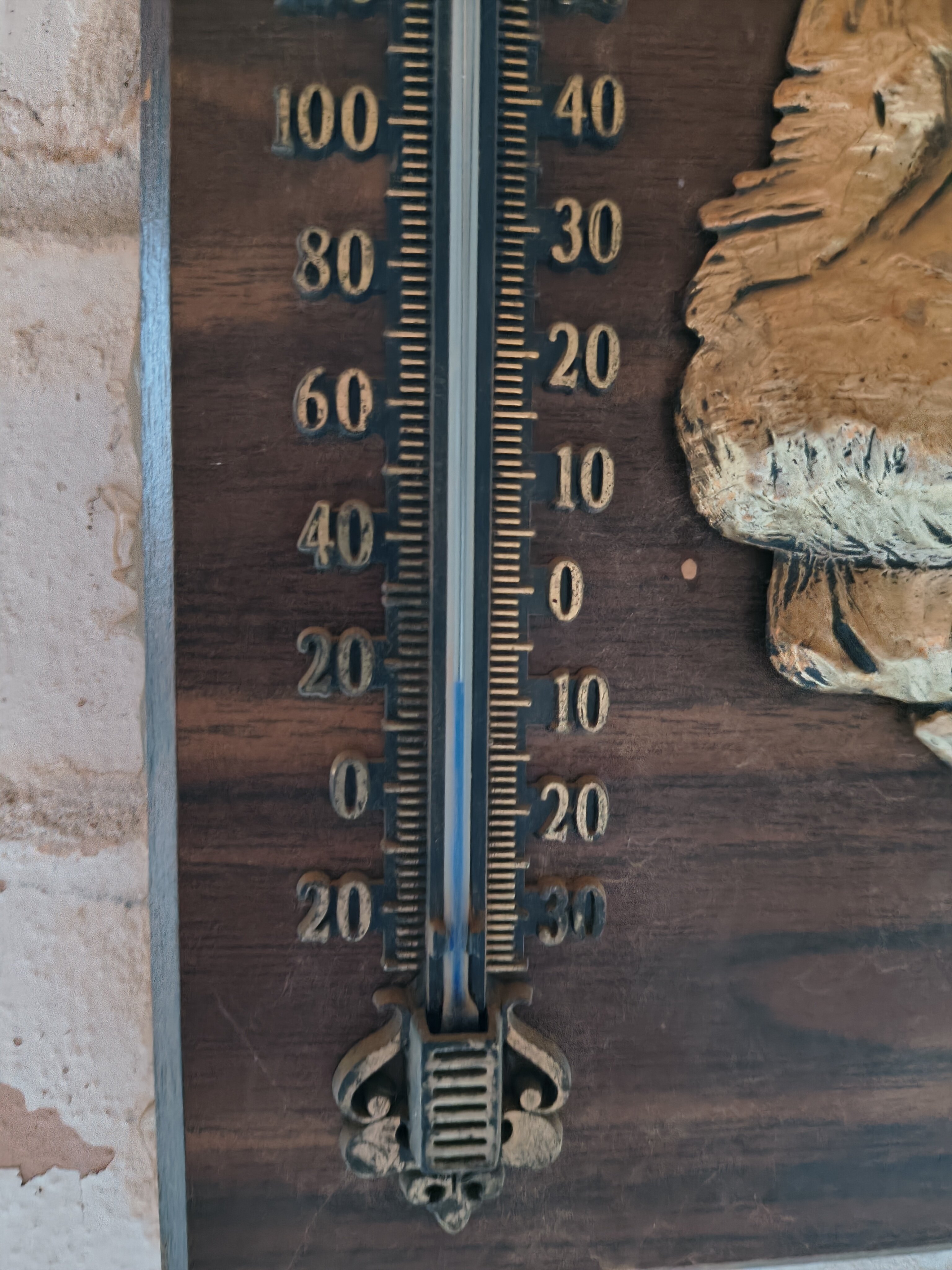
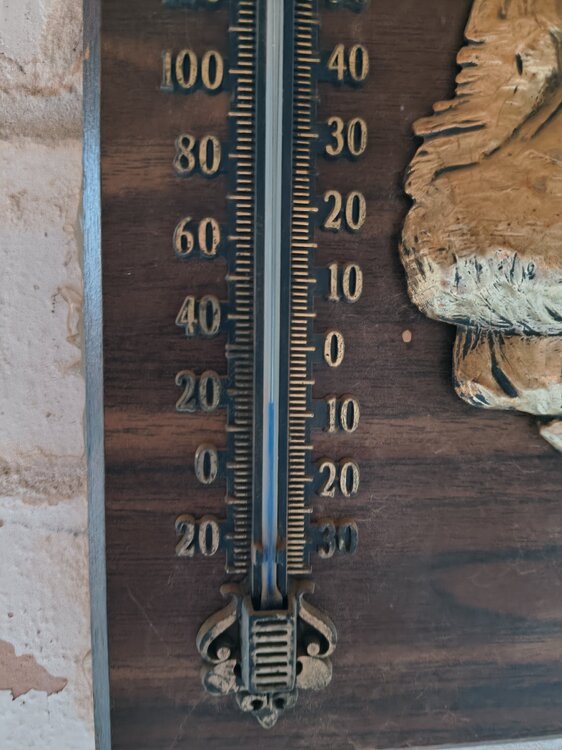
Hey guys! Its fresh in Bushland Tx tonight!
Bushland this morning
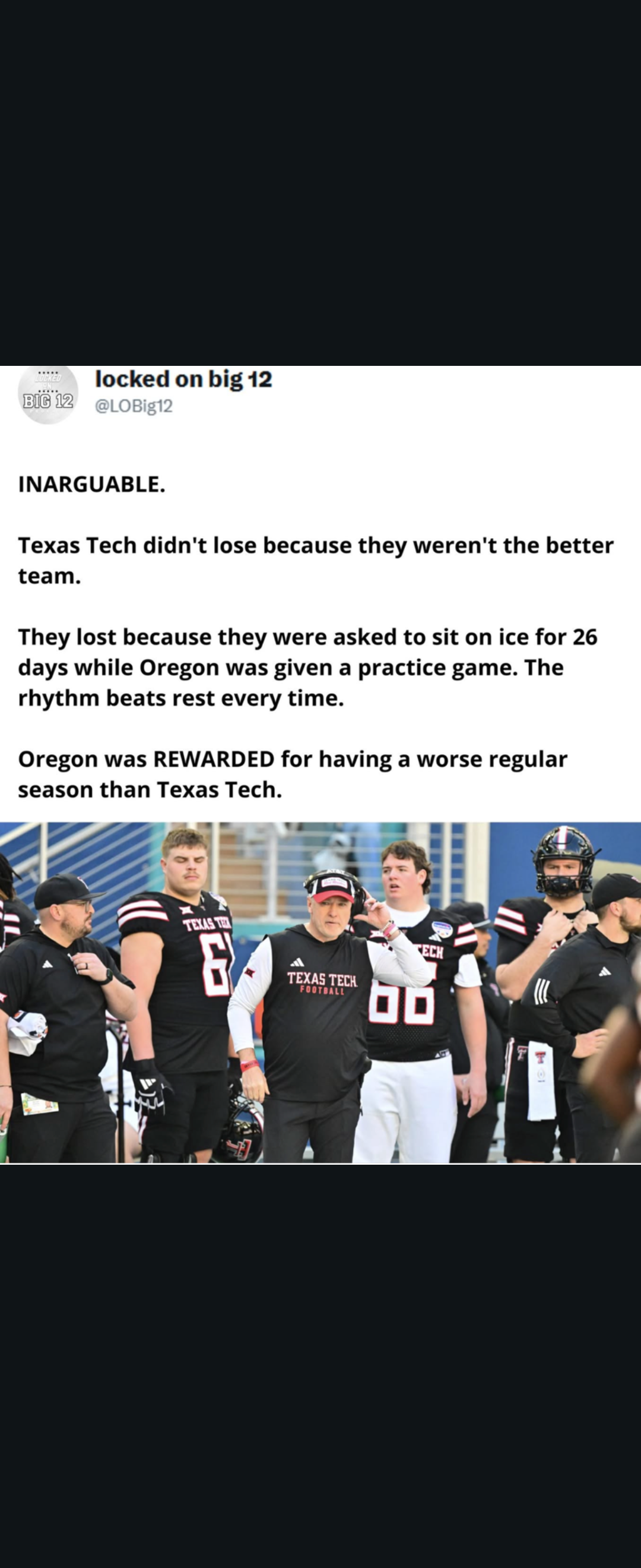
 God I hate it when they show him in that position on TV
"This team" also beat UTEP by 2 td"s and was taken to to OT by Kentucky and Miss St. So there's that
Dubai???
Storming the field when you beat tceh...
God I hate it when they show him in that position on TV
"This team" also beat UTEP by 2 td"s and was taken to to OT by Kentucky and Miss St. So there's that
Dubai???
Storming the field when you beat tceh... poor tcehFootball ... Basketball ... Baseball ... Other Sports ... Futbol ... 🤫995🤫 ... Gambling ... Movies & TV ... Music ... Hobbies ... Lulz ... Food & Travel ... Daily Texan ... Business & Markets ... Cloak Room ... Help ... For Sale ... Board Discussion ... Advertise... Tailgate Donations
Account
Search
Configure browser push notifications
Chrome (Android)
- Tap the lock icon next to the address bar.
- Tap Permissions → Notifications.
- Adjust your preference.
Chrome (Desktop)
- Click the padlock icon in the address bar.
- Select Site settings.
- Find Notifications and adjust your preference.
Safari (iOS 16.4+)
- Ensure the site is installed via Add to Home Screen.
- Open Settings App → Notifications.
- Find your app name and adjust your preference.
Safari (macOS)
- Go to Safari → Preferences.
- Click the Websites tab.
- Select Notifications in the sidebar.
- Find this website and adjust your preference.
Edge (Android)
- Tap the lock icon next to the address bar.
- Tap Permissions.
- Find Notifications and adjust your preference.
Edge (Desktop)
- Click the padlock icon in the address bar.
- Click Permissions for this site.
- Find Notifications and adjust your preference.
Firefox (Android)
- Go to Settings → Site permissions.
- Tap Notifications.
- Find this site in the list and adjust your preference.
Firefox (Desktop)
- Open Firefox Settings.
- Search for Notifications.
- Find this site in the list and adjust your preference.





.jpg.7de129531d55cf1f4267b76e3f357c56.jpg)