
Hpara759
Certifiably Surly
-
Joined
-
Last visited
Everything posted by Hpara759
-
 WwHydb.mp4
 -
Now you know why
The crew working Ol Miss and ou
 Refs were trying their best not to let it happen
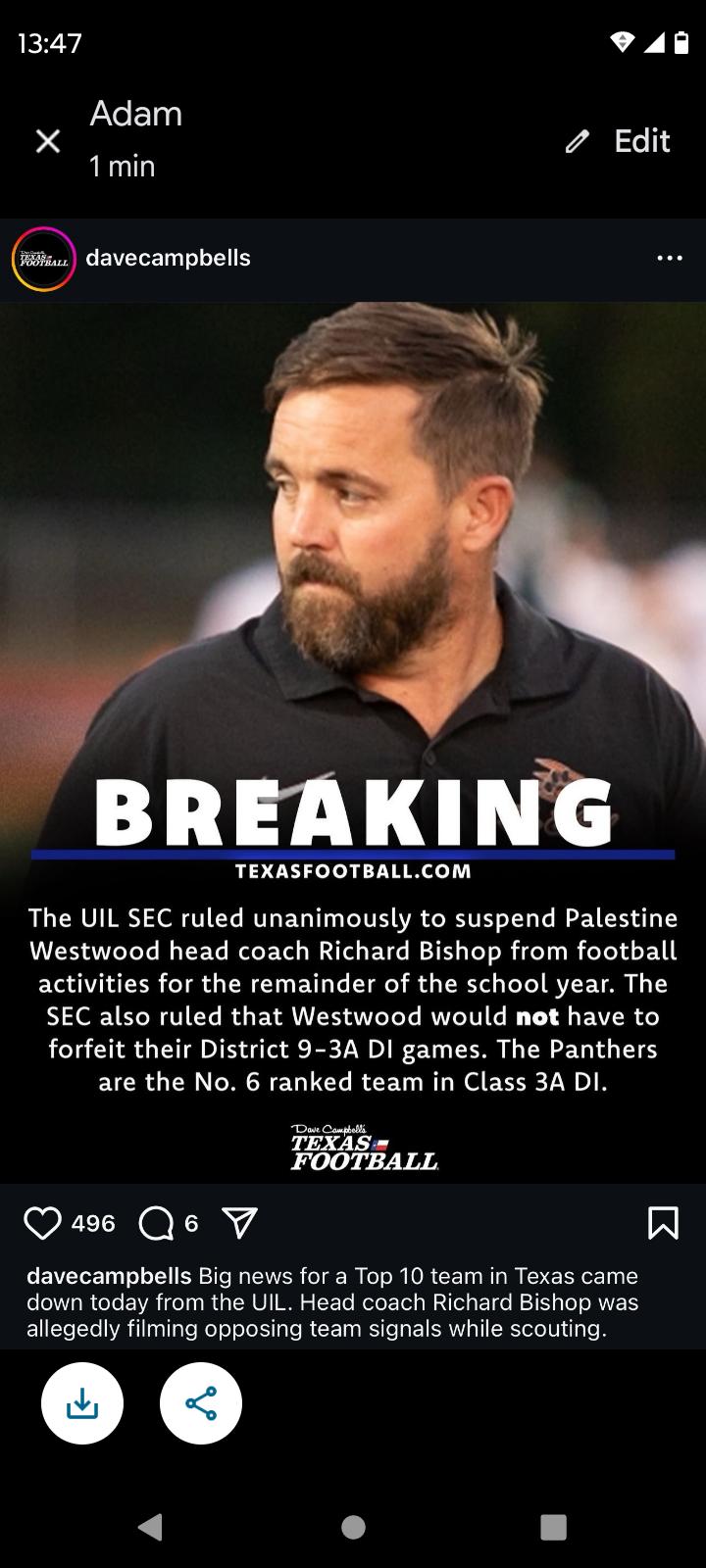
Not good right now....
Refs were trying their best not to let it happen
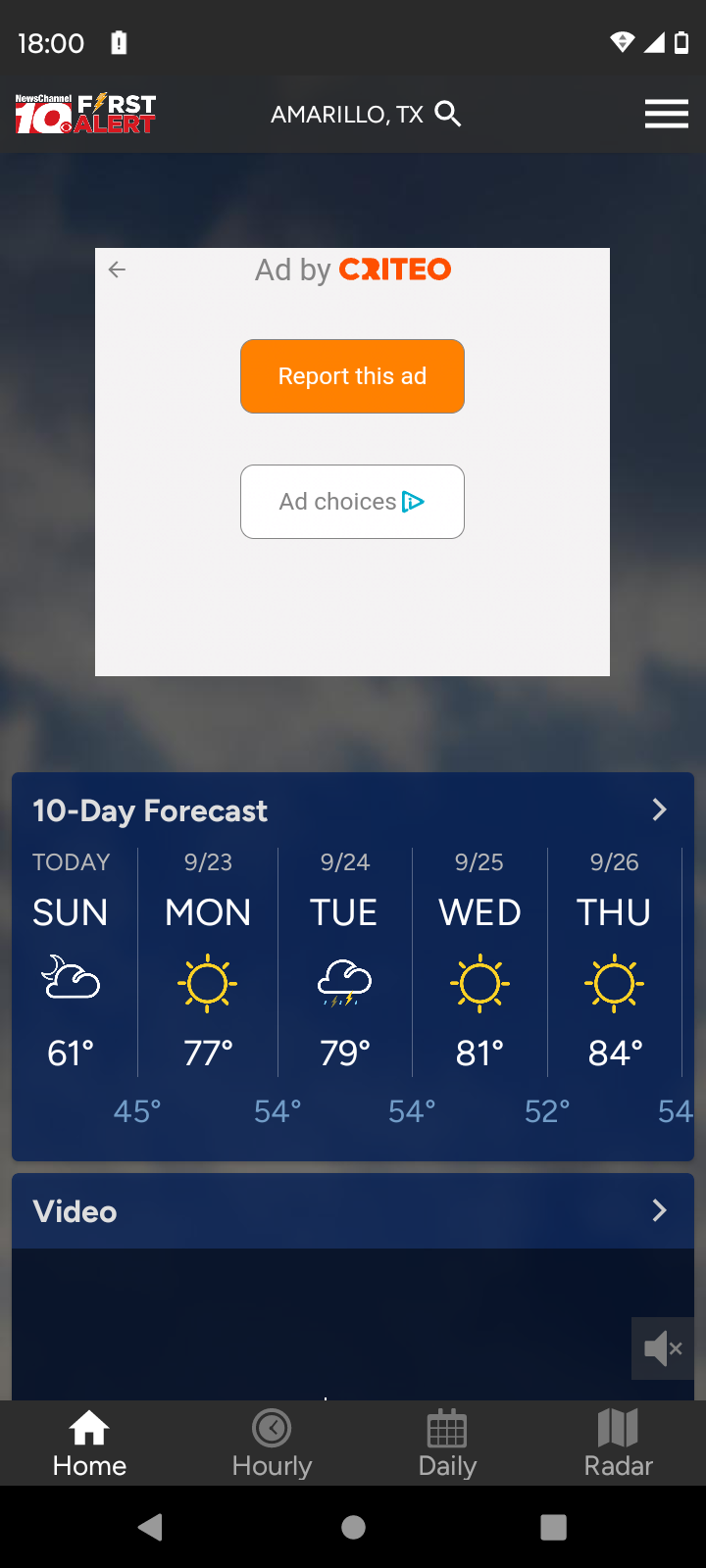
Not good right now.....gif.8a80a70c3189cbb7a51489e4f45d5a50.gif) Texas Panhandle forcast
Texas Panhandle forcast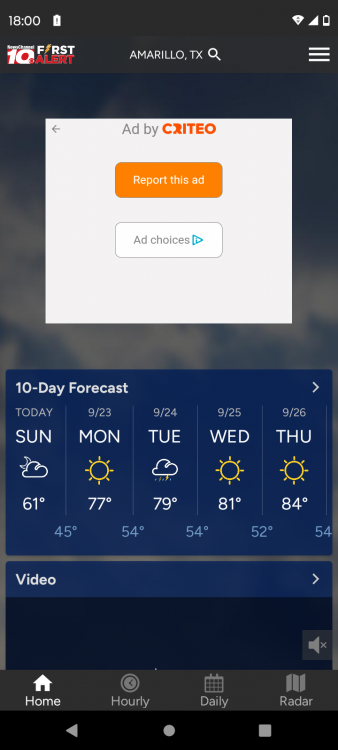 The Western Athletic Conference runs through Lubbock
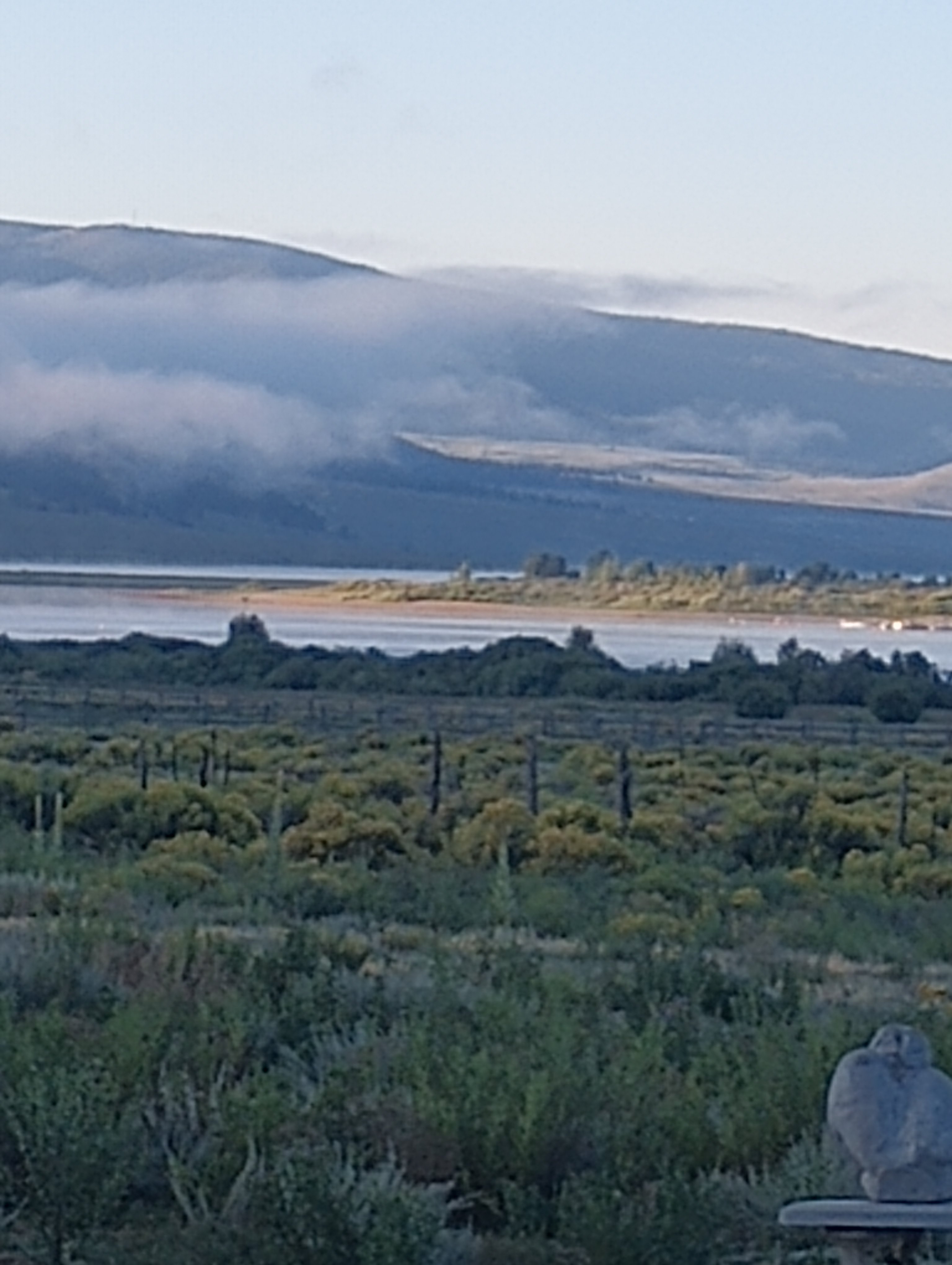
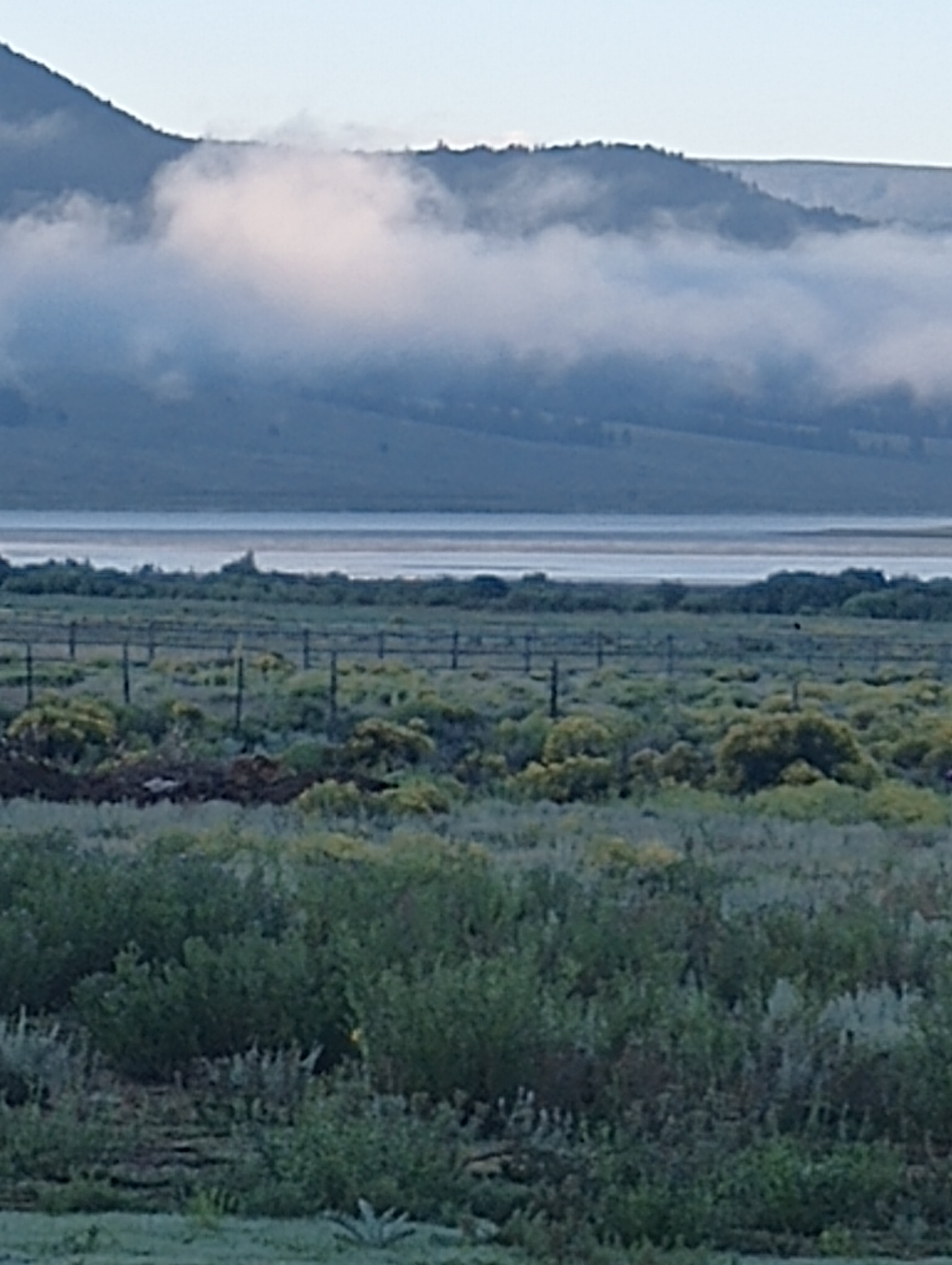
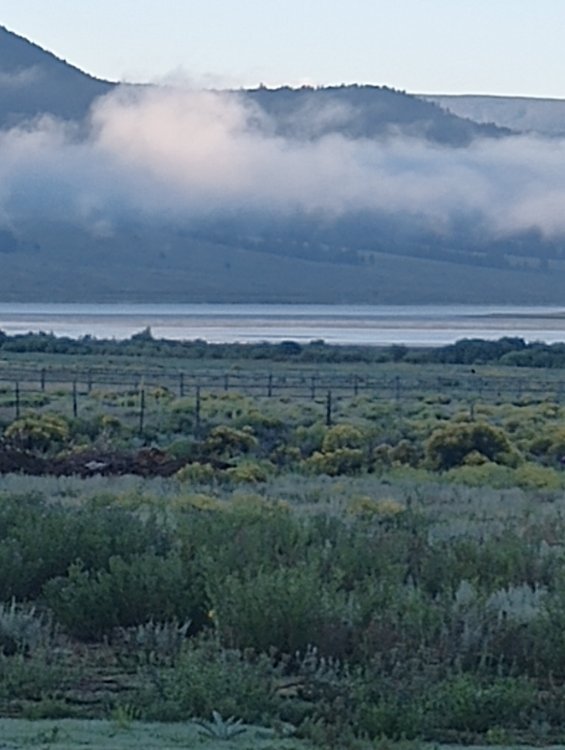
Eagle Nest Lake this morning 49 degrees
The Western Athletic Conference runs through Lubbock
Eagle Nest Lake this morning 49 degrees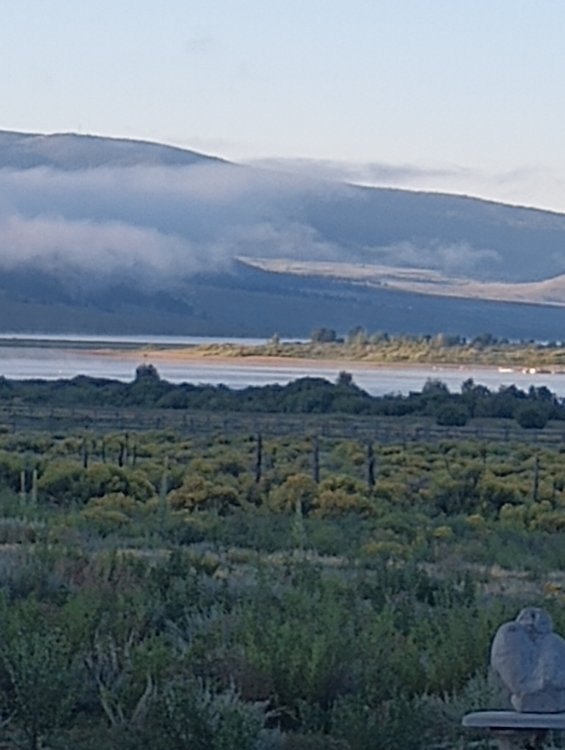
 You gotta love the under water camera
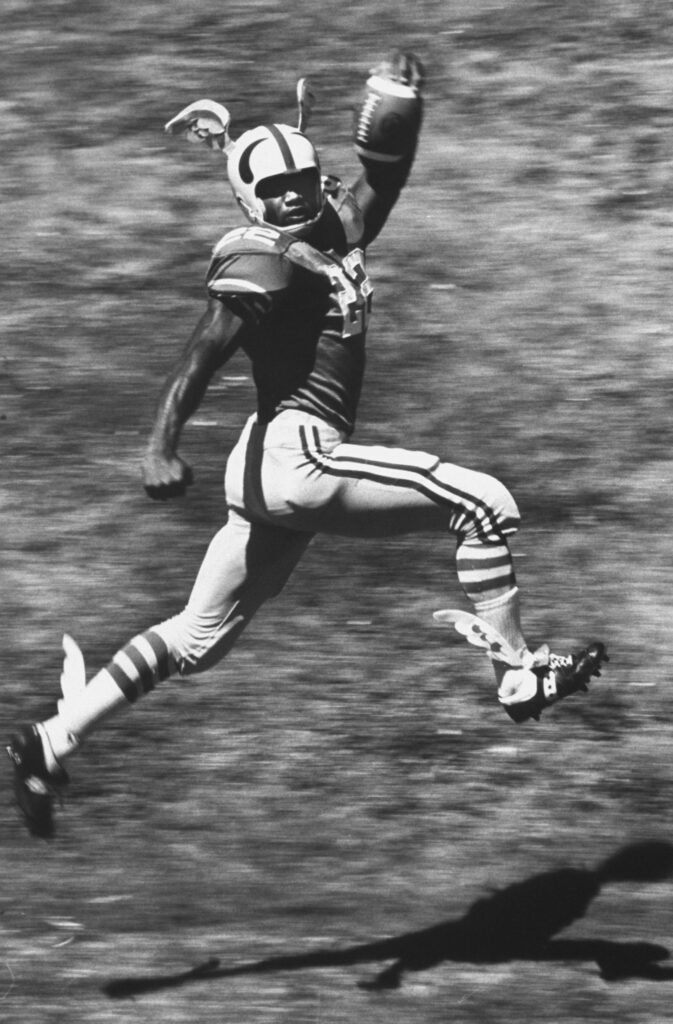
Abner Haynes (Dallas Lincoln) North Texas State. He and Leon King integrated Texas college football when they joined North Texas State Freshman team in 1956.
You gotta love the under water camera
Abner Haynes (Dallas Lincoln) North Texas State. He and Leon King integrated Texas college football when they joined North Texas State Freshman team in 1956. Joe Bonsall
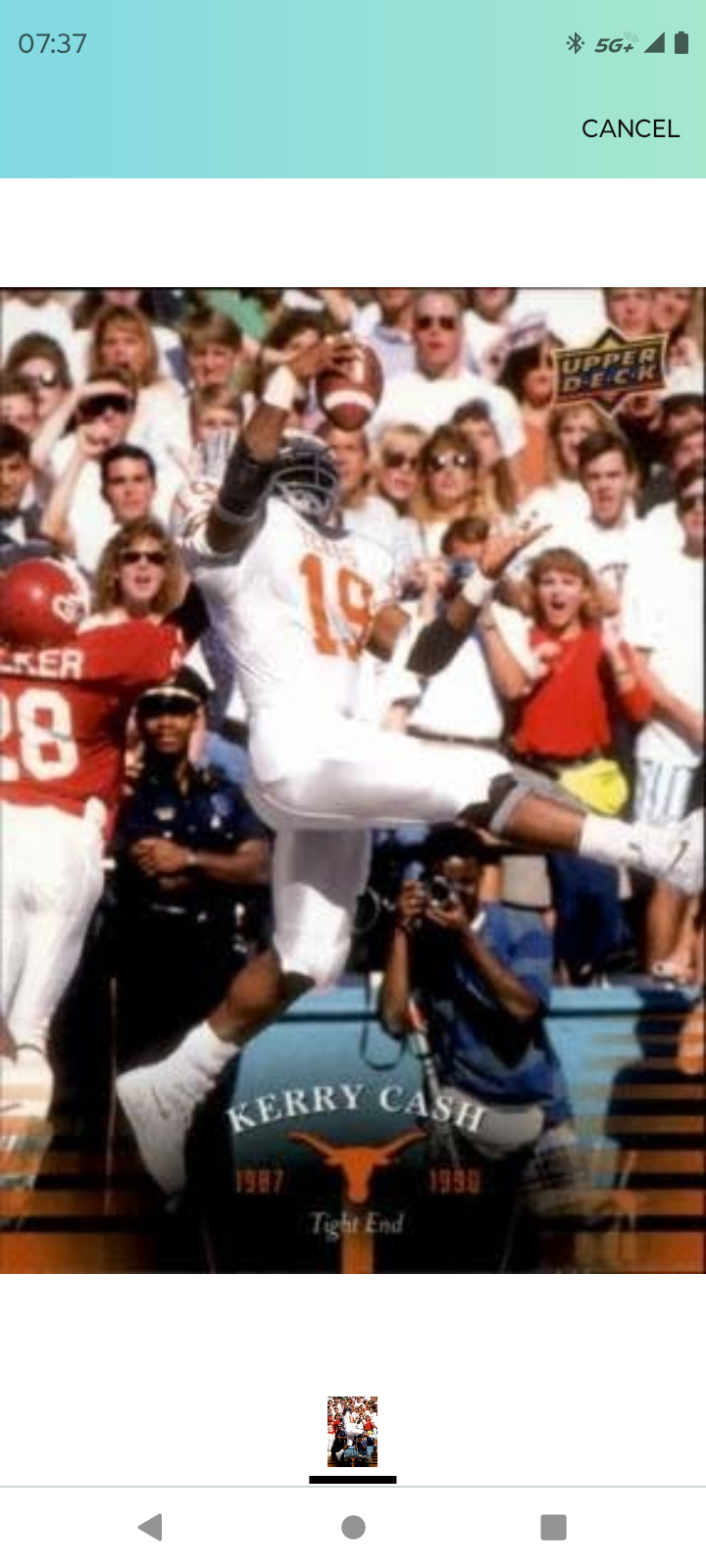
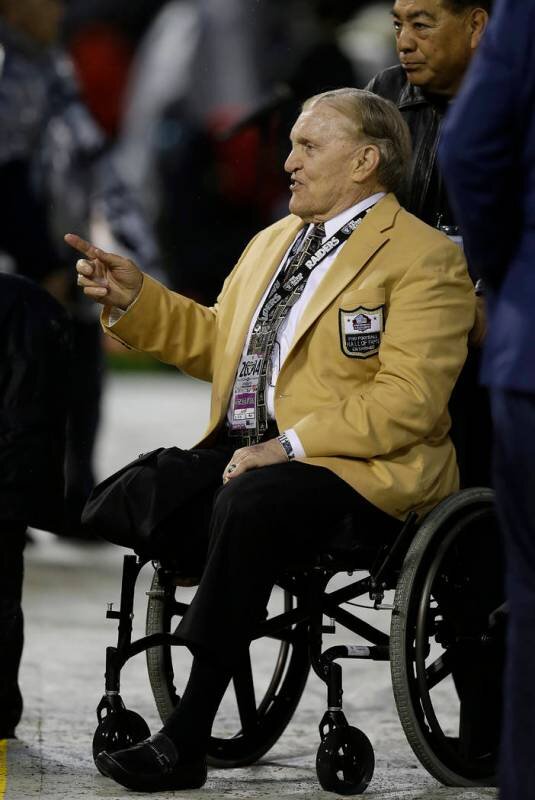
 did we miss this guy?? One of the NFL bad asses
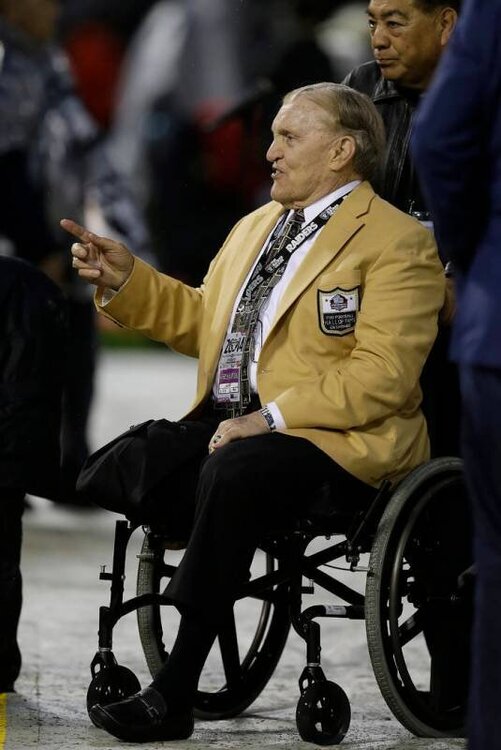
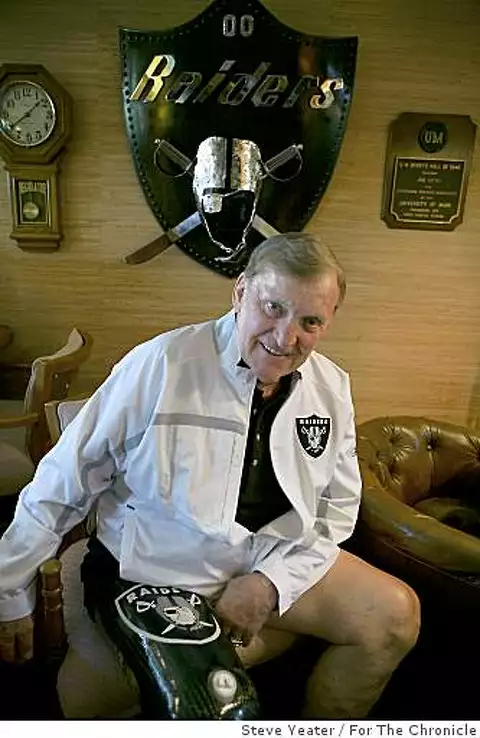 Yesterday. 6' 9.5" high jump Not many folks in the world could do that.... Maybe just 1
Still have one
23 in July A kid?Football ... Basketball ... Baseball ... Other Sports ... Futbol ... 🤫995🤫 ... Gambling ... Movies & TV ... Music ... Hobbies ... Lulz ... Food & Travel ... Daily Texan ... Business & Markets ... Cloak Room ... Help ... For Sale ... Board Discussion ... Advertise... Tailgate Donations
Yesterday. 6' 9.5" high jump Not many folks in the world could do that.... Maybe just 1
Still have one
23 in July A kid?Football ... Basketball ... Baseball ... Other Sports ... Futbol ... 🤫995🤫 ... Gambling ... Movies & TV ... Music ... Hobbies ... Lulz ... Food & Travel ... Daily Texan ... Business & Markets ... Cloak Room ... Help ... For Sale ... Board Discussion ... Advertise... Tailgate DonationsAccount
Search
Configure browser push notifications
Chrome (Android)
- Tap the lock icon next to the address bar.
- Tap Permissions → Notifications.
- Adjust your preference.
Chrome (Desktop)
- Click the padlock icon in the address bar.
- Select Site settings.
- Find Notifications and adjust your preference.
Safari (iOS 16.4+)
- Ensure the site is installed via Add to Home Screen.
- Open Settings App → Notifications.
- Find your app name and adjust your preference.
Safari (macOS)
- Go to Safari → Preferences.
- Click the Websites tab.
- Select Notifications in the sidebar.
- Find this website and adjust your preference.
Edge (Android)
- Tap the lock icon next to the address bar.
- Tap Permissions.
- Find Notifications and adjust your preference.
Edge (Desktop)
- Click the padlock icon in the address bar.
- Click Permissions for this site.
- Find Notifications and adjust your preference.
Firefox (Android)
- Go to Settings → Site permissions.
- Tap Notifications.
- Find this site in the list and adjust your preference.
Firefox (Desktop)
- Open Firefox Settings.
- Search for Notifications.
- Find this site in the list and adjust your preference.