
Hpara759
Certifiably Surly
-
Joined
-
Last visited
Everything posted by Hpara759
-
 Somebody left the north gate down last night!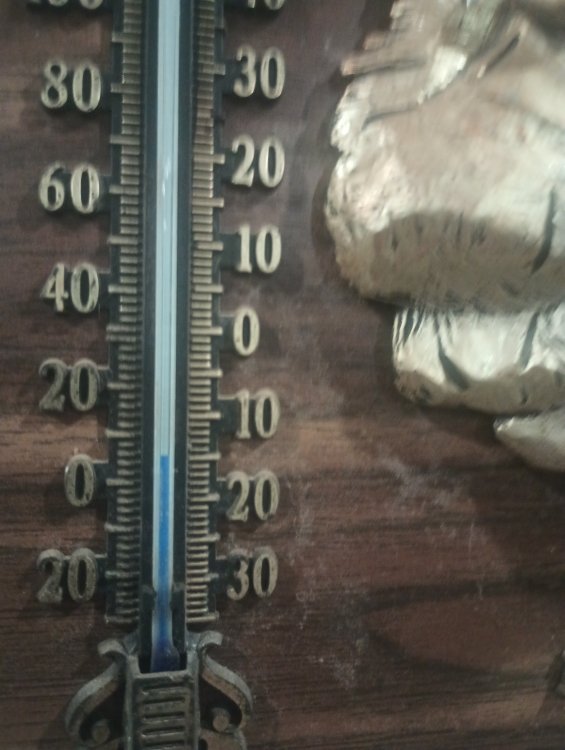
-
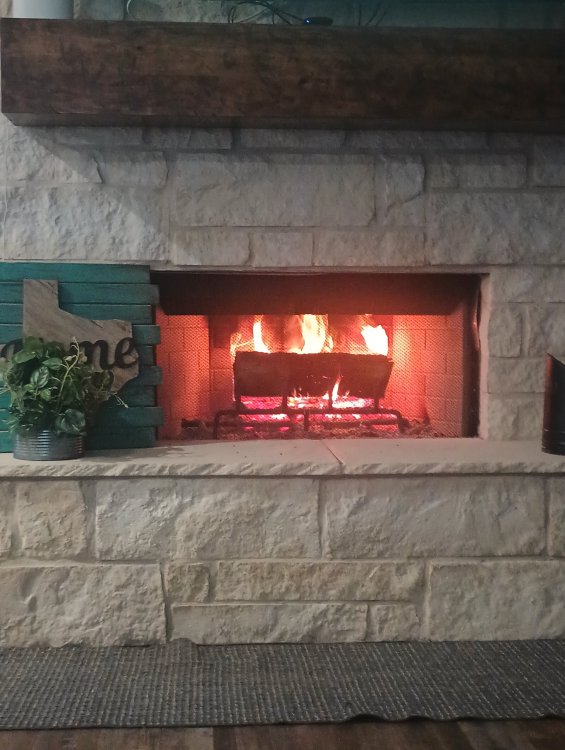
Fire feels good
-
Got a 20-30 mph north wind with that in Bushland right now
-
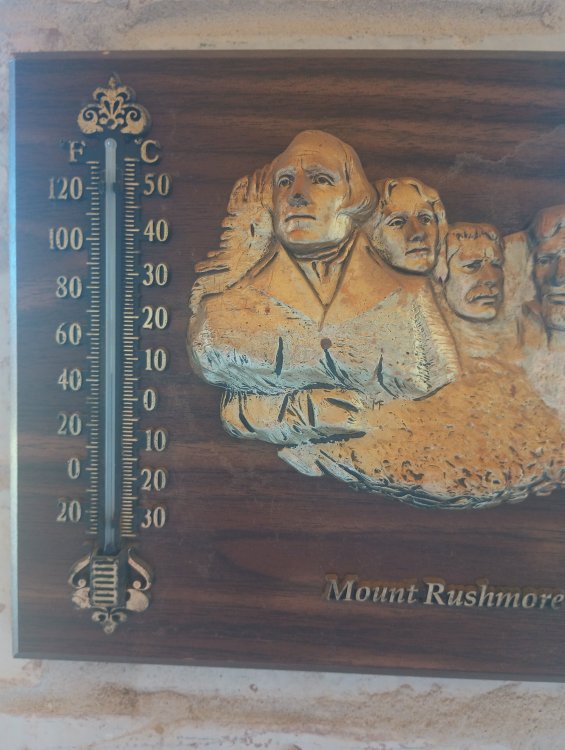
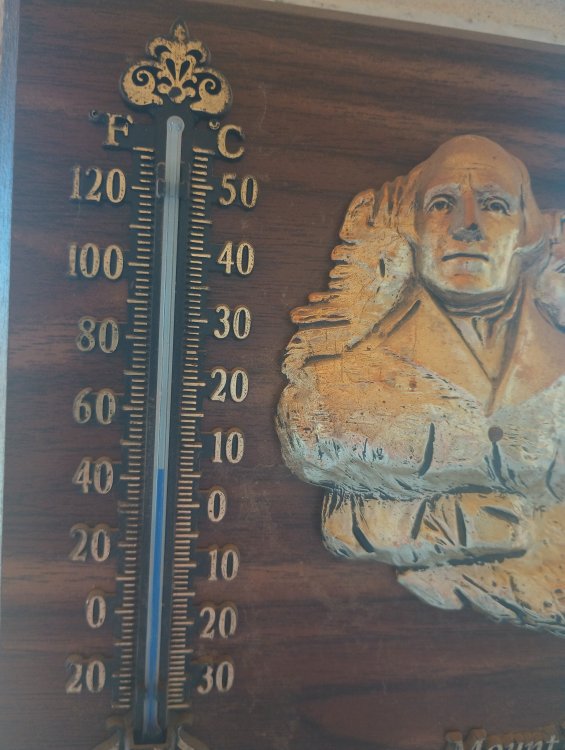
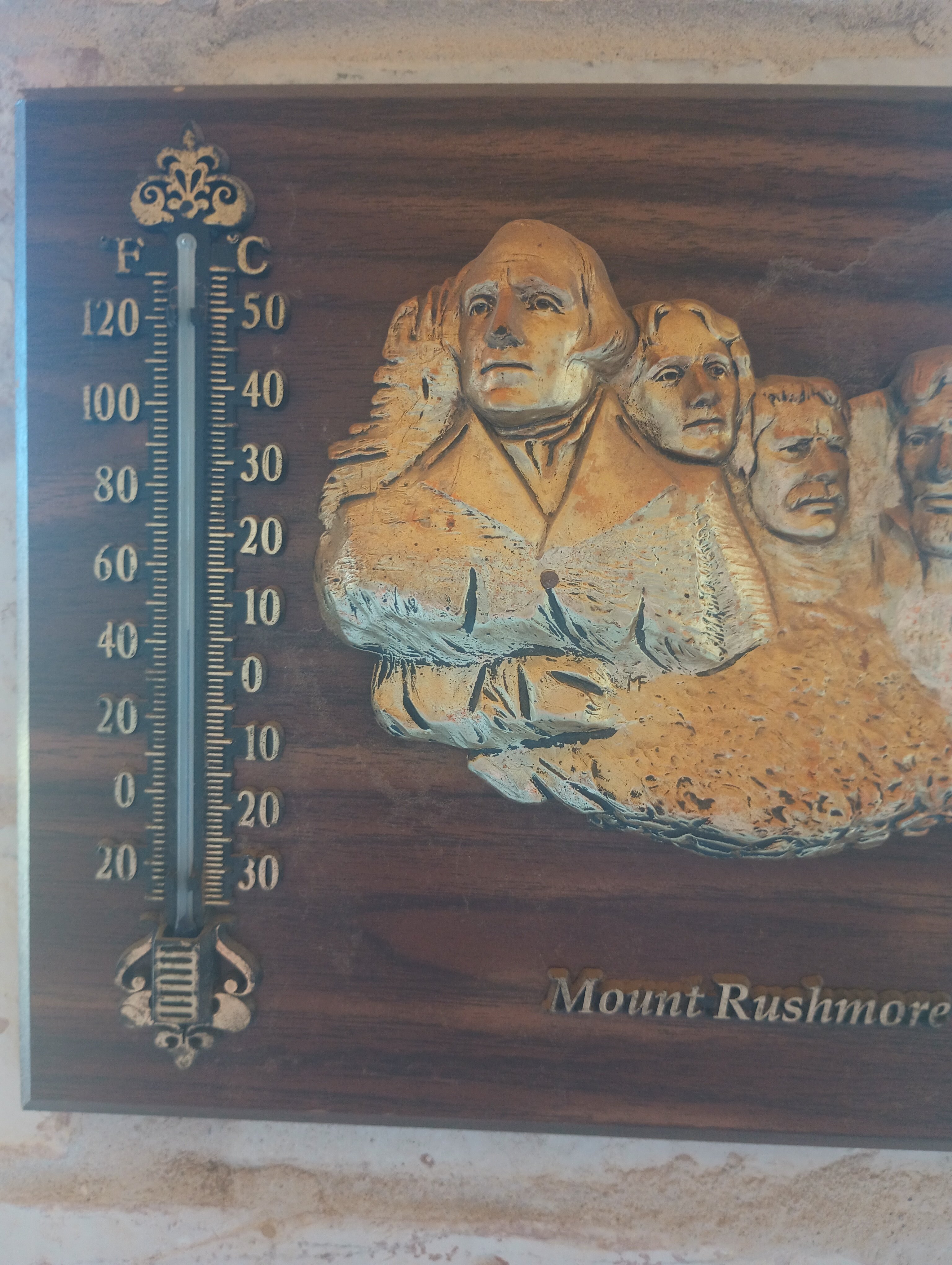
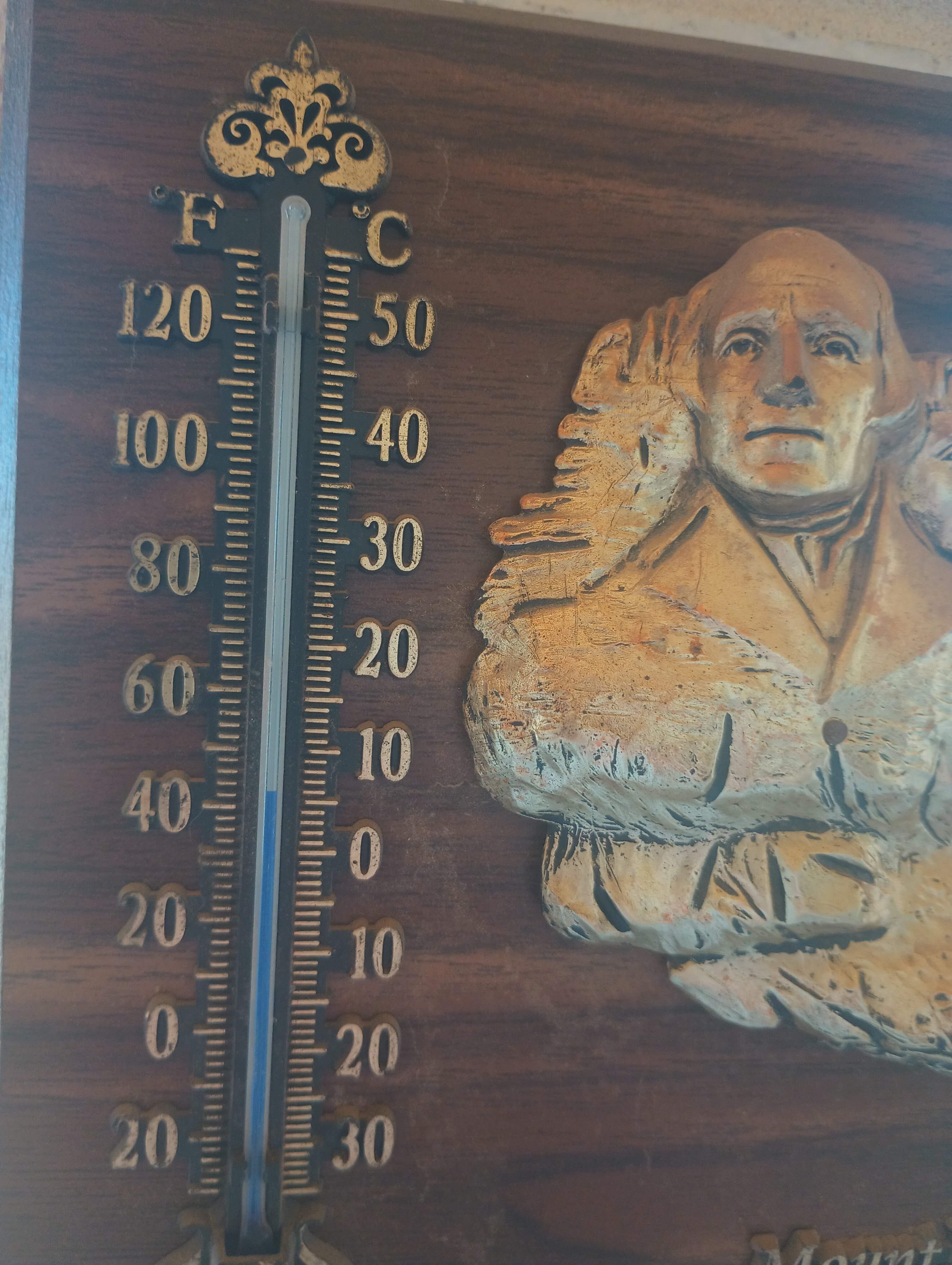
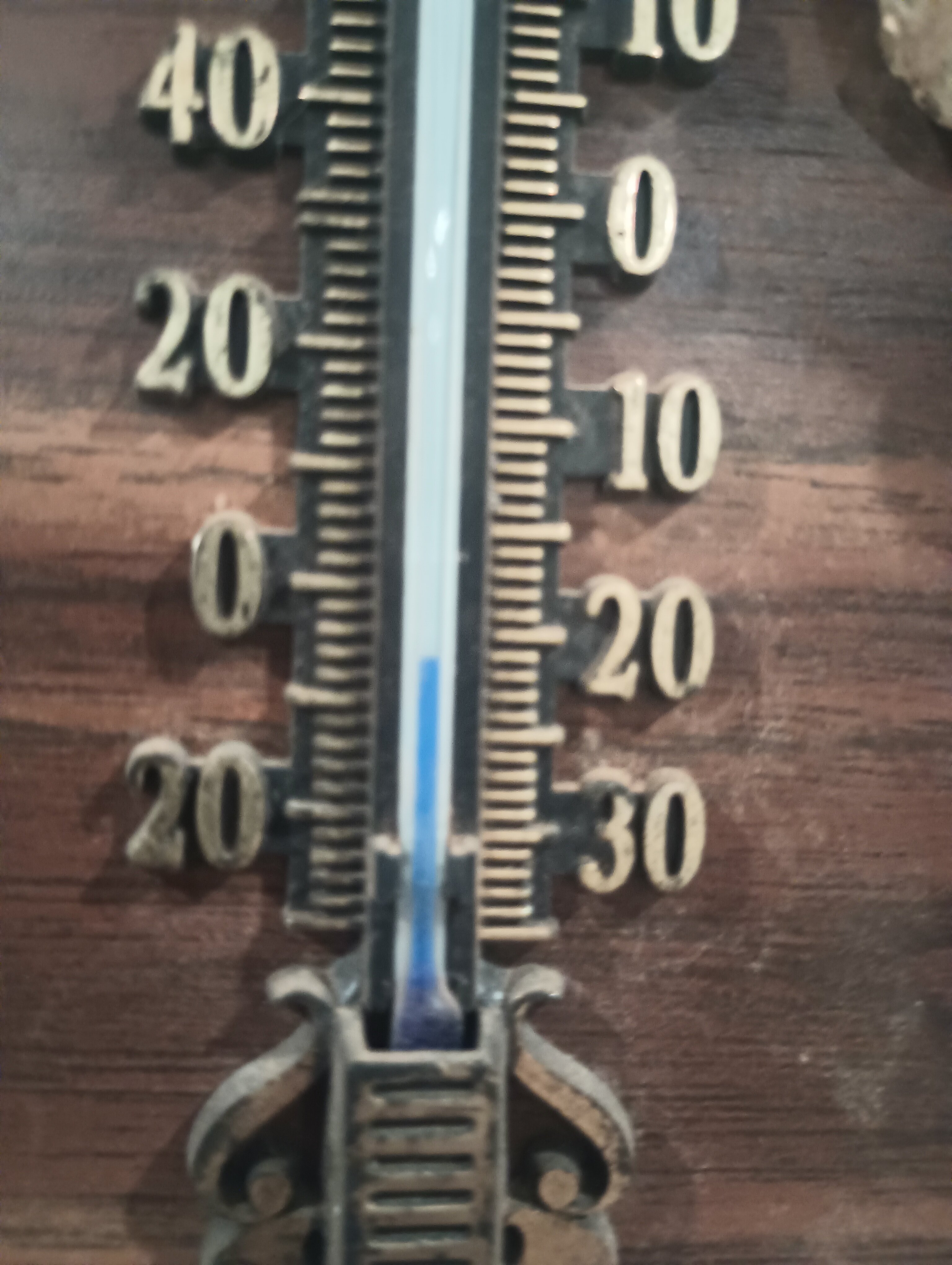
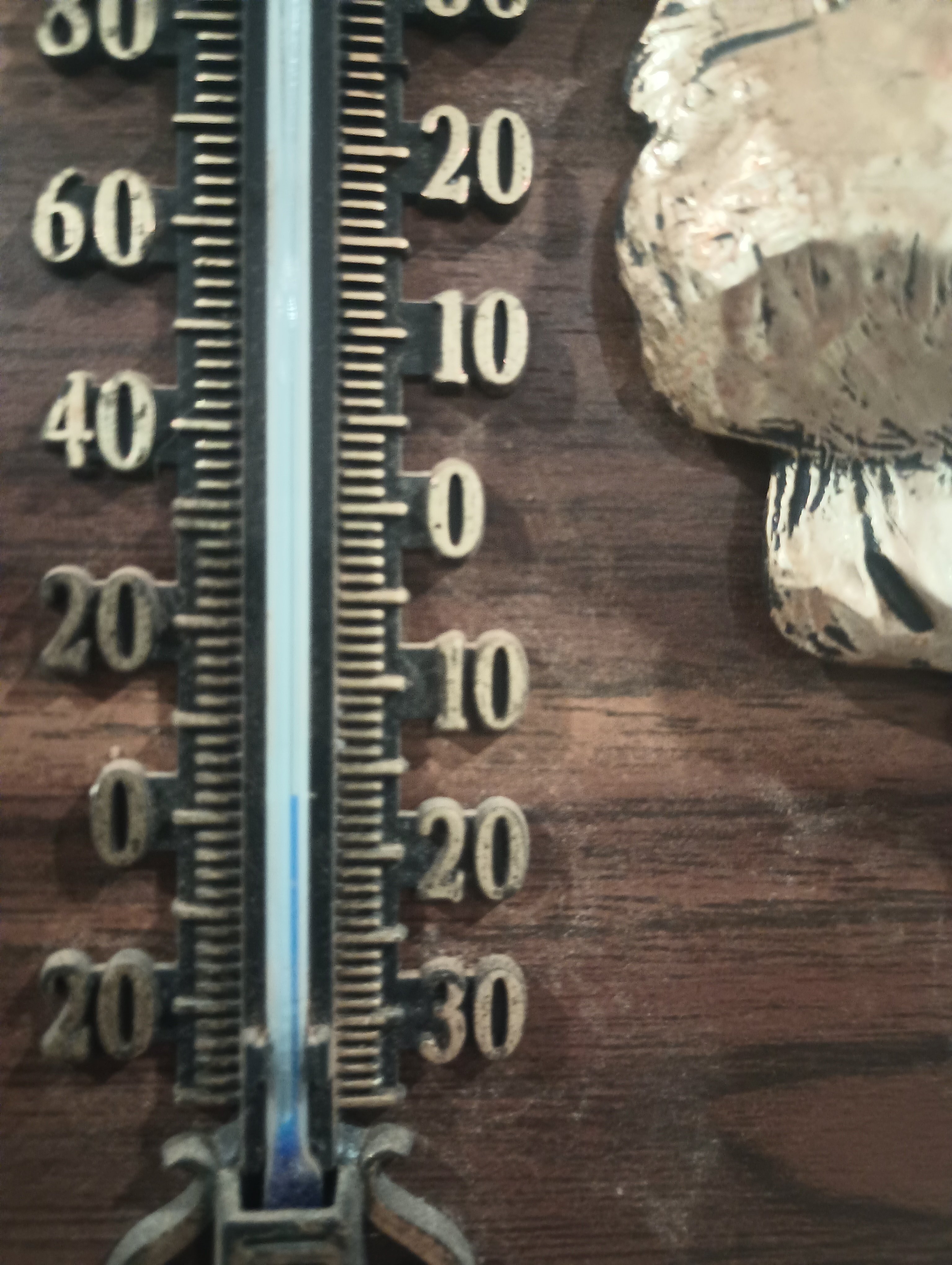
My thermometer is weathered I guess....I'll take a picture of the whole thing next time. It was a gift from my youngest, he was visiting Mount Rushmore and just knew I needed a thermometer.
Bushland Tx. Now
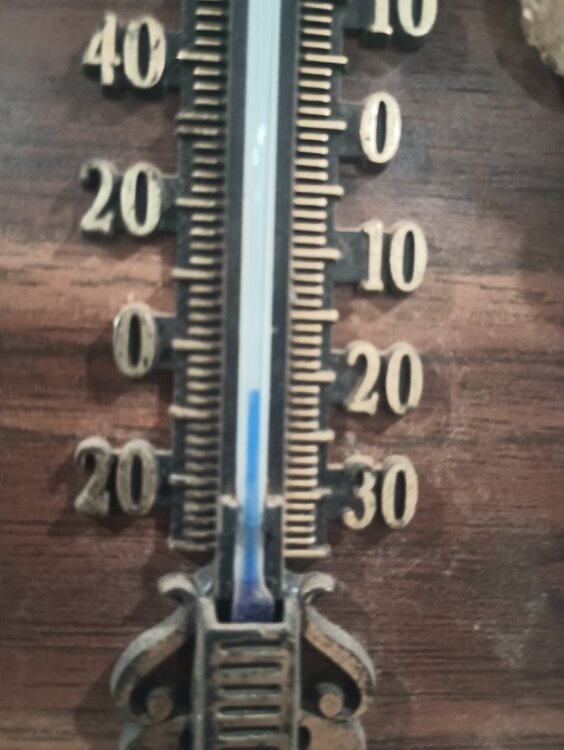 I can attest to the squall......it was snowing to beat the band for about 20 minutes...couldn't see across the road
Texas Panhandle this morning
I can attest to the squall......it was snowing to beat the band for about 20 minutes...couldn't see across the road
Texas Panhandle this morning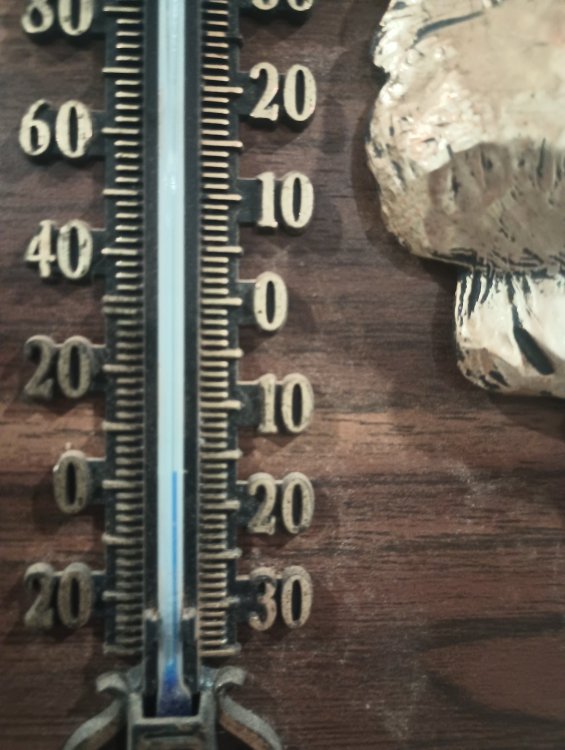 Big 12 refs on board in South Bend
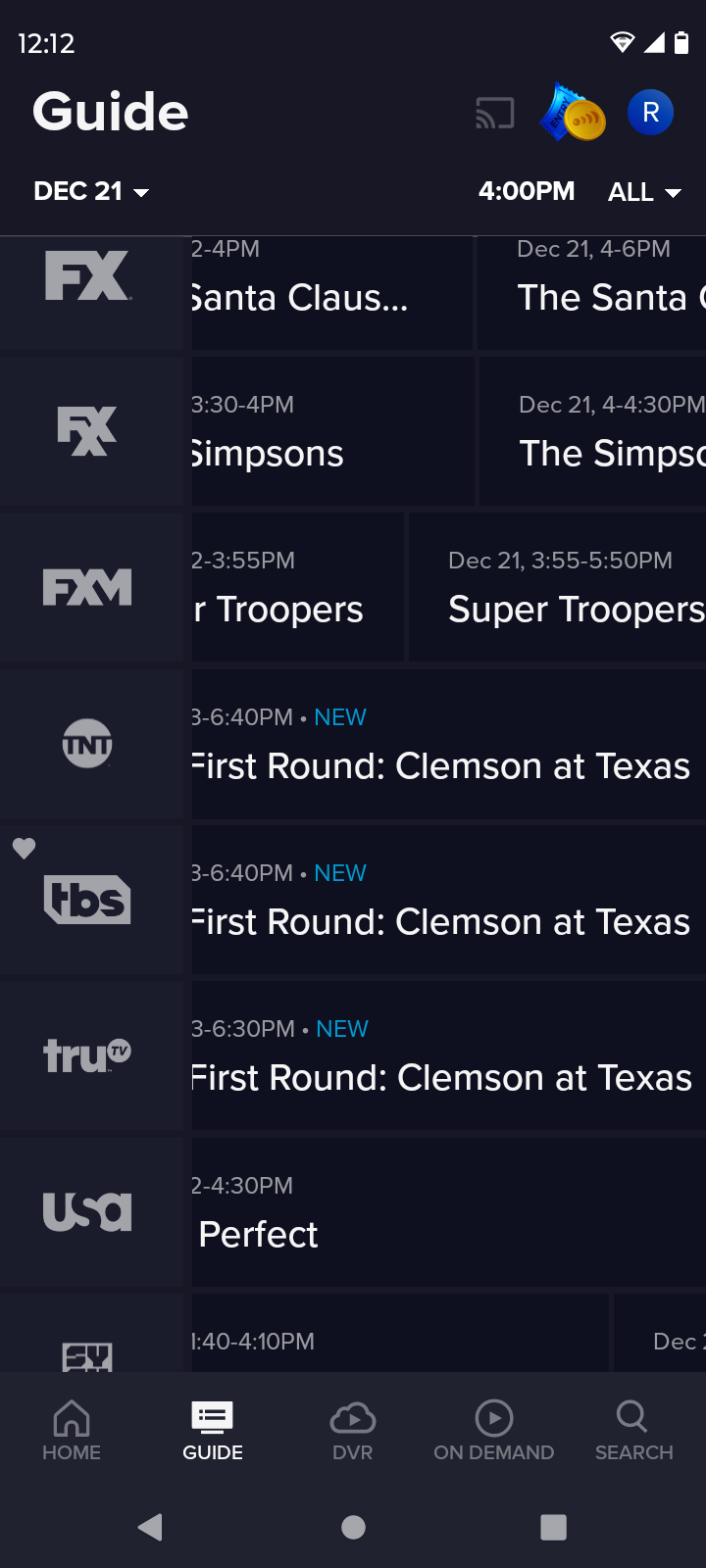
TNT, TBS and TRU
Big 12 refs on board in South Bend
TNT, TBS and TRU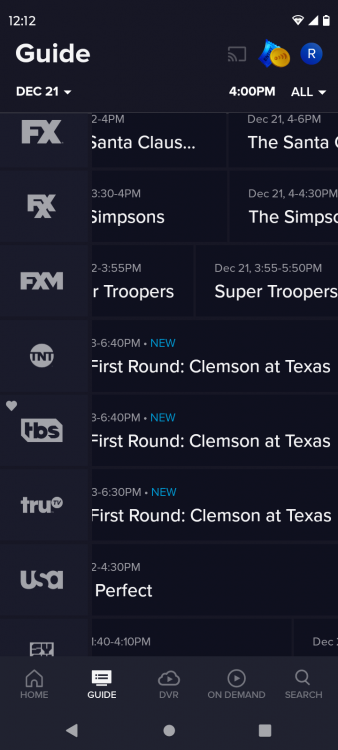 And Sark will trot him right back out there next week
Welp..
Ok Ewers...time to shut everybody up or make them say "I told you so"
Football ... Basketball ... Baseball ... Other Sports ... Futbol ... 🤫995🤫 ... Gambling ... Movies & TV ... Music ... Hobbies ... Lulz ... Food & Travel ... Daily Texan ... Business & Markets ... Cloak Room ... Help ... For Sale ... Board Discussion ... Advertise... Tailgate Donations
And Sark will trot him right back out there next week
Welp..
Ok Ewers...time to shut everybody up or make them say "I told you so"
Football ... Basketball ... Baseball ... Other Sports ... Futbol ... 🤫995🤫 ... Gambling ... Movies & TV ... Music ... Hobbies ... Lulz ... Food & Travel ... Daily Texan ... Business & Markets ... Cloak Room ... Help ... For Sale ... Board Discussion ... Advertise... Tailgate DonationsAccount
Search
Configure browser push notifications
Chrome (Android)
- Tap the lock icon next to the address bar.
- Tap Permissions → Notifications.
- Adjust your preference.
Chrome (Desktop)
- Click the padlock icon in the address bar.
- Select Site settings.
- Find Notifications and adjust your preference.
Safari (iOS 16.4+)
- Ensure the site is installed via Add to Home Screen.
- Open Settings App → Notifications.
- Find your app name and adjust your preference.
Safari (macOS)
- Go to Safari → Preferences.
- Click the Websites tab.
- Select Notifications in the sidebar.
- Find this website and adjust your preference.
Edge (Android)
- Tap the lock icon next to the address bar.
- Tap Permissions.
- Find Notifications and adjust your preference.
Edge (Desktop)
- Click the padlock icon in the address bar.
- Click Permissions for this site.
- Find Notifications and adjust your preference.
Firefox (Android)
- Go to Settings → Site permissions.
- Tap Notifications.
- Find this site in the list and adjust your preference.
Firefox (Desktop)
- Open Firefox Settings.
- Search for Notifications.
- Find this site in the list and adjust your preference.



.gif.8a80a70c3189cbb7a51489e4f45d5a50.gif.3608c1d05d198384db8c8ca81dbc3d8f.gif)





.gif.8a80a70c3189cbb7a51489e4f45d5a50.gif.790bb4e3434d1fdfd305302aec827311.gif)





.gif.8a80a70c3189cbb7a51489e4f45d5a50.gif.8c243224e845758d58d23a4bcbc0c47b.gif)