

Hpara759
Certifiably Surly
-
Joined
-
Last visited
Everything posted by Hpara759
-
 So Jeff is having to say this after what has happened in the last 12+ hours????
-
Perdanales up to the bridge in Fredericksburg
-
Surly is slipping....no tceh tears??
oiA-FI.mp4
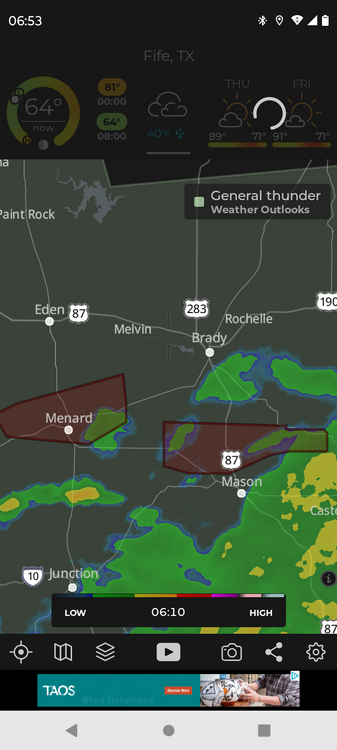
Radar app showing flash flooding along the San Saba
 Nothing smells worse than a decomposing human (25 years field Paramedic) It's our diet
Nice humble brag
Spinning toe-hold would be better
Nothing smells worse than a decomposing human (25 years field Paramedic) It's our diet
Nice humble brag
Spinning toe-hold would be better Facebook stuff saying undefeated
Red River looking east off I-35 bridge....those of you familiar with that scene know how much water that is. Those of you that don't, river is usually 20-30' below bridge with visible sand bars
Facebook stuff saying undefeated
Red River looking east off I-35 bridge....those of you familiar with that scene know how much water that is. Those of you that don't, river is usually 20-30' below bridge with visible sand bars Pic?
Yes! That means this thread will live on!
Another QB just went....not named Ewers
"Post" of the whole thread
ESPN....melt down mode
6p5a_z.mp4
Another QB picked....not named Sanders
bitch broke is PS5......
Pic?
Yes! That means this thread will live on!
Another QB just went....not named Ewers
"Post" of the whole thread
ESPN....melt down mode
6p5a_z.mp4
Another QB picked....not named Sanders
bitch broke is PS5...... Poor aggies
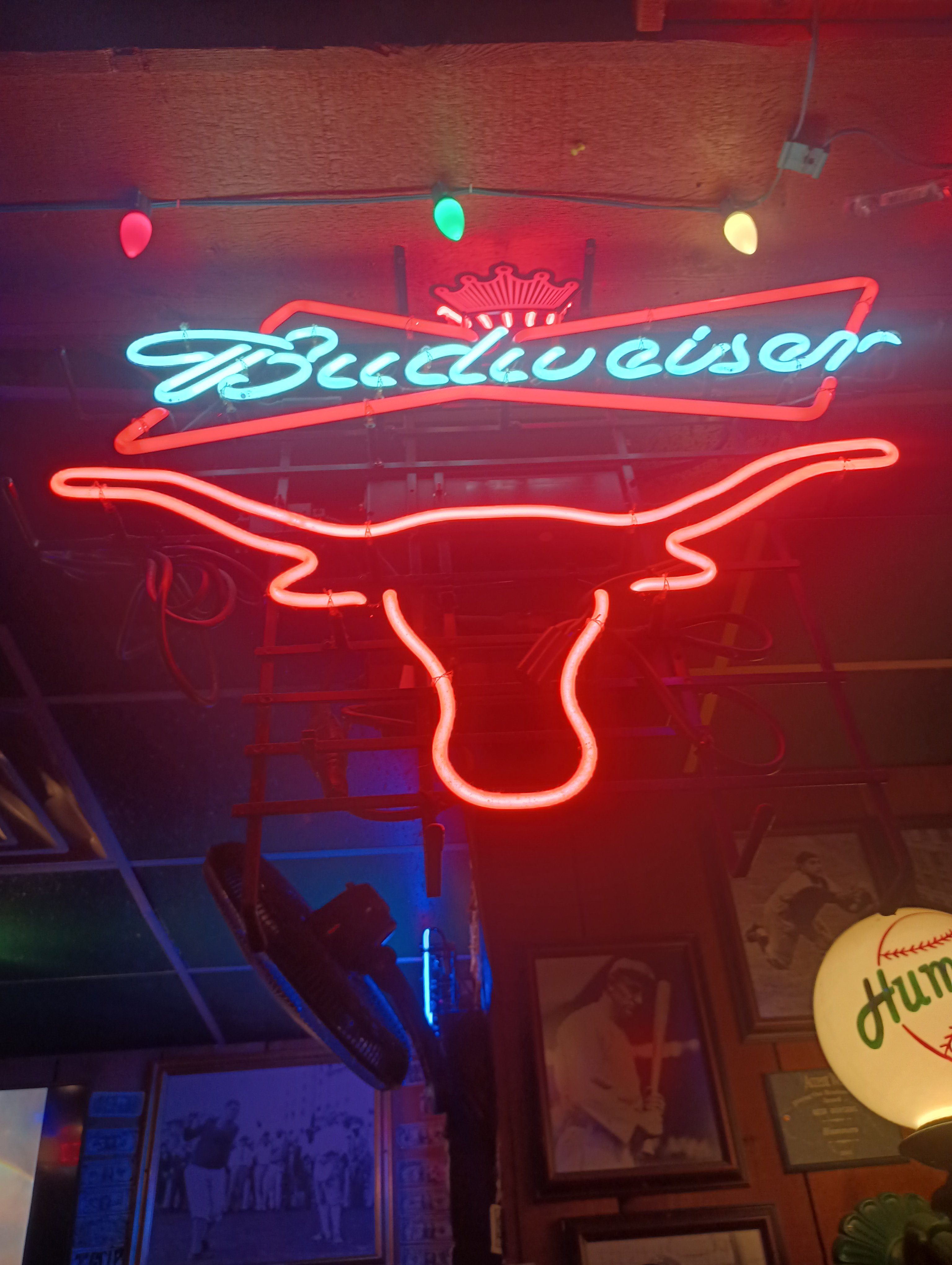
How much would you pay for this....currently hanging in a bar and grill for at least 20 years (that I frequent)
Poor aggies
Poor aggies
How much would you pay for this....currently hanging in a bar and grill for at least 20 years (that I frequent)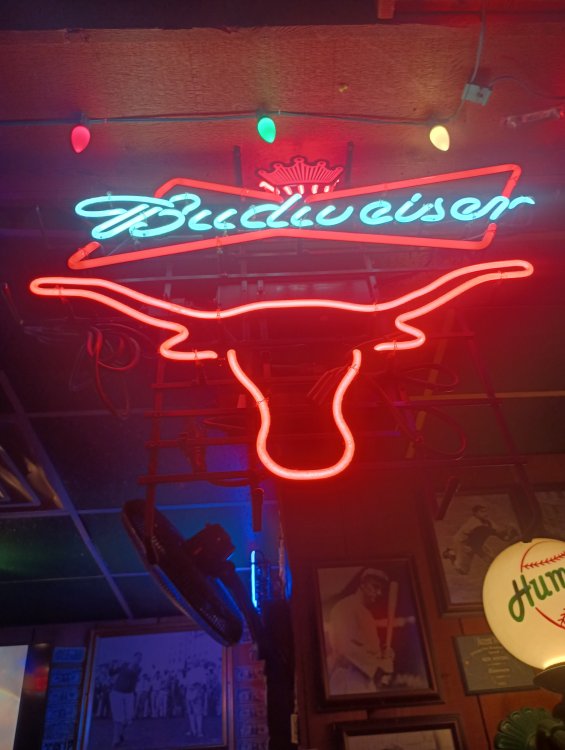








Football ...
Basketball ...
Baseball ...
Other Sports ...
Futbol ...
🤫995🤫 ...
Gambling ...
Movies & TV ...
Music ...
Hobbies ...
Lulz ...
Food & Travel
...
Daily Texan ...
Business & Markets ...
Cloak Room ...
Help ...
For Sale ...
Board Discussion ...
Advertise...
Tailgate Donations
Account
Search
Configure browser push notifications
Chrome (Android)
- Tap the lock icon next to the address bar.
- Tap Permissions → Notifications.
- Adjust your preference.
Chrome (Desktop)
- Click the padlock icon in the address bar.
- Select Site settings.
- Find Notifications and adjust your preference.
Safari (iOS 16.4+)
- Ensure the site is installed via Add to Home Screen.
- Open Settings App → Notifications.
- Find your app name and adjust your preference.
Safari (macOS)
- Go to Safari → Preferences.
- Click the Websites tab.
- Select Notifications in the sidebar.
- Find this website and adjust your preference.
Edge (Android)
- Tap the lock icon next to the address bar.
- Tap Permissions.
- Find Notifications and adjust your preference.
Edge (Desktop)
- Click the padlock icon in the address bar.
- Click Permissions for this site.
- Find Notifications and adjust your preference.
Firefox (Android)
- Go to Settings → Site permissions.
- Tap Notifications.
- Find this site in the list and adjust your preference.
Firefox (Desktop)
- Open Firefox Settings.
- Search for Notifications.
- Find this site in the list and adjust your preference.