Hank Chinaski
Legacy Members
-
Joined
-
Last visited
Everything posted by Hank Chinaski
-
 I mean, Texas had the best record of any P5 team for the decade of the ‘00s, won a title, played for another (and should have played for another); Mack wasn’t getting fired after one bad season because of what he’d accomplished, not because he was a salesman.
 -
Cue the pearl-clutching - about Texas not breaking any rules - from fans/alums of college football’s historically dirtiest programs.
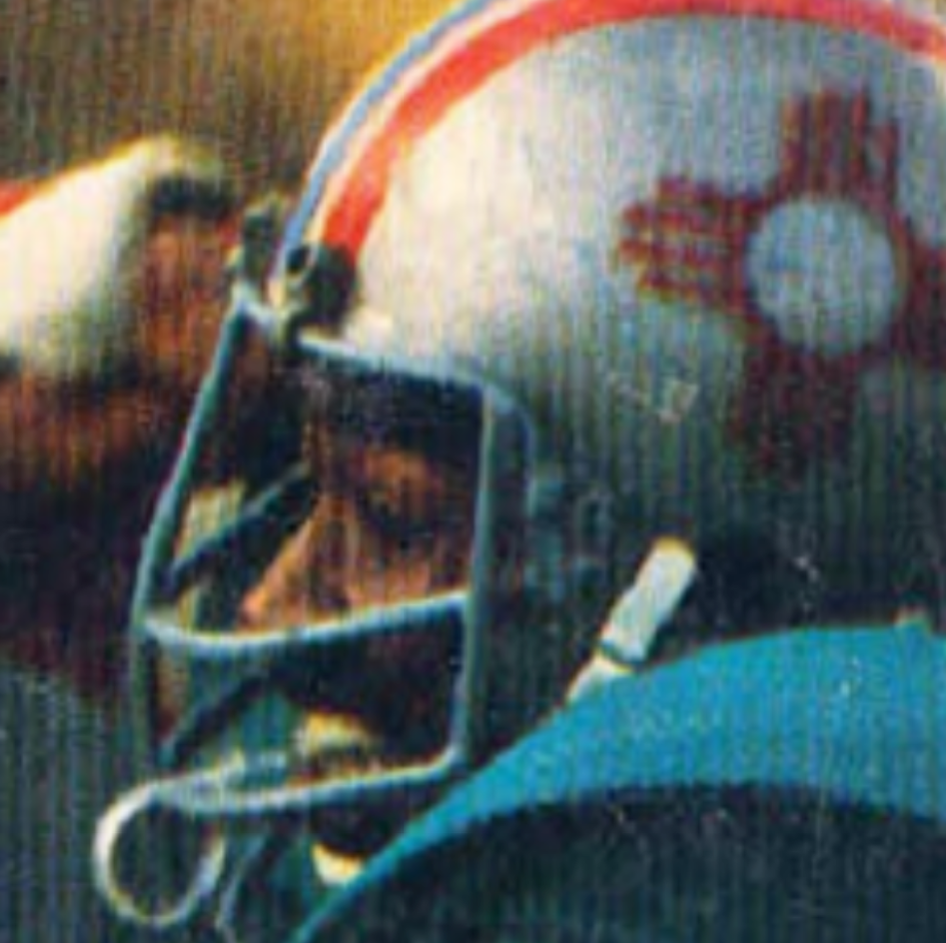
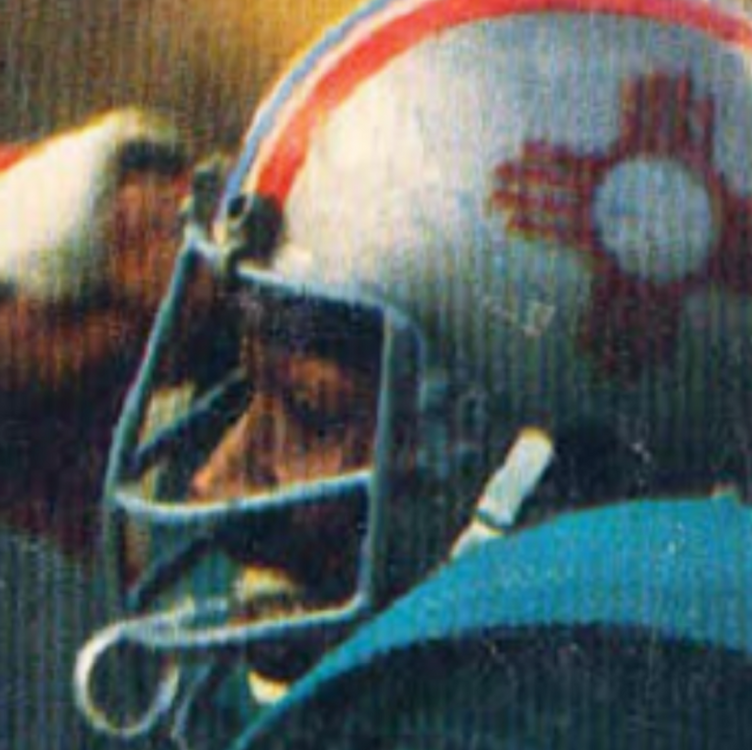
New Mexico has used turquoise here and there going back to at least the ‘70s. I’ve always liked it. But (1) turquoise is a big deal here (not sure that’s true in Tallahassee; I certainly don’t associate turquoise with Florida), and (2) they weren’t nearly as garish as the fsu version. it is surprisingly difficult to find a good photo from the ‘70s but those were great: They’ve done it more recently too, but they’re not as good as the ‘70s ones:
 Yeah, well, I don’t feel like I get thanked enough around here for my contributions (which are generally the same 5 or 6 gifs that I cycle through).
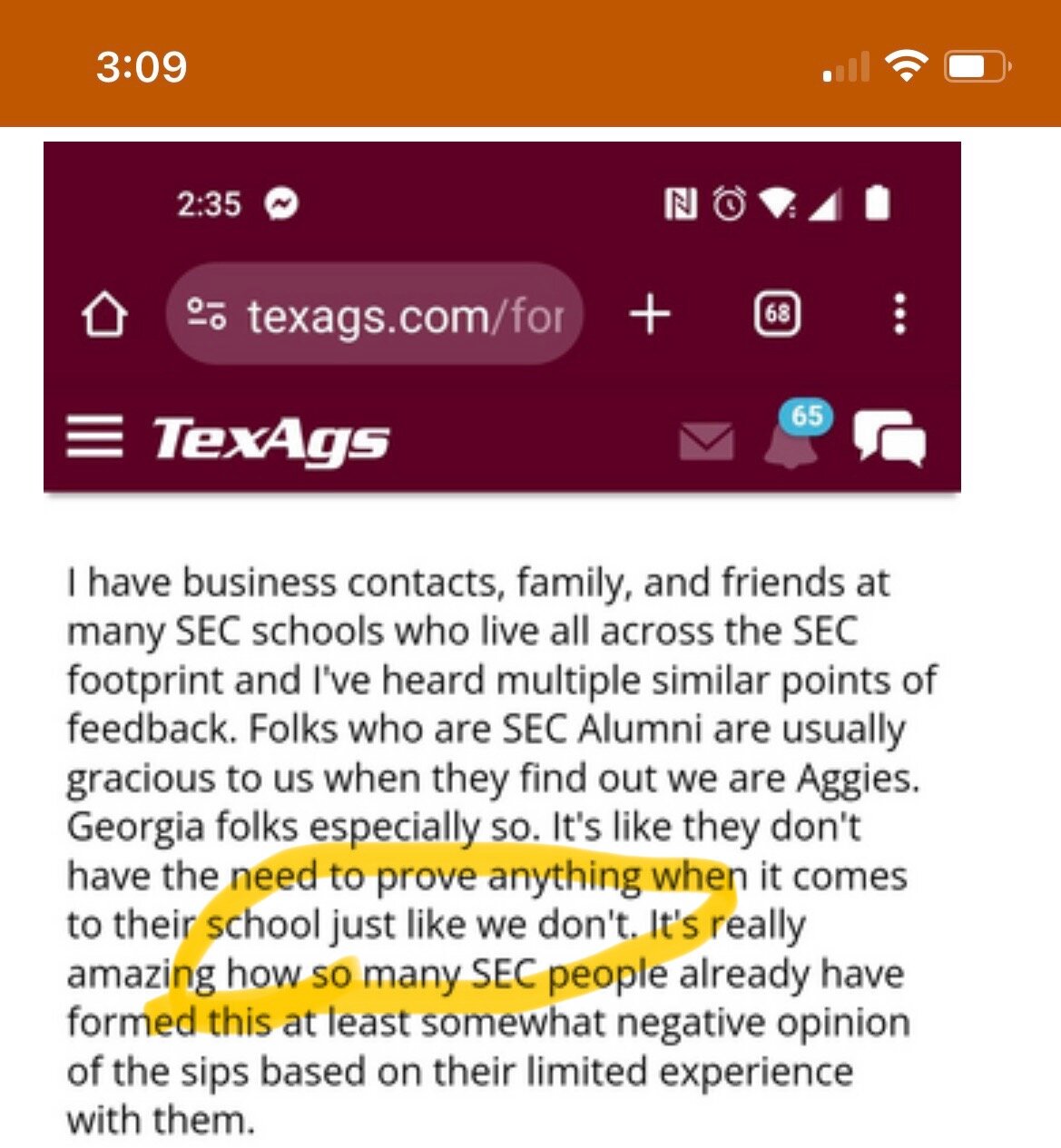
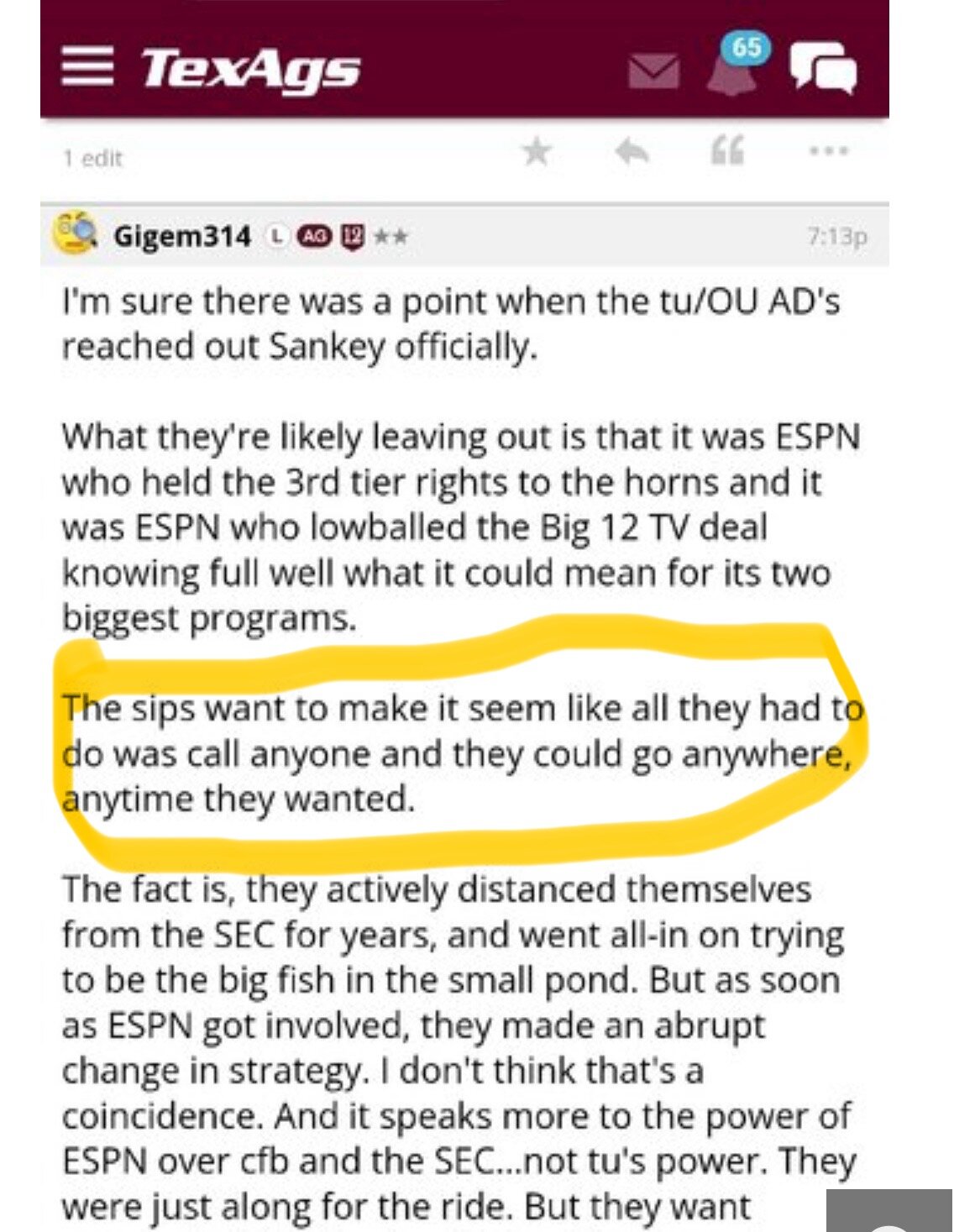
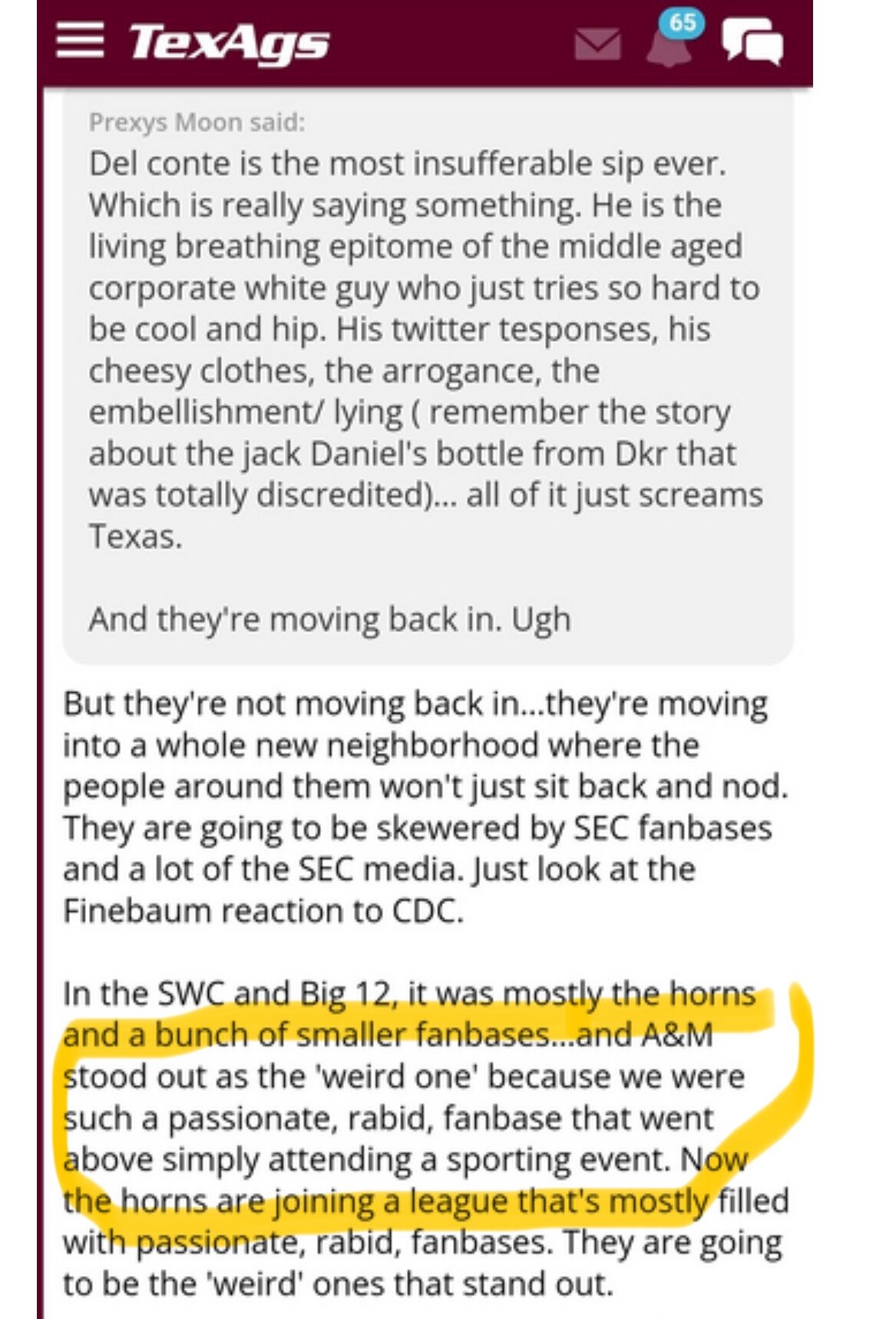
Their entire culture is based on trying to prove things about their school and incessantly screaming about how great they are. Giant logos, countless redundant bumper stickers, entire wardrobes made up of ag shirts, whooping and hissing in public, etc. This has to be parody.
Yeah, well, I don’t feel like I get thanked enough around here for my contributions (which are generally the same 5 or 6 gifs that I cycle through).
Their entire culture is based on trying to prove things about their school and incessantly screaming about how great they are. Giant logos, countless redundant bumper stickers, entire wardrobes made up of ag shirts, whooping and hissing in public, etc. This has to be parody.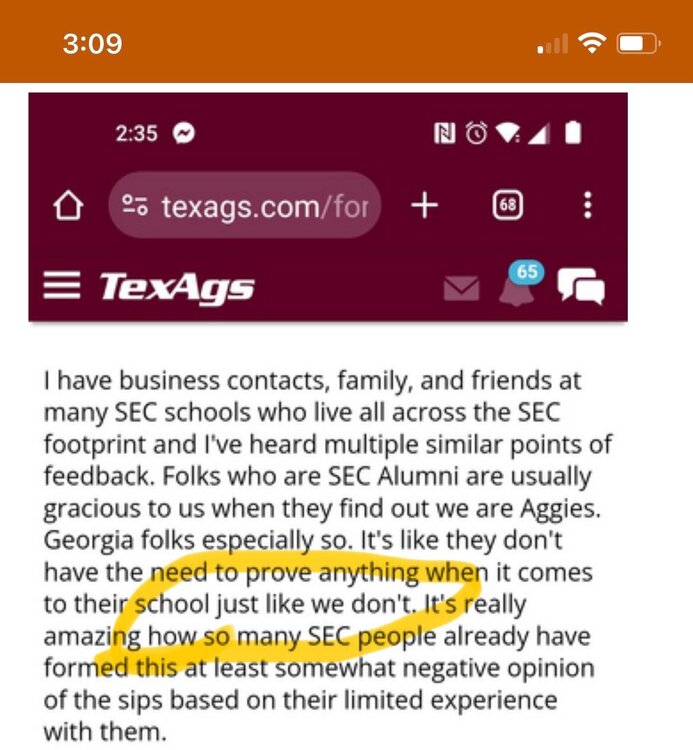 A DT named “Bill Norton” not being #65 or something is a bit disappointing.
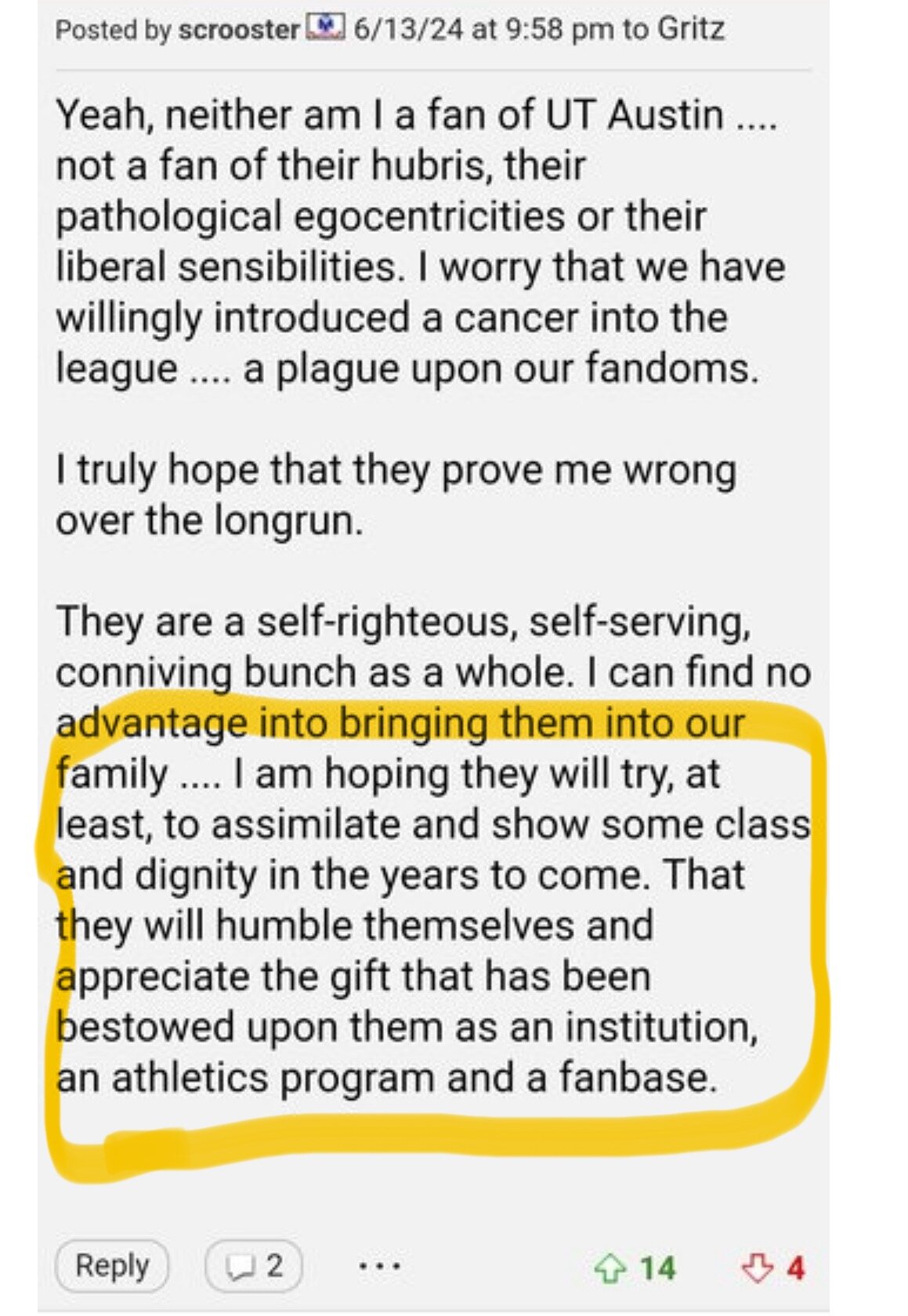
Exactly this. This is why the hate is already building. Texas isn’t coming to this conference to kiss anyone’s ring or assimilate to anyone’s culture. It’s just not who we are, and it shouldn’t be. And that makes people mad. At least they’re figuring out that when it comes to fitting in with SEC culture, Texas is…
A DT named “Bill Norton” not being #65 or something is a bit disappointing.
Exactly this. This is why the hate is already building. Texas isn’t coming to this conference to kiss anyone’s ring or assimilate to anyone’s culture. It’s just not who we are, and it shouldn’t be. And that makes people mad. At least they’re figuring out that when it comes to fitting in with SEC culture, Texas is… lol wow that’s some next-level victim complex. Good lord.
That’s a whole lot of words to write about somebody else’s pre-summer top 25 list.
Football ... Basketball ... Baseball ... Other Sports ... Futbol ... 🤫995🤫 ... Gambling ... Movies & TV ... Music ... Hobbies ... Lulz ... Food & Travel ... Daily Texan ... Business & Markets ... Cloak Room ... Help ... For Sale ... Board Discussion ... Advertise... Tailgate Donations
lol wow that’s some next-level victim complex. Good lord.
That’s a whole lot of words to write about somebody else’s pre-summer top 25 list.
Football ... Basketball ... Baseball ... Other Sports ... Futbol ... 🤫995🤫 ... Gambling ... Movies & TV ... Music ... Hobbies ... Lulz ... Food & Travel ... Daily Texan ... Business & Markets ... Cloak Room ... Help ... For Sale ... Board Discussion ... Advertise... Tailgate DonationsAccount
Search
Configure browser push notifications
Chrome (Android)
- Tap the lock icon next to the address bar.
- Tap Permissions → Notifications.
- Adjust your preference.
Chrome (Desktop)
- Click the padlock icon in the address bar.
- Select Site settings.
- Find Notifications and adjust your preference.
Safari (iOS 16.4+)
- Ensure the site is installed via Add to Home Screen.
- Open Settings App → Notifications.
- Find your app name and adjust your preference.
Safari (macOS)
- Go to Safari → Preferences.
- Click the Websites tab.
- Select Notifications in the sidebar.
- Find this website and adjust your preference.
Edge (Android)
- Tap the lock icon next to the address bar.
- Tap Permissions.
- Find Notifications and adjust your preference.
Edge (Desktop)
- Click the padlock icon in the address bar.
- Click Permissions for this site.
- Find Notifications and adjust your preference.
Firefox (Android)
- Go to Settings → Site permissions.
- Tap Notifications.
- Find this site in the list and adjust your preference.
Firefox (Desktop)
- Open Firefox Settings.
- Search for Notifications.
- Find this site in the list and adjust your preference.