tfoolry
Legacy Members
-
Joined
-
Last visited
Everything posted by tfoolry
-
 Rosetta, Meroma & Blanco Colima are all right next to each other so hope to be able to get into one of them.
 -
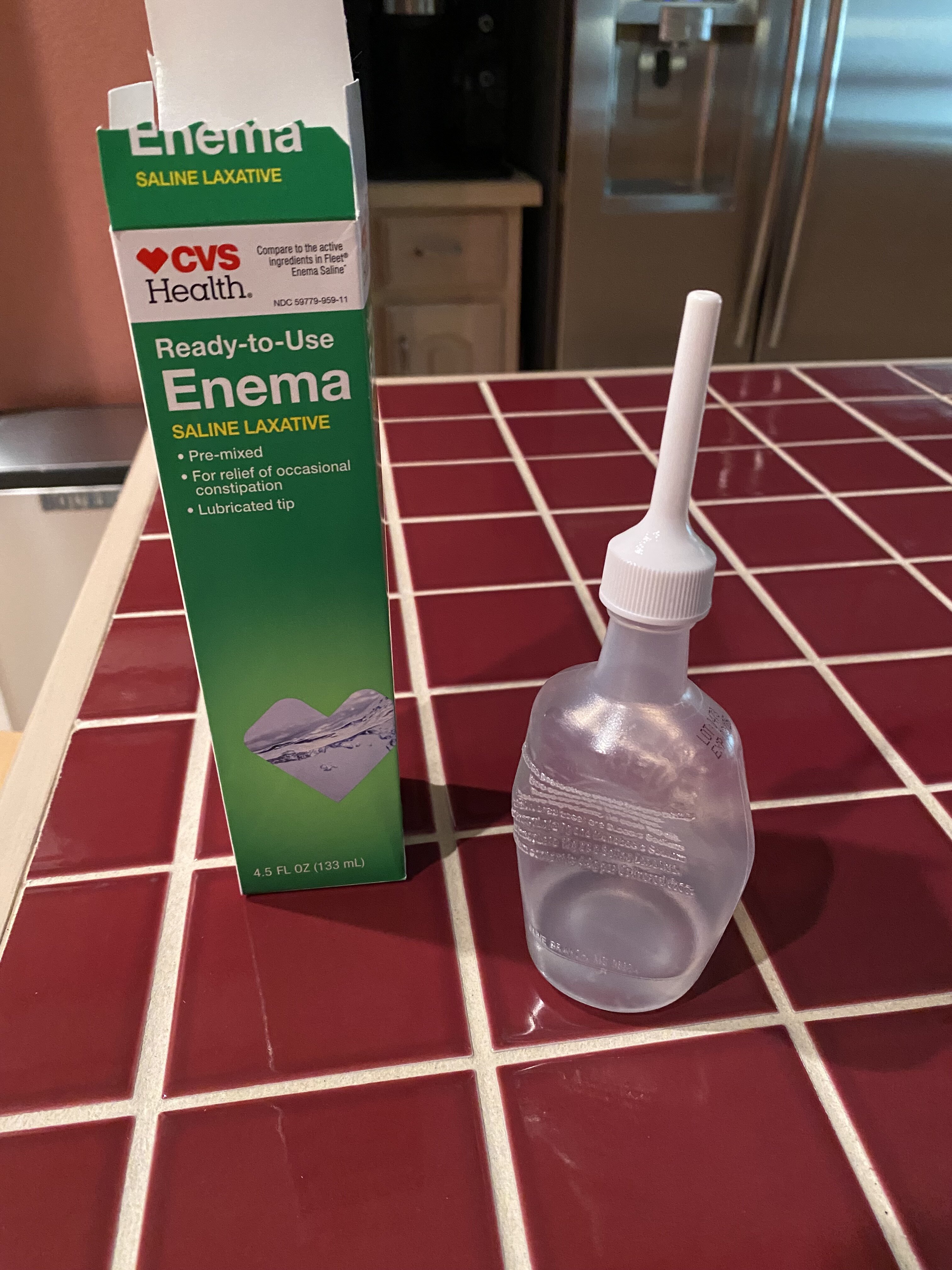
This is guaranteed relief. You’re welcome.
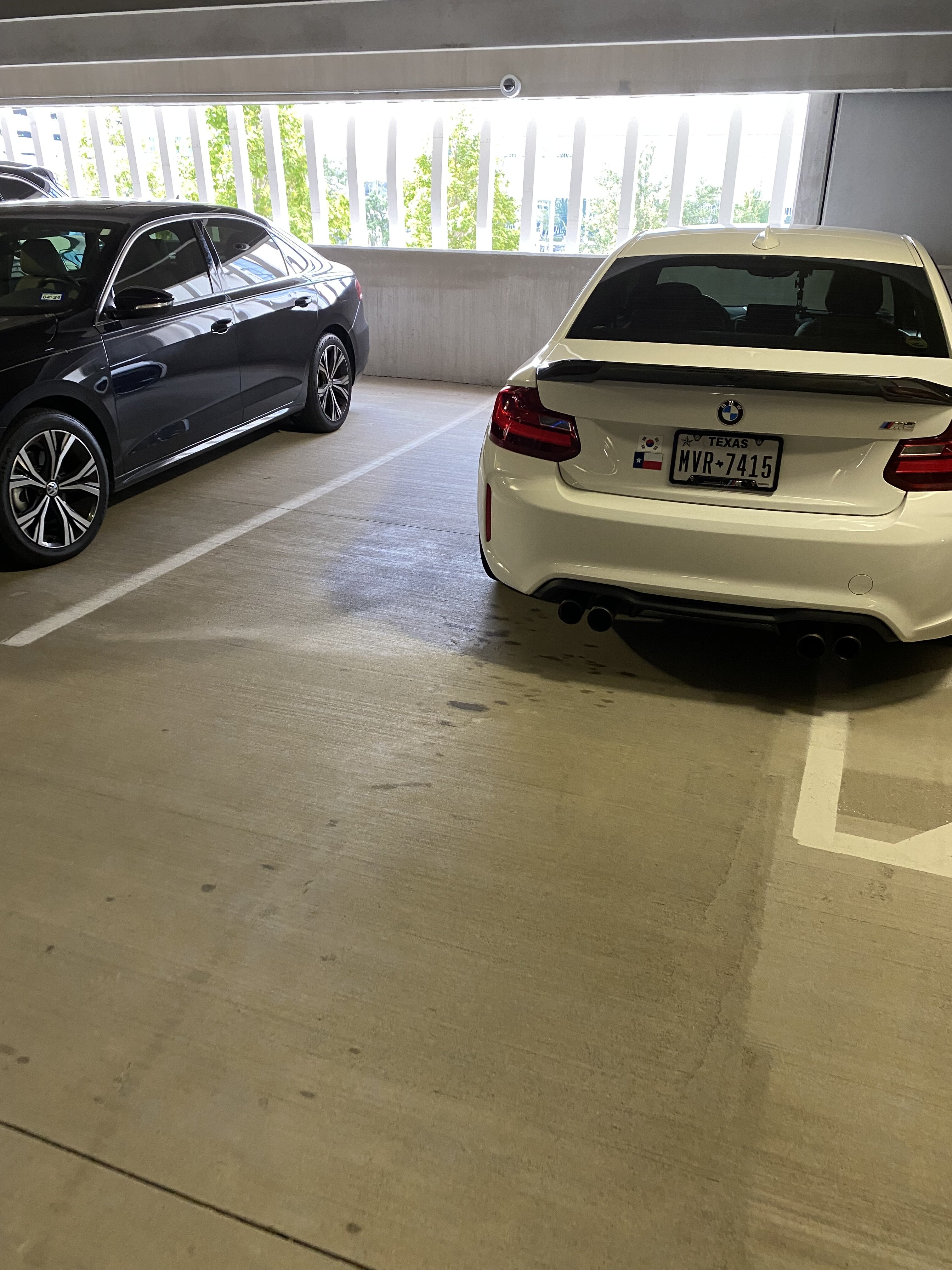
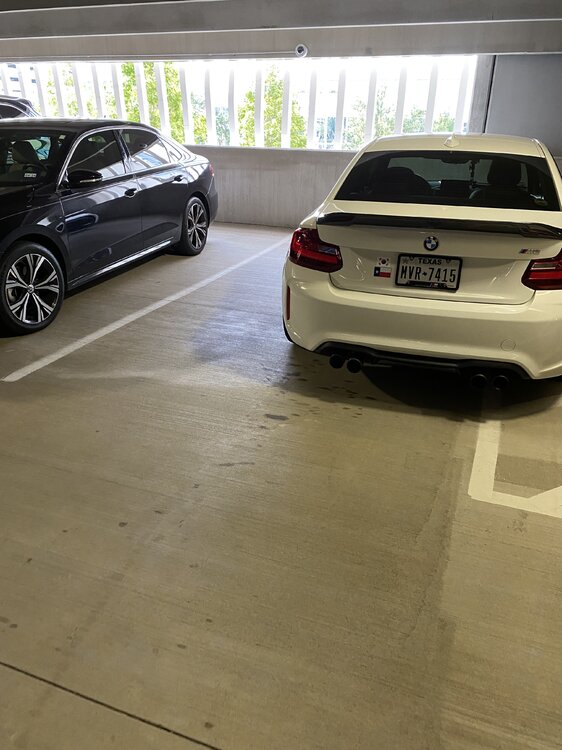
 Textbook douchebag parking job.
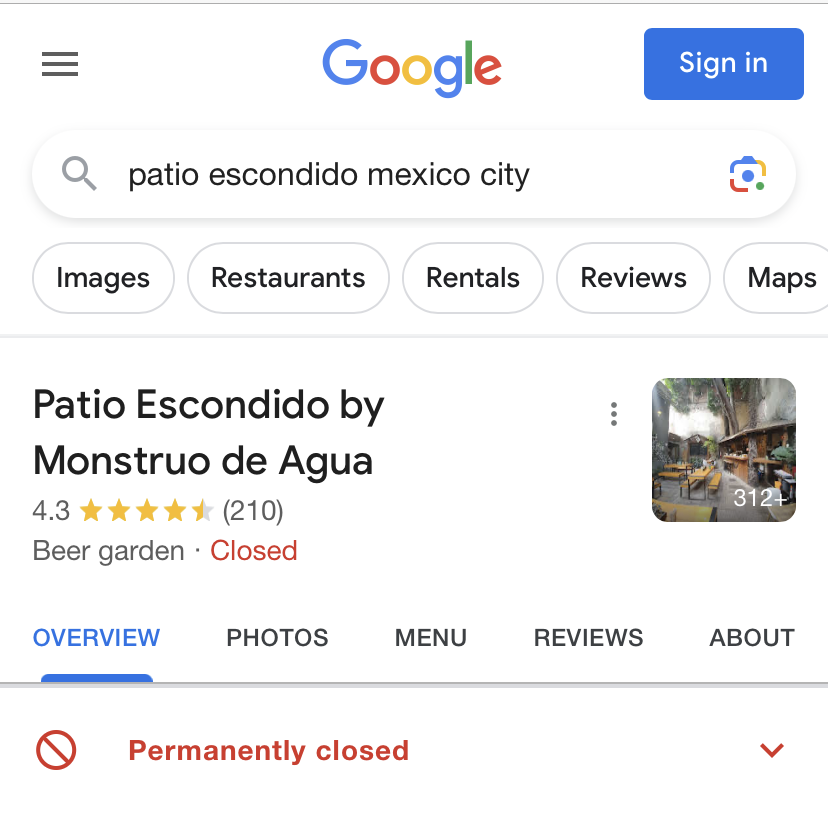
Looks like it closed. That sucks.
Textbook douchebag parking job.
Looks like it closed. That sucks.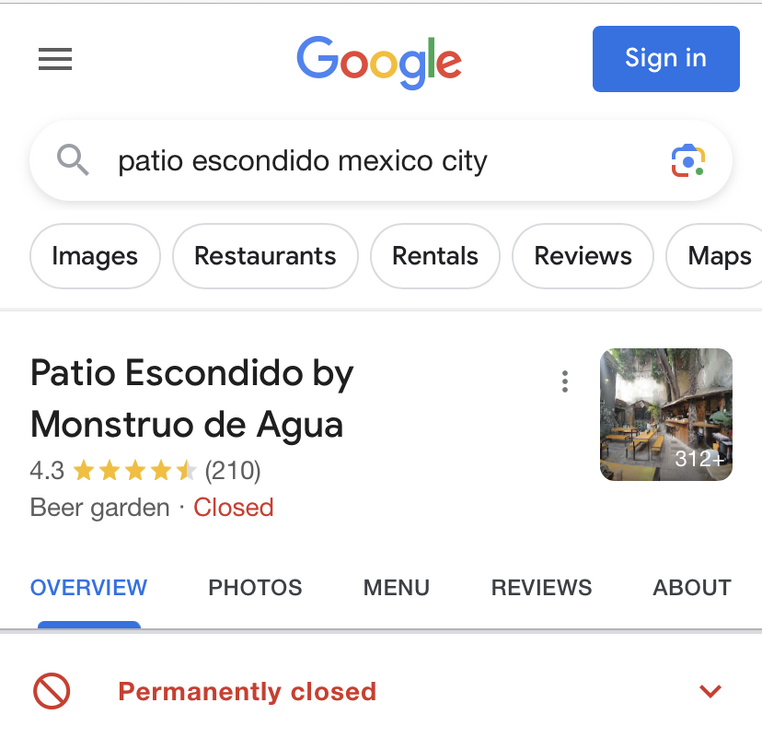 Looks like 70s in day & 50s at night so no shorts. This place is target after dinner @ Maximo. Roma & Condessa looks promising fin de semana. https://www.romabeercompany.it https://www.maximobistrot.com.mx
FAFO
Get ready for the Boys tonight. Not sure what’s up with Jerrah’s nose. Cheers
Looks like 70s in day & 50s at night so no shorts. This place is target after dinner @ Maximo. Roma & Condessa looks promising fin de semana. https://www.romabeercompany.it https://www.maximobistrot.com.mx
FAFO
Get ready for the Boys tonight. Not sure what’s up with Jerrah’s nose. Cheers Car on left didn’t take a shower today.
 https://nypost.com/2023/08/13/tiffany-gomas-airplane-meltdown-saw-her-tell-cops-f-k-you/?utm_source=twitter&utm_medium=social&utm_campaign=nypost_sitebuttons
Watch out for that guy.
https://nypost.com/2023/08/13/tiffany-gomas-airplane-meltdown-saw-her-tell-cops-f-k-you/?utm_source=twitter&utm_medium=social&utm_campaign=nypost_sitebuttons
Watch out for that guy. Two conferences & everyone else.
 Football ... Basketball ... Baseball ... Other Sports ... Futbol ... 🤫995🤫 ... Gambling ... Movies & TV ... Music ... Hobbies ... Lulz ... Food & Travel ... Daily Texan ... Business & Markets ... Cloak Room ... Help ... For Sale ... Board Discussion ... Advertise... Tailgate Donations
Account
Search
Configure browser push notifications
Chrome (Android)
- Tap the lock icon next to the address bar.
- Tap Permissions → Notifications.
- Adjust your preference.
Chrome (Desktop)
- Click the padlock icon in the address bar.
- Select Site settings.
- Find Notifications and adjust your preference.
Safari (iOS 16.4+)
- Ensure the site is installed via Add to Home Screen.
- Open Settings App → Notifications.
- Find your app name and adjust your preference.
Safari (macOS)
- Go to Safari → Preferences.
- Click the Websites tab.
- Select Notifications in the sidebar.
- Find this website and adjust your preference.
Edge (Android)
- Tap the lock icon next to the address bar.
- Tap Permissions.
- Find Notifications and adjust your preference.
Edge (Desktop)
- Click the padlock icon in the address bar.
- Click Permissions for this site.
- Find Notifications and adjust your preference.
Firefox (Android)
- Go to Settings → Site permissions.
- Tap Notifications.
- Find this site in the list and adjust your preference.
Firefox (Desktop)
- Open Firefox Settings.
- Search for Notifications.
- Find this site in the list and adjust your preference.