

tfoolry
Legacy Members
-
Joined
-
Last visited
Everything posted by tfoolry
-
 Wonder what her Tinder profile pic looks like?
After all the quicksand in world dried up.
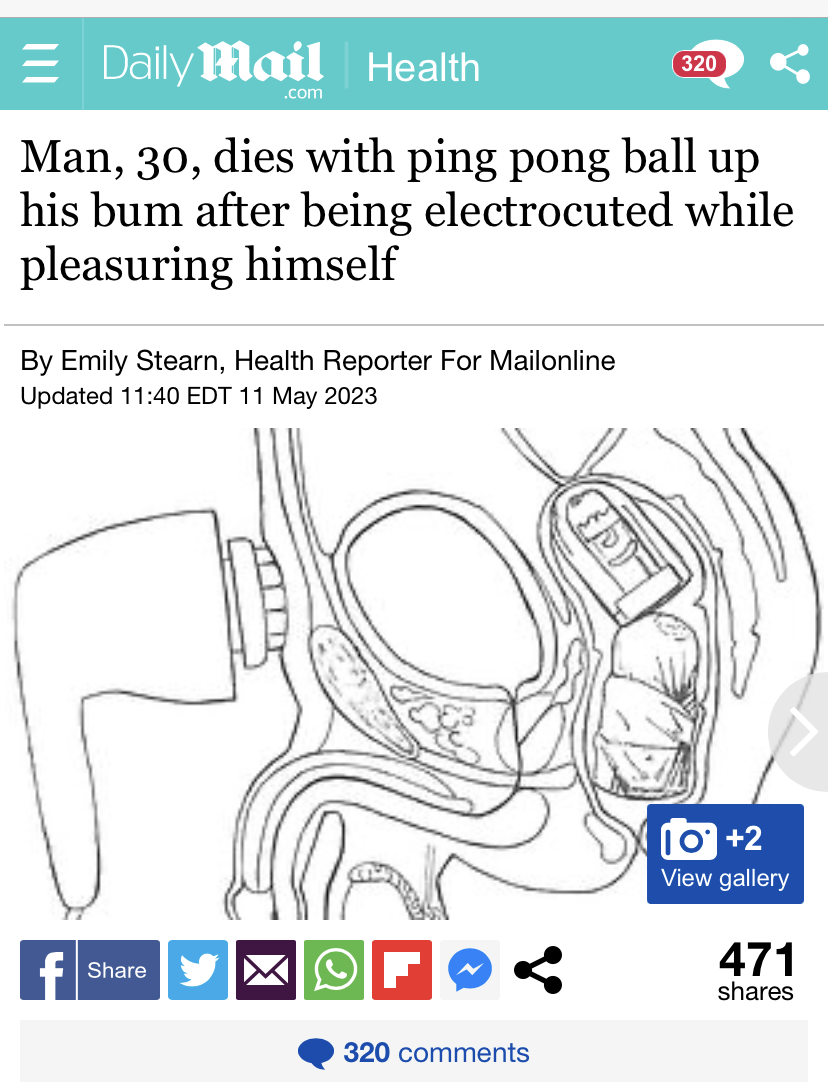
https://www.dailymail.co.uk/health/article-12071691/Man-30-dies-ping-pong-ball-bum-electrocuted-pleasuring-himself.html
Wonder what her Tinder profile pic looks like?
After all the quicksand in world dried up.
https://www.dailymail.co.uk/health/article-12071691/Man-30-dies-ping-pong-ball-bum-electrocuted-pleasuring-himself.html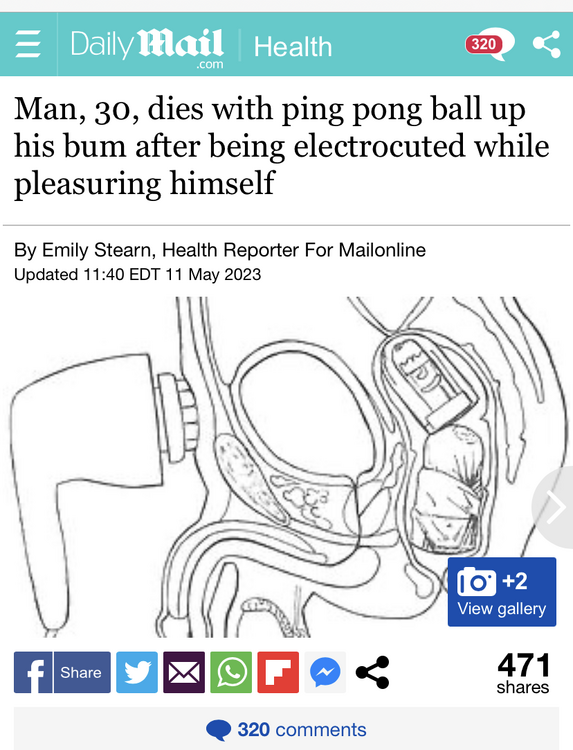 Bruno the kid must be a Xavier sock.
Not really steak. But close. Beef short rib.
Bruno the kid must be a Xavier sock.
Not really steak. But close. Beef short rib. You find the dumbest shit. Well, it is your thread.
What song is he blasting?
This is Spinal Tap in the Ass.
That hand has seen a thing or two.
What’s Eating Gilbert Grape in the Ass
No Dorsia.
https://twitter.com/MayContainShite/status/1653496709887021073
I saw one out on the road today.
Quality entertainment when baked.
Ok. Cool. Hook ‘em.Football ... Basketball ... Baseball ... Other Sports ... Futbol ... 🤫995🤫 ... Gambling ... Movies & TV ... Music ... Hobbies ... Lulz ... Food & Travel ... Daily Texan ... Business & Markets ... Cloak Room ... Help ... For Sale ... Board Discussion ... Advertise... Tailgate Donations
You find the dumbest shit. Well, it is your thread.
What song is he blasting?
This is Spinal Tap in the Ass.
That hand has seen a thing or two.
What’s Eating Gilbert Grape in the Ass
No Dorsia.
https://twitter.com/MayContainShite/status/1653496709887021073
I saw one out on the road today.
Quality entertainment when baked.
Ok. Cool. Hook ‘em.Football ... Basketball ... Baseball ... Other Sports ... Futbol ... 🤫995🤫 ... Gambling ... Movies & TV ... Music ... Hobbies ... Lulz ... Food & Travel ... Daily Texan ... Business & Markets ... Cloak Room ... Help ... For Sale ... Board Discussion ... Advertise... Tailgate Donations











Account
Search
Configure browser push notifications
Chrome (Android)
- Tap the lock icon next to the address bar.
- Tap Permissions → Notifications.
- Adjust your preference.
Chrome (Desktop)
- Click the padlock icon in the address bar.
- Select Site settings.
- Find Notifications and adjust your preference.
Safari (iOS 16.4+)
- Ensure the site is installed via Add to Home Screen.
- Open Settings App → Notifications.
- Find your app name and adjust your preference.
Safari (macOS)
- Go to Safari → Preferences.
- Click the Websites tab.
- Select Notifications in the sidebar.
- Find this website and adjust your preference.
Edge (Android)
- Tap the lock icon next to the address bar.
- Tap Permissions.
- Find Notifications and adjust your preference.
Edge (Desktop)
- Click the padlock icon in the address bar.
- Click Permissions for this site.
- Find Notifications and adjust your preference.
Firefox (Android)
- Go to Settings → Site permissions.
- Tap Notifications.
- Find this site in the list and adjust your preference.
Firefox (Desktop)
- Open Firefox Settings.
- Search for Notifications.
- Find this site in the list and adjust your preference.