tfoolry
Legacy Members
-
Joined
-
Last visited
Everything posted by tfoolry
-
 You can’t park there mate.
 -
From South Austin today:
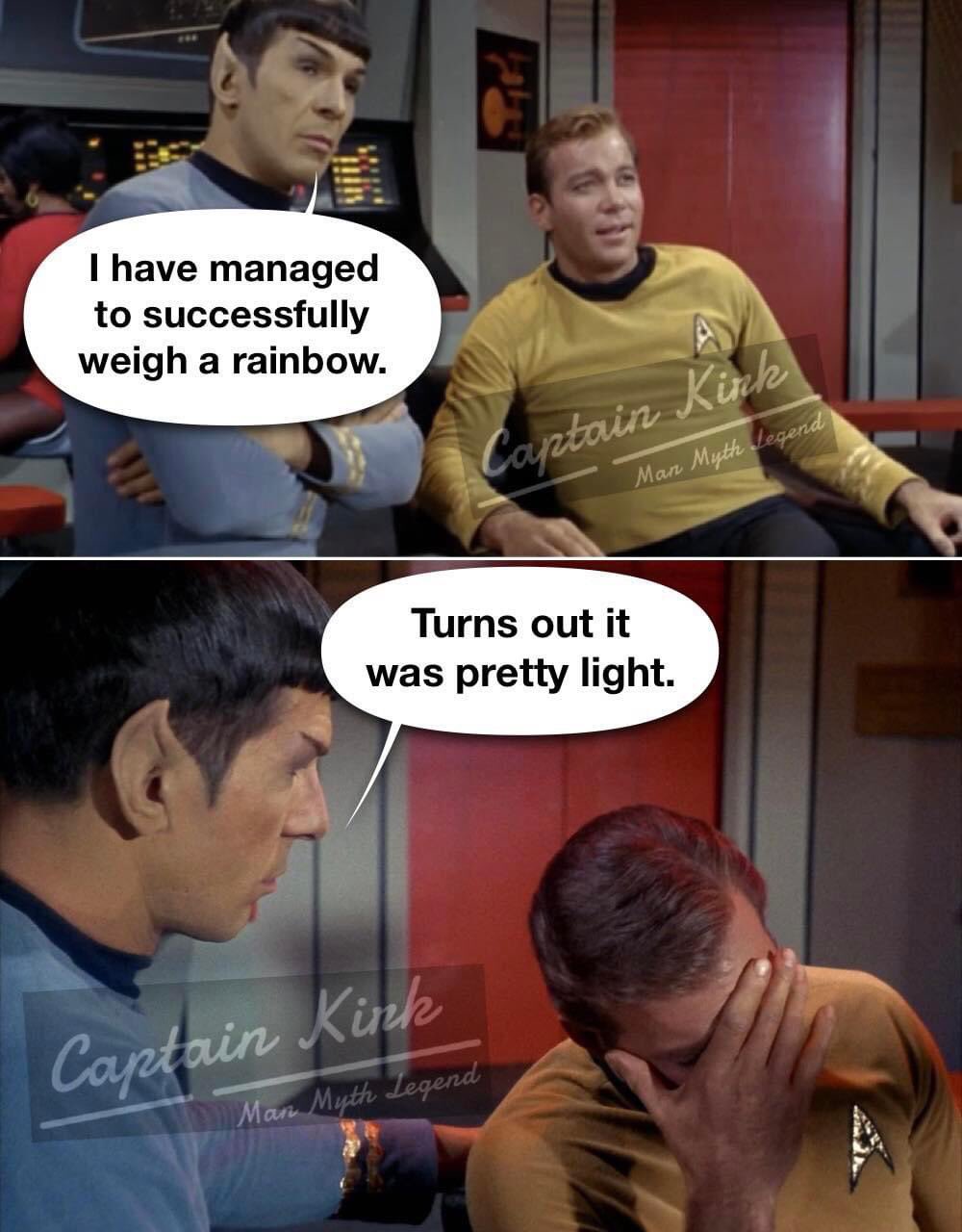
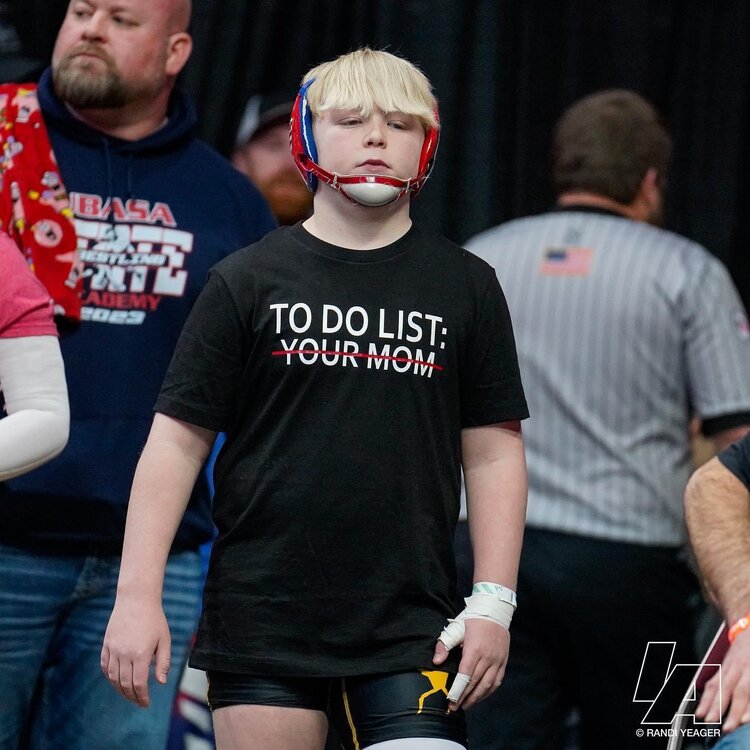 Everyone knows it’s Cthulhu and it’s real.
Not in Dallas when I checked I’m talking front sections. Not rear floor, which were $296.
Nice. I got in with that code but not paying $1,000 for lower level in front. I’ll wait to buy 2nd hand on stub hub the week of concert.
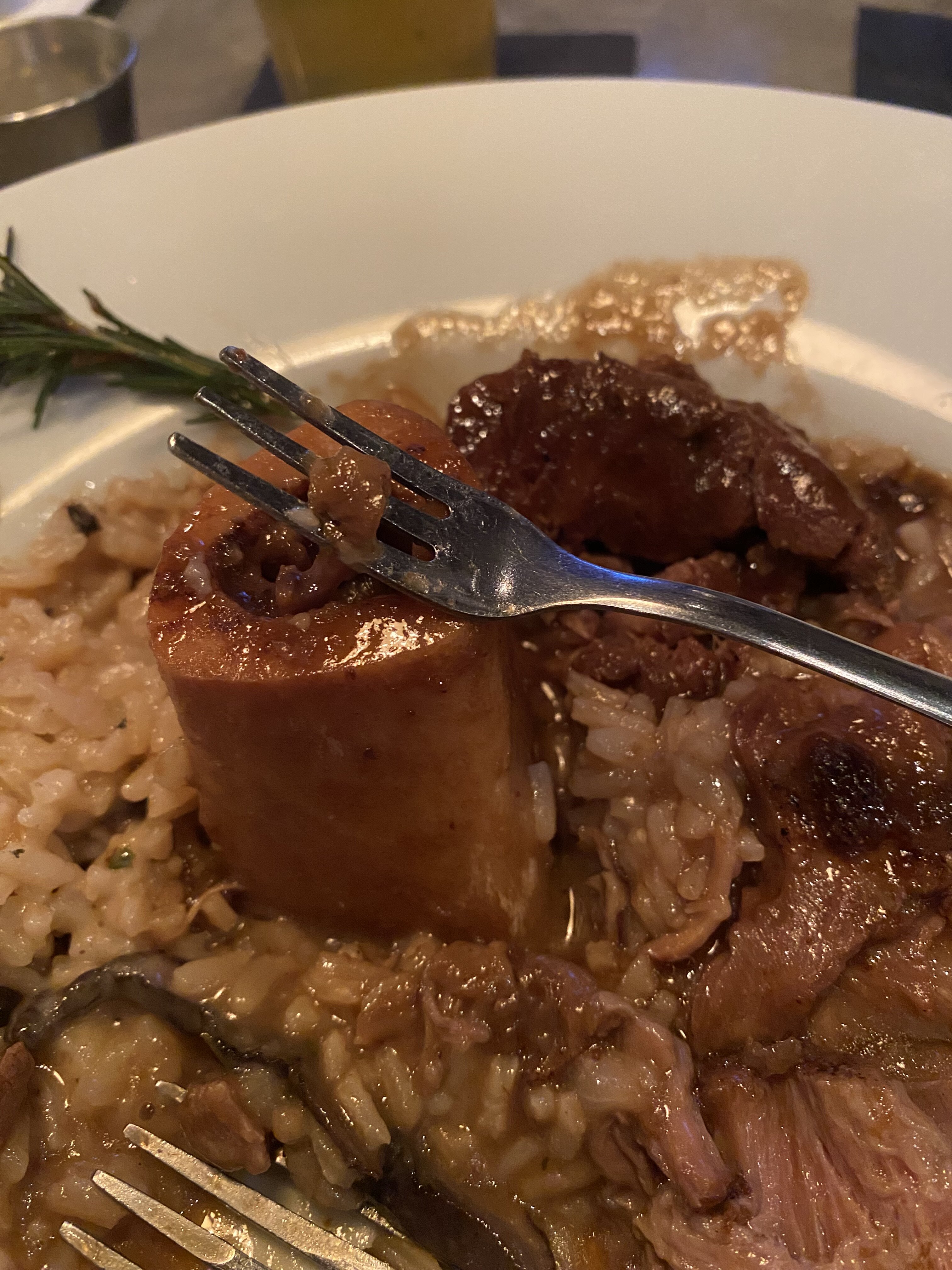
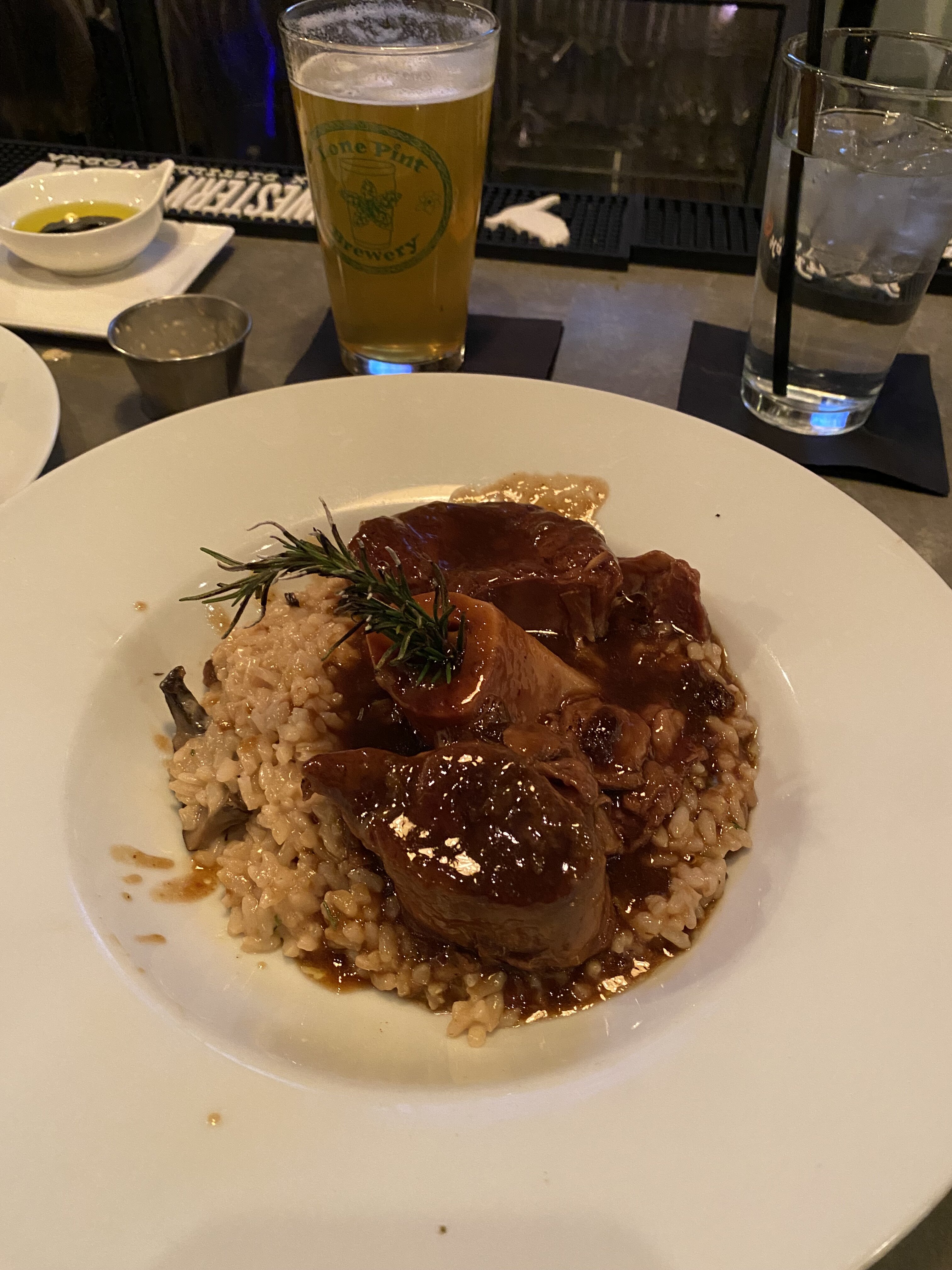
Bone marrow.
Everyone knows it’s Cthulhu and it’s real.
Not in Dallas when I checked I’m talking front sections. Not rear floor, which were $296.
Nice. I got in with that code but not paying $1,000 for lower level in front. I’ll wait to buy 2nd hand on stub hub the week of concert.
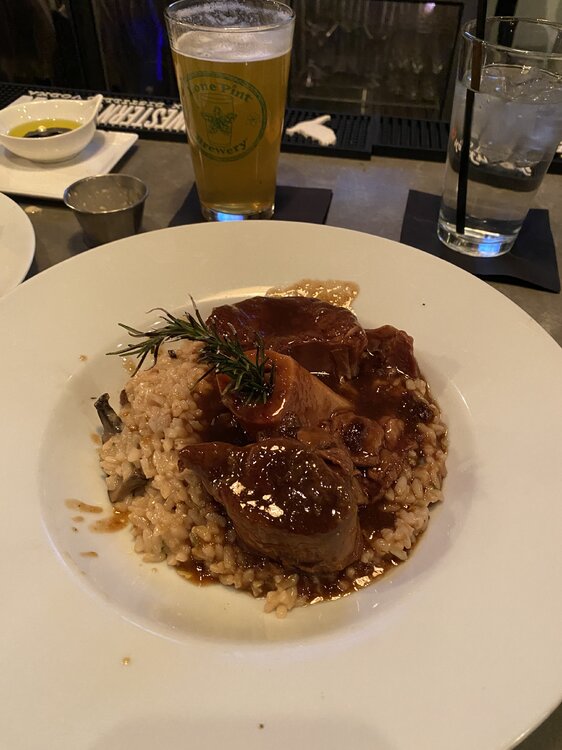
Bone marrow.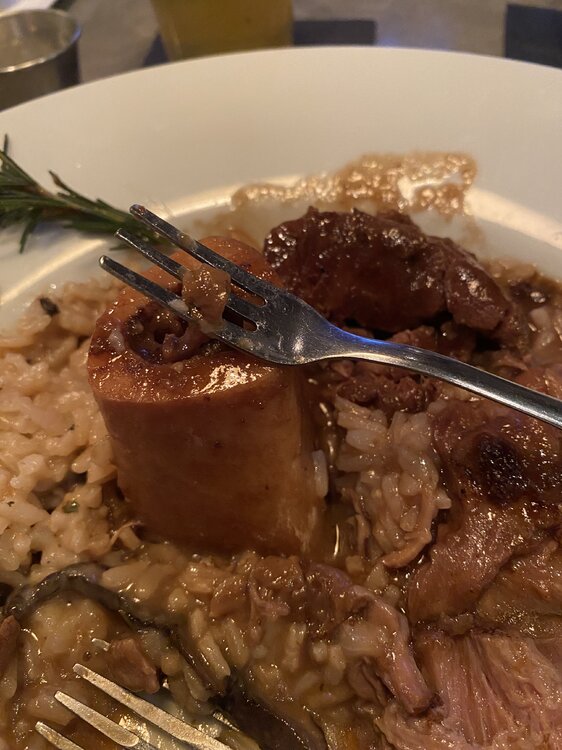 Ossobucco
 Isn't that the code on your first picture? "timeisfleeting" There seems to be different codes for each city but I’ll try when available. And fuck Ticketmaster.
 Please share presale code for Depeche Mode in Dallas 10/1 just announced if obtained. On sale 2/21. Thanks.
This program under 3rd row from 1963.
Please share presale code for Depeche Mode in Dallas 10/1 just announced if obtained. On sale 2/21. Thanks.
This program under 3rd row from 1963. Considering she was told by first agent to keep her first husband’s last name instead of Tejeda to avoid typecasting as Latina, interesting she agreed to this scene. One of my favs. RIP.
Football ... Basketball ... Baseball ... Other Sports ... Futbol ... 🤫995🤫 ... Gambling ... Movies & TV ... Music ... Hobbies ... Lulz ... Food & Travel ... Daily Texan ... Business & Markets ... Cloak Room ... Help ... For Sale ... Board Discussion ... Advertise... Tailgate Donations
Considering she was told by first agent to keep her first husband’s last name instead of Tejeda to avoid typecasting as Latina, interesting she agreed to this scene. One of my favs. RIP.
Football ... Basketball ... Baseball ... Other Sports ... Futbol ... 🤫995🤫 ... Gambling ... Movies & TV ... Music ... Hobbies ... Lulz ... Food & Travel ... Daily Texan ... Business & Markets ... Cloak Room ... Help ... For Sale ... Board Discussion ... Advertise... Tailgate DonationsAccount
Search
Configure browser push notifications
Chrome (Android)
- Tap the lock icon next to the address bar.
- Tap Permissions → Notifications.
- Adjust your preference.
Chrome (Desktop)
- Click the padlock icon in the address bar.
- Select Site settings.
- Find Notifications and adjust your preference.
Safari (iOS 16.4+)
- Ensure the site is installed via Add to Home Screen.
- Open Settings App → Notifications.
- Find your app name and adjust your preference.
Safari (macOS)
- Go to Safari → Preferences.
- Click the Websites tab.
- Select Notifications in the sidebar.
- Find this website and adjust your preference.
Edge (Android)
- Tap the lock icon next to the address bar.
- Tap Permissions.
- Find Notifications and adjust your preference.
Edge (Desktop)
- Click the padlock icon in the address bar.
- Click Permissions for this site.
- Find Notifications and adjust your preference.
Firefox (Android)
- Go to Settings → Site permissions.
- Tap Notifications.
- Find this site in the list and adjust your preference.
Firefox (Desktop)
- Open Firefox Settings.
- Search for Notifications.
- Find this site in the list and adjust your preference.