tfoolry
Legacy Members
-
Joined
-
Last visited
Everything posted by tfoolry
-
 They must’ve used a real shitty stud finder.
Not as bad as a turd taco topped with expired cheese placed in front of dude’s space heater while he was at class.
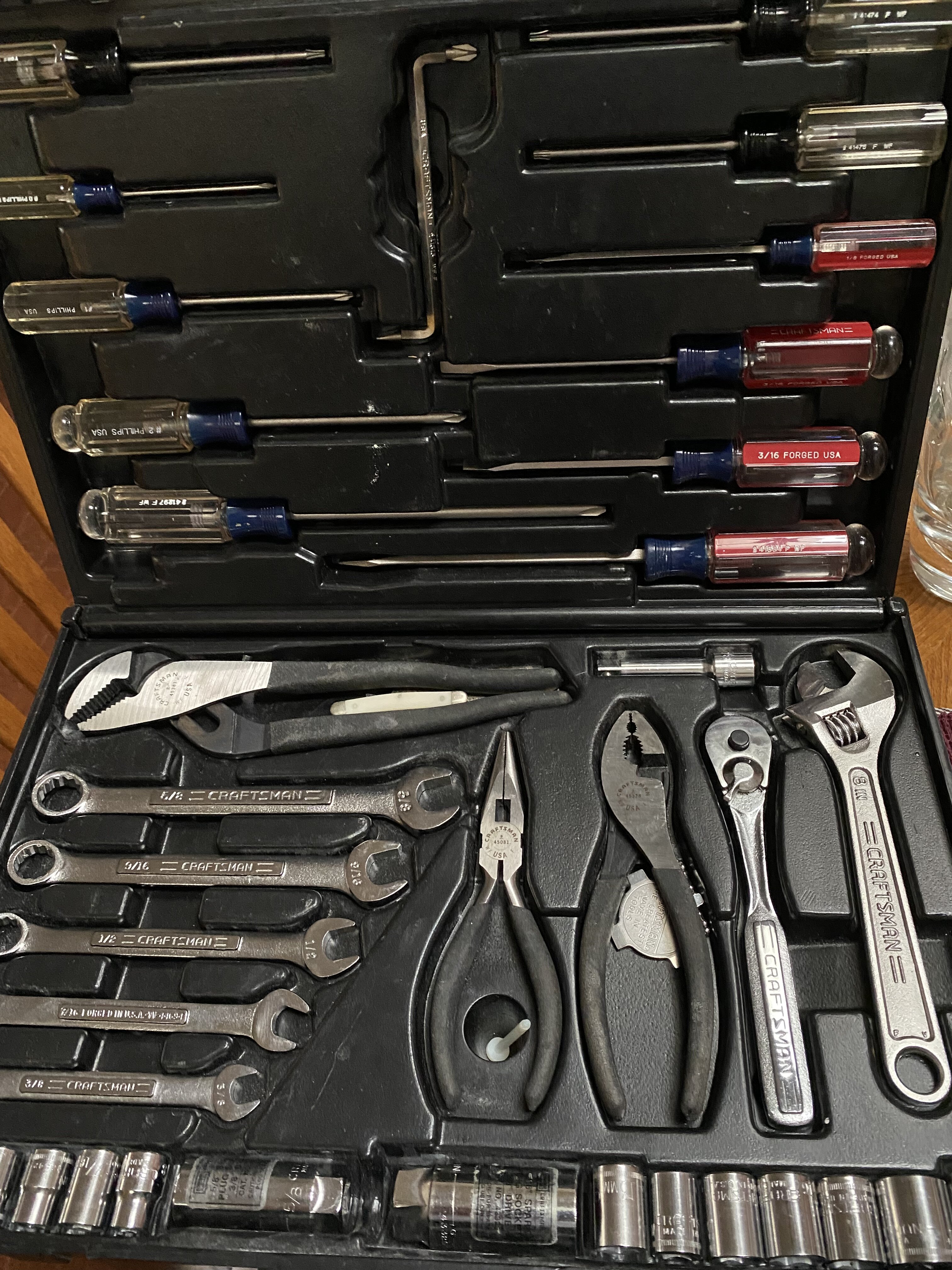
Prob. not oldest but still used weekly.
They must’ve used a real shitty stud finder.
Not as bad as a turd taco topped with expired cheese placed in front of dude’s space heater while he was at class.
Prob. not oldest but still used weekly.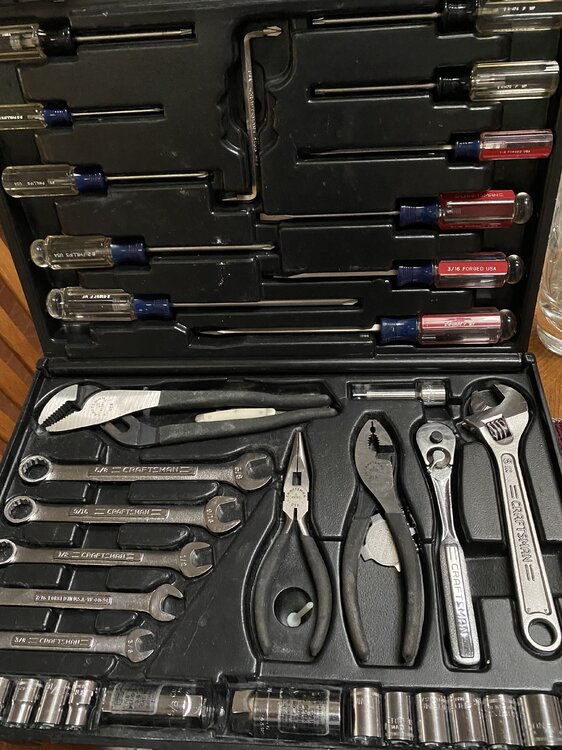 It’s this one.
 Pacific Table. Las Colinas Blackened Ribeye
 Sweet - Love is Like Oxygen
Could me more on the way too. Can’t be for sure.
You can get one of these for < $10 @ CVS. I can’t use phone as I’ll destroy it as takes me several snooze rounds before I’m up. These are easy to shut the fuck up with fist pound.
Sweet - Love is Like Oxygen
Could me more on the way too. Can’t be for sure.
You can get one of these for < $10 @ CVS. I can’t use phone as I’ll destroy it as takes me several snooze rounds before I’m up. These are easy to shut the fuck up with fist pound. Obligatory:
 This thread turned into Post a Pic That Made You LOL 10 Years Ago.
Song is stuck in my head now.
Nuns N Roses
Football ... Basketball ... Baseball ... Other Sports ... Futbol ... 🤫995🤫 ... Gambling ... Movies & TV ... Music ... Hobbies ... Lulz ... Food & Travel ... Daily Texan ... Business & Markets ... Cloak Room ... Help ... For Sale ... Board Discussion ... Advertise... Tailgate Donations
This thread turned into Post a Pic That Made You LOL 10 Years Ago.
Song is stuck in my head now.
Nuns N Roses
Football ... Basketball ... Baseball ... Other Sports ... Futbol ... 🤫995🤫 ... Gambling ... Movies & TV ... Music ... Hobbies ... Lulz ... Food & Travel ... Daily Texan ... Business & Markets ... Cloak Room ... Help ... For Sale ... Board Discussion ... Advertise... Tailgate DonationsAccount
Search
Configure browser push notifications
Chrome (Android)
- Tap the lock icon next to the address bar.
- Tap Permissions → Notifications.
- Adjust your preference.
Chrome (Desktop)
- Click the padlock icon in the address bar.
- Select Site settings.
- Find Notifications and adjust your preference.
Safari (iOS 16.4+)
- Ensure the site is installed via Add to Home Screen.
- Open Settings App → Notifications.
- Find your app name and adjust your preference.
Safari (macOS)
- Go to Safari → Preferences.
- Click the Websites tab.
- Select Notifications in the sidebar.
- Find this website and adjust your preference.
Edge (Android)
- Tap the lock icon next to the address bar.
- Tap Permissions.
- Find Notifications and adjust your preference.
Edge (Desktop)
- Click the padlock icon in the address bar.
- Click Permissions for this site.
- Find Notifications and adjust your preference.
Firefox (Android)
- Go to Settings → Site permissions.
- Tap Notifications.
- Find this site in the list and adjust your preference.
Firefox (Desktop)
- Open Firefox Settings.
- Search for Notifications.
- Find this site in the list and adjust your preference.