SaucyJack
Legacy Members
-
Joined
-
Last visited
Everything posted by SaucyJack
-
 I fucked it up, but my point stands!
It's that damn Johnson, man!
the car is parked > the cake is baked
Wynona‘s Big Brown Beaver makes it all good though.
Nigel, not this again.
I fucked it up, but my point stands!
It's that damn Johnson, man!
the car is parked > the cake is baked
Wynona‘s Big Brown Beaver makes it all good though.
Nigel, not this again.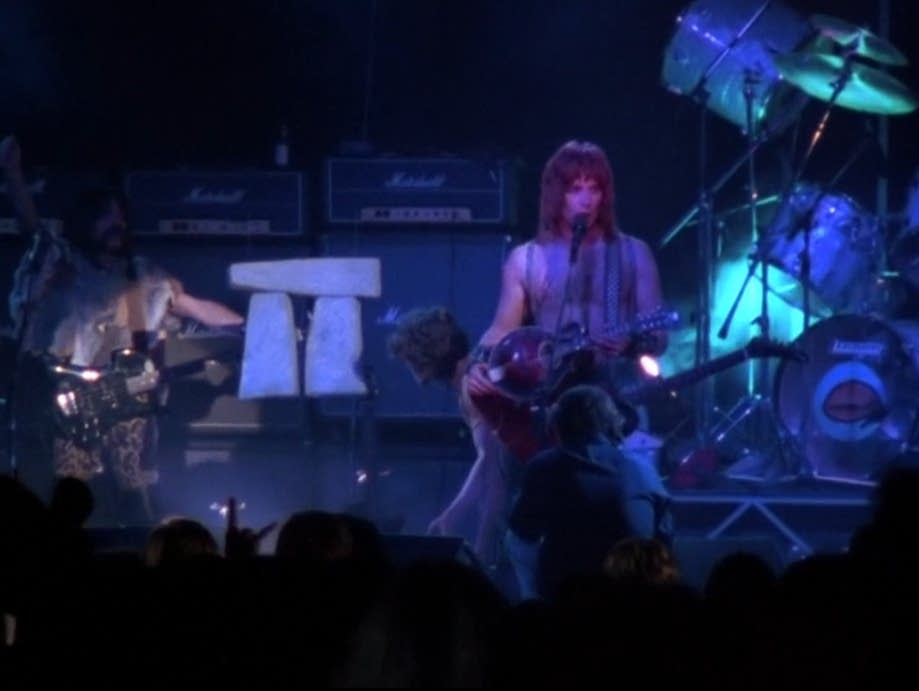 It's all good, man.
no, they're not following your rules. you should do something to them.
Where did the ascension take place? Matthew: No ascension. Book ends on mountain in Galilee Mark: In or near Jerusalem, after supper (16:19) Luke: In Bethany, very close to Jerusalem, after supper (24:50-51) John: No ascension Paul: No ascension Acts: Ascended from Mount of Olives (1:9-12) April Fool!!!
Guess what April 1, 2029 is.
Fuck him, I saw UFO 4 times.
Football ... Basketball ... Baseball ... Other Sports ... Futbol ... 🤫995🤫 ... Gambling ... Movies & TV ... Music ... Hobbies ... Lulz ... Food & Travel ... Daily Texan ... Business & Markets ... Cloak Room ... Help ... For Sale ... Board Discussion ... Advertise... Tailgate Donations
It's all good, man.
no, they're not following your rules. you should do something to them.
Where did the ascension take place? Matthew: No ascension. Book ends on mountain in Galilee Mark: In or near Jerusalem, after supper (16:19) Luke: In Bethany, very close to Jerusalem, after supper (24:50-51) John: No ascension Paul: No ascension Acts: Ascended from Mount of Olives (1:9-12) April Fool!!!
Guess what April 1, 2029 is.
Fuck him, I saw UFO 4 times.
Football ... Basketball ... Baseball ... Other Sports ... Futbol ... 🤫995🤫 ... Gambling ... Movies & TV ... Music ... Hobbies ... Lulz ... Food & Travel ... Daily Texan ... Business & Markets ... Cloak Room ... Help ... For Sale ... Board Discussion ... Advertise... Tailgate DonationsAccount
Search
Configure browser push notifications
Chrome (Android)
- Tap the lock icon next to the address bar.
- Tap Permissions → Notifications.
- Adjust your preference.
Chrome (Desktop)
- Click the padlock icon in the address bar.
- Select Site settings.
- Find Notifications and adjust your preference.
Safari (iOS 16.4+)
- Ensure the site is installed via Add to Home Screen.
- Open Settings App → Notifications.
- Find your app name and adjust your preference.
Safari (macOS)
- Go to Safari → Preferences.
- Click the Websites tab.
- Select Notifications in the sidebar.
- Find this website and adjust your preference.
Edge (Android)
- Tap the lock icon next to the address bar.
- Tap Permissions.
- Find Notifications and adjust your preference.
Edge (Desktop)
- Click the padlock icon in the address bar.
- Click Permissions for this site.
- Find Notifications and adjust your preference.
Firefox (Android)
- Go to Settings → Site permissions.
- Tap Notifications.
- Find this site in the list and adjust your preference.
Firefox (Desktop)
- Open Firefox Settings.
- Search for Notifications.
- Find this site in the list and adjust your preference.