

Everything posted by Wishbone
-
 Sark’s play calling brain seems to fall out when we are inside the 15 yard line … on either end of the field. Ours, or theirs.
 -
Bad idea to throw there
-
lol! Shut the fuck up about “targeting” on that!
Crappy series.
Well that looked very OSUish.
WTF!? Portal target at WR?
All he does is catch everything he gets his hands on. And that’s the idea.
D taking a series off?
Tempering my alcohol intake now.
I like that TD better.
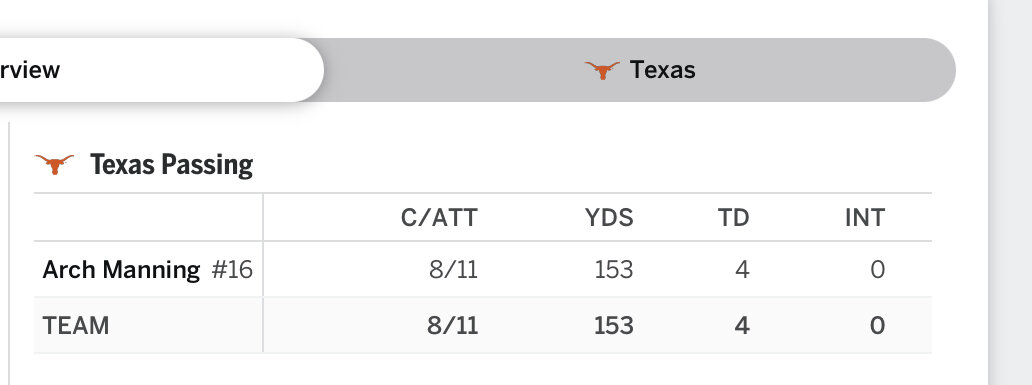
Finally! Somebody else with the score. Now let’s spread it around!
I’ll take it.
Boom! Let’s go!
The rest of the WR room should take notice. When McJaggerson gets his hands on the ball…he catches it.
He should now be known as T.D. McJaggerson.
All we need is a couple more Jaggy’s. Who knew?
A red zone TD! To … McJaggerson! That’s all 3 of ours.
Better get’em while they’re cheap! 😁
Ok. Maybe we are going to get it going.
We have 2 TD’s this year. Both by Jaggy McJaggerson.
Jaggy TD!




Football ...
Basketball ...
Baseball ...
Other Sports ...
Futbol ...
🤫995🤫 ...
Gambling ...
Movies & TV ...
Music ...
Hobbies ...
Lulz ...
Food & Travel
...
Daily Texan ...
Business & Markets ...
Cloak Room ...
Help ...
For Sale ...
Board Discussion ...
Advertise...
Tailgate Donations