
NAVY
Certifiably Surly
-
Joined
Everything posted by NAVY
-
 That needed to be
-
This academy football stuff is cool. Blue water fleet work is way fucking cooler Much love to Army. Let’s figure it out again next year
-
Let’s go!!
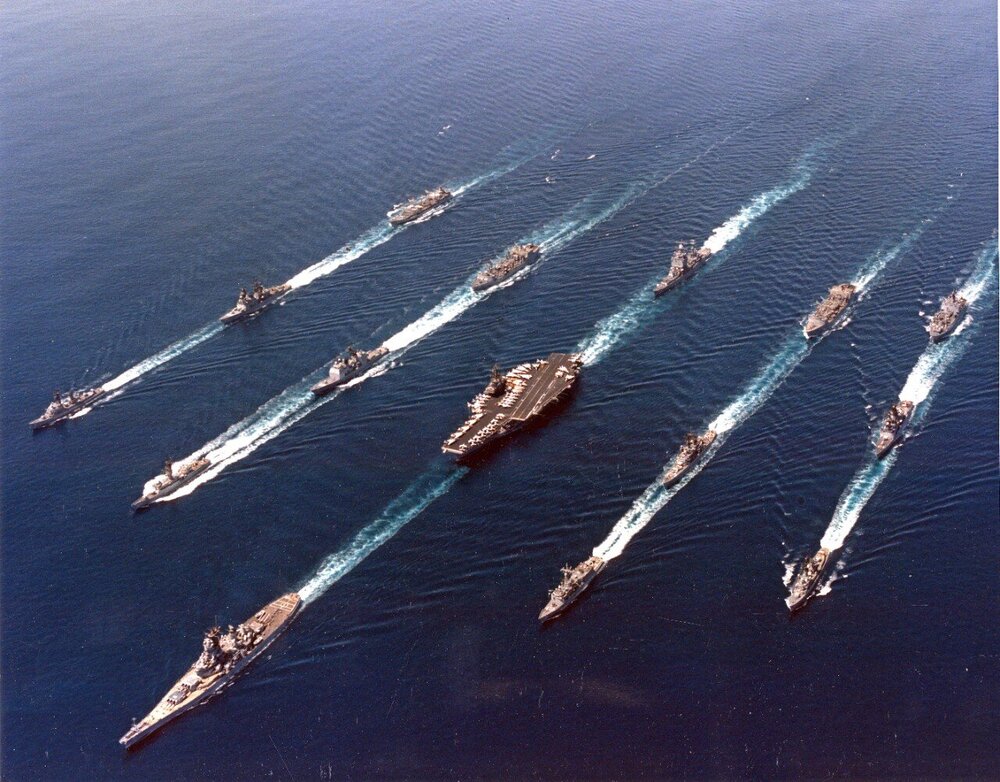
-
Seamanship for life!
-
I don’t disagree with this dude, but that video had 1 minute worth of content that was repeated for 12 more
-
Got to keep the idiots in fight or flight mode. Airplanes at night are malfeasant UFOs until the next inexpensive distraction for the dumb
-
Thank you!
-
Yes! And them ding dang ‘ol UFOs is lowest South East of downtown up in around them 183 ‘n 71. Ding dang
-
https://www.naughtydog.com/blog/intergalactic_the_heretic_prophet_announcement

-
The only person that could enjoy this game is Jim Spencer in the KXAN weather over-reactor
-
Deebo needs to get sat
-
Fucking fuck
-
Holding and holding and more holding says holding
-
You’re not wrong but also fuck you. lol
-
I should not have worn the red pantie
-
Texas is still in this. The reffs fucking suck
-
Mother fucking mother fuxkers
-
My god, the bullshit reffing is bullshit
-
Este Only Texas holds
-
Holding on a running play?
-
That’s right bitches
-
Fuck these georgiana assholes and they referirás
-
Run the ball on these hos
-
Ruffing the passer? JFC
-
Tap on the shoulder is PI?! Fuck these hos