

NAVY
Certifiably Surly
-
Joined
Everything posted by NAVY
-
 So far
 -
Hook ‘em Amazing defense, amazing
-
Damn fine defense right there
-
Three turnovers in a row
-
Please god can we have a blowout? Please
-
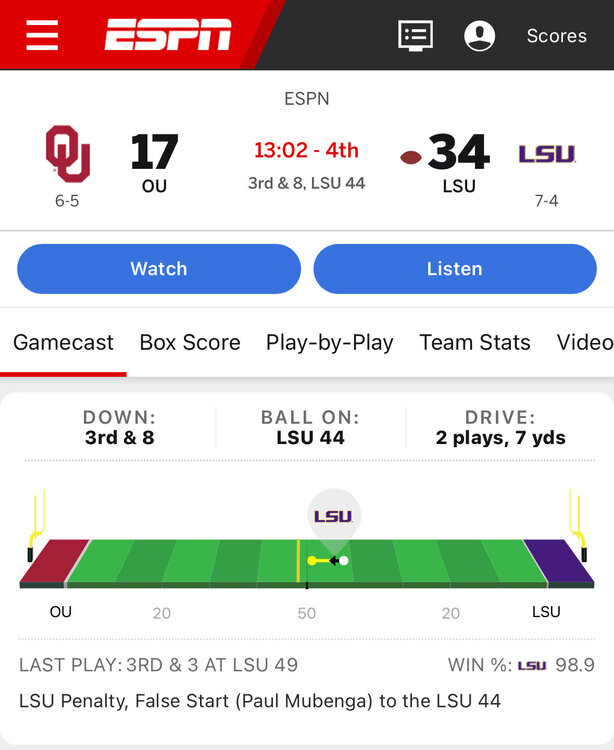
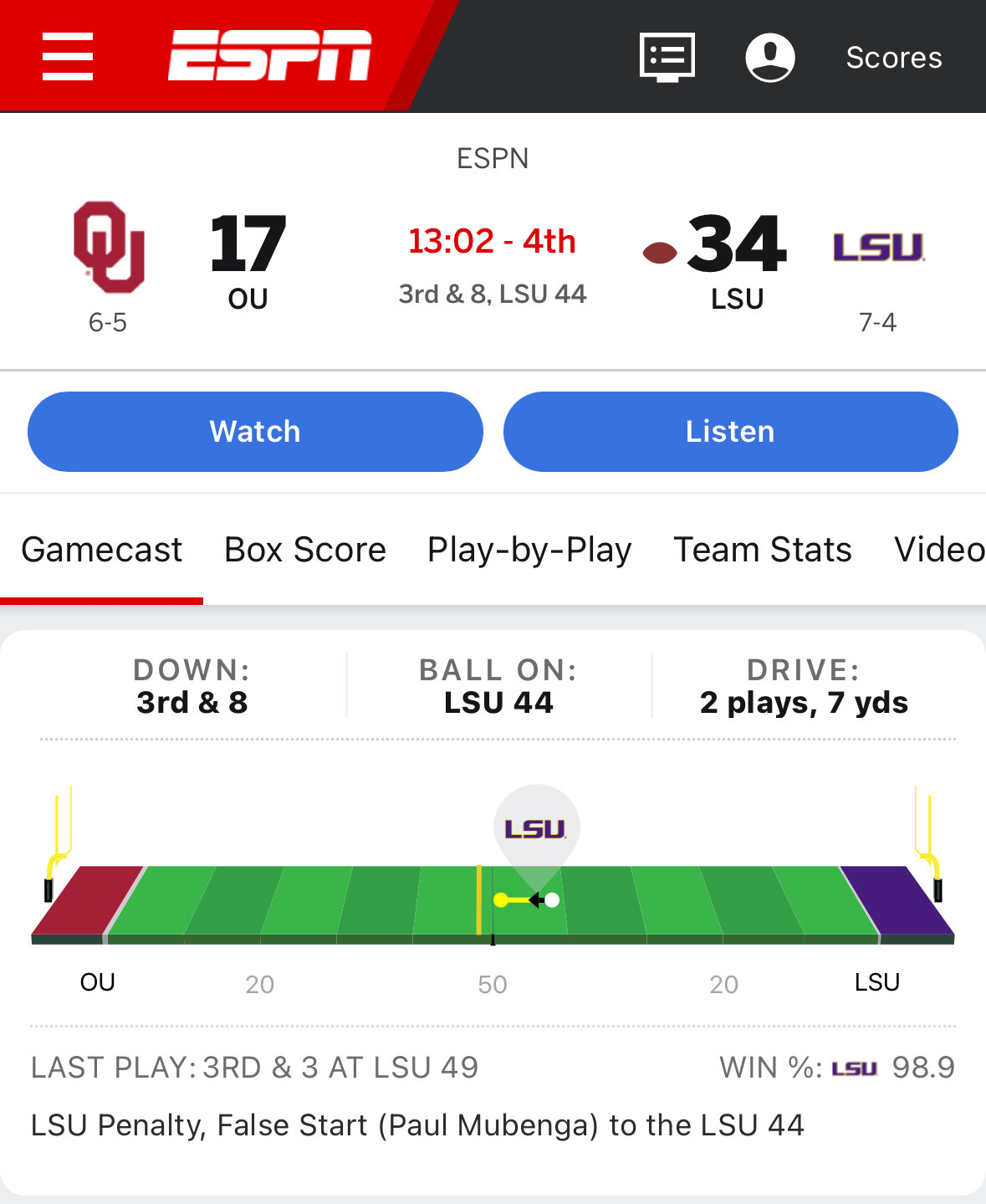
https://www.espn.com/college-football/game/_/gameId/401628441/oklahoma-lsu
-
I keep trying to spot the difference
-
Just great. Now aggy believes they have all the momentum lulz
-
Aggy has a great opportunity to embarrass themselves a lot more before half time
-
Angry kicker kicks it a county mile
-
Someone needs to swipe out Elco’s diaper
-
Wow. Bad call was called bad call
-
This is some bullshit
-
These announcers just remembered that they have herpes
-
It’s a ding dang ol sip conspiracy!
-
Fuck yeah!
-
Fuck these hoes Lets go!
-
Fuck yeah!!!
-
This is cool as fuck
-
So fun! Starting to remember the fun nuances when playing these dorks
-
Let’s fucking go!!!
-
Good luck with that first bit
-
I too feel the hat, but also aware of gramatical principles!
-




Football ...
Basketball ...
Baseball ...
Other Sports ...
Futbol ...
🤫995🤫 ...
Gambling ...
Movies & TV ...
Music ...
Hobbies ...
Lulz ...
Food & Travel
...
Daily Texan ...
Business & Markets ...
Cloak Room ...
Help ...
For Sale ...
Board Discussion ...
Advertise...
Tailgate Donations