

Getafix
Full Members
-
Joined
-
Last visited
Everything posted by Getafix
-
This is a good one.

-
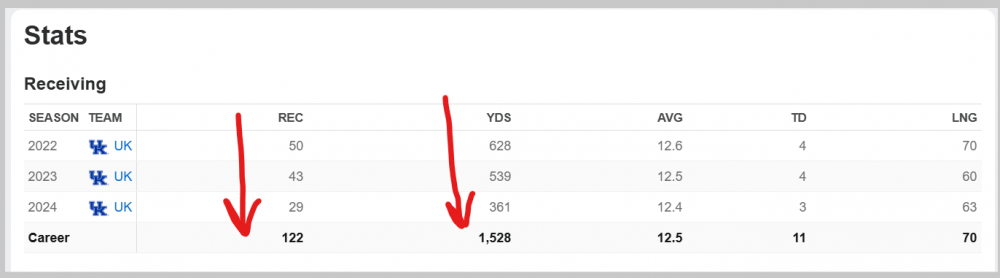
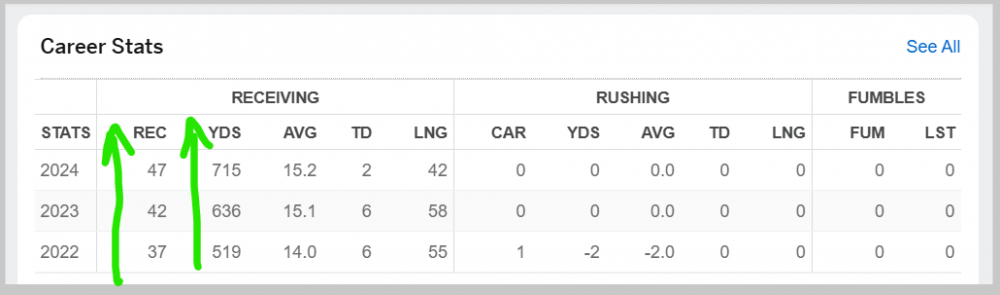
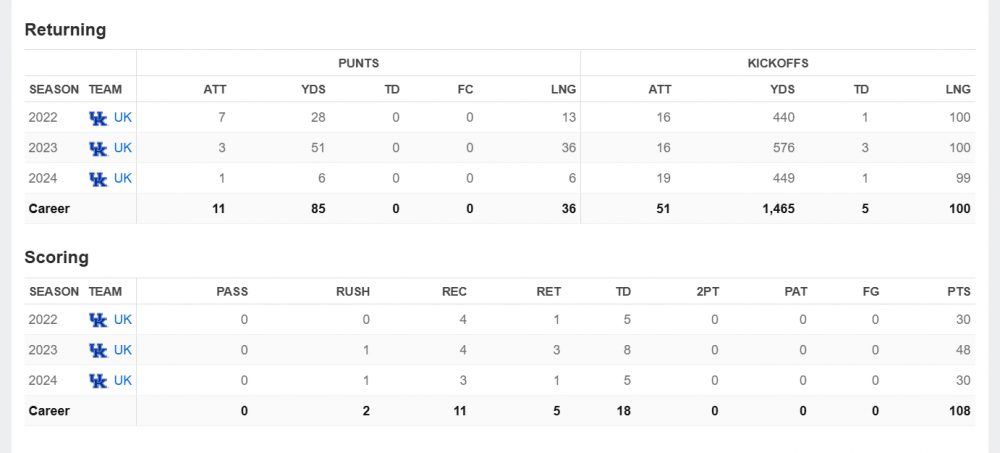
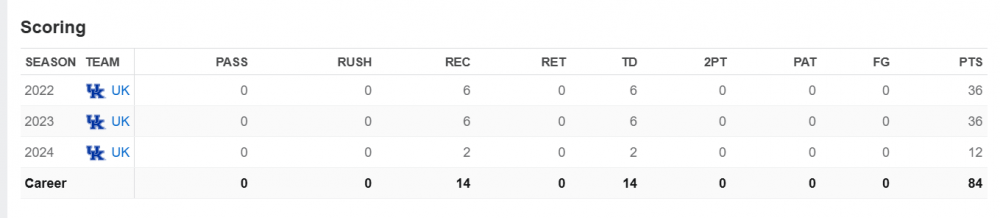
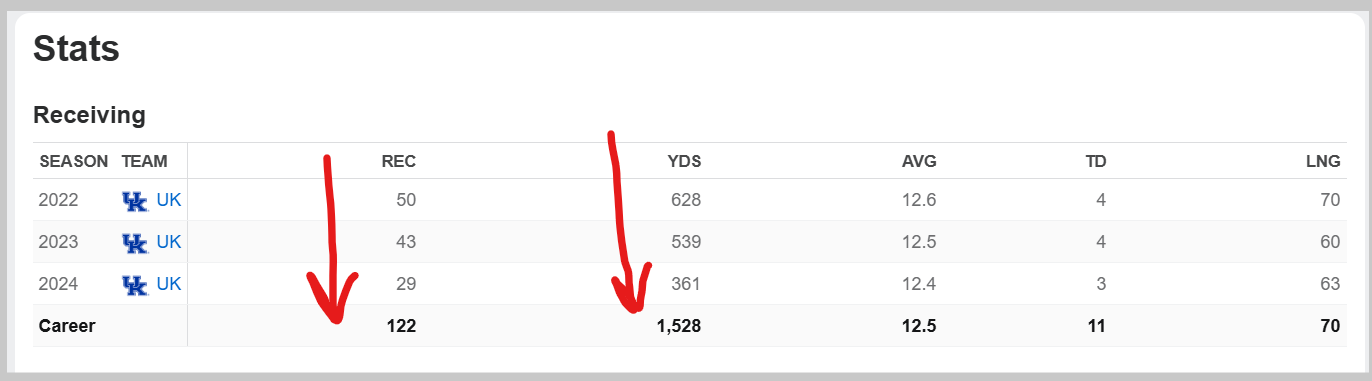
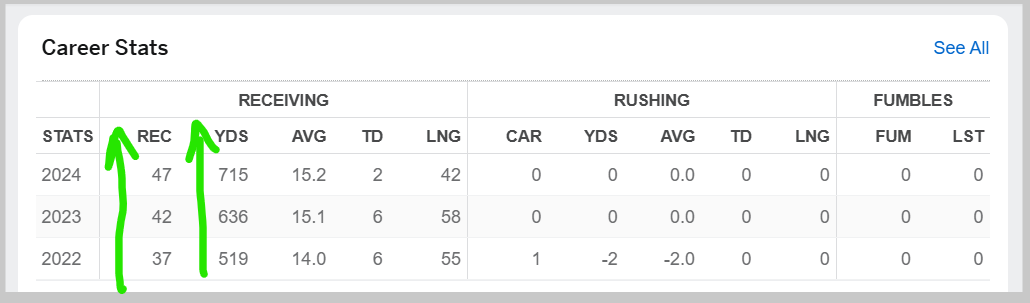
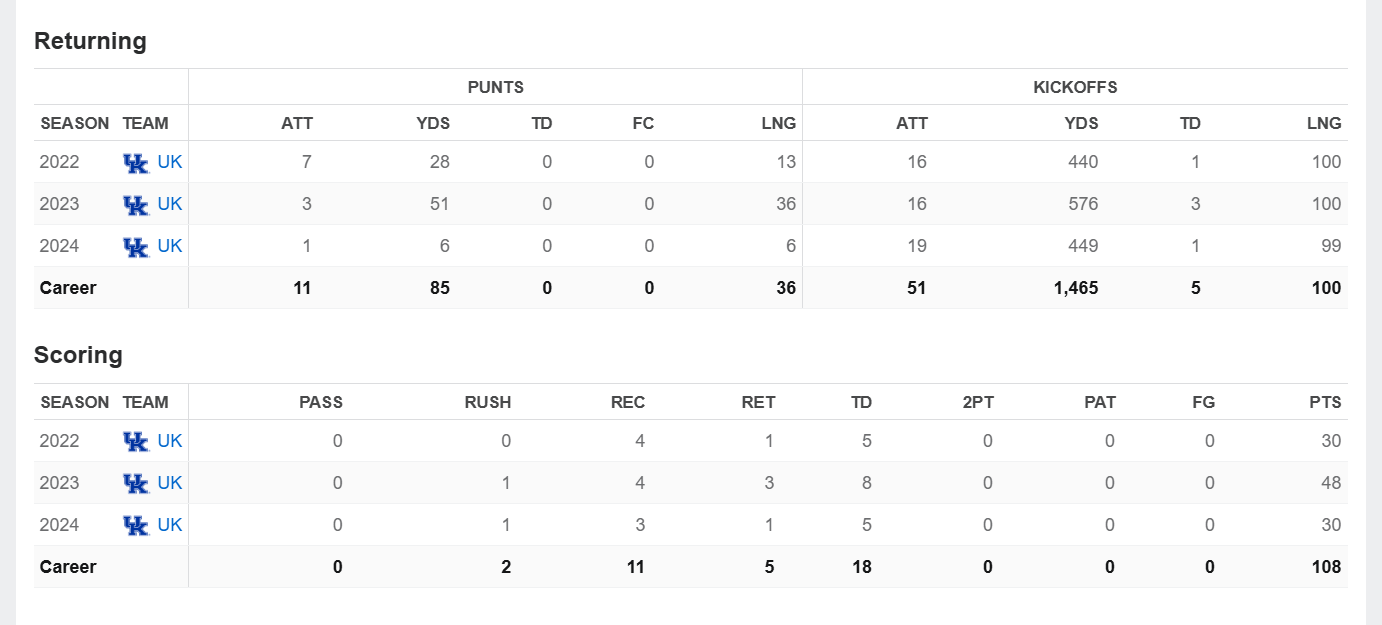
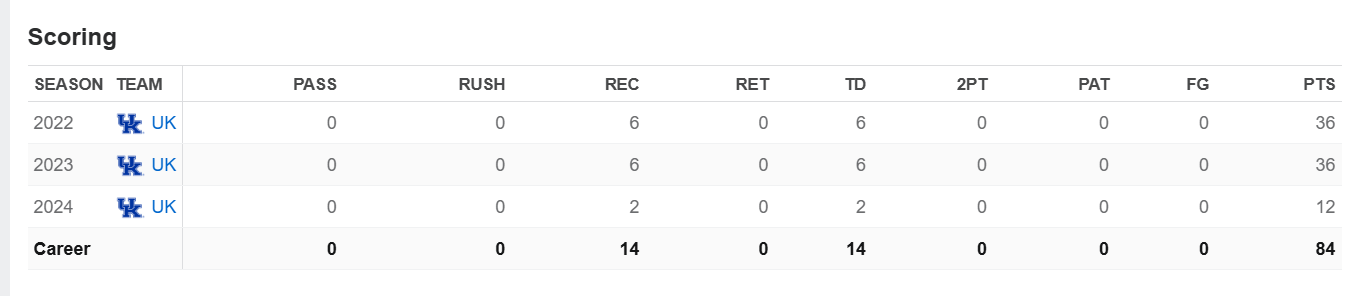
On Barion Brown and Dane Key, some basic stats below. The order of the years (22/23/24 up/down) is reversed for the guys - but note the significantly opposed trends. - In '24, both have stats for 11 games, so not like Brown's been out a bunch of games. - There could be contextual factors not captured - opposing defences ... ahem, keying on Brown, or injuries - but in the same offense and w/ the same QB, would be tough to explain away the large deltas in performance. Edit: Barion Brown's Returning/Scoring Stats Edit: Dane Key's scoring stats


-
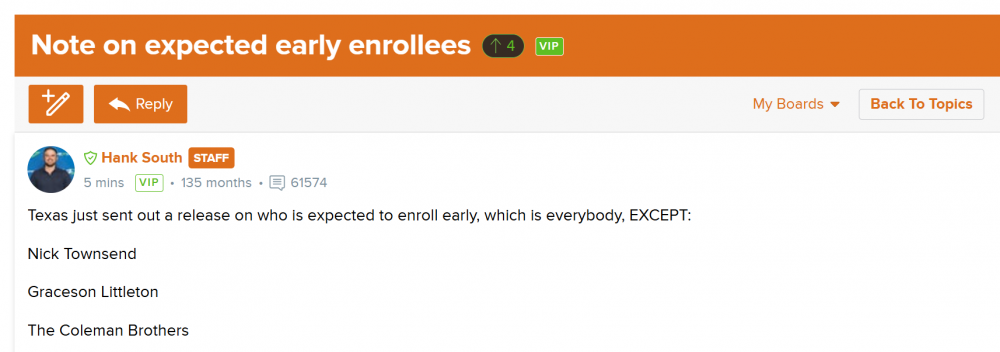
20/24 is pretty impressive. (Wish it included Townsend, too ... ) ,
-
You're killing me, Irish. The first spoilered article covers the mathematical method used. This is an example used to illustrate the method used (which I believe is consistent with the article above, but it's possible it was tweaked over time).
-
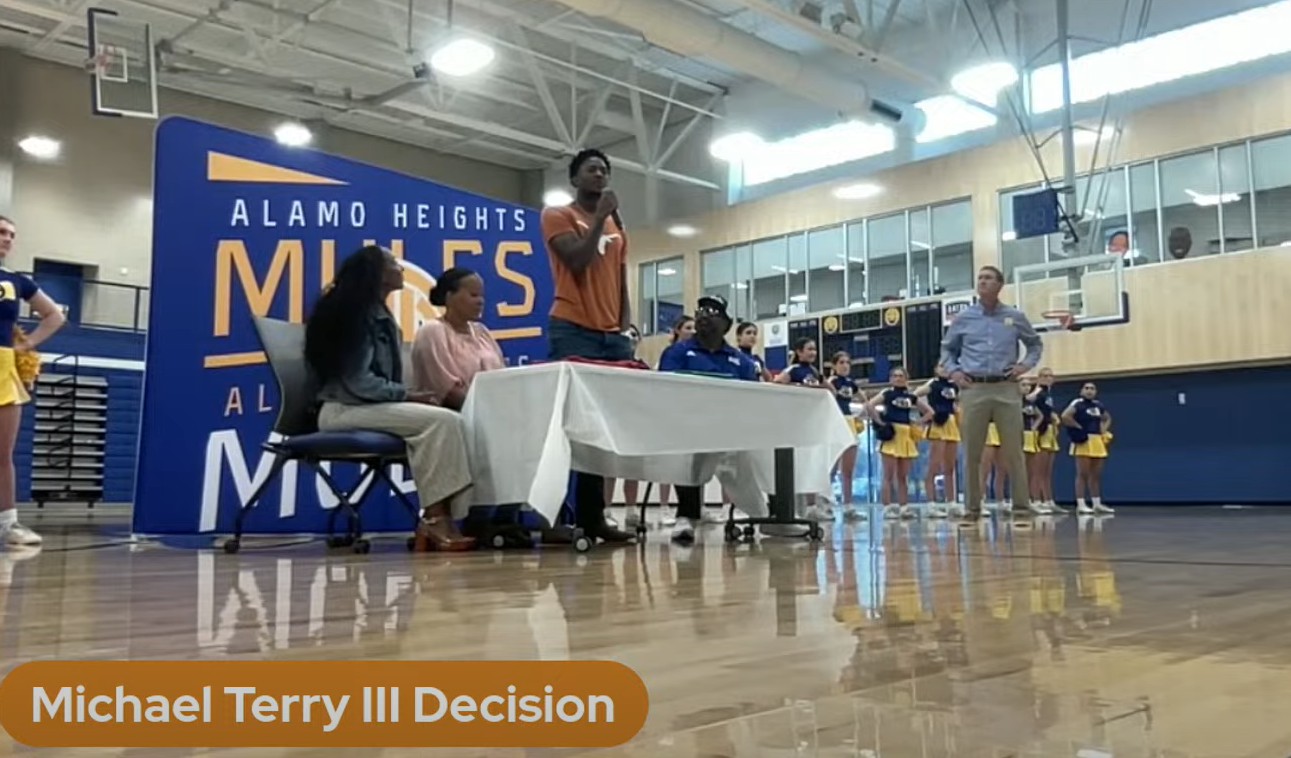
This deserves an oldie but a goodie ...Over the last decade, we've had several highly ranked classes, while going 5-7 and talking about how the class could contribute to the rebuild. Today, we have a highly ranked class (#1 at the moment ), while this is happening ... :-)))Michael Terry :-))
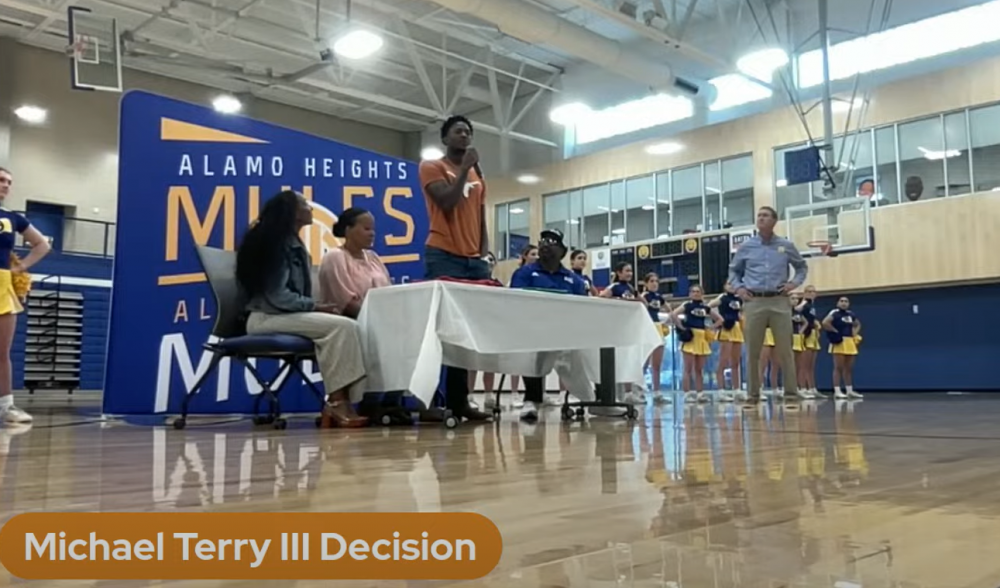 Scruggs - see a flip soon ...
 👀 👀 👀
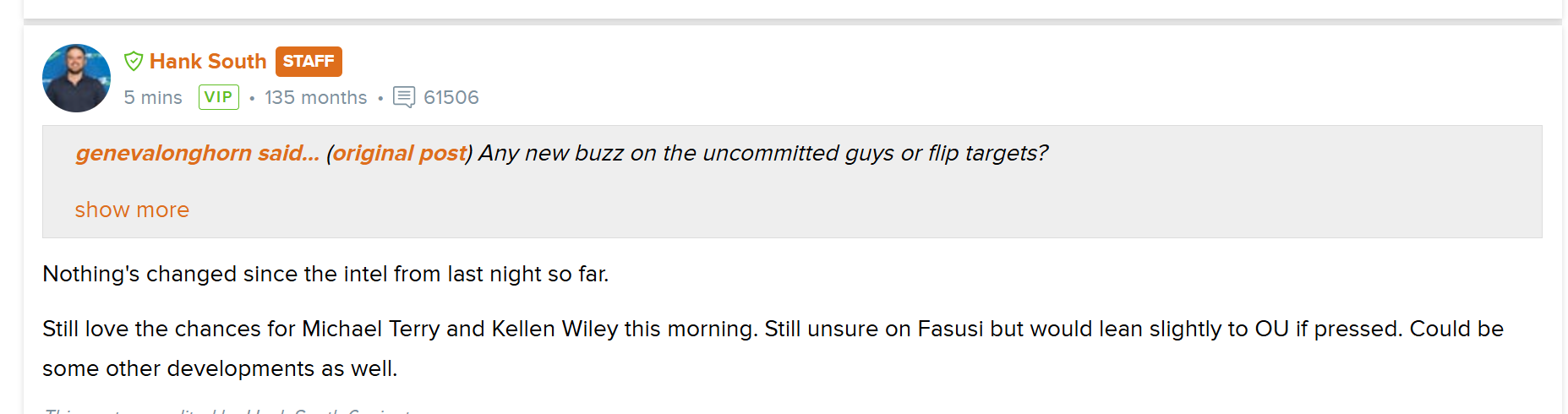
👀 👀 👀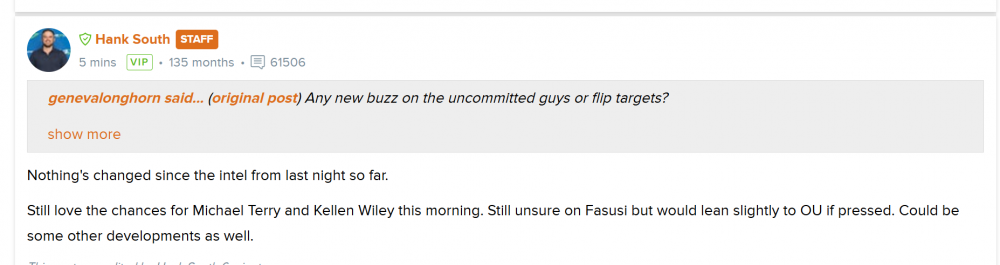 Opponent DBs are ... TToast!! :-)))Woo hoo!!Couple of interesting notes from 247: 🙂 From the short note below re: the mystery flip: - SEC commit - position of need (likely DL?) - think we get him Sounds like Chace Sims?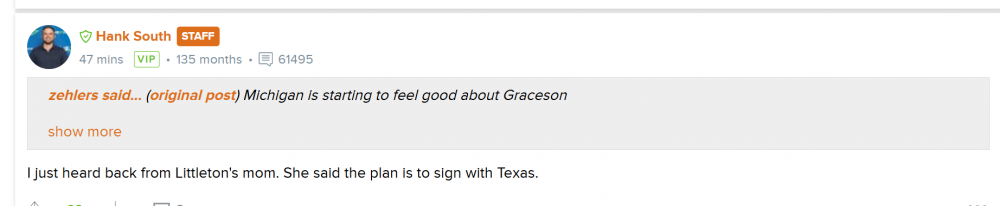
 Huh - Texas A&M's entire offense commits to staying at A&M ...
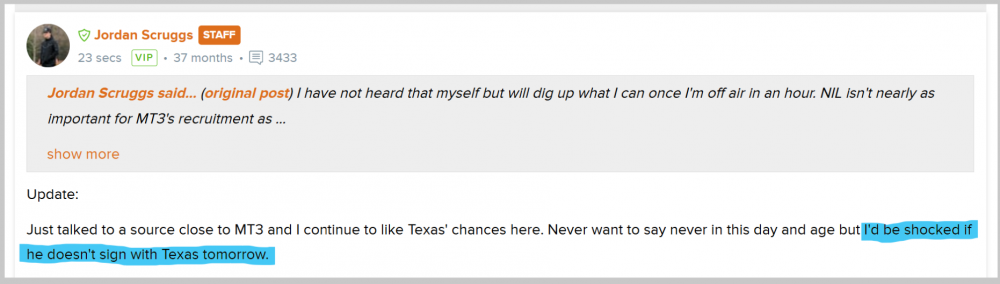
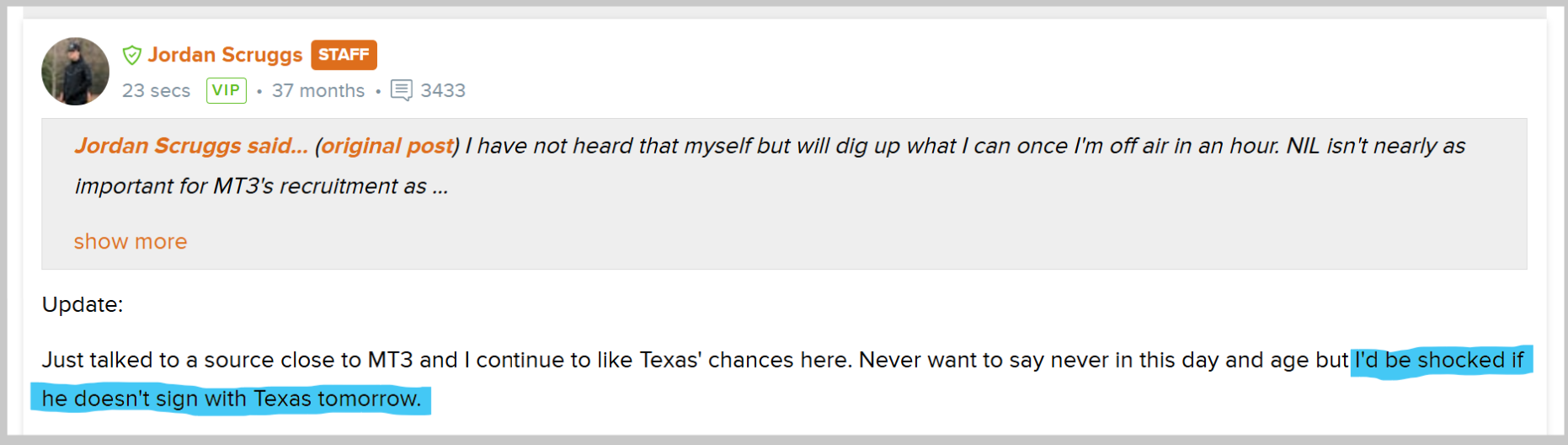
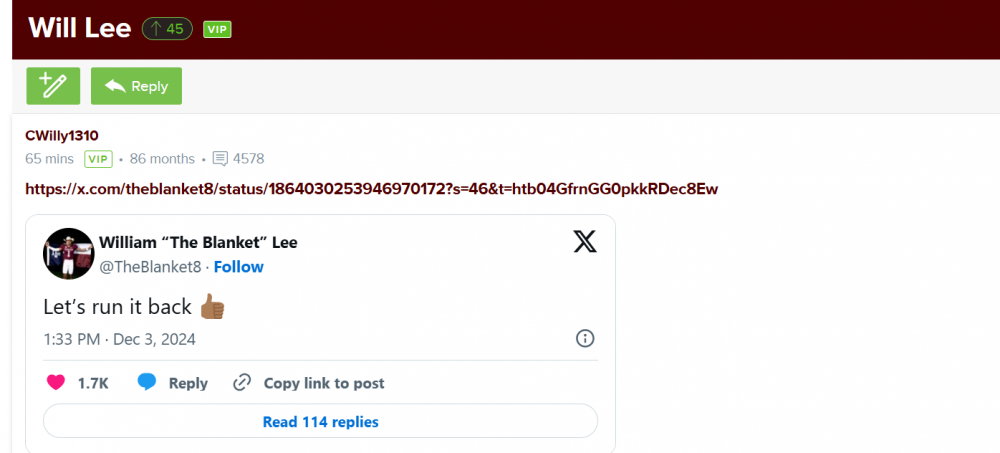 Jordan Scruggs (Horns 247) just posted this update on Michael Terry.
 Lulz ...
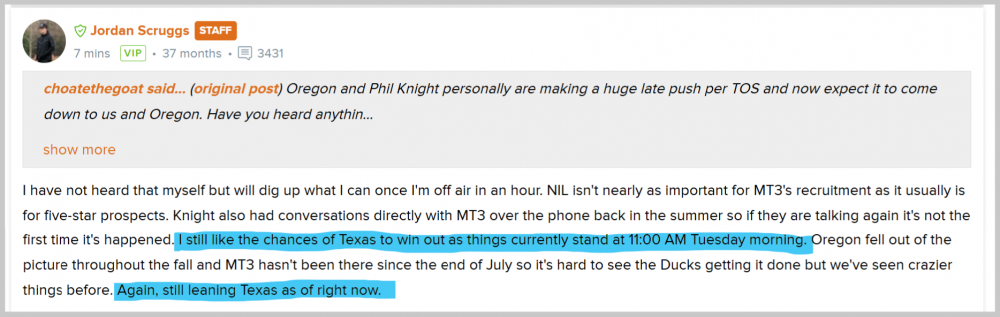
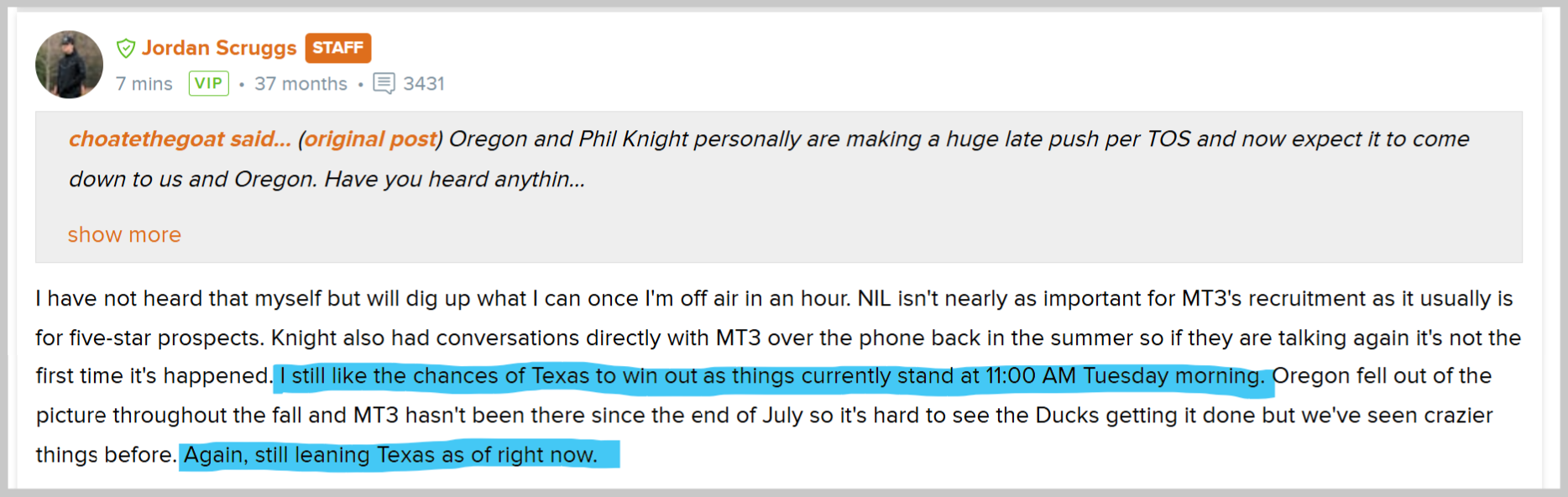
 Jordan Scruggs (Horns 247), on Michael Terry III and Phil Knight / Oregon.
 LSU 247, in the last hour.
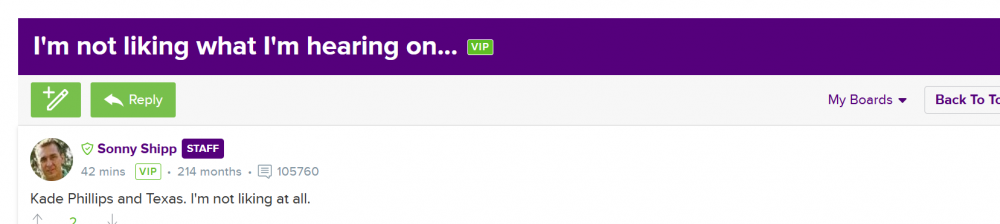 (Wouldn't Fasusi fit the criteria - someone big, that hasn't been a Texas lean for a few weeks?)
 😱 😱 😱
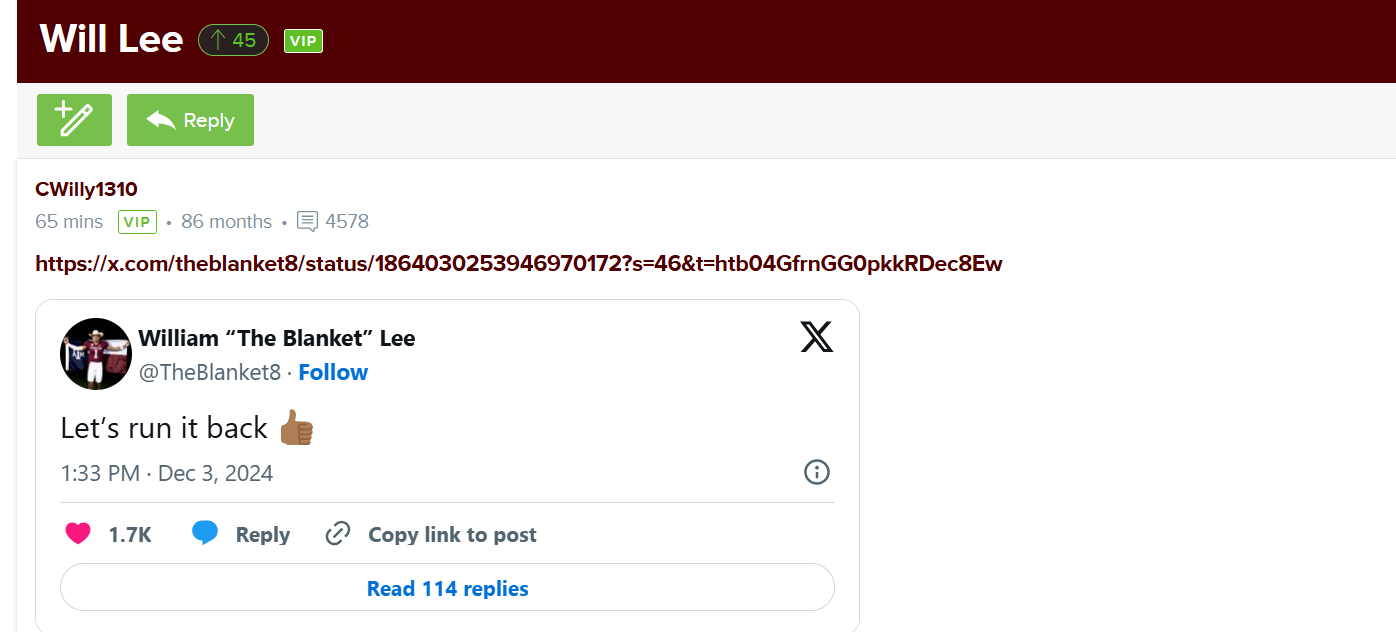
😱 😱 😱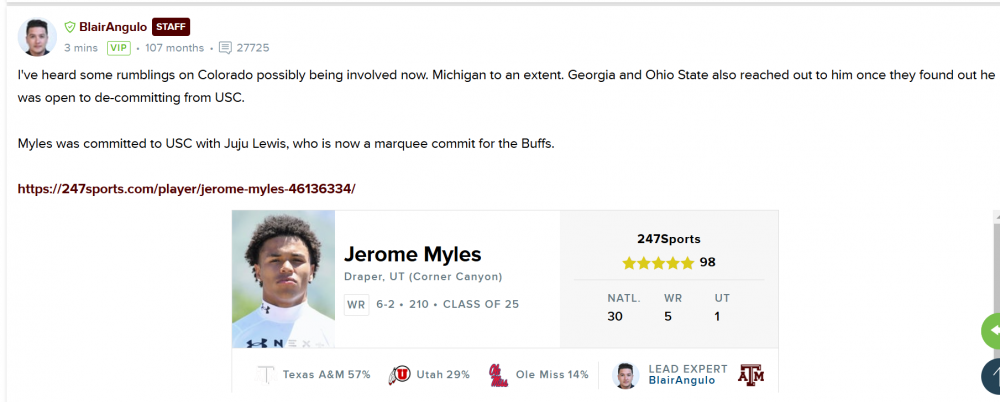 Aggies melting down over this ...
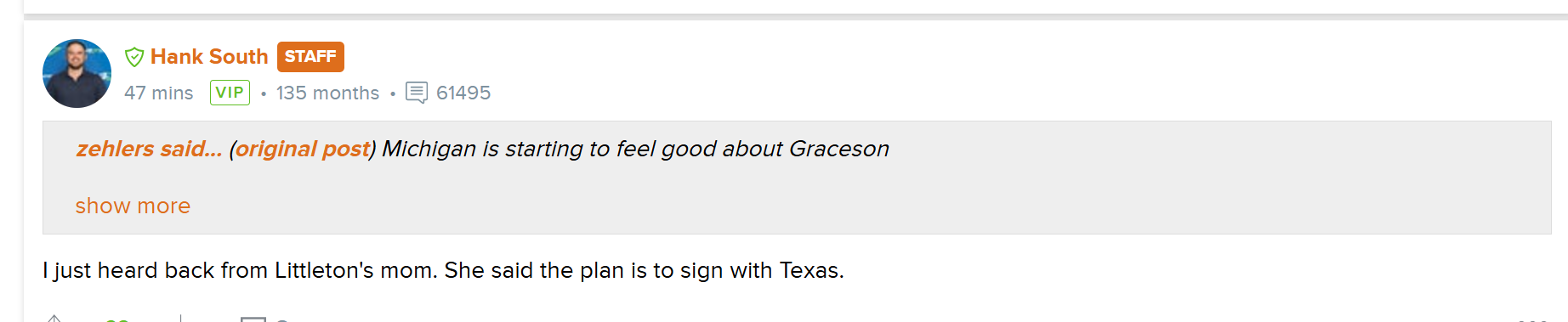
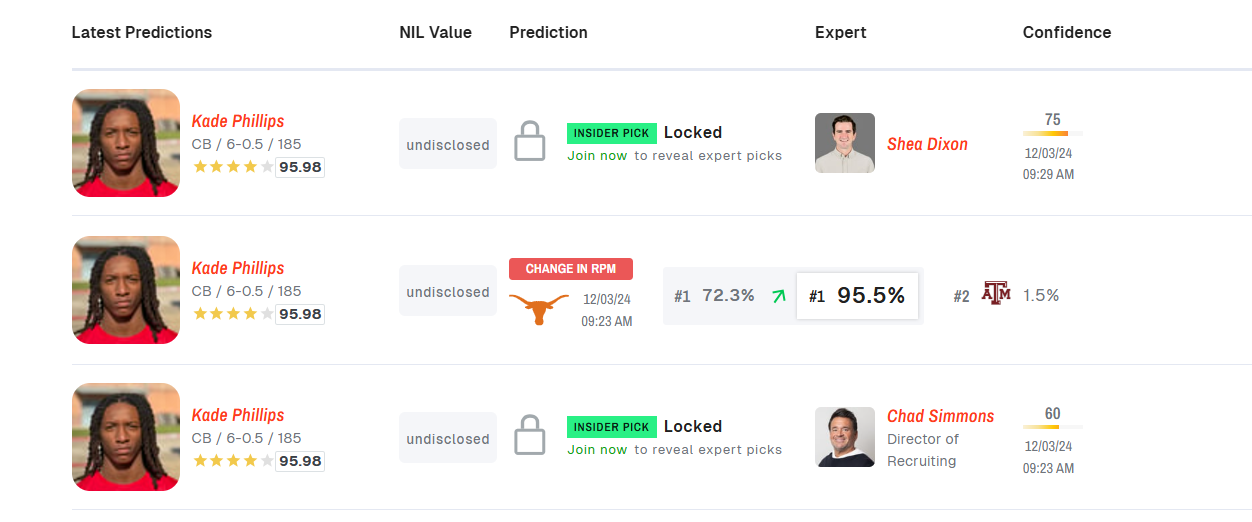
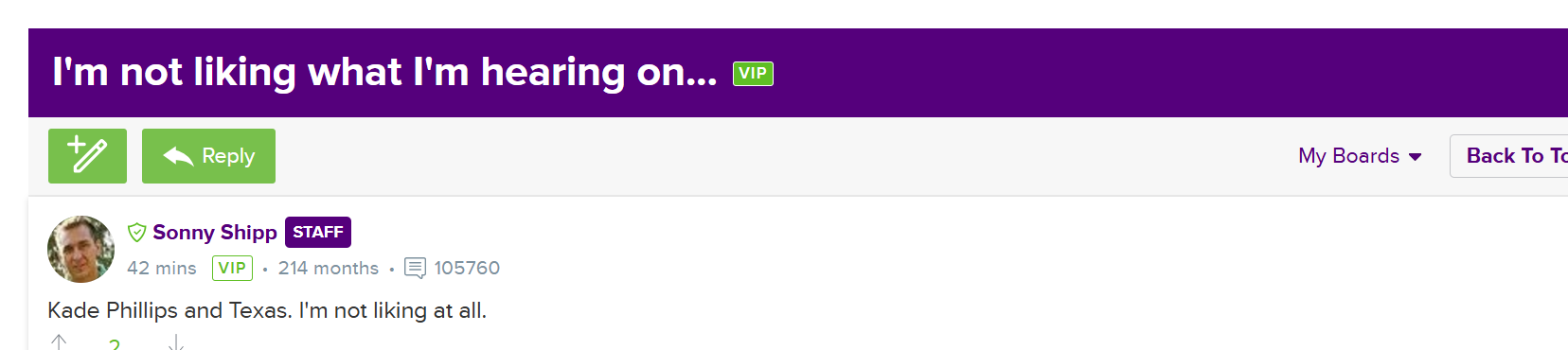
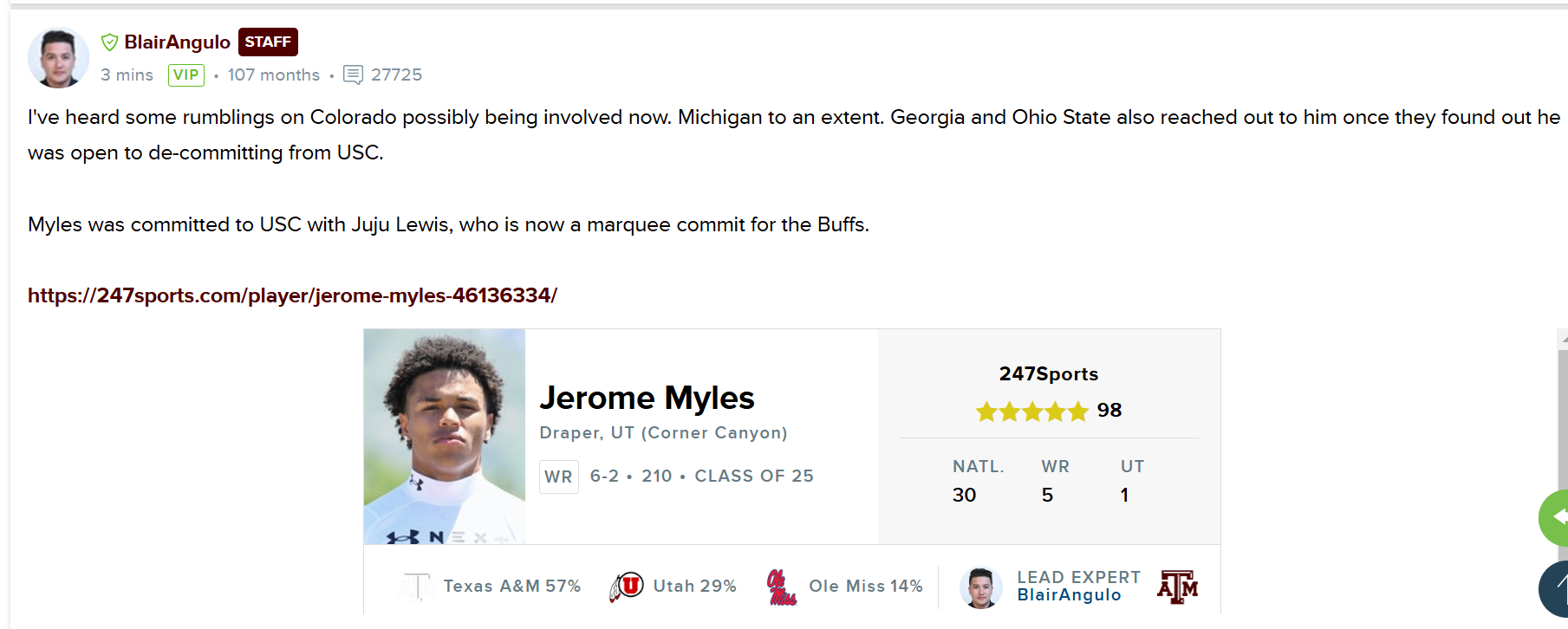
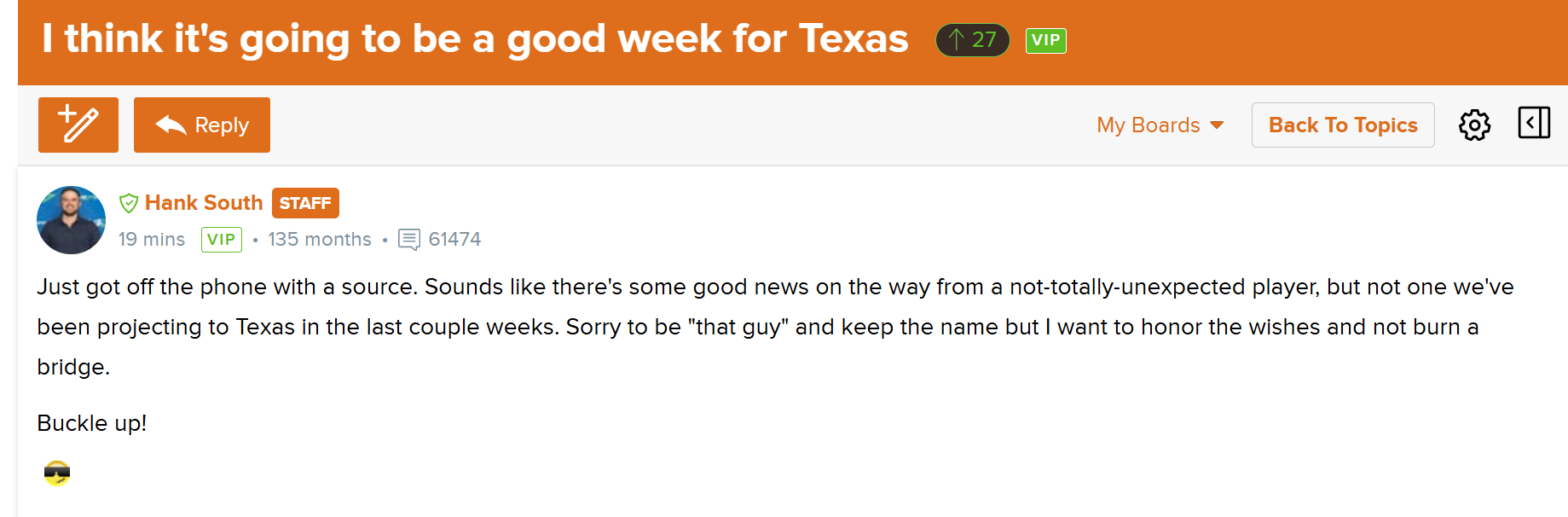
 Re: the good news, the way South added " ... in the last couple of weeks," I wonder whether Hilson is back to Texas. This was Andrew Hattersley on Aggie 247, earlier this evening: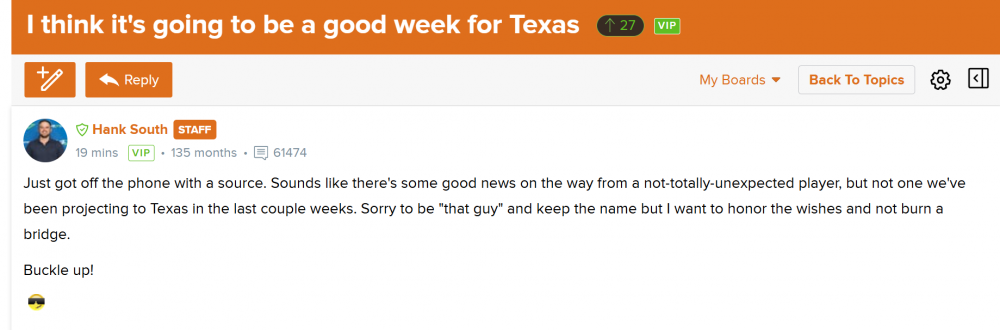























Football ...
Basketball ...
Baseball ...
Other Sports ...
Futbol ...
🤫995🤫 ...
Gambling ...
Movies & TV ...
Music ...
Hobbies ...
Lulz ...
Food & Travel
...
Daily Texan ...
Business & Markets ...
Cloak Room ...
Help ...
For Sale ...
Board Discussion ...
Advertise...
Tailgate Donations
Account
Search
Configure browser push notifications
Chrome (Android)
- Tap the lock icon next to the address bar.
- Tap Permissions → Notifications.
- Adjust your preference.
Chrome (Desktop)
- Click the padlock icon in the address bar.
- Select Site settings.
- Find Notifications and adjust your preference.
Safari (iOS 16.4+)
- Ensure the site is installed via Add to Home Screen.
- Open Settings App → Notifications.
- Find your app name and adjust your preference.
Safari (macOS)
- Go to Safari → Preferences.
- Click the Websites tab.
- Select Notifications in the sidebar.
- Find this website and adjust your preference.
Edge (Android)
- Tap the lock icon next to the address bar.
- Tap Permissions.
- Find Notifications and adjust your preference.
Edge (Desktop)
- Click the padlock icon in the address bar.
- Click Permissions for this site.
- Find Notifications and adjust your preference.
Firefox (Android)
- Go to Settings → Site permissions.
- Tap Notifications.
- Find this site in the list and adjust your preference.
Firefox (Desktop)
- Open Firefox Settings.
- Search for Notifications.
- Find this site in the list and adjust your preference.