

MichaelDicksonFanClub
Full Members
-
Joined
-
Last visited
Everything posted by MichaelDicksonFanClub
-
 MM takes us to 269.85 and back to third with an Avg of 91.84
Ok Addazio
I think it was September 7th
Something something South Austin’s mom. Am I doing this right?
At this point it sounds less like a partY and more like a “pool gathering”
Turns out wind is the best way to stop a jumbo offense
MM takes us to 269.85 and back to third with an Avg of 91.84
Ok Addazio
I think it was September 7th
Something something South Austin’s mom. Am I doing this right?
At this point it sounds less like a partY and more like a “pool gathering”
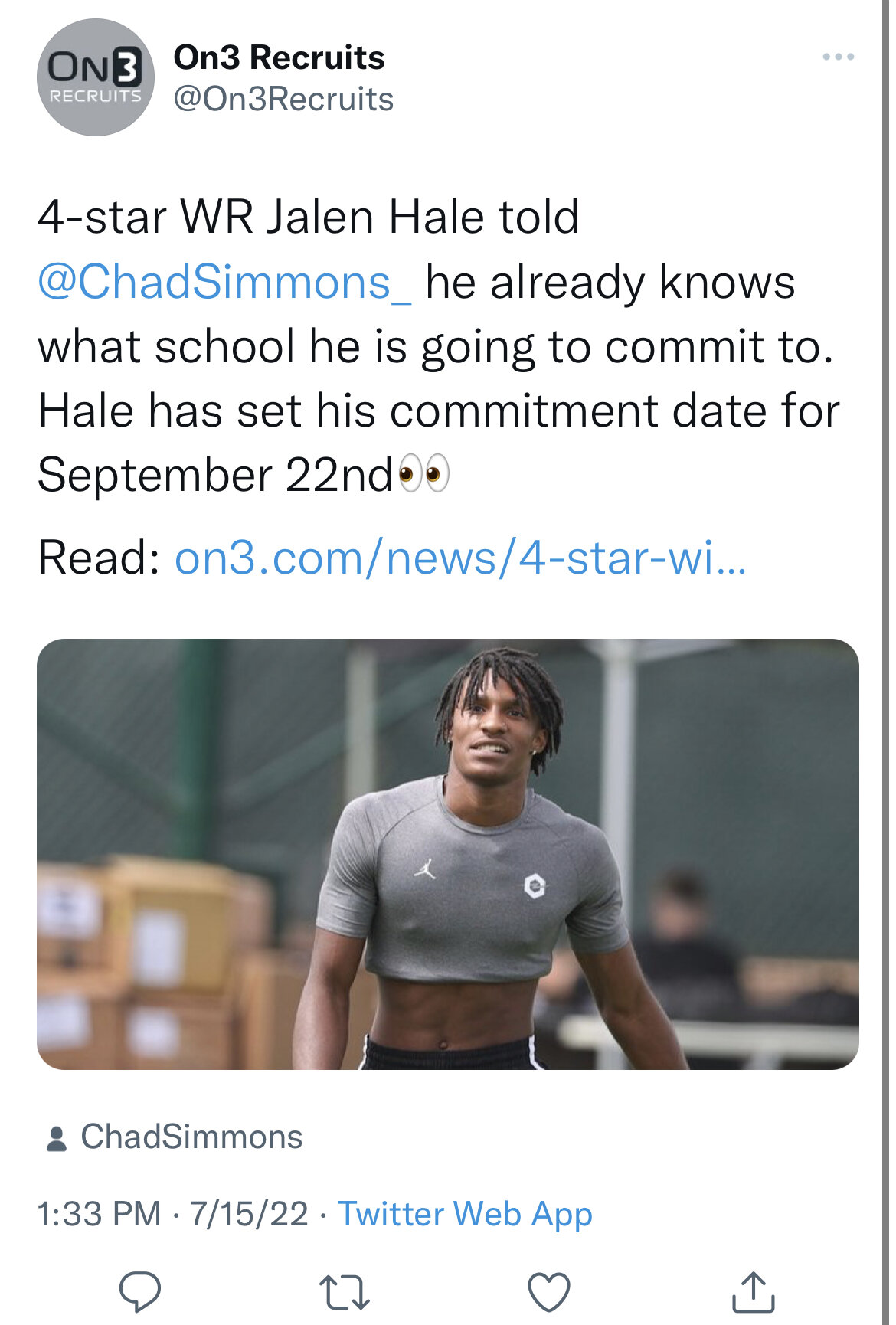
Turns out wind is the best way to stop a jumbo offense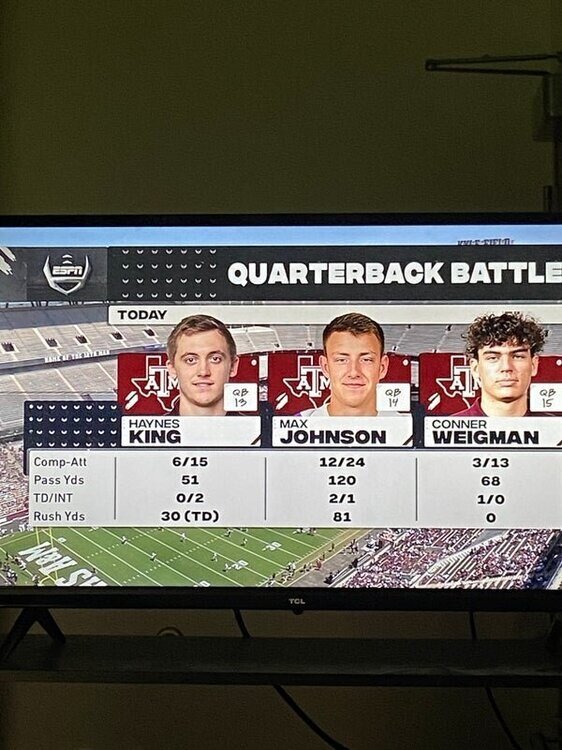 "Everyone make sure to tag and show him some love"
 They are also going to start making their own edits to tweet at players
I’ve never seen skol and ctj in the same room, that’s all I’m saying
Back to back, also surprised it wasn’t Miami
They are also going to start making their own edits to tweet at players
I’ve never seen skol and ctj in the same room, that’s all I’m saying
Back to back, also surprised it wasn’t Miami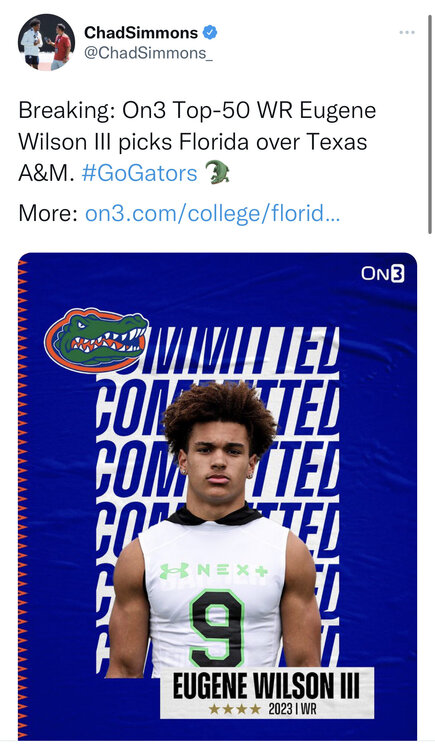
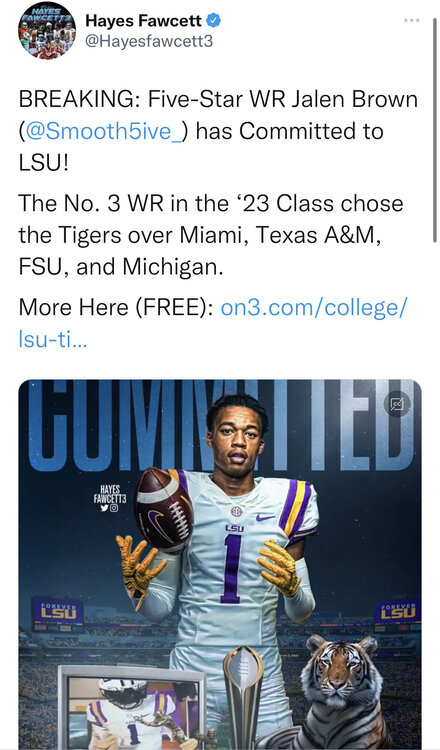 Another miss
Damn, can’t even afford the light bill up there
Some of them have more confidence in our record than some of us
coolachy almost close to the correct realization
Another miss
Damn, can’t even afford the light bill up there
Some of them have more confidence in our record than some of us
coolachy almost close to the correct realization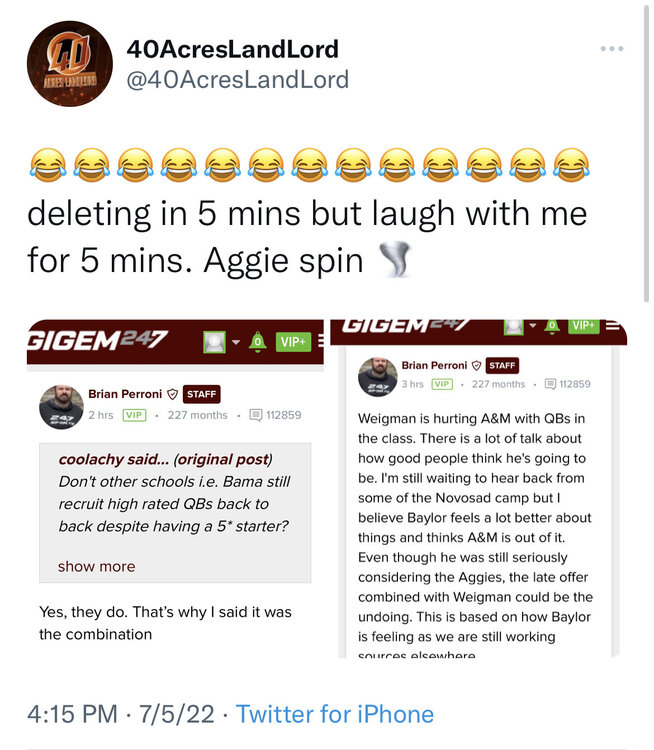 Ah, I forgot about New Jersey standard time
?
Ah, I forgot about New Jersey standard time
? Football ... Basketball ... Baseball ... Other Sports ... Futbol ... 🤫995🤫 ... Gambling ... Movies & TV ... Music ... Hobbies ... Lulz ... Food & Travel ... Daily Texan ... Business & Markets ... Cloak Room ... Help ... For Sale ... Board Discussion ... Advertise... Tailgate Donations





Account
Search
Configure browser push notifications
Chrome (Android)
- Tap the lock icon next to the address bar.
- Tap Permissions → Notifications.
- Adjust your preference.
Chrome (Desktop)
- Click the padlock icon in the address bar.
- Select Site settings.
- Find Notifications and adjust your preference.
Safari (iOS 16.4+)
- Ensure the site is installed via Add to Home Screen.
- Open Settings App → Notifications.
- Find your app name and adjust your preference.
Safari (macOS)
- Go to Safari → Preferences.
- Click the Websites tab.
- Select Notifications in the sidebar.
- Find this website and adjust your preference.
Edge (Android)
- Tap the lock icon next to the address bar.
- Tap Permissions.
- Find Notifications and adjust your preference.
Edge (Desktop)
- Click the padlock icon in the address bar.
- Click Permissions for this site.
- Find Notifications and adjust your preference.
Firefox (Android)
- Go to Settings → Site permissions.
- Tap Notifications.
- Find this site in the list and adjust your preference.
Firefox (Desktop)
- Open Firefox Settings.
- Search for Notifications.
- Find this site in the list and adjust your preference.