

MichaelDicksonFanClub
Full Members
-
Joined
-
Last visited
Everything posted by MichaelDicksonFanClub
-
 Is this what being an OU fan feels like?
 -
He is, in fact, dead. Gonna need someone to transfer all your rep to me.
-
Too late
-
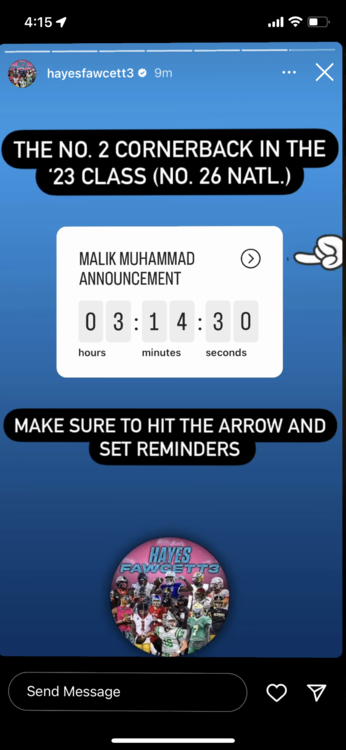
Classic 7:30 brunch
-
This is legally binding, calculator
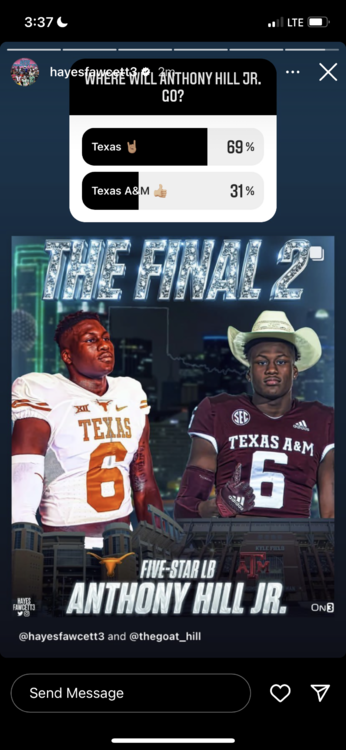
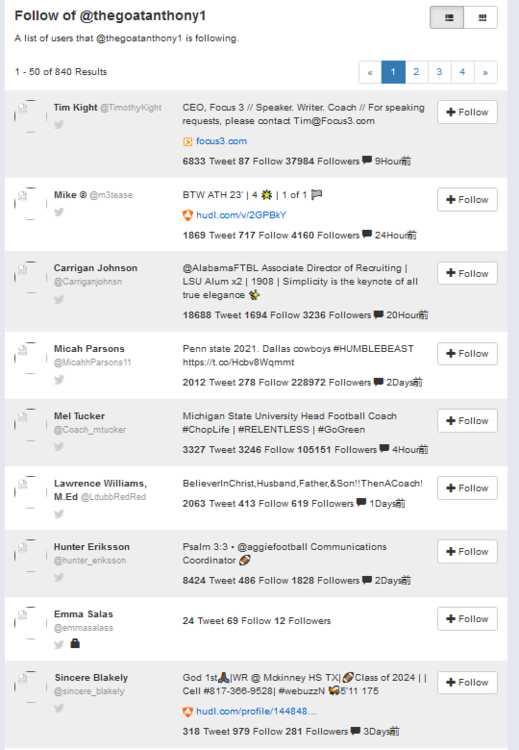 Really leaving me with too much time between commitments
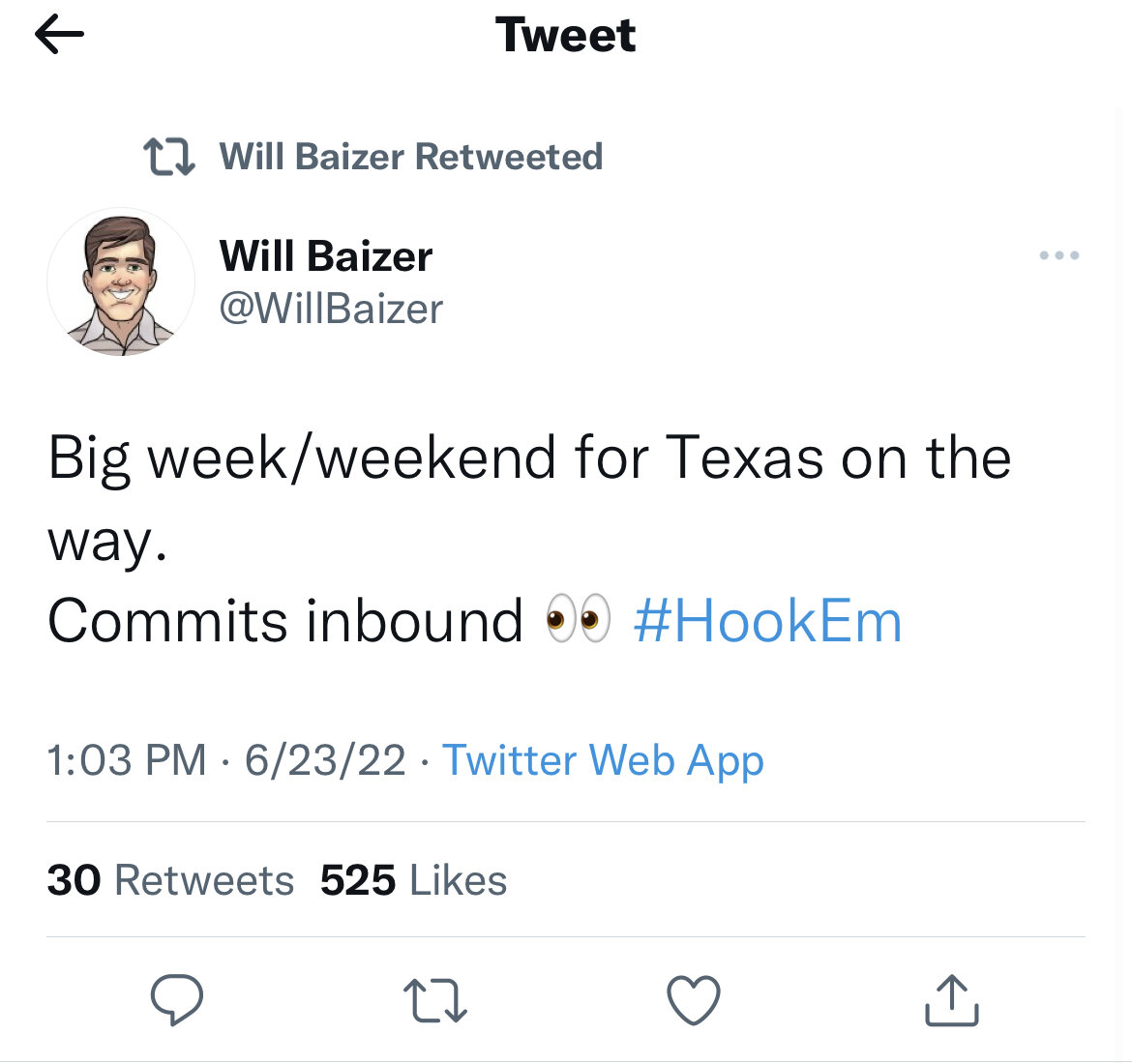
 How many commits are we getting today?
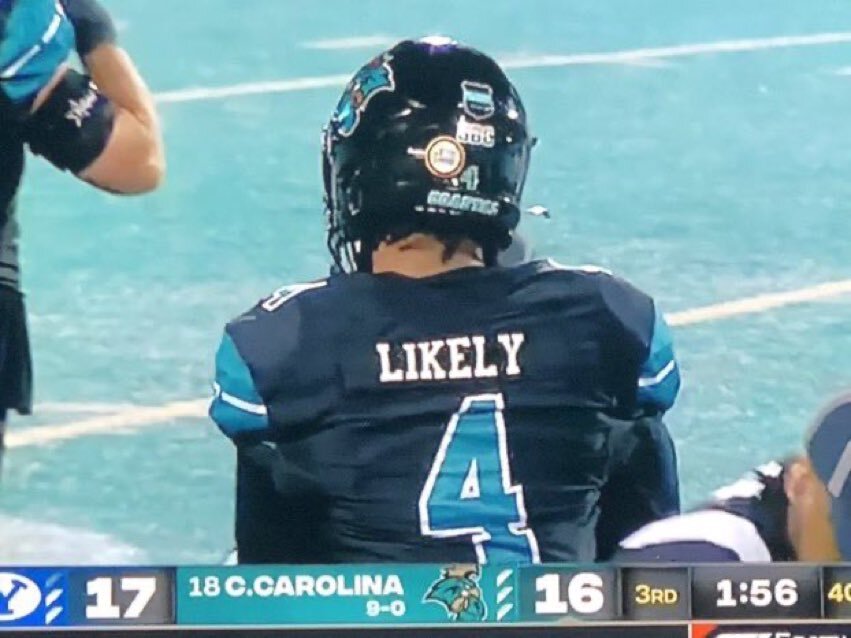 Maybe he should work on himself before he talks shit
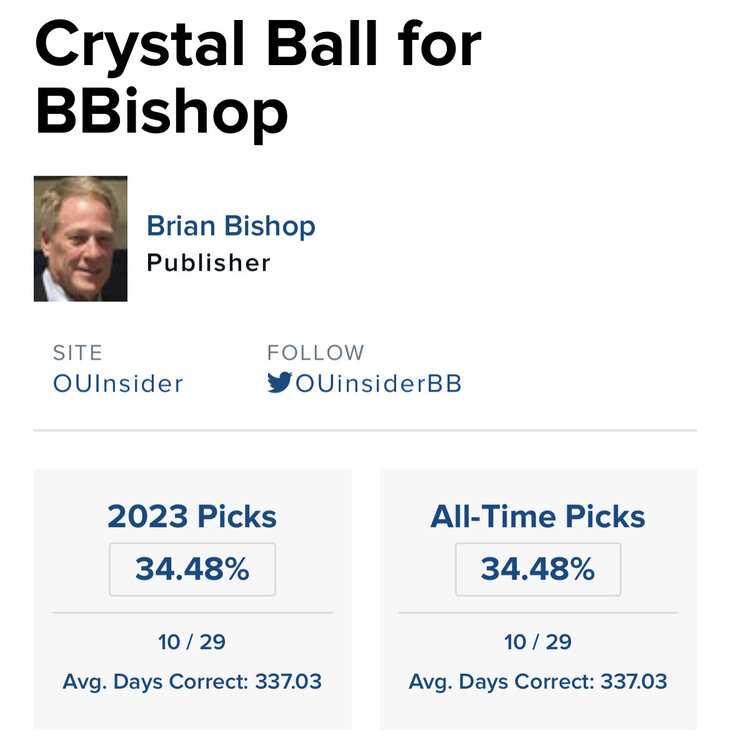 It’s been too long, I’m fiending here
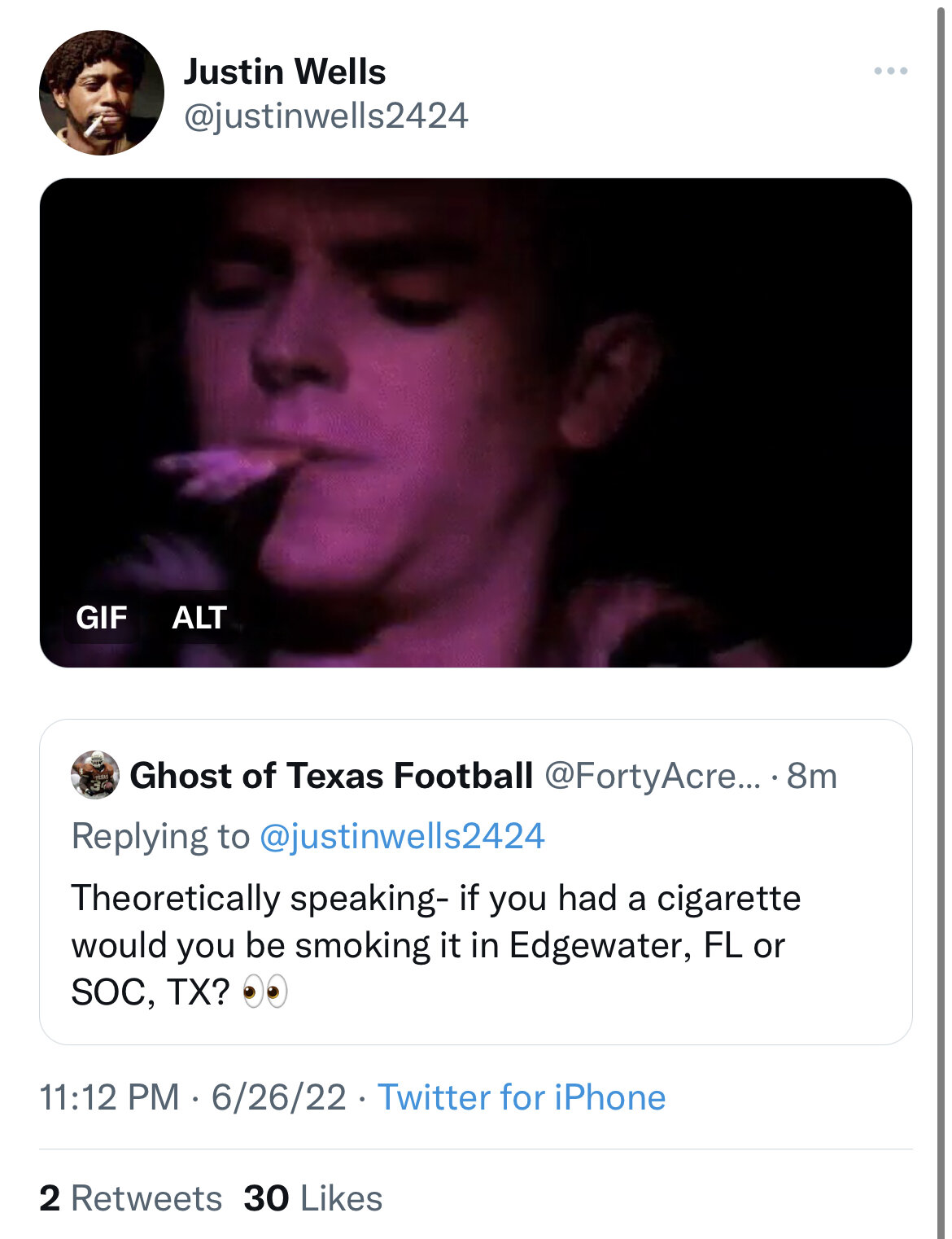
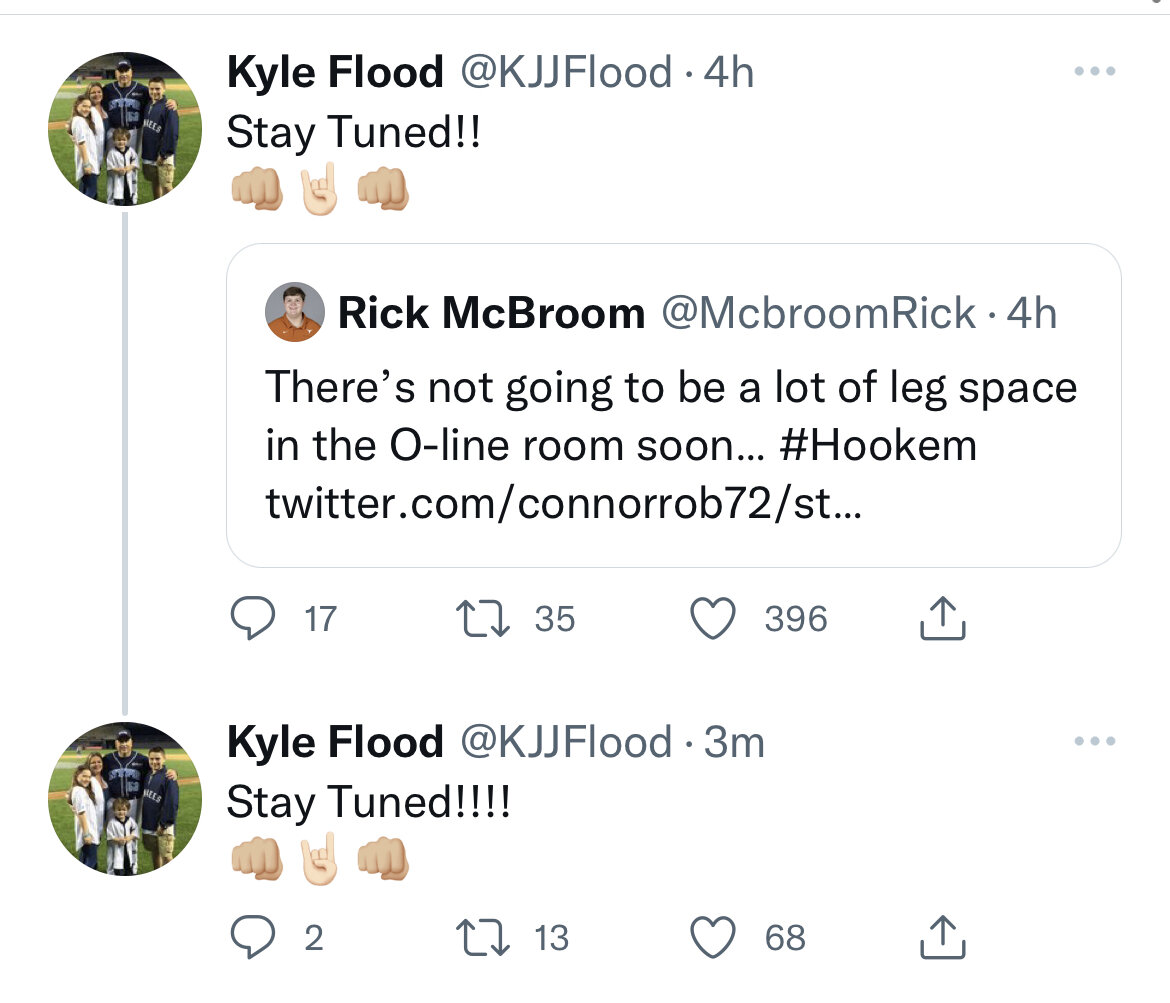
 Multiple cigs, Baxter and Waton confirmed
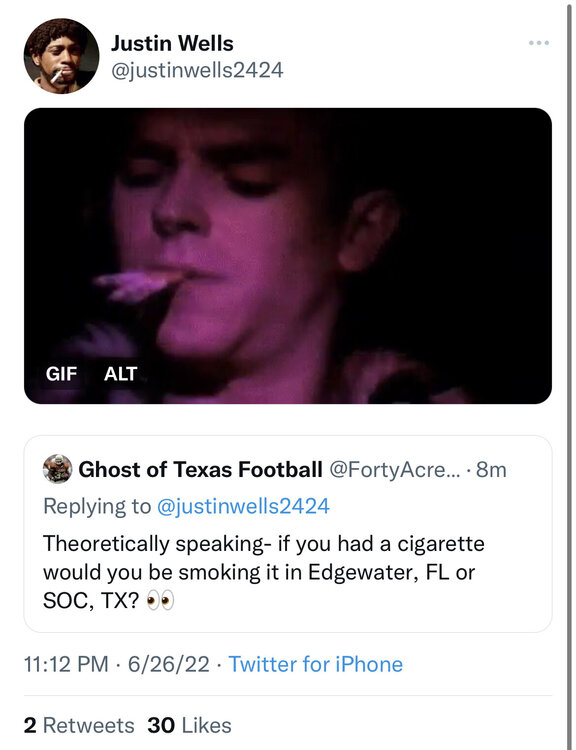 Having try outs for the last o-line spot
Goose inbound
Having try outs for the last o-line spot
Goose inbound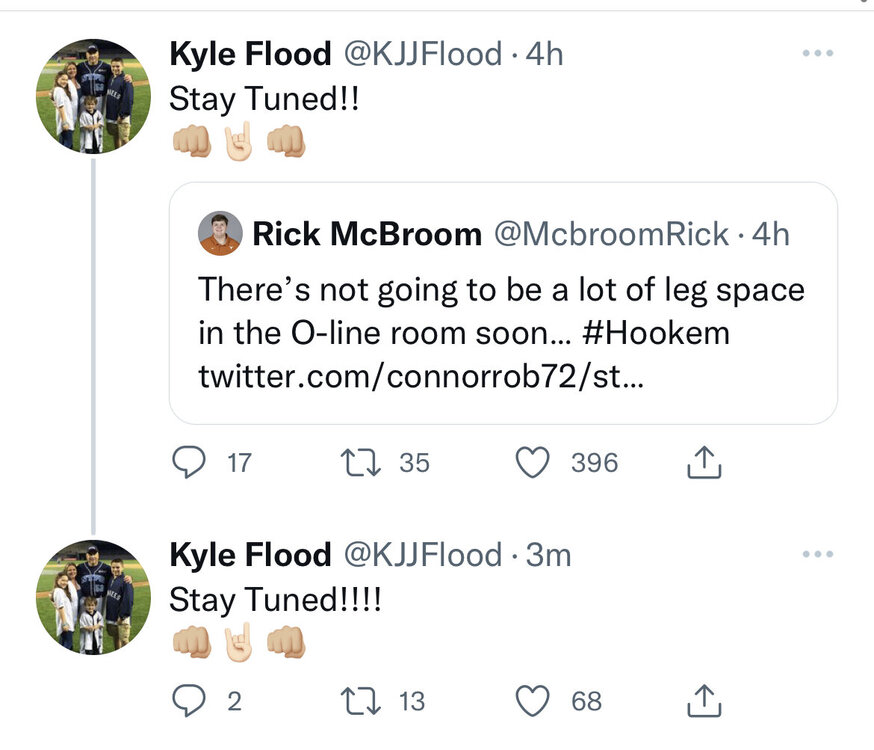 Are we sure Tony Mitchell's offer was commitable?
Can he get to the qb
Onacomputer just retweeted himself, could mean everything or nothing
Are we sure Tony Mitchell's offer was commitable?
Can he get to the qb
Onacomputer just retweeted himself, could mean everything or nothing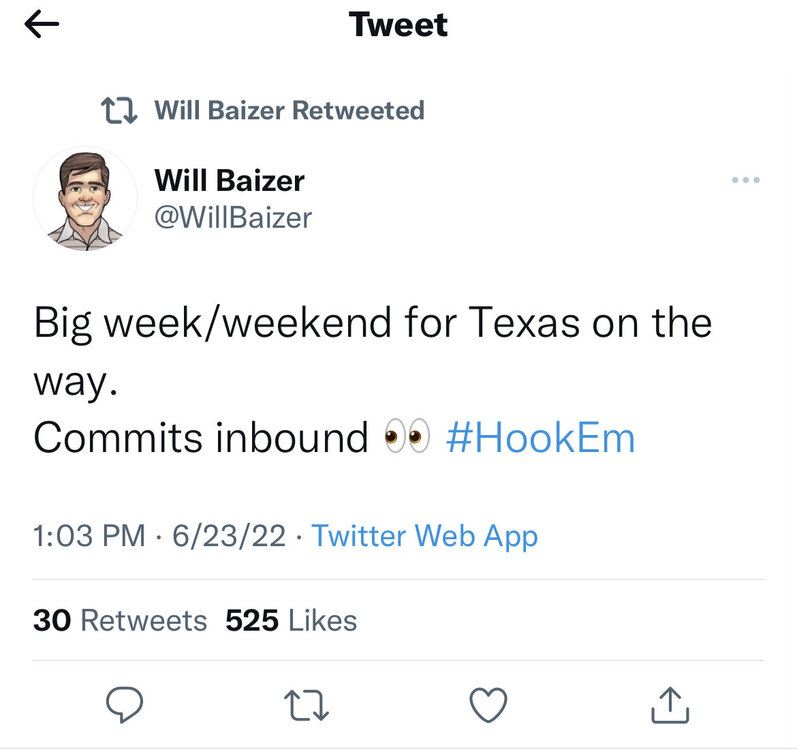 Bold move cotton
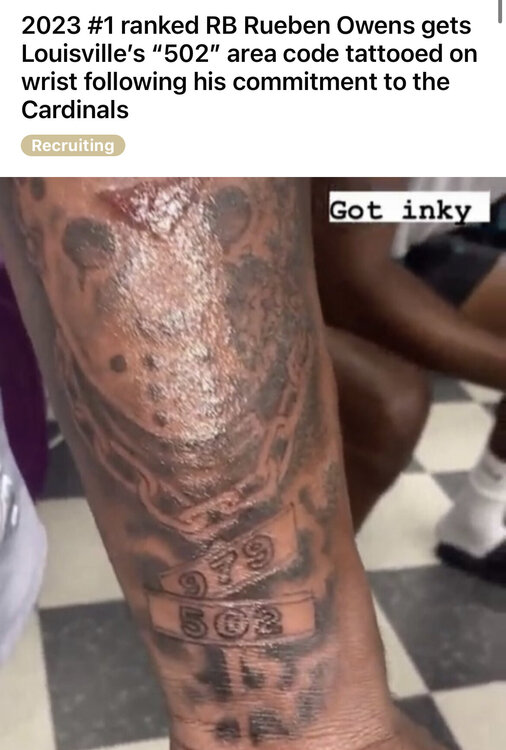 He can delete all he wants but the internet is forever
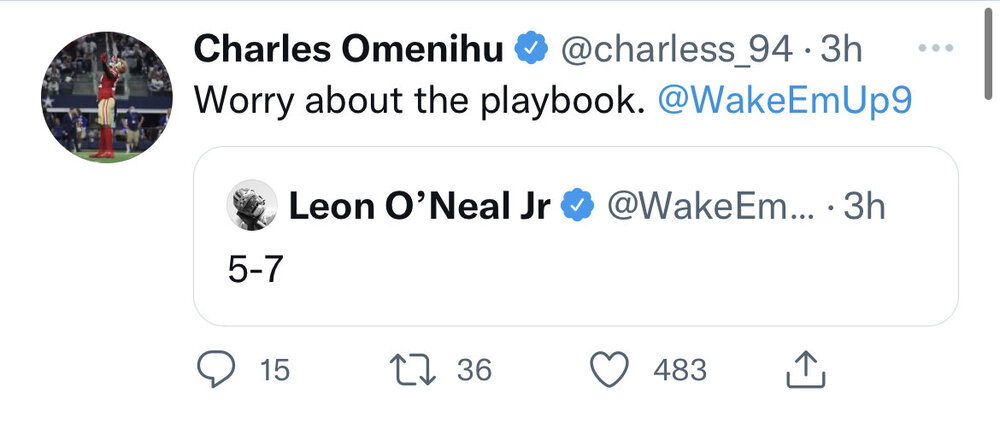 Football ... Basketball ... Baseball ... Other Sports ... Futbol ... 🤫995🤫 ... Gambling ... Movies & TV ... Music ... Hobbies ... Lulz ... Food & Travel ... Daily Texan ... Business & Markets ... Cloak Room ... Help ... For Sale ... Board Discussion ... Advertise... Tailgate Donations


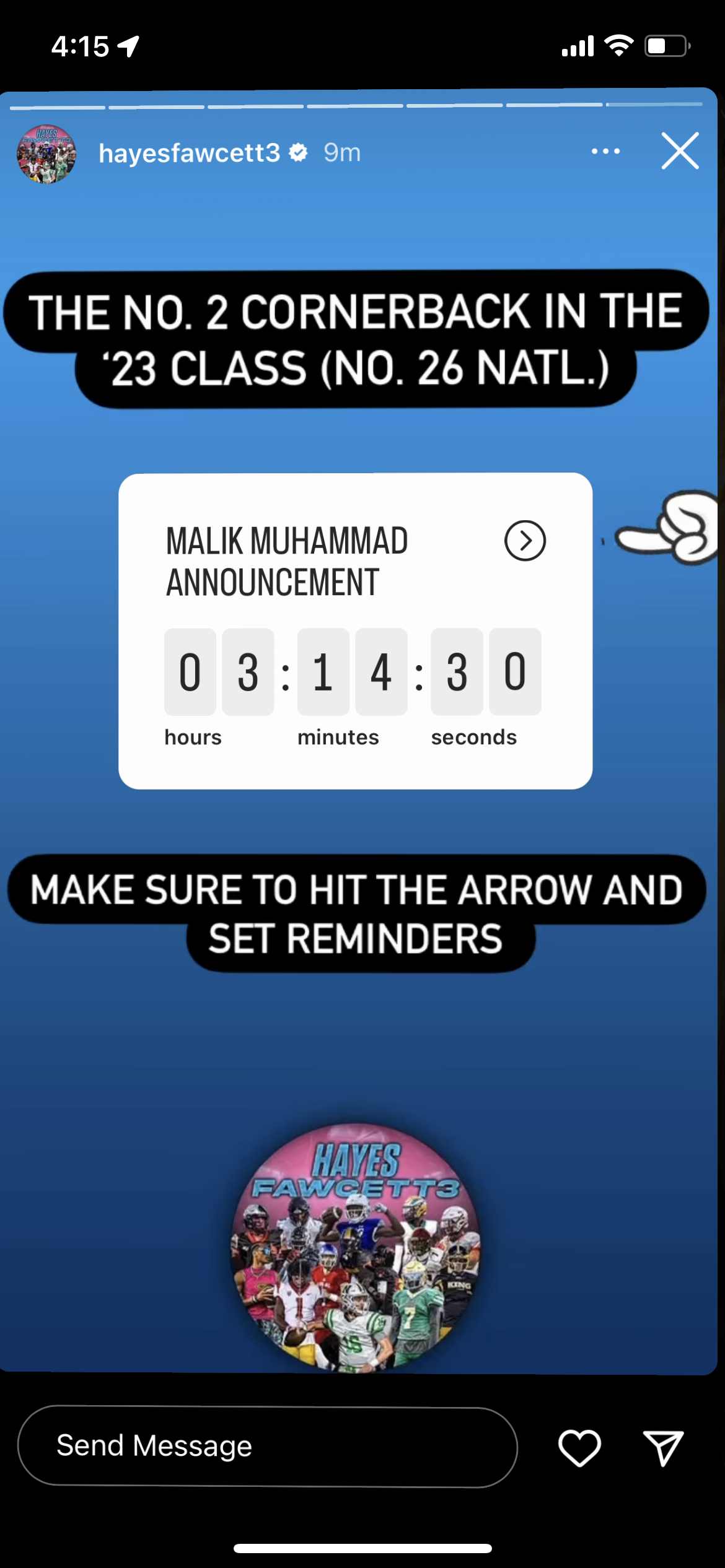

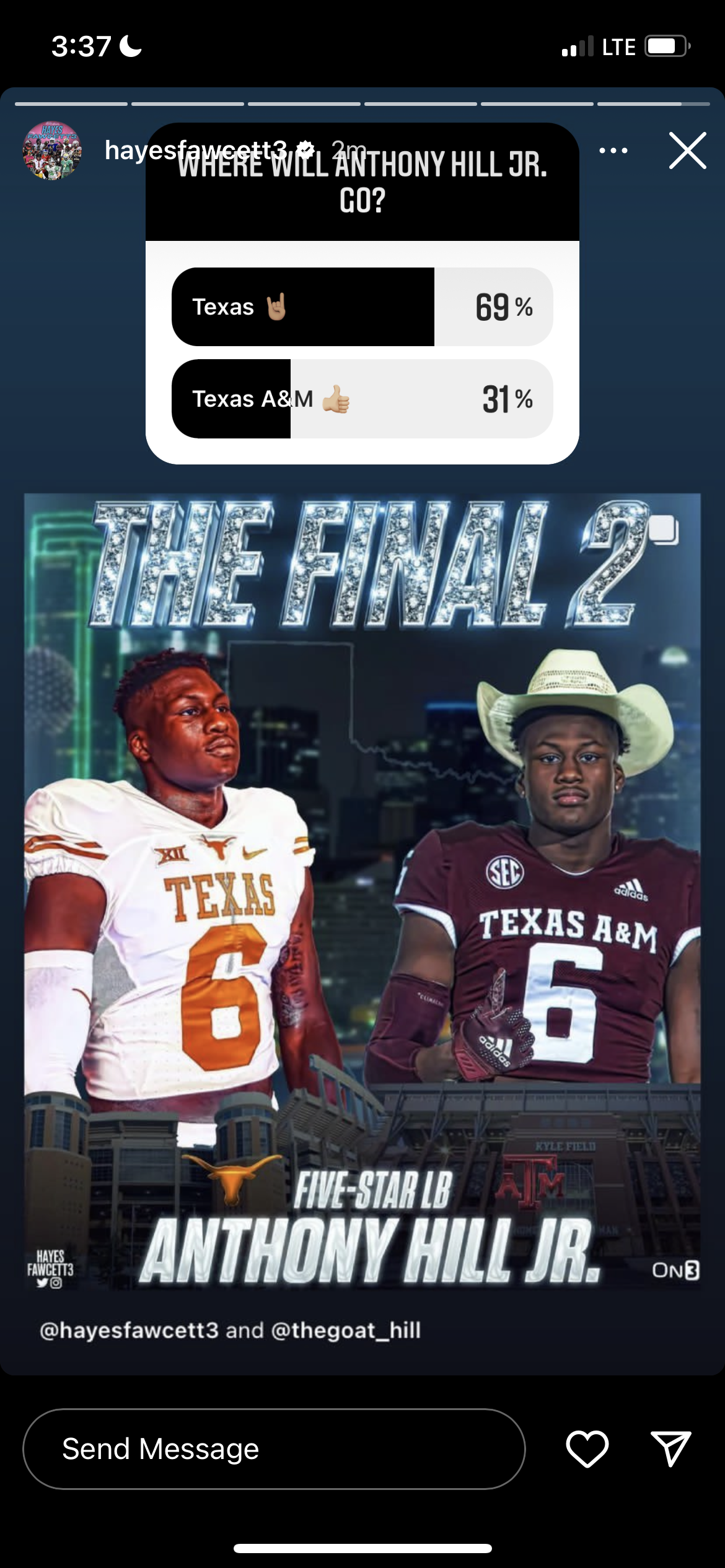






Account
Search
Configure browser push notifications
Chrome (Android)
- Tap the lock icon next to the address bar.
- Tap Permissions → Notifications.
- Adjust your preference.
Chrome (Desktop)
- Click the padlock icon in the address bar.
- Select Site settings.
- Find Notifications and adjust your preference.
Safari (iOS 16.4+)
- Ensure the site is installed via Add to Home Screen.
- Open Settings App → Notifications.
- Find your app name and adjust your preference.
Safari (macOS)
- Go to Safari → Preferences.
- Click the Websites tab.
- Select Notifications in the sidebar.
- Find this website and adjust your preference.
Edge (Android)
- Tap the lock icon next to the address bar.
- Tap Permissions.
- Find Notifications and adjust your preference.
Edge (Desktop)
- Click the padlock icon in the address bar.
- Click Permissions for this site.
- Find Notifications and adjust your preference.
Firefox (Android)
- Go to Settings → Site permissions.
- Tap Notifications.
- Find this site in the list and adjust your preference.
Firefox (Desktop)
- Open Firefox Settings.
- Search for Notifications.
- Find this site in the list and adjust your preference.