

MichaelDicksonFanClub
Full Members
-
Joined
-
Last visited
Everything posted by MichaelDicksonFanClub
-
 Now introducing your new runningbacks coach, Gary Patterson
Moved to the number 5 class over Penn st, still 5 once the two specialists, Jones, and Lewis are removed.
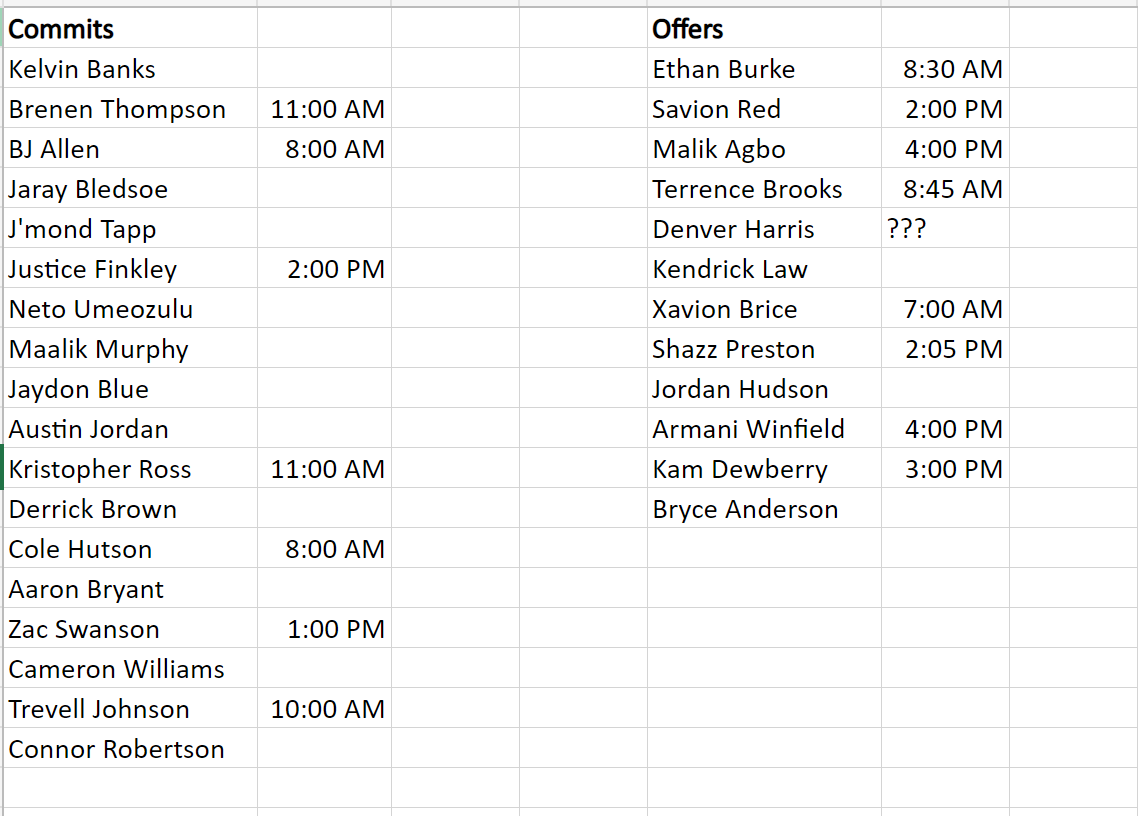
Added current commits and others I'm wishcasting for, if anyone knows any of the times for the empty ones lmk
Now introducing your new runningbacks coach, Gary Patterson
Moved to the number 5 class over Penn st, still 5 once the two specialists, Jones, and Lewis are removed.
Added current commits and others I'm wishcasting for, if anyone knows any of the times for the empty ones lmk He drove Banks right to us
Texas Recruiting Notes 2022 - We Have the Meats
Got him
He drove Banks right to us
Texas Recruiting Notes 2022 - We Have the Meats
Got him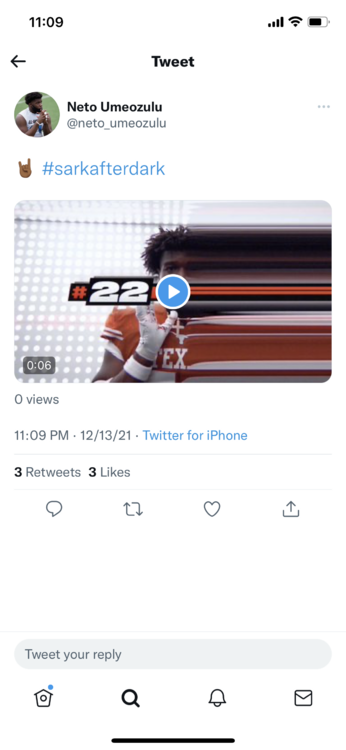 Watts come on down
He saw that he wasn't starting in some of your hypothetical lineups for next year and took it to heart.
Now is when Herman would scream at him
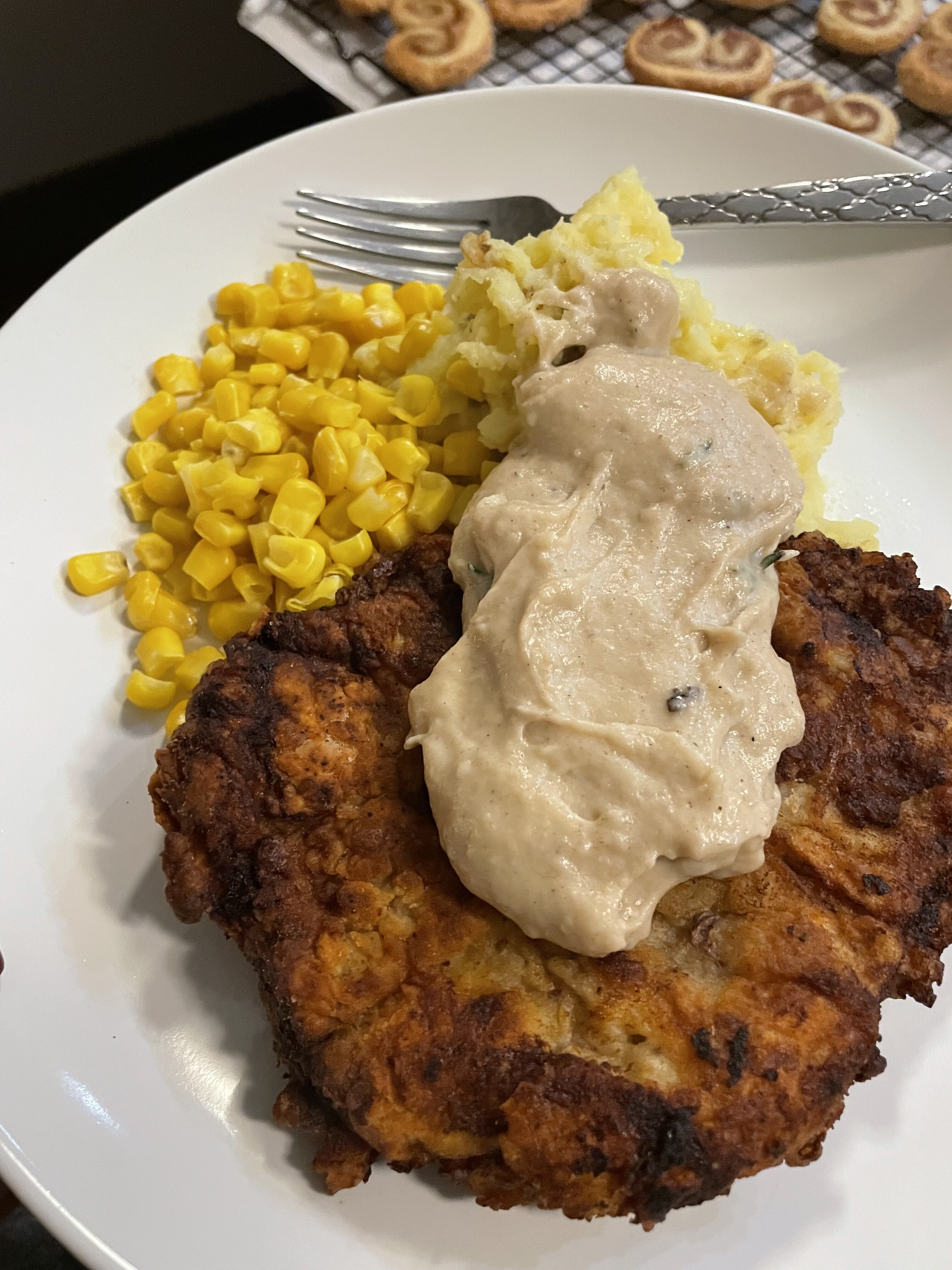
CSF gang did this, and also the palmiers
Watts come on down
He saw that he wasn't starting in some of your hypothetical lineups for next year and took it to heart.
Now is when Herman would scream at him
CSF gang did this, and also the palmiers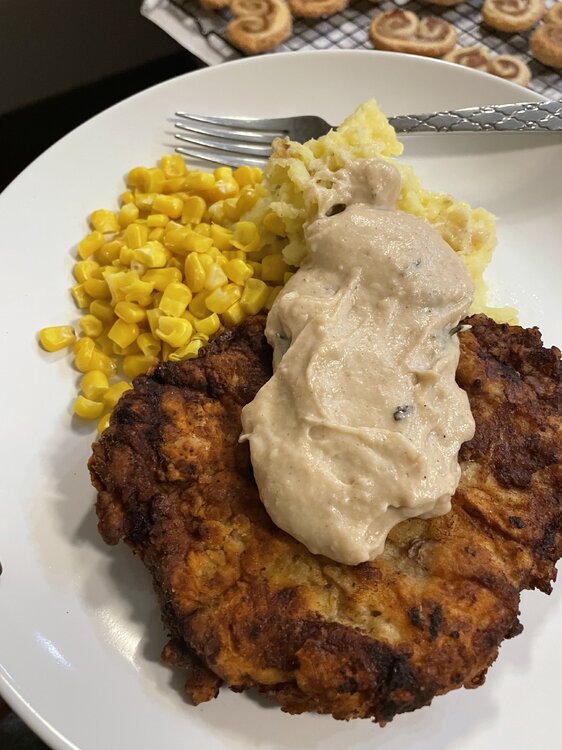 Kayshon Boutte please
My boss was unfortunately
Worked at Jersey Mikes for a little over a year and never got tired of it
Perroni threw in a CB for Denver Harris, suprised he waited this long
Is this a rando or someone of note?
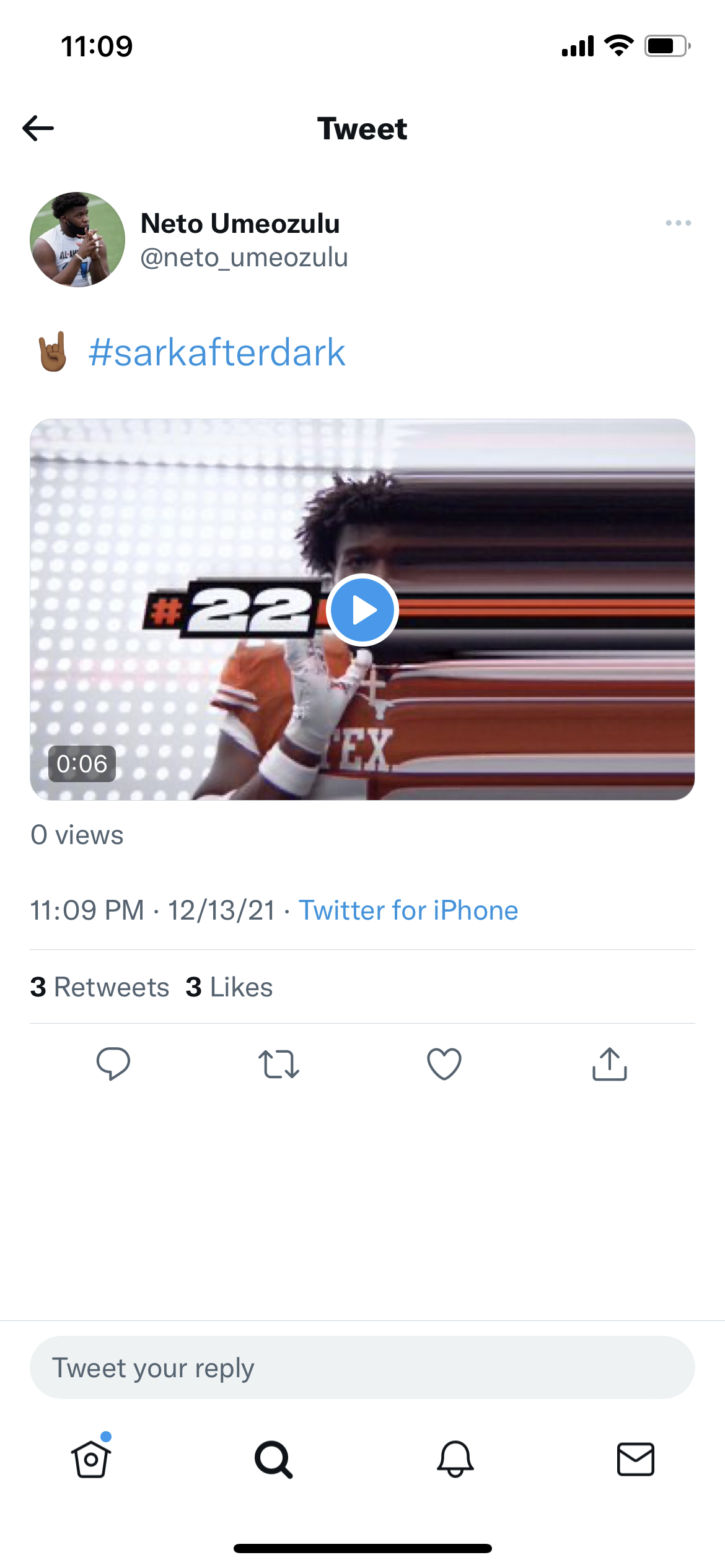
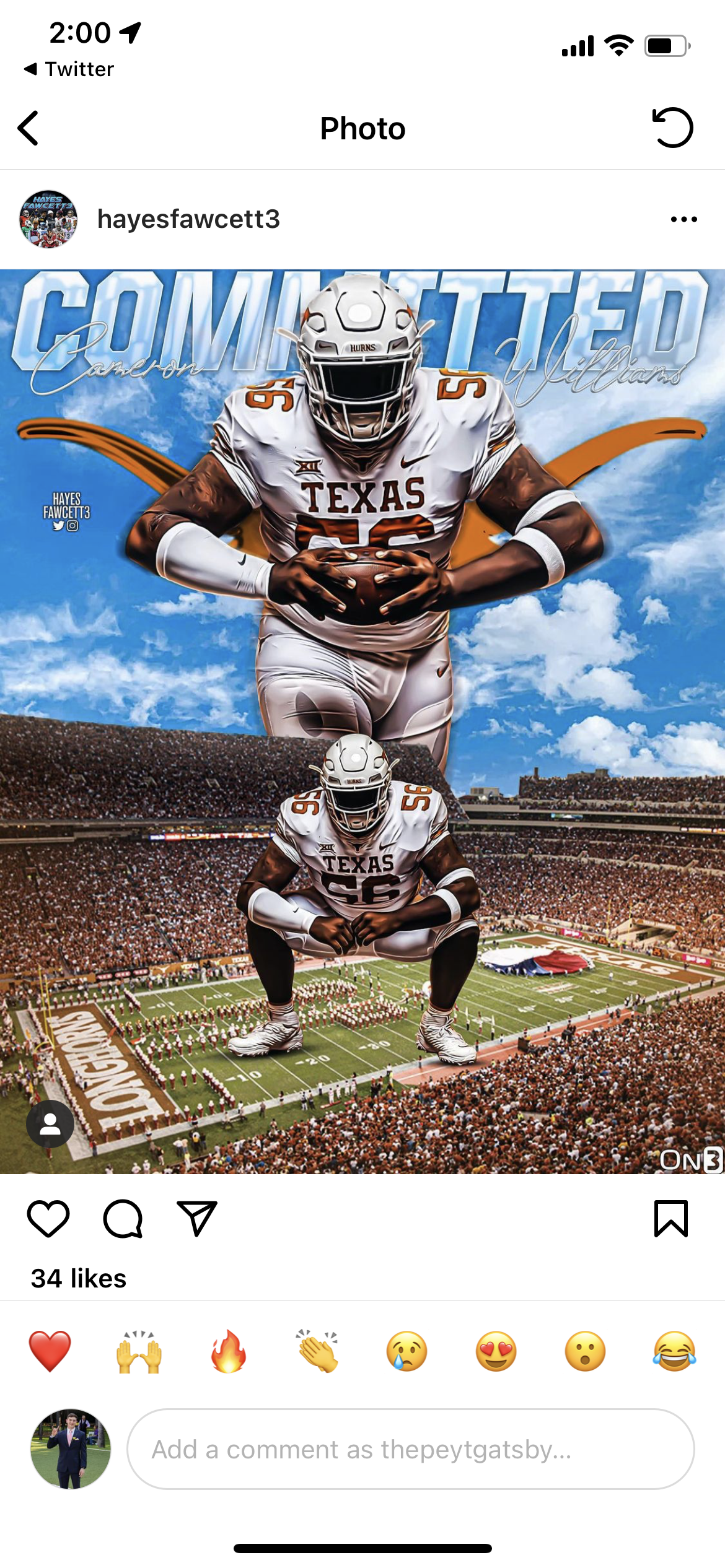
Show me some Sarkafterdark, I'd rather not be following Hayes Fawcet for another dayFootball ... Basketball ... Baseball ... Other Sports ... Futbol ... 🤫995🤫 ... Gambling ... Movies & TV ... Music ... Hobbies ... Lulz ... Food & Travel ... Daily Texan ... Business & Markets ... Cloak Room ... Help ... For Sale ... Board Discussion ... Advertise... Tailgate Donations
Kayshon Boutte please
My boss was unfortunately
Worked at Jersey Mikes for a little over a year and never got tired of it
Perroni threw in a CB for Denver Harris, suprised he waited this long
Is this a rando or someone of note?
Show me some Sarkafterdark, I'd rather not be following Hayes Fawcet for another dayFootball ... Basketball ... Baseball ... Other Sports ... Futbol ... 🤫995🤫 ... Gambling ... Movies & TV ... Music ... Hobbies ... Lulz ... Food & Travel ... Daily Texan ... Business & Markets ... Cloak Room ... Help ... For Sale ... Board Discussion ... Advertise... Tailgate Donations









Account
Search
Configure browser push notifications
Chrome (Android)
- Tap the lock icon next to the address bar.
- Tap Permissions → Notifications.
- Adjust your preference.
Chrome (Desktop)
- Click the padlock icon in the address bar.
- Select Site settings.
- Find Notifications and adjust your preference.
Safari (iOS 16.4+)
- Ensure the site is installed via Add to Home Screen.
- Open Settings App → Notifications.
- Find your app name and adjust your preference.
Safari (macOS)
- Go to Safari → Preferences.
- Click the Websites tab.
- Select Notifications in the sidebar.
- Find this website and adjust your preference.
Edge (Android)
- Tap the lock icon next to the address bar.
- Tap Permissions.
- Find Notifications and adjust your preference.
Edge (Desktop)
- Click the padlock icon in the address bar.
- Click Permissions for this site.
- Find Notifications and adjust your preference.
Firefox (Android)
- Go to Settings → Site permissions.
- Tap Notifications.
- Find this site in the list and adjust your preference.
Firefox (Desktop)
- Open Firefox Settings.
- Search for Notifications.
- Find this site in the list and adjust your preference.