

MichaelDicksonFanClub
Full Members
-
Joined
-
Last visited
Everything posted by MichaelDicksonFanClub
-
 The kiss of death
Banks approves
The kiss of death
Banks approves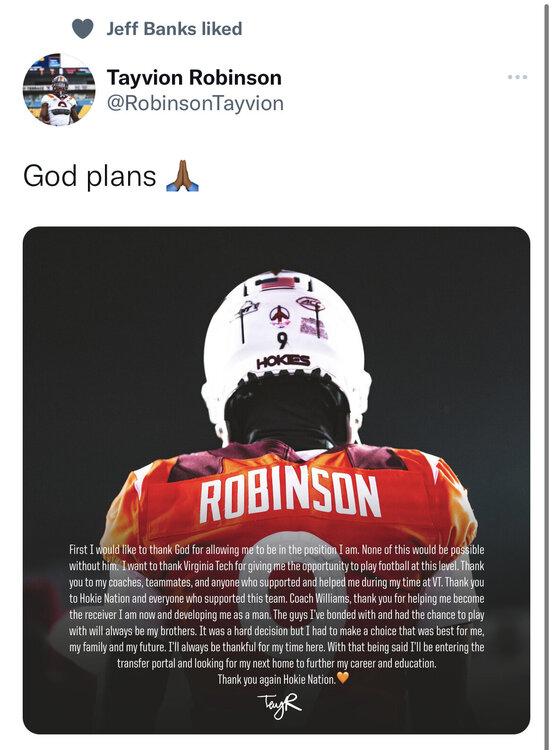 A Harris retweet fresh off the home visit
https://247sports.com/player/jaeden-gould-46081131/ Jaeden Gould just decommitted, was briefly warm on us according to 247
Pretty sure he just doesn’t like UT as well
Maybe it represents us pushing $100k at him
CS would turn them into a juggernaut
A Harris retweet fresh off the home visit
https://247sports.com/player/jaeden-gould-46081131/ Jaeden Gould just decommitted, was briefly warm on us according to 247
Pretty sure he just doesn’t like UT as well
Maybe it represents us pushing $100k at him
CS would turn them into a juggernaut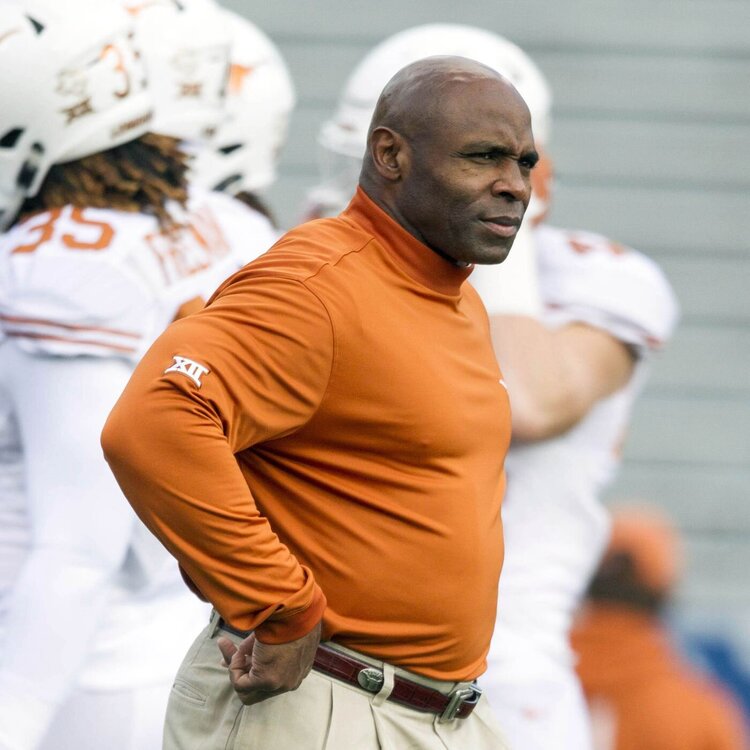 The 5 star is Dindy and he just got the news he’s been processed
Or, we got 5 one stars
Is the culling beginning?
The Oregon tackle picked BYU
https://www.on3.com/boards/threads/a-few-team-quick-hitters.275675/ Anyone have this one? Siap
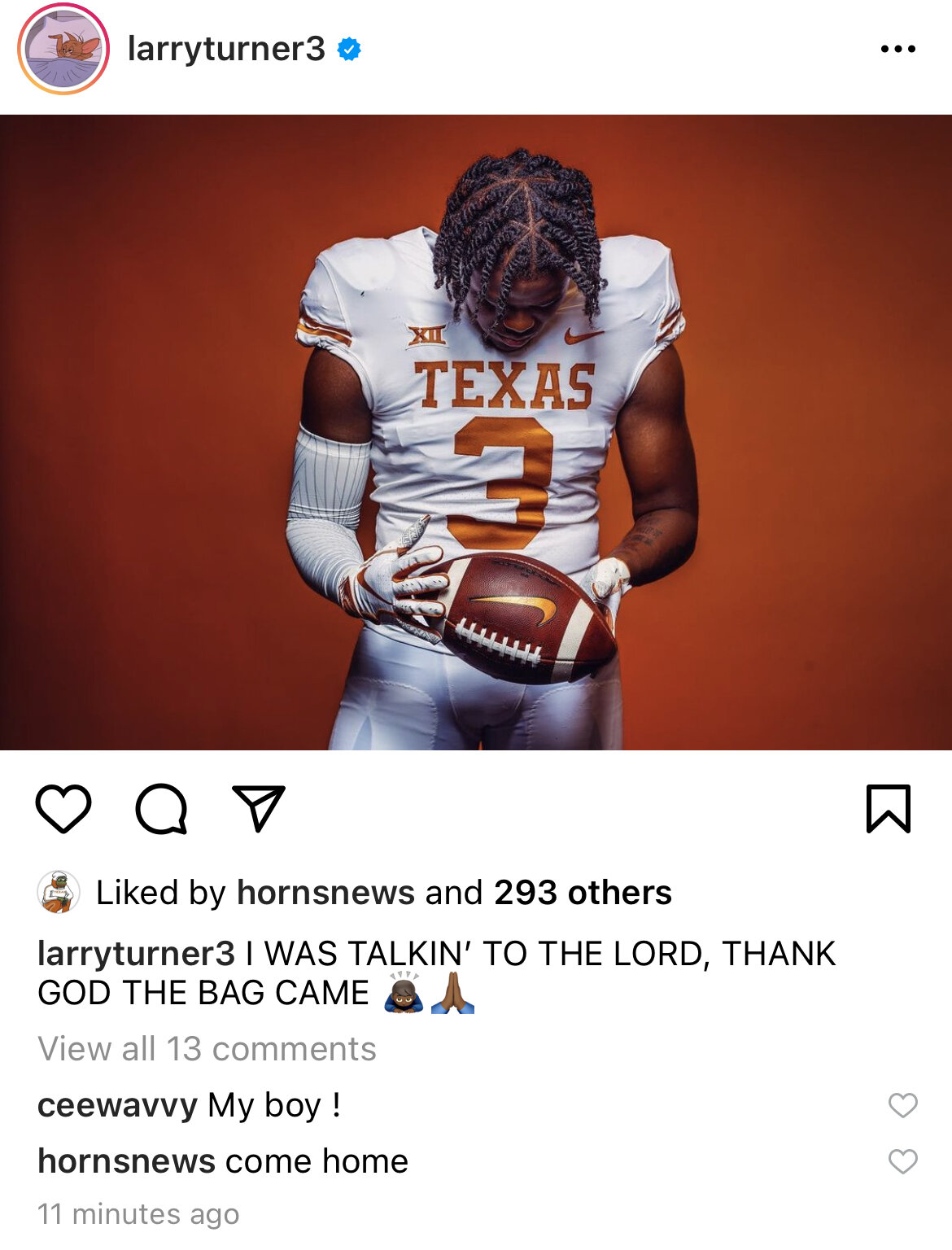
Our best recruiter at work
Bag game confirmed
The 5 star is Dindy and he just got the news he’s been processed
Or, we got 5 one stars
Is the culling beginning?
The Oregon tackle picked BYU
https://www.on3.com/boards/threads/a-few-team-quick-hitters.275675/ Anyone have this one? Siap
Our best recruiter at work
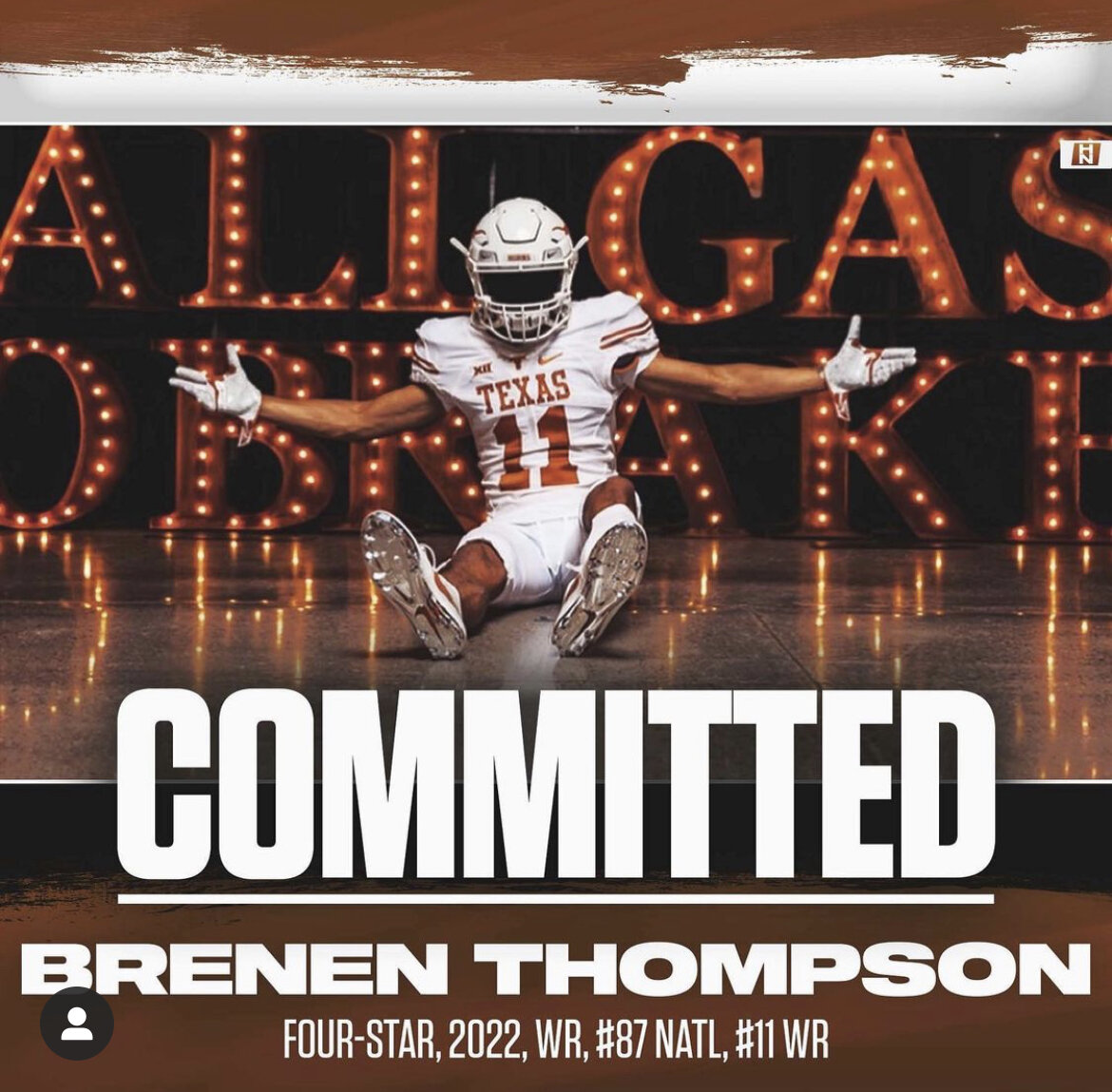
Bag game confirmed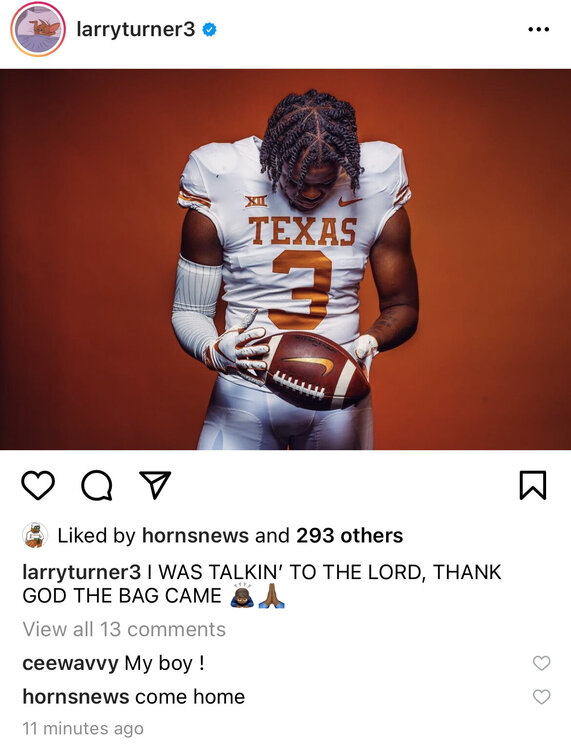 https://www.instagram.com/p/CVEOx-WLFLq/ This 247 post says Banks is coming
My username checks out
Is it worth it to even push for Boardingham if we miss on Skinner considering the three we got last year
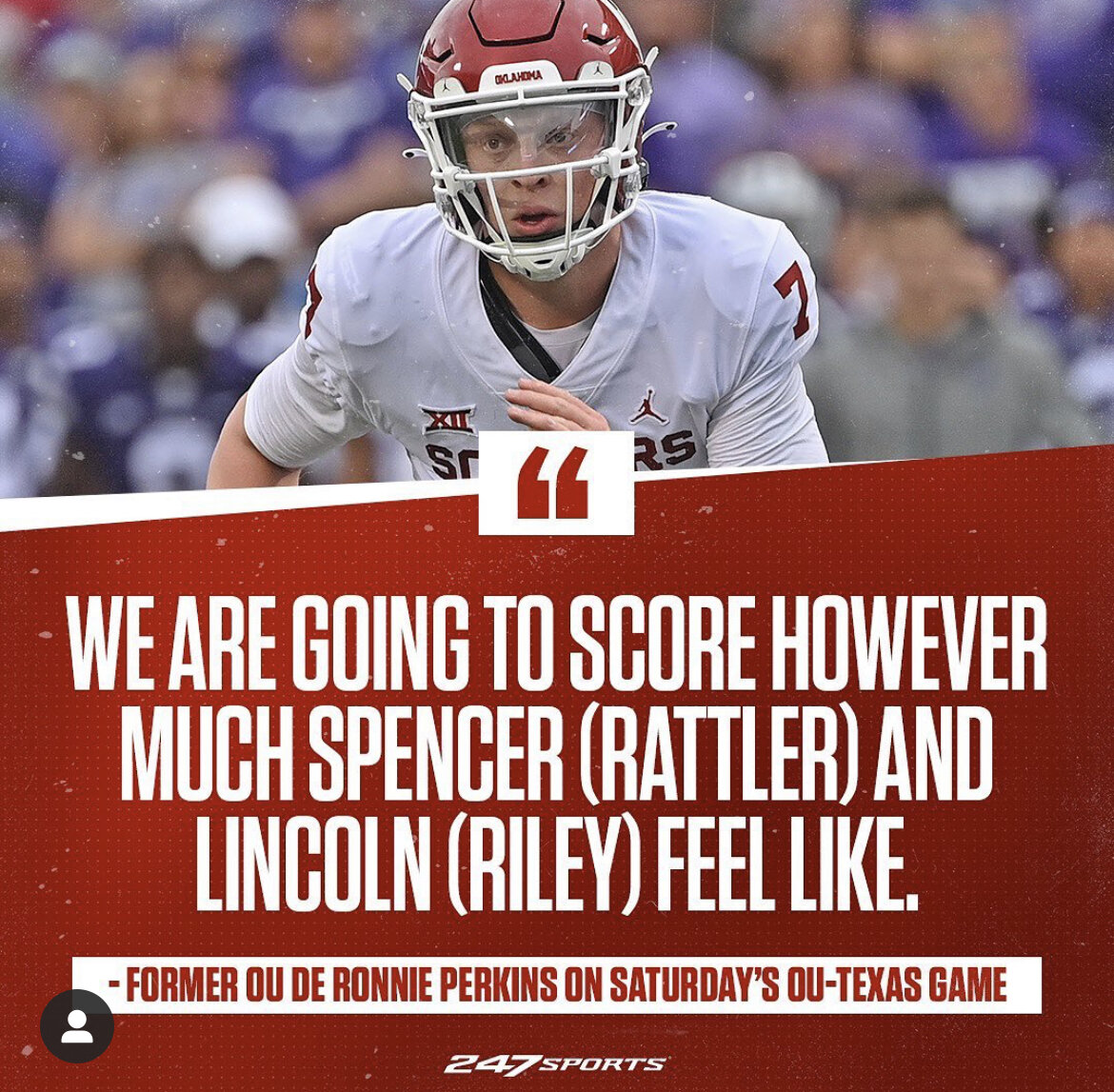
He also said we’re getting shut out, meanwhile Tulane scored 35
https://www.instagram.com/p/CVEOx-WLFLq/ This 247 post says Banks is coming
My username checks out
Is it worth it to even push for Boardingham if we miss on Skinner considering the three we got last year
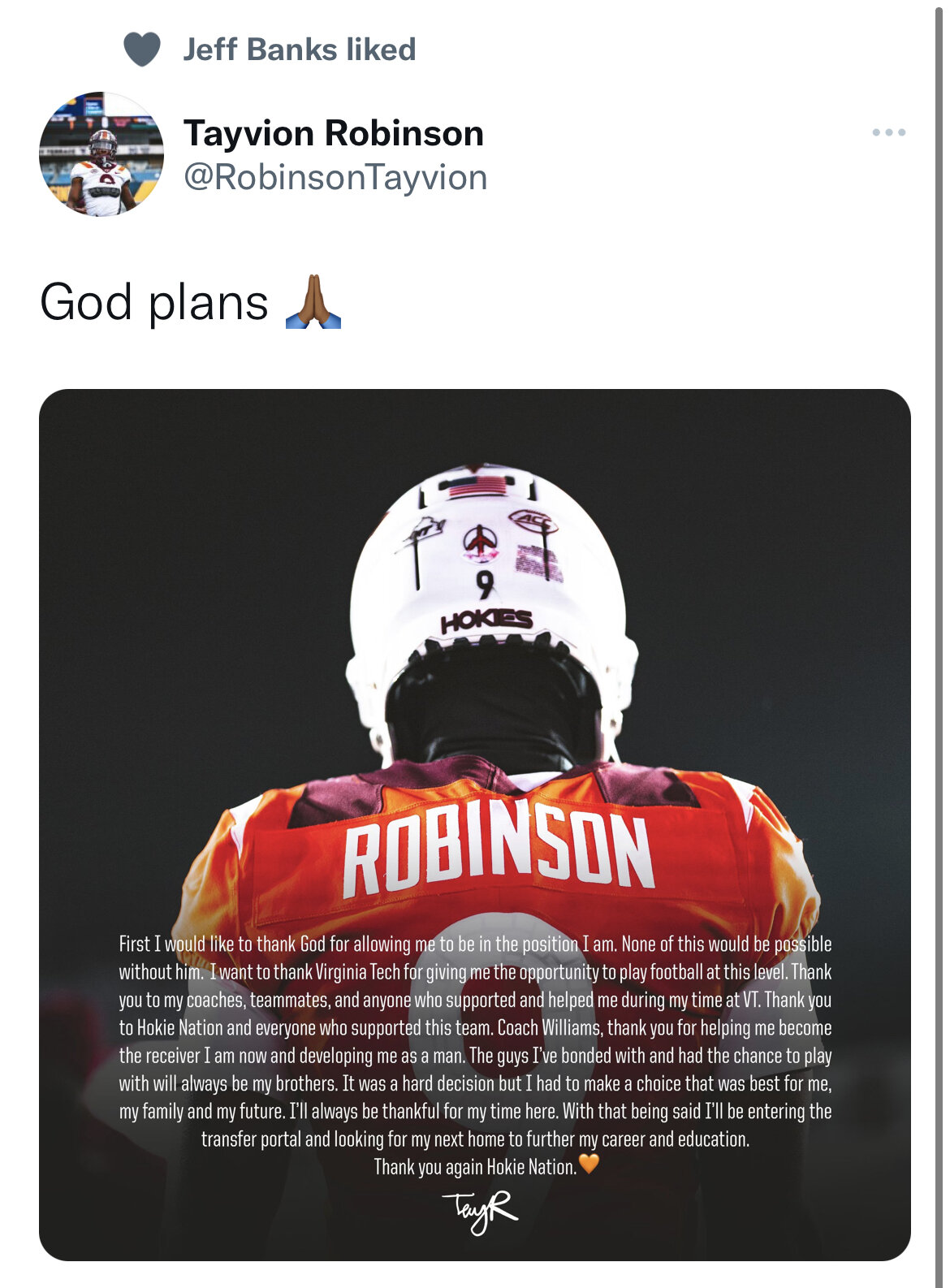
He also said we’re getting shut out, meanwhile Tulane scored 35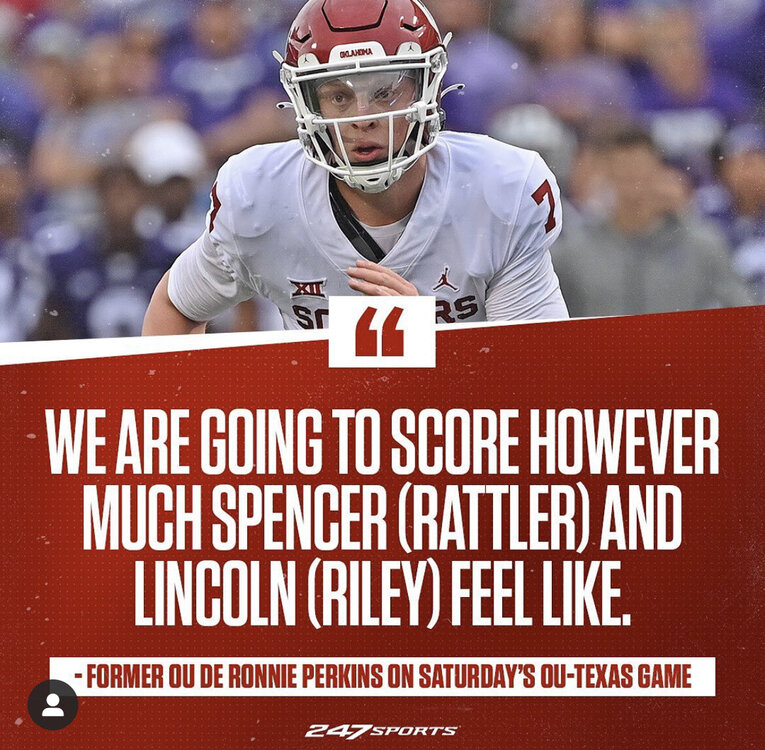 Jeff Banks liked the tweet about it from the Texas CB tracker, but I think he just likes everything related to anyone we’re recruiting
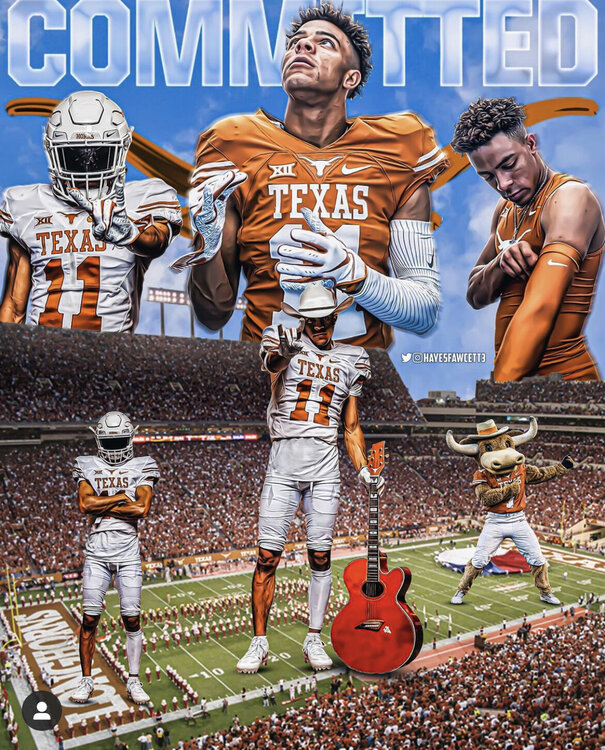
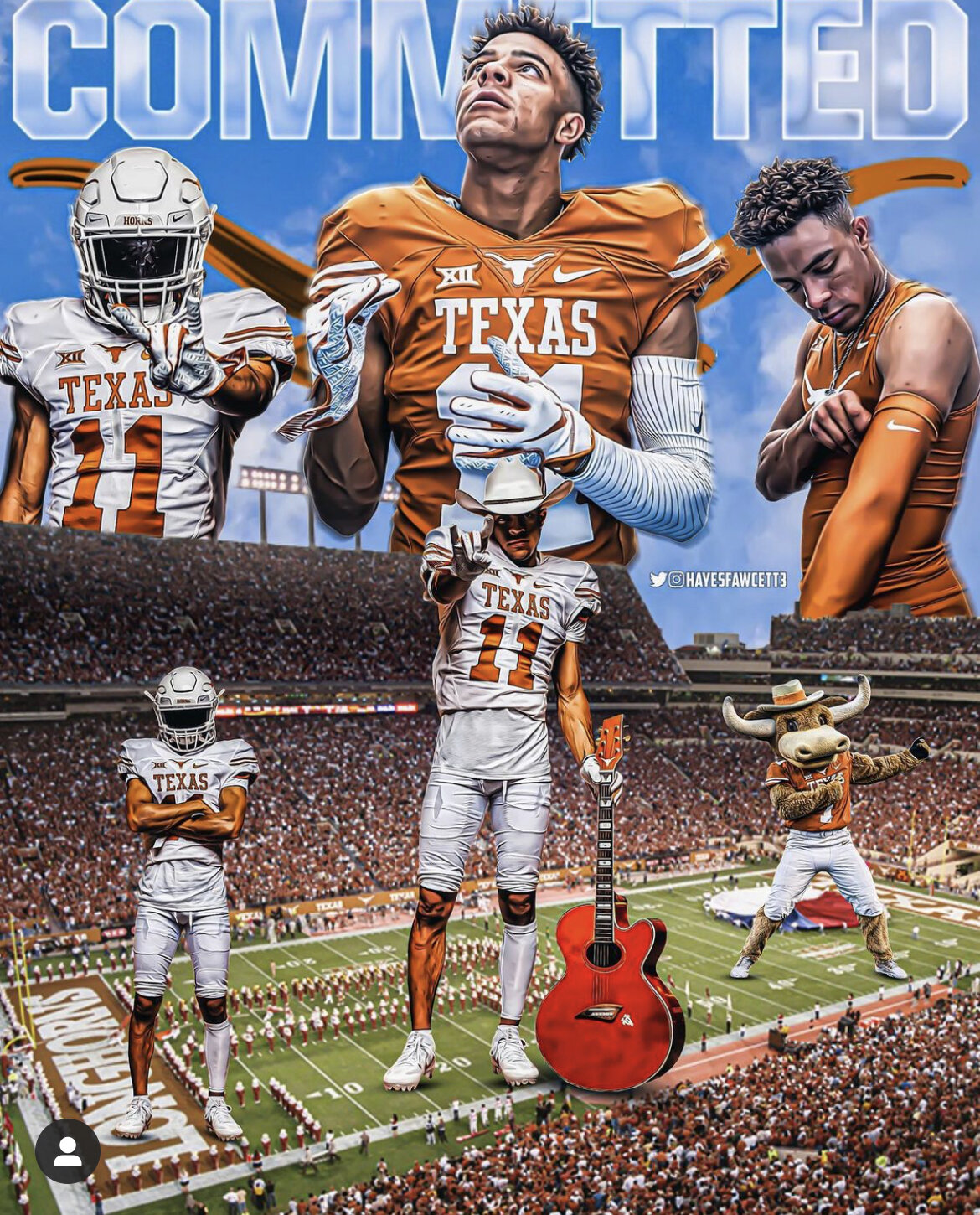
Even better, we got a Fawcett edit
Jeff Banks liked the tweet about it from the Texas CB tracker, but I think he just likes everything related to anyone we’re recruiting
Even better, we got a Fawcett edit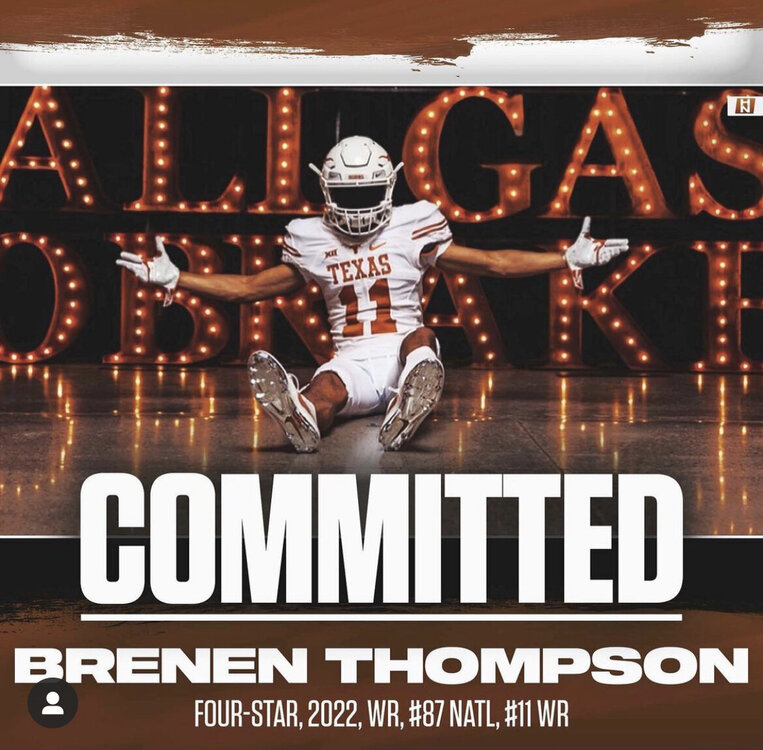
 Putting Herbert, Bosa, and Mike Williams in the calculator
Don't think we pushed but, @ Guillbeau
Putting Herbert, Bosa, and Mike Williams in the calculator
Don't think we pushed but, @ Guillbeau





Football ...
Basketball ...
Baseball ...
Other Sports ...
Futbol ...
🤫995🤫 ...
Gambling ...
Movies & TV ...
Music ...
Hobbies ...
Lulz ...
Food & Travel
...
Daily Texan ...
Business & Markets ...
Cloak Room ...
Help ...
For Sale ...
Board Discussion ...
Advertise...
Tailgate Donations
Account
Search
Configure browser push notifications
Chrome (Android)
- Tap the lock icon next to the address bar.
- Tap Permissions → Notifications.
- Adjust your preference.
Chrome (Desktop)
- Click the padlock icon in the address bar.
- Select Site settings.
- Find Notifications and adjust your preference.
Safari (iOS 16.4+)
- Ensure the site is installed via Add to Home Screen.
- Open Settings App → Notifications.
- Find your app name and adjust your preference.
Safari (macOS)
- Go to Safari → Preferences.
- Click the Websites tab.
- Select Notifications in the sidebar.
- Find this website and adjust your preference.
Edge (Android)
- Tap the lock icon next to the address bar.
- Tap Permissions.
- Find Notifications and adjust your preference.
Edge (Desktop)
- Click the padlock icon in the address bar.
- Click Permissions for this site.
- Find Notifications and adjust your preference.
Firefox (Android)
- Go to Settings → Site permissions.
- Tap Notifications.
- Find this site in the list and adjust your preference.
Firefox (Desktop)
- Open Firefox Settings.
- Search for Notifications.
- Find this site in the list and adjust your preference.