
TheStoicPaisano
Legacy Members
-
Joined
-
Last visited
Everything posted by TheStoicPaisano
-
 That’s bad meaning bad not bad meaning good.
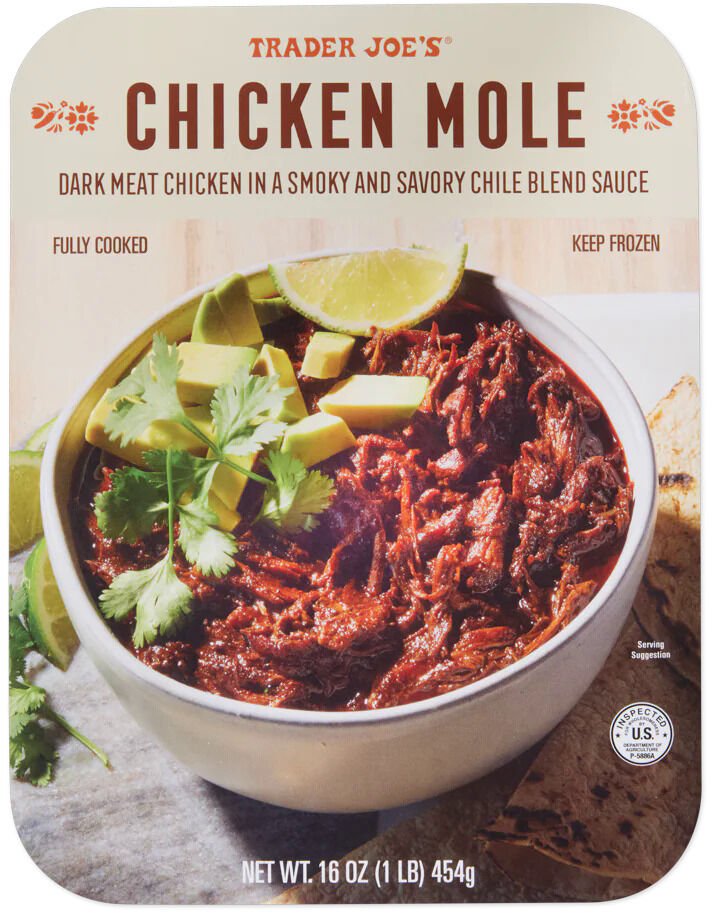
Chicken Molé is damn good for weeknights. Has some guajillo flavor that builds. $7 for a pound.
That’s bad meaning bad not bad meaning good.
Chicken Molé is damn good for weeknights. Has some guajillo flavor that builds. $7 for a pound.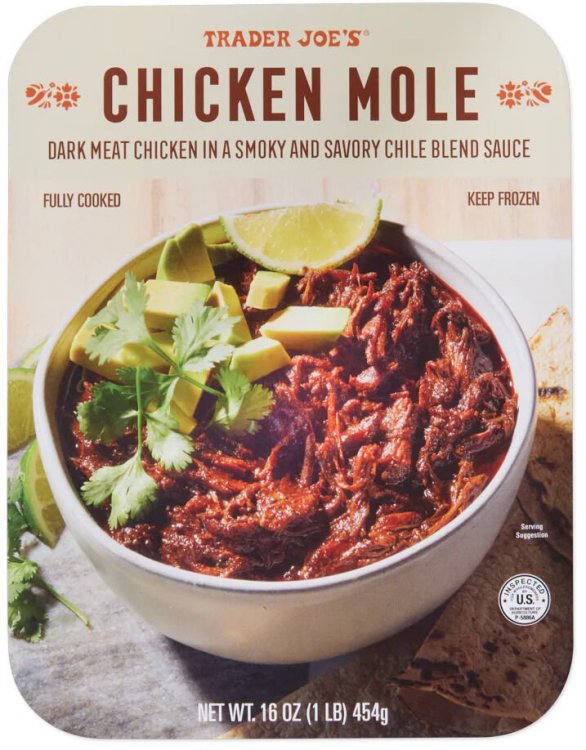 Elko stays on 5.
Do we have a CFB Punt Surrender Index? My god.
It’s no Heinz Field as Gotham, but cool to see. Now I want a Metropolis Meteors hat.
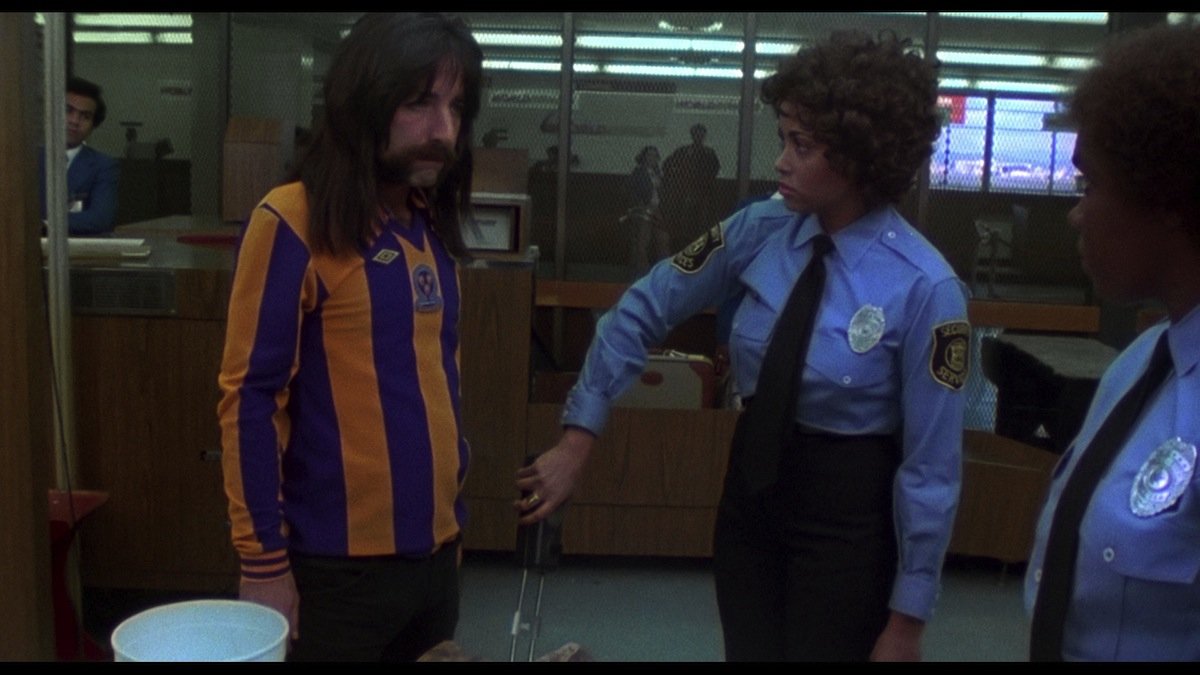
Ray’s next job after Bruges…
Elko stays on 5.
Do we have a CFB Punt Surrender Index? My god.
It’s no Heinz Field as Gotham, but cool to see. Now I want a Metropolis Meteors hat.
Ray’s next job after Bruges… Should be my personal motto.
Friday the 13th my CD drop…
You, uh…didn’t order the metallic Pea?
When do we get Maddux Madsen vs Braylon Braxton? Millennial-ass names.
Need a recruiter of Special Teams.
OSU QB is named Melekalikimaka Smith? Did Bowman finally graduate?
Lick Fuckall trying to get fired from Wisconsin.
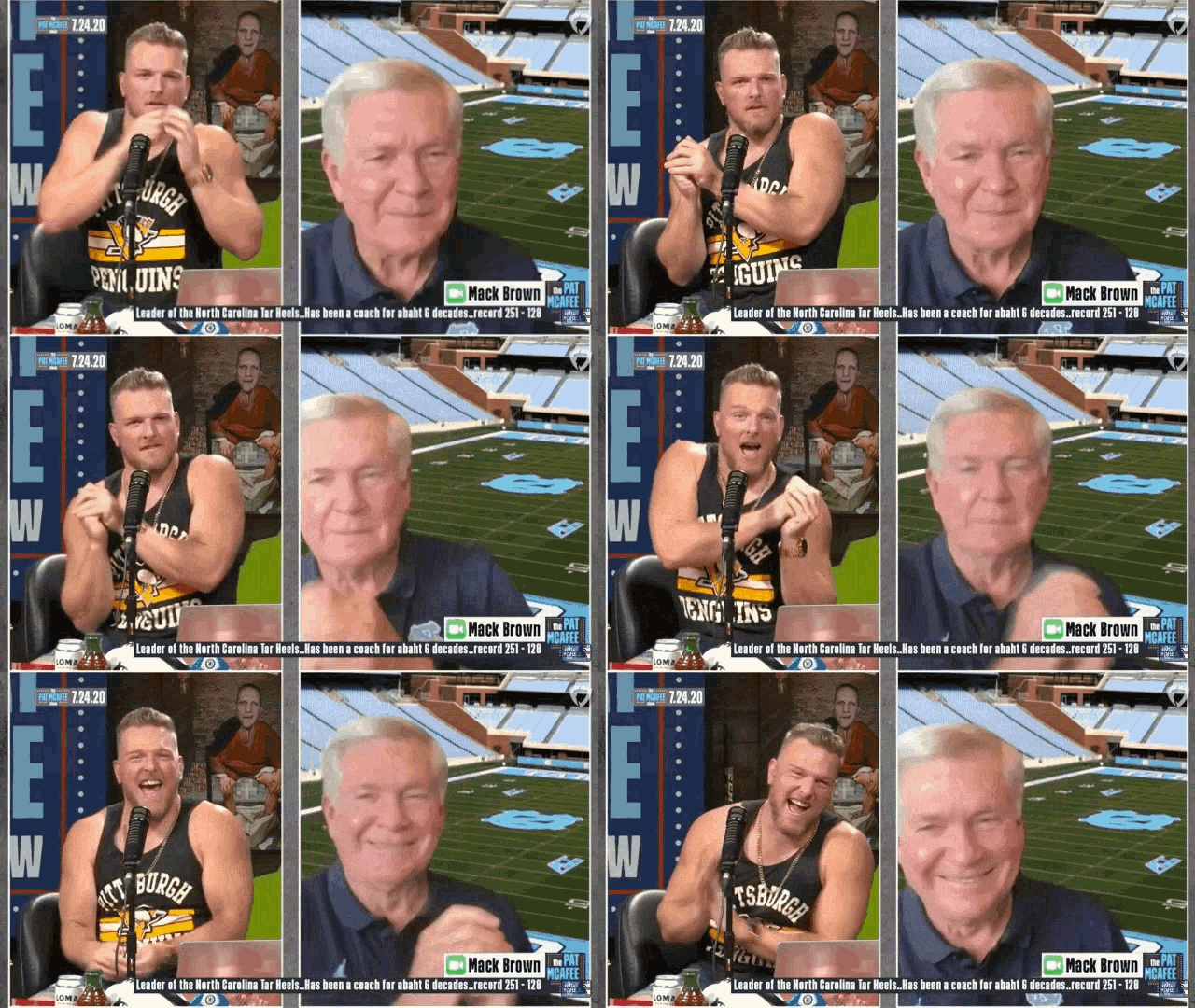
Send Mack down in the toaster lmao.
Football ... Basketball ... Baseball ... Other Sports ... Futbol ... 🤫995🤫 ... Gambling ... Movies & TV ... Music ... Hobbies ... Lulz ... Food & Travel ... Daily Texan ... Business & Markets ... Cloak Room ... Help ... For Sale ... Board Discussion ... Advertise... Tailgate Donations
Should be my personal motto.
Friday the 13th my CD drop…
You, uh…didn’t order the metallic Pea?
When do we get Maddux Madsen vs Braylon Braxton? Millennial-ass names.
Need a recruiter of Special Teams.
OSU QB is named Melekalikimaka Smith? Did Bowman finally graduate?
Lick Fuckall trying to get fired from Wisconsin.
Send Mack down in the toaster lmao.
Football ... Basketball ... Baseball ... Other Sports ... Futbol ... 🤫995🤫 ... Gambling ... Movies & TV ... Music ... Hobbies ... Lulz ... Food & Travel ... Daily Texan ... Business & Markets ... Cloak Room ... Help ... For Sale ... Board Discussion ... Advertise... Tailgate DonationsAccount
Search
Configure browser push notifications
Chrome (Android)
- Tap the lock icon next to the address bar.
- Tap Permissions → Notifications.
- Adjust your preference.
Chrome (Desktop)
- Click the padlock icon in the address bar.
- Select Site settings.
- Find Notifications and adjust your preference.
Safari (iOS 16.4+)
- Ensure the site is installed via Add to Home Screen.
- Open Settings App → Notifications.
- Find your app name and adjust your preference.
Safari (macOS)
- Go to Safari → Preferences.
- Click the Websites tab.
- Select Notifications in the sidebar.
- Find this website and adjust your preference.
Edge (Android)
- Tap the lock icon next to the address bar.
- Tap Permissions.
- Find Notifications and adjust your preference.
Edge (Desktop)
- Click the padlock icon in the address bar.
- Click Permissions for this site.
- Find Notifications and adjust your preference.
Firefox (Android)
- Go to Settings → Site permissions.
- Tap Notifications.
- Find this site in the list and adjust your preference.
Firefox (Desktop)
- Open Firefox Settings.
- Search for Notifications.
- Find this site in the list and adjust your preference.