

Junior Bonner
Burnt Ends
-
Joined
-
Last visited
Everything posted by Junior Bonner
-
 Lots of good-looking Auburn women. Some of the most beautiful women I’ve known went there. No pics, sorry…
 -
I feel seen…
-
Hard ceiling of 3.25. That’ll be $9.95…
-
Good pic of the Manning brothers with their dad Archie…

-
That’s how I recall it, but let’s not allow facts to get in the way of a good Surly narrative…
-
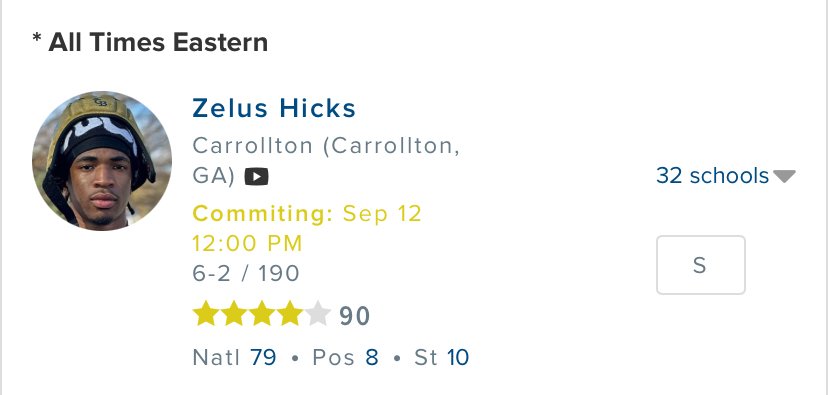
Committing at 11a central. Allegedly…
 Don’t ever misunderestimate Surly like that…
Point taken…
Don’t ever misunderestimate Surly like that…
Point taken…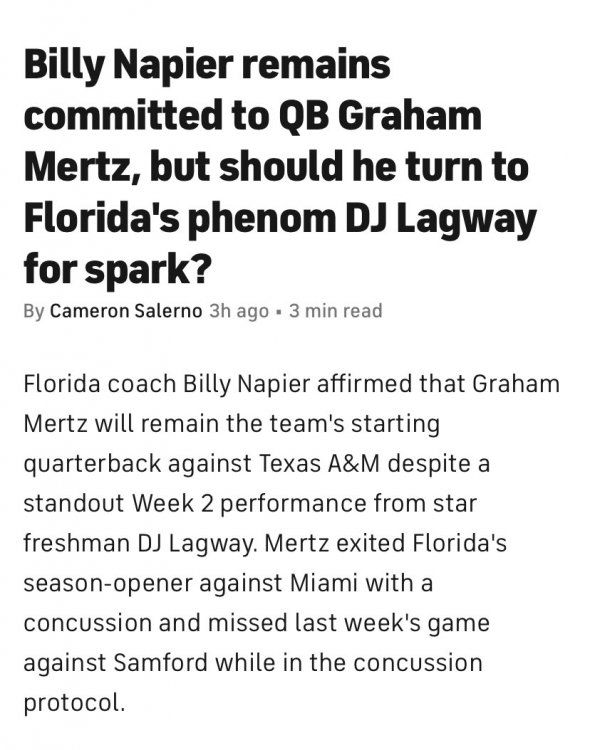 Noice!
 Mizzou looks alright. Tennessee looks decent. I’m not writing off Alabama. Frankly, name a conference better than the SEC. B1G? I don’t think so.
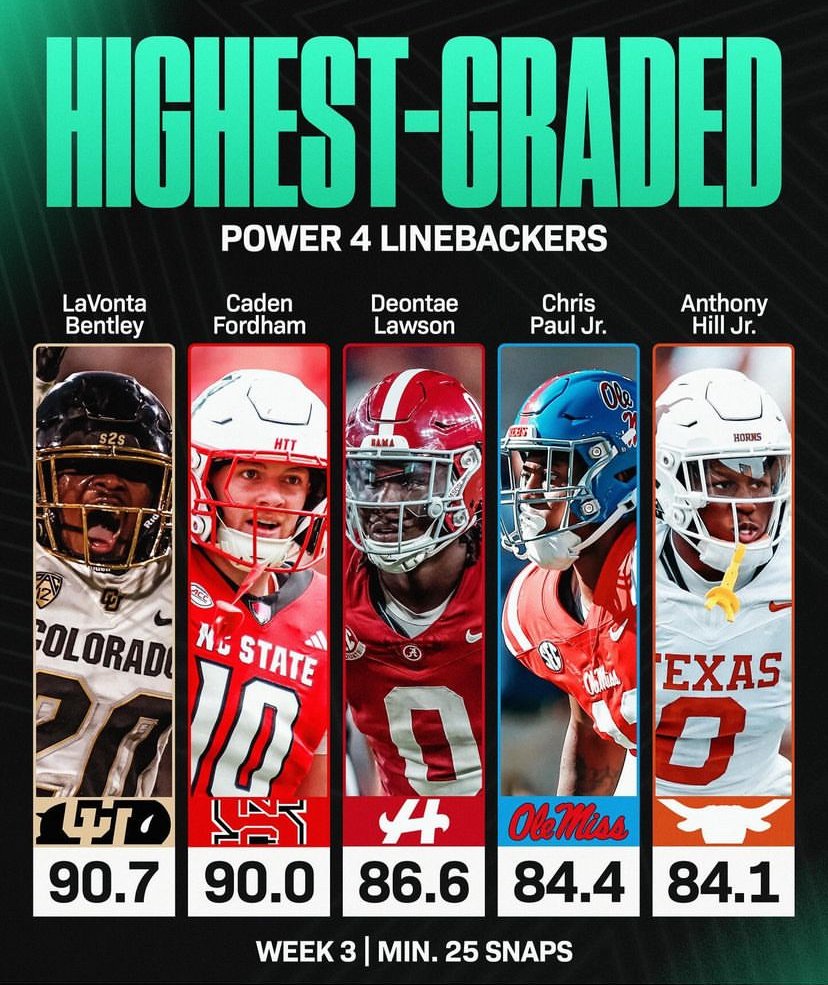
Keondre Coburn
Coke bender
It’s a good day. 😎🤘🏻🤘🏻😎
Mizzou looks alright. Tennessee looks decent. I’m not writing off Alabama. Frankly, name a conference better than the SEC. B1G? I don’t think so.
Keondre Coburn
Coke bender
It’s a good day. 😎🤘🏻🤘🏻😎 That’s a troll. A bad one. Must be one of us.
In Alabama, them words get you kilt…
Aggy recruits thought the whistle. This one's going to signing day, stupid sip...
Doesn’t matter. Aggy will fuck it up regardless…
Way too many words, man…
That’s a troll. A bad one. Must be one of us.
In Alabama, them words get you kilt…
Aggy recruits thought the whistle. This one's going to signing day, stupid sip...
Doesn’t matter. Aggy will fuck it up regardless…
Way too many words, man…

















Football ...
Basketball ...
Baseball ...
Other Sports ...
Futbol ...
🤫995🤫 ...
Gambling ...
Movies & TV ...
Music ...
Hobbies ...
Lulz ...
Food & Travel
...
Daily Texan ...
Business & Markets ...
Cloak Room ...
Help ...
For Sale ...
Board Discussion ...
Advertise...
Tailgate Donations
Account
Search
Configure browser push notifications
Chrome (Android)
- Tap the lock icon next to the address bar.
- Tap Permissions → Notifications.
- Adjust your preference.
Chrome (Desktop)
- Click the padlock icon in the address bar.
- Select Site settings.
- Find Notifications and adjust your preference.
Safari (iOS 16.4+)
- Ensure the site is installed via Add to Home Screen.
- Open Settings App → Notifications.
- Find your app name and adjust your preference.
Safari (macOS)
- Go to Safari → Preferences.
- Click the Websites tab.
- Select Notifications in the sidebar.
- Find this website and adjust your preference.
Edge (Android)
- Tap the lock icon next to the address bar.
- Tap Permissions.
- Find Notifications and adjust your preference.
Edge (Desktop)
- Click the padlock icon in the address bar.
- Click Permissions for this site.
- Find Notifications and adjust your preference.
Firefox (Android)
- Go to Settings → Site permissions.
- Tap Notifications.
- Find this site in the list and adjust your preference.
Firefox (Desktop)
- Open Firefox Settings.
- Search for Notifications.
- Find this site in the list and adjust your preference.