

Getafix
Full Members
-
Joined
-
Last visited
Everything posted by Getafix
-
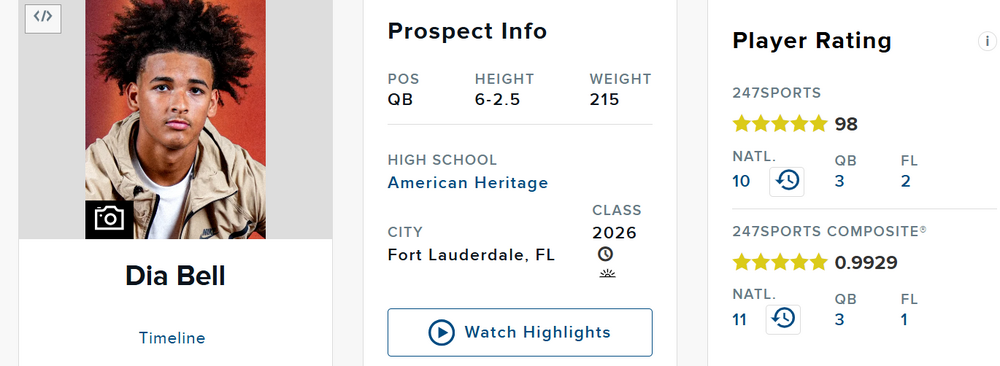
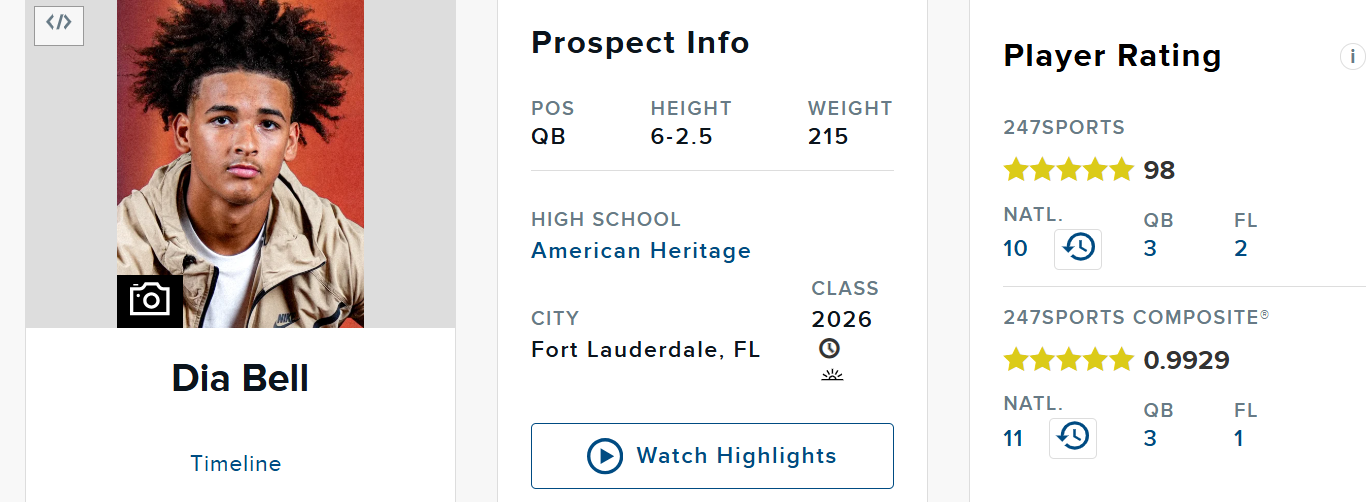
247 Sports updated some rankings in the Top247. The one major change for Texas (that I am aware of) is Dia Bell moving up from #24 overall to #10 overall. #5 QB to #3 QB. Top247 change As a result, he moves up from #13 to #11 in the 247 Composite. So, And finally, in the Rivals Industry Composite, he is now the #1 QB in the country! (Moves up to #4 overall.) BEFORE AFTER


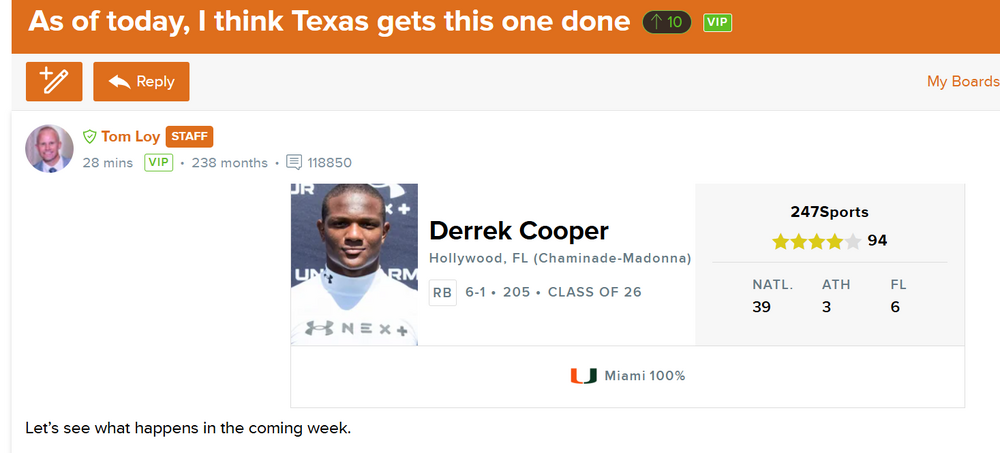
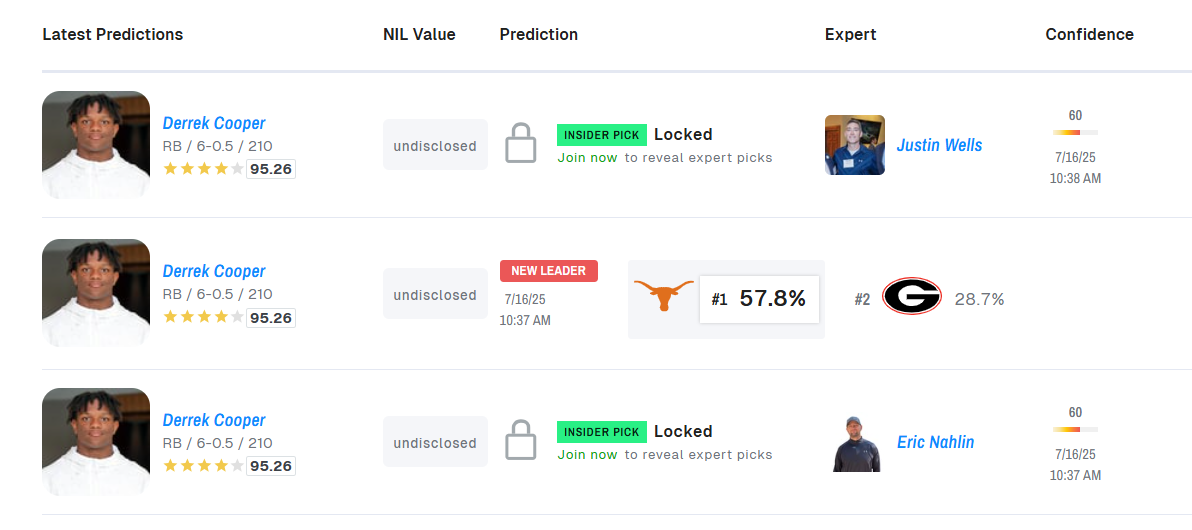
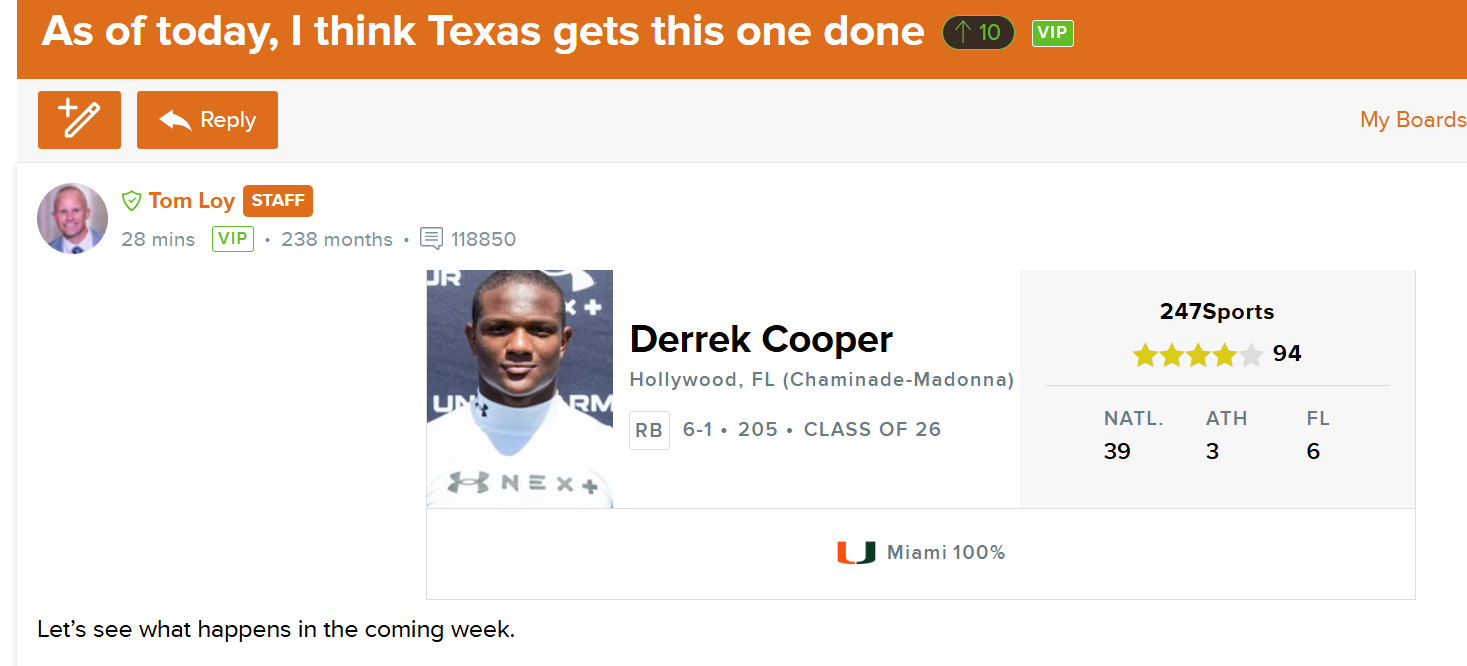
 Eric Nahlin and Justin Wells put in CBs for Derrek Cooper, to Texas. And ...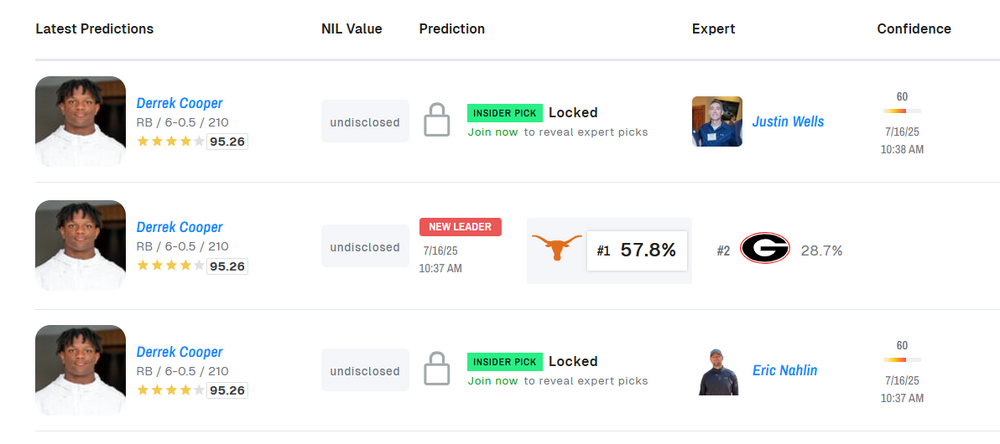
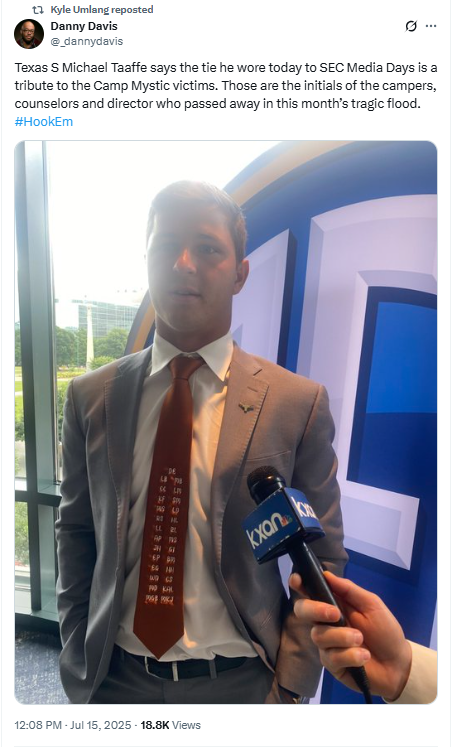
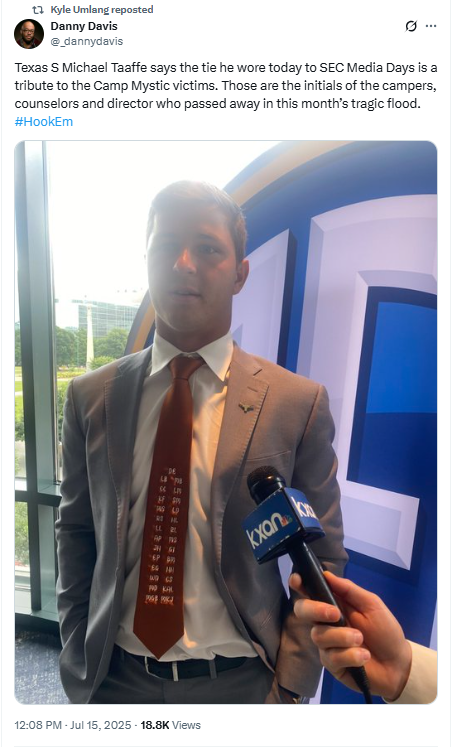
 Yep, Archmania is upon us 🙂. Development, elite talent, football royalty, and graciousness and compassion - this pic has it all.Cross-posting this here ...
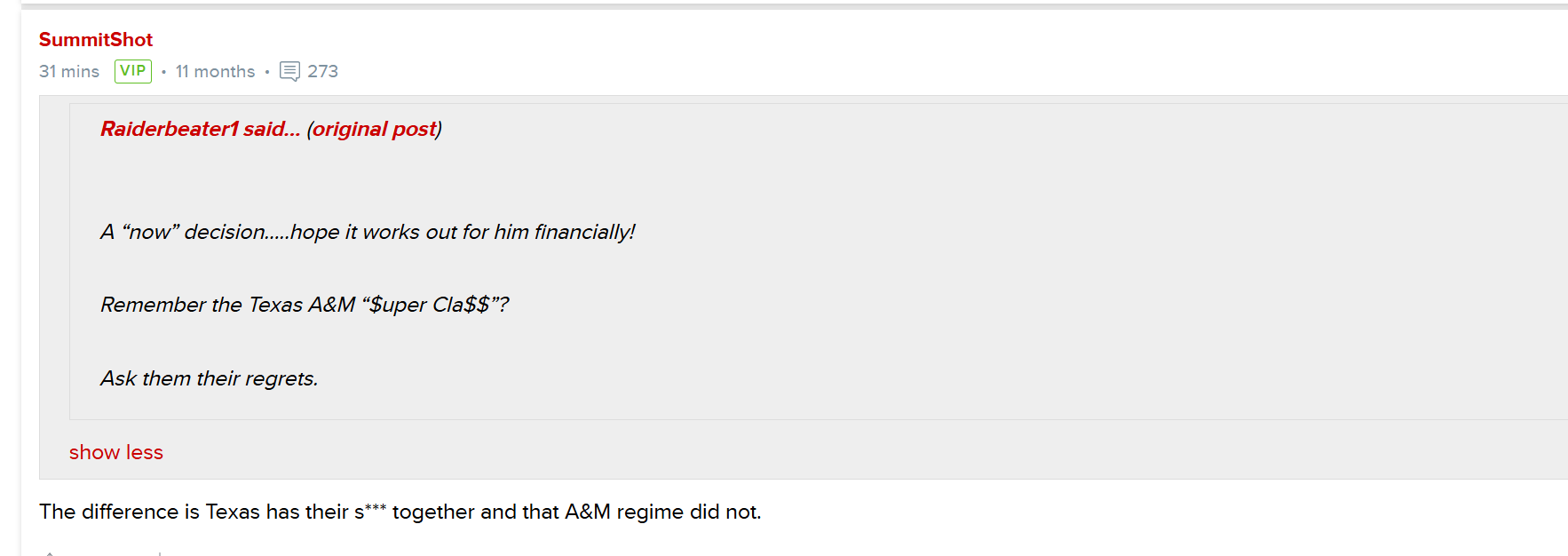
 (From the Dawgs 247 site.) SummitShot is wise beyond his ... tears.
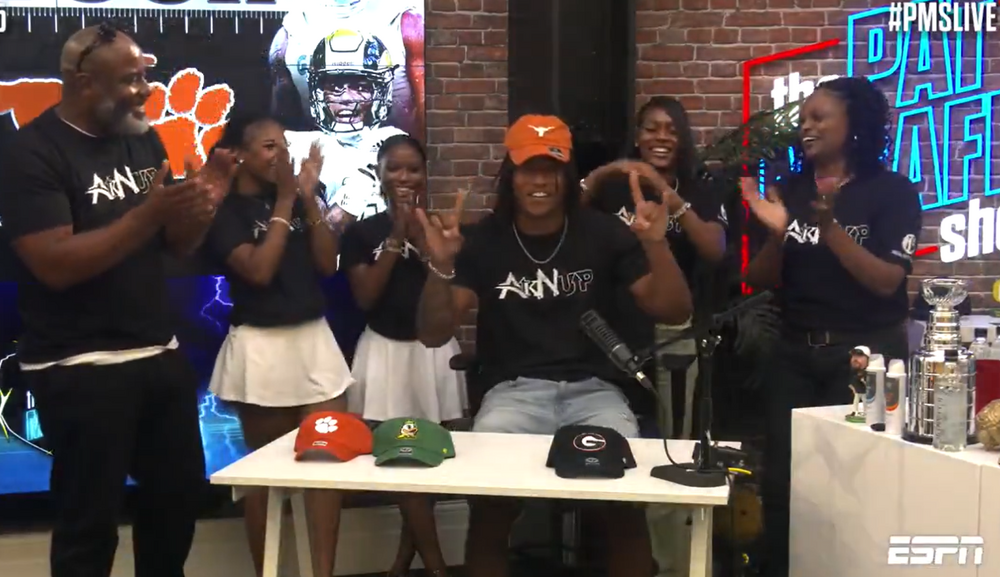
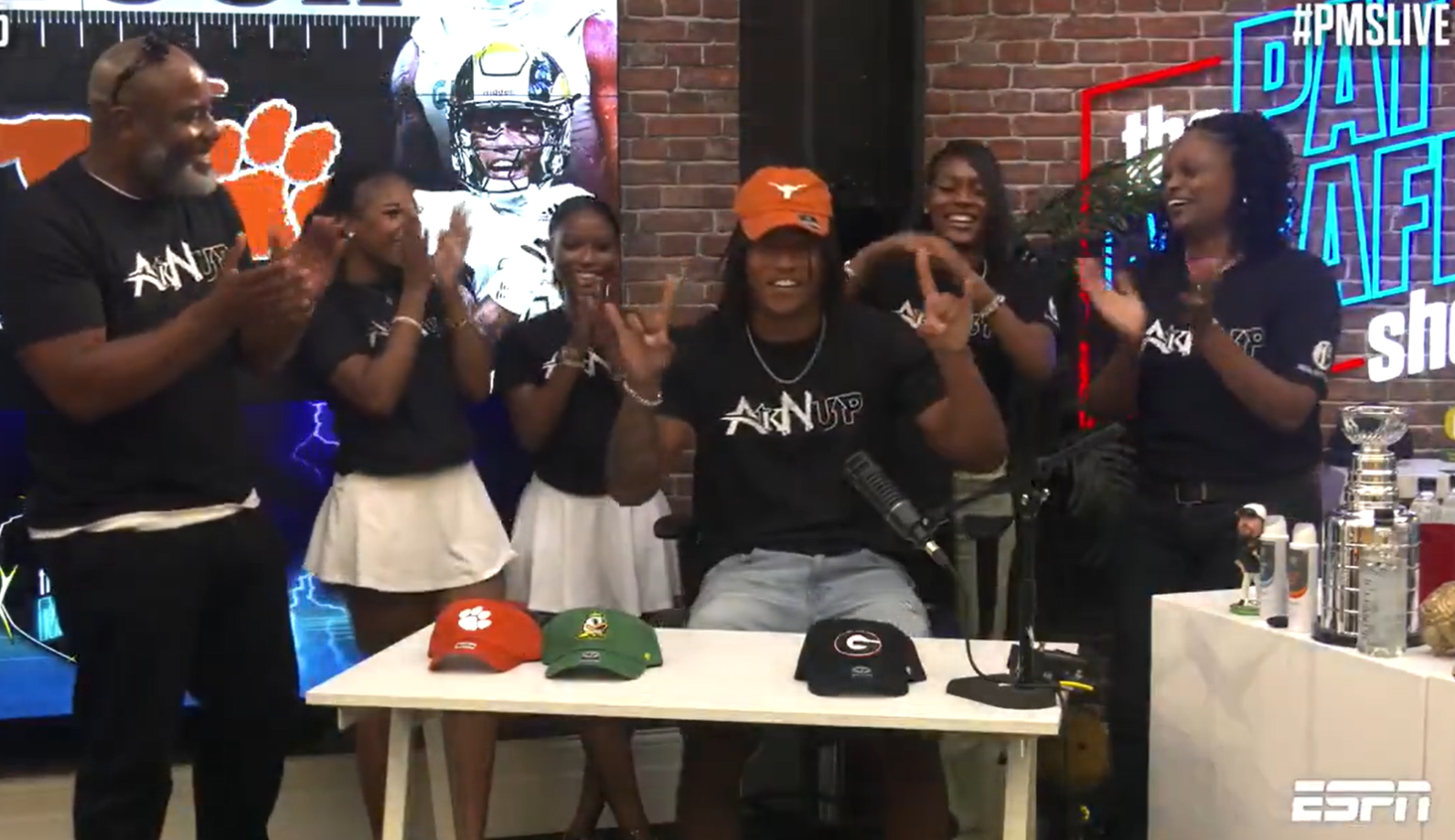
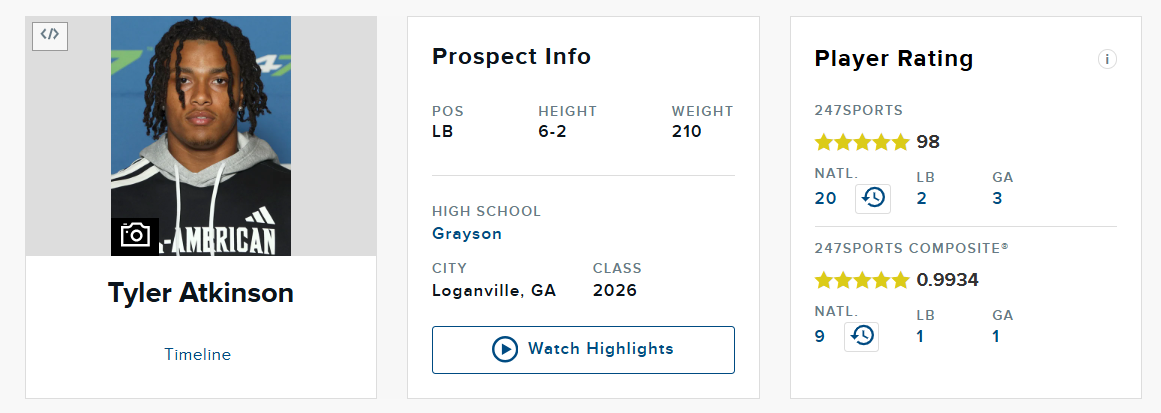
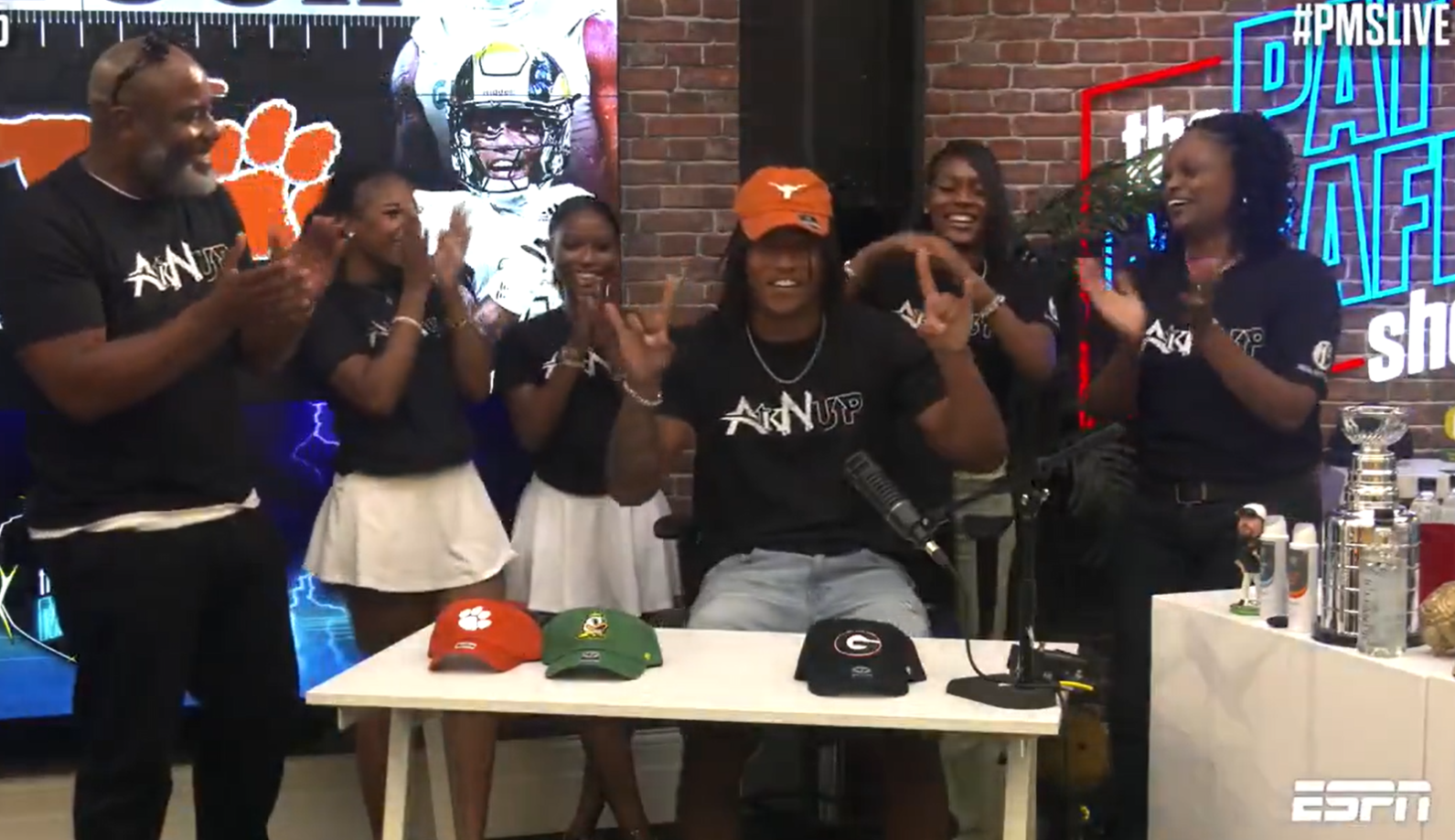
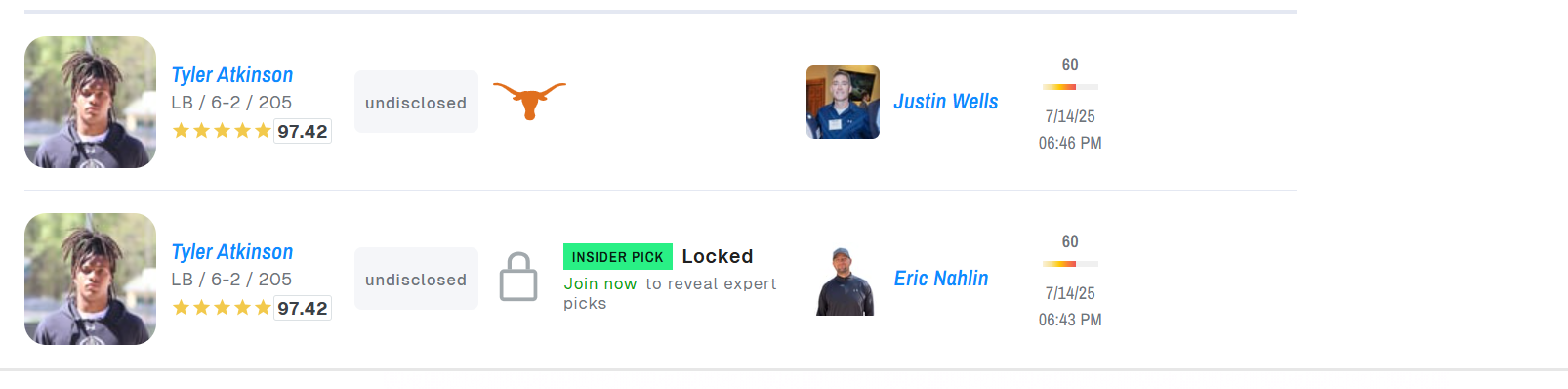
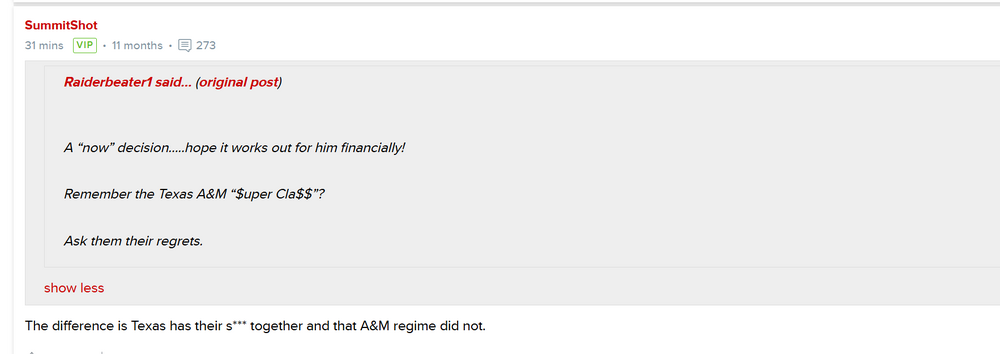 Tyler Atkinson to Texas!!!
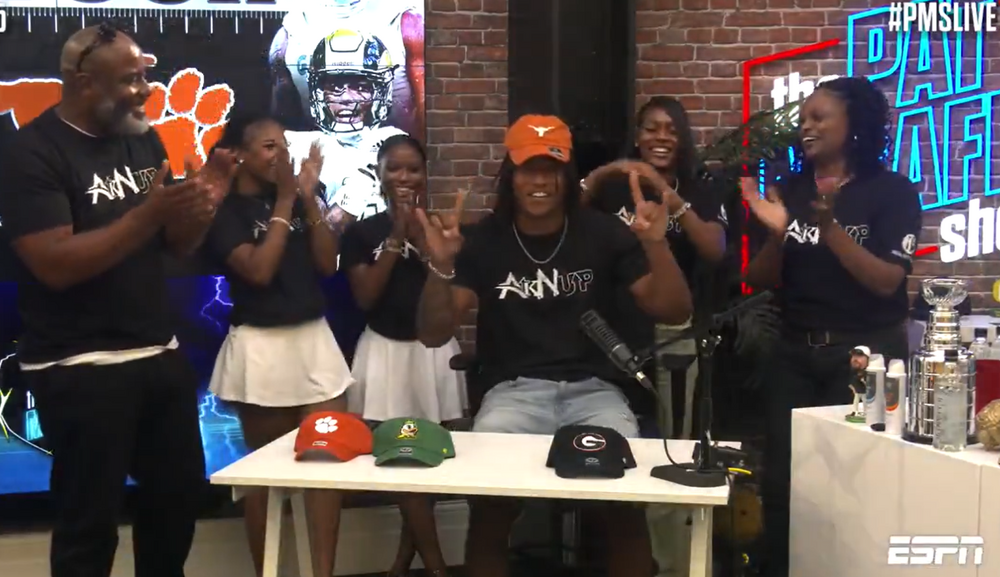 Tyler Atkinson to Texas!!! https://247sports.com/player/tyler-atkinson-46131661/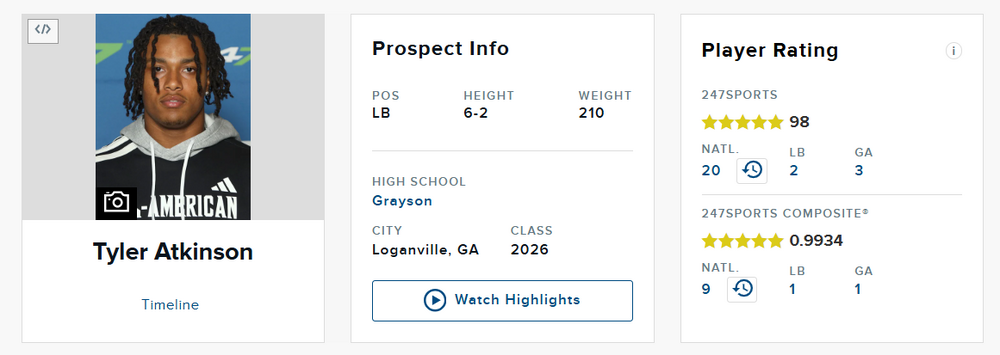
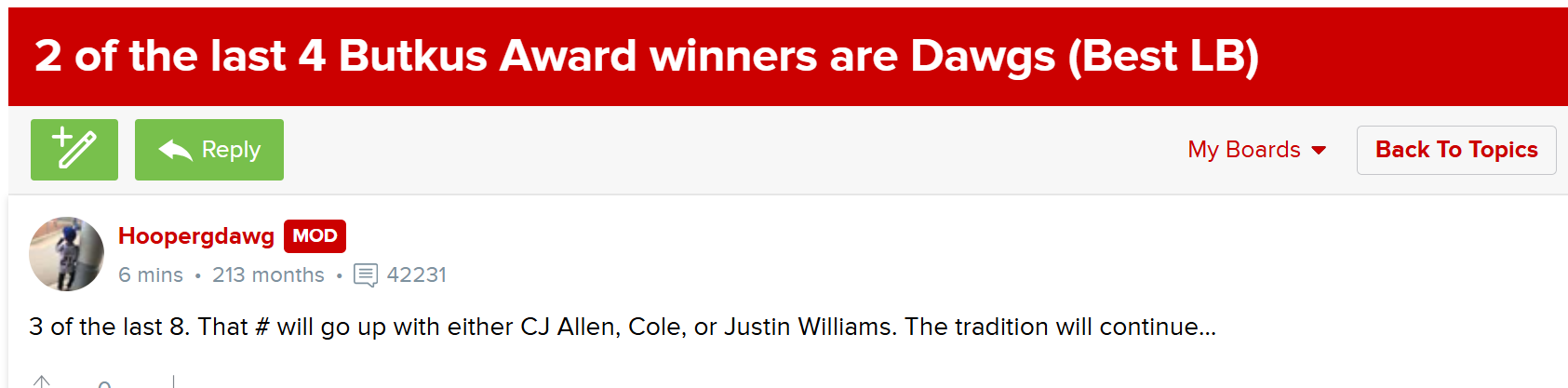
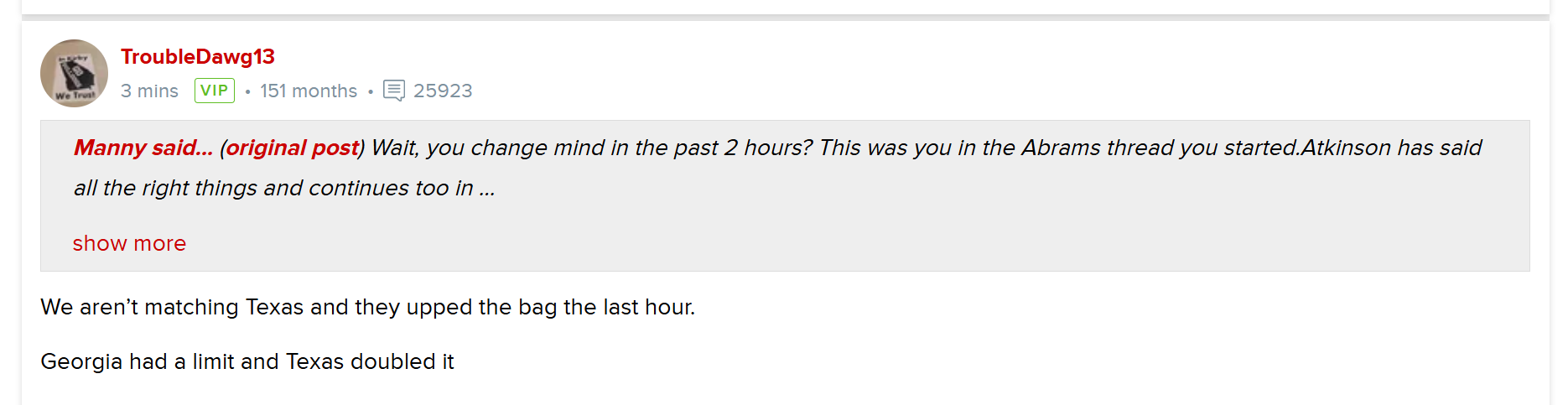
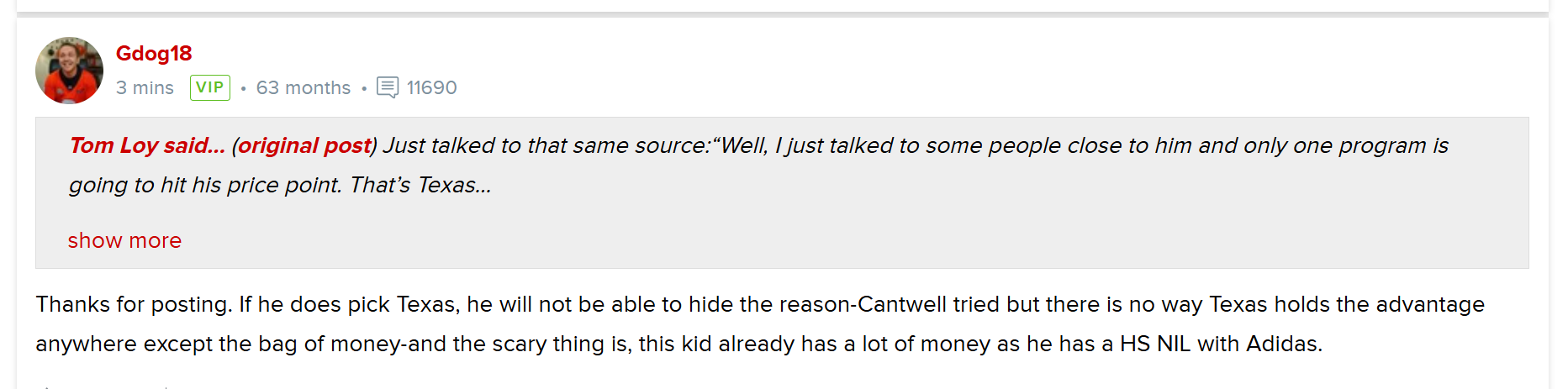
 🙂Georgia board, tonight. To which I say ... First response ... To which I say ...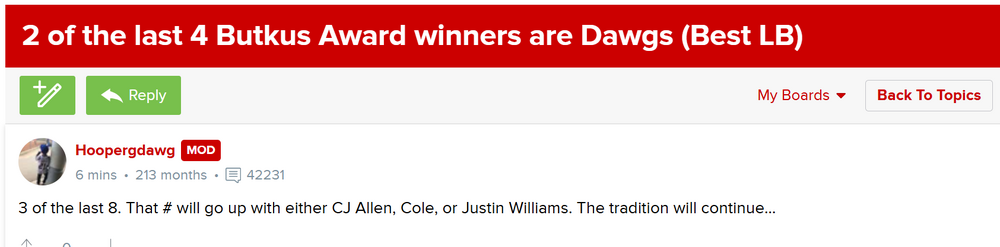
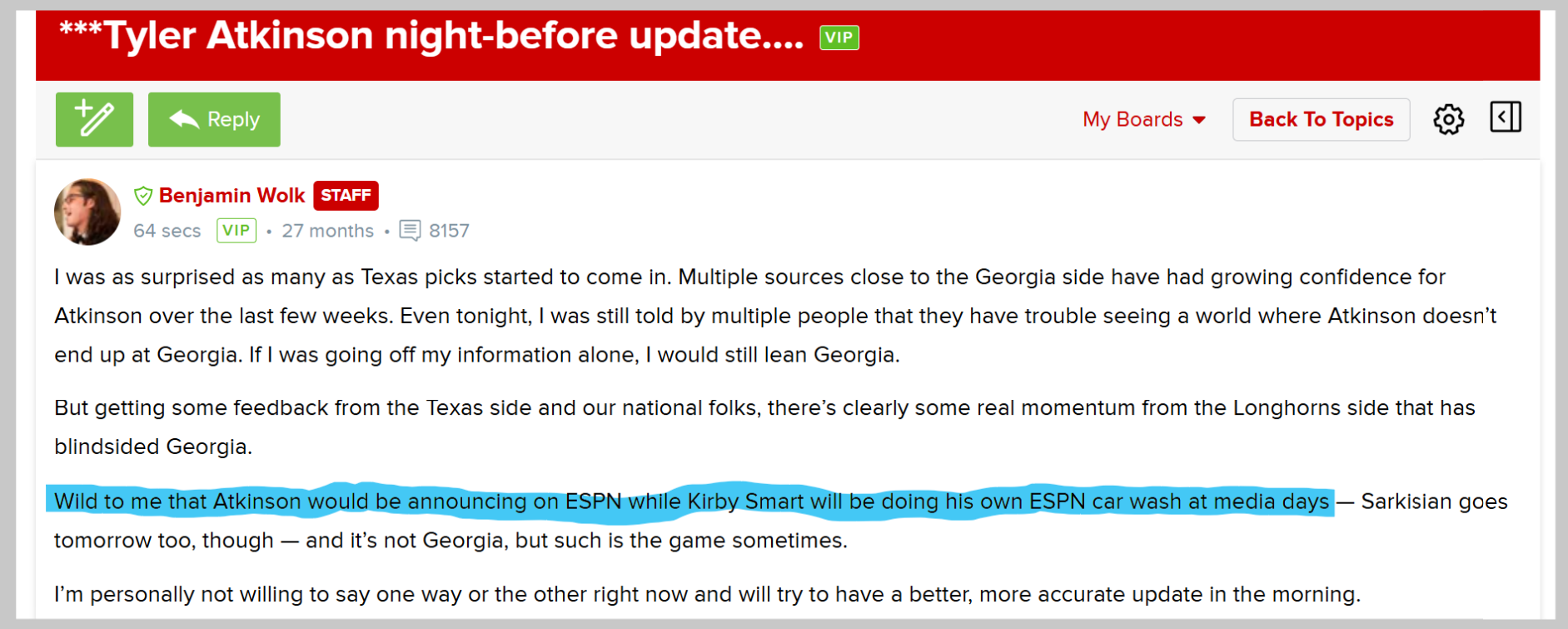
 Atkinson trained with Anthony Hill and Derrick Johnson the last two summers, in Austin. (Excerpt from a note from Jordan Scruggs (Horns 247), below.) Atkinson has spent a lot of time in Austin over the last two summers while training, though it's worth bringing up that wasn't known by anyone until mid June. Atkinson worked out with or trained under several folks affiliated with Texas, but none more notable than Derrick Johnson and Anthony Hill Jr. "It's been great," Atkinson said of working with Johnson. "DJ, he's very intentional on his training, teaching the small details on things and it's just great to talk to him and train with him." Hill is actually who connected the two. "Ant Hill, Ant Hill hooked me up with him," Atkinson said. "That's my boy, we talk, we talk. Just the relationship I have with him and him just telling me about Texas, it's good."Benjamin Wolk (Georgia 247) (and some lulz ... )
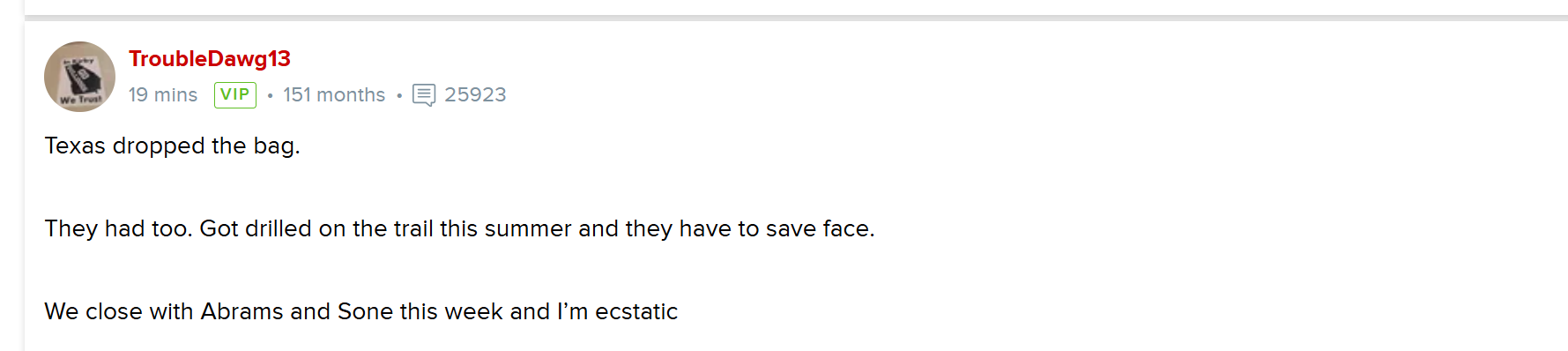
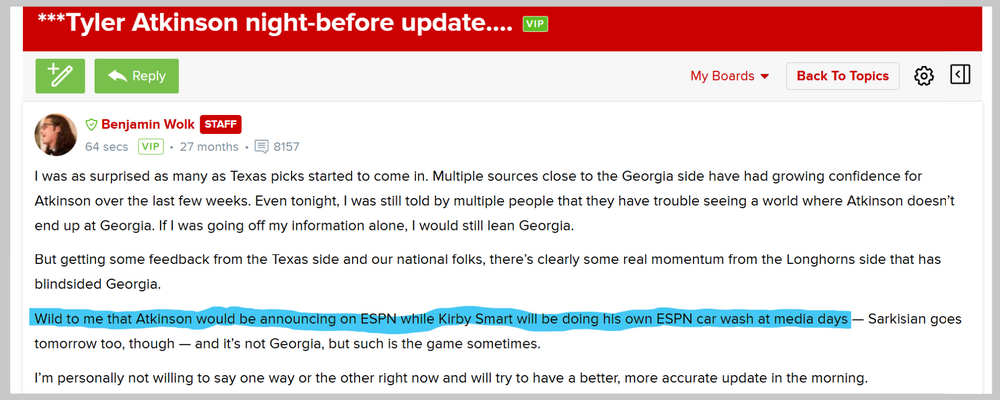 Enjoy. From the Georgia board. "Lower their standers"
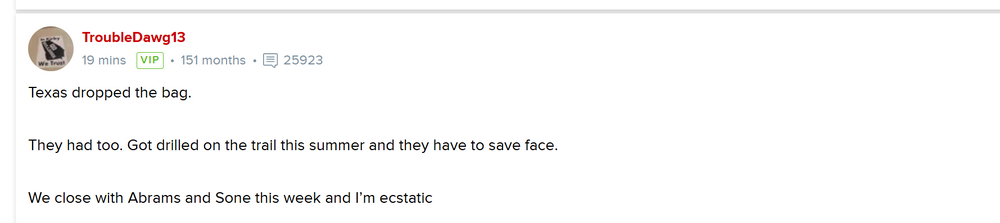


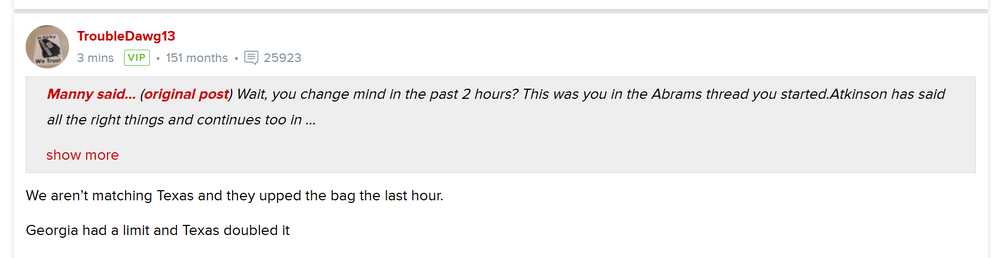
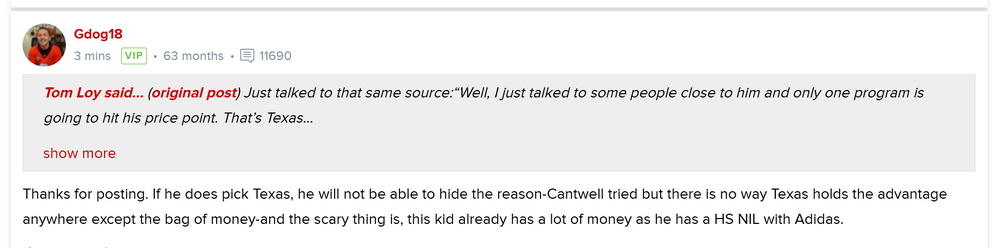 !!!
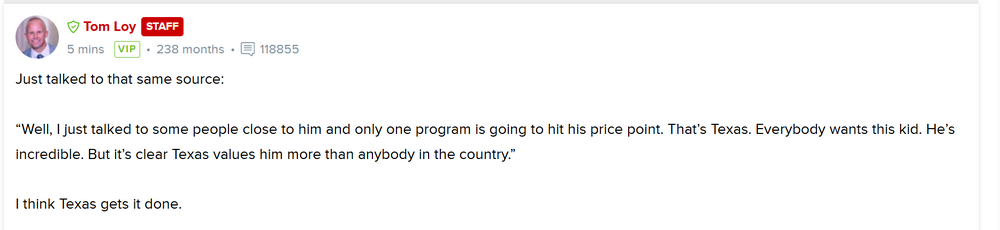
!!!
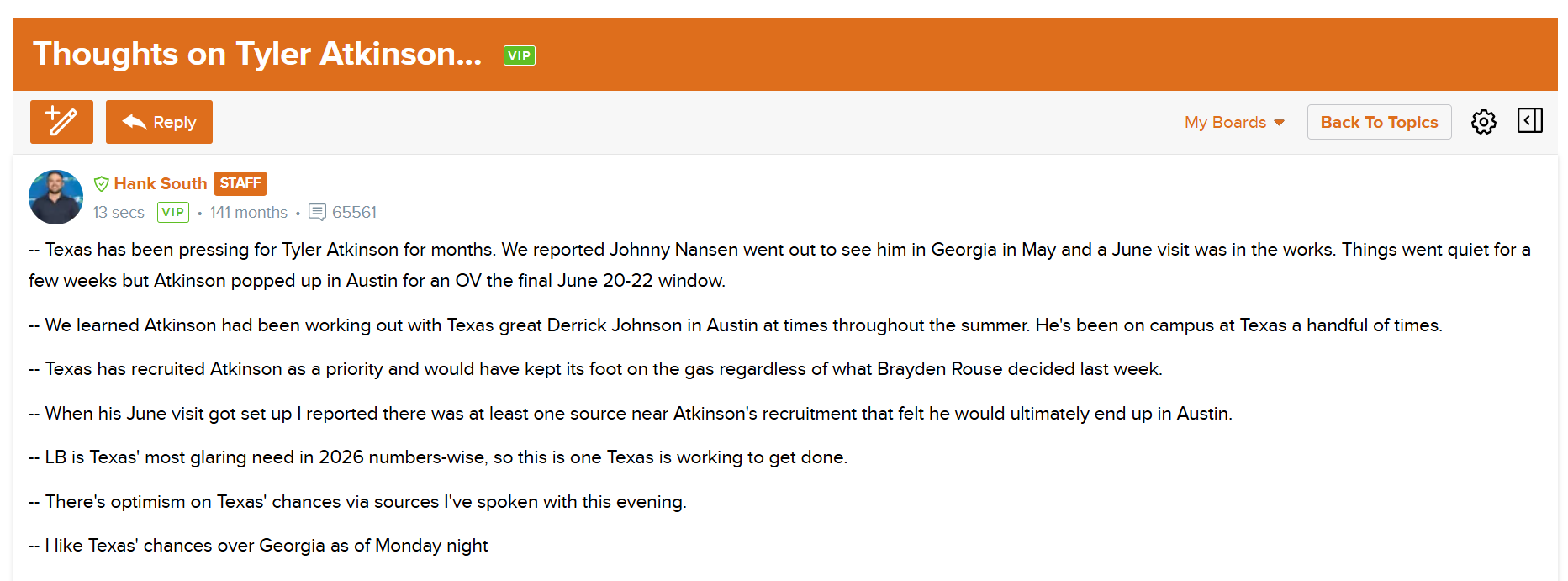
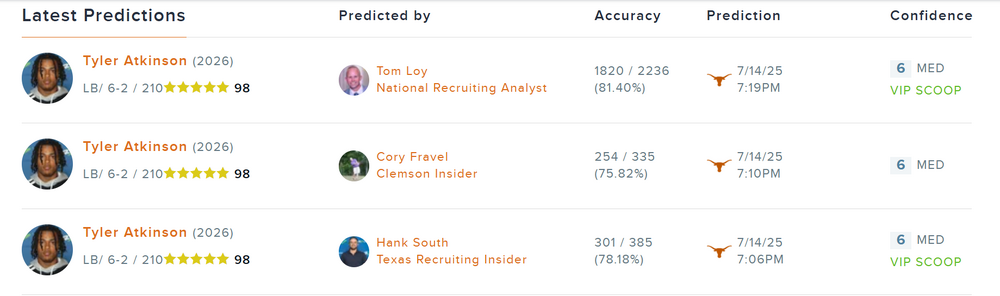 Hank South (Horns 247)
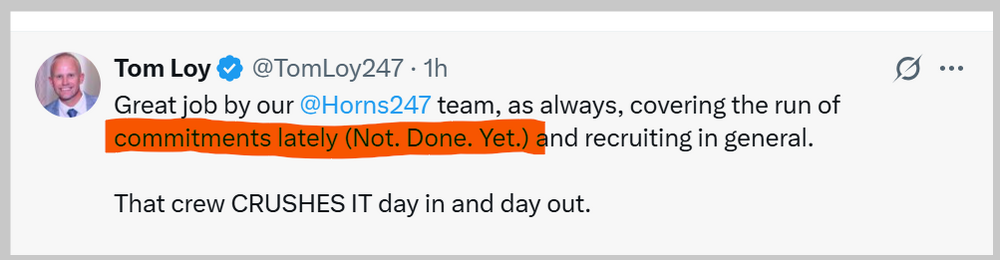
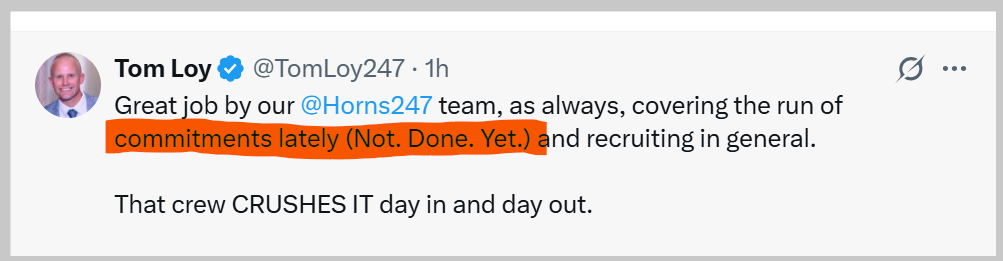
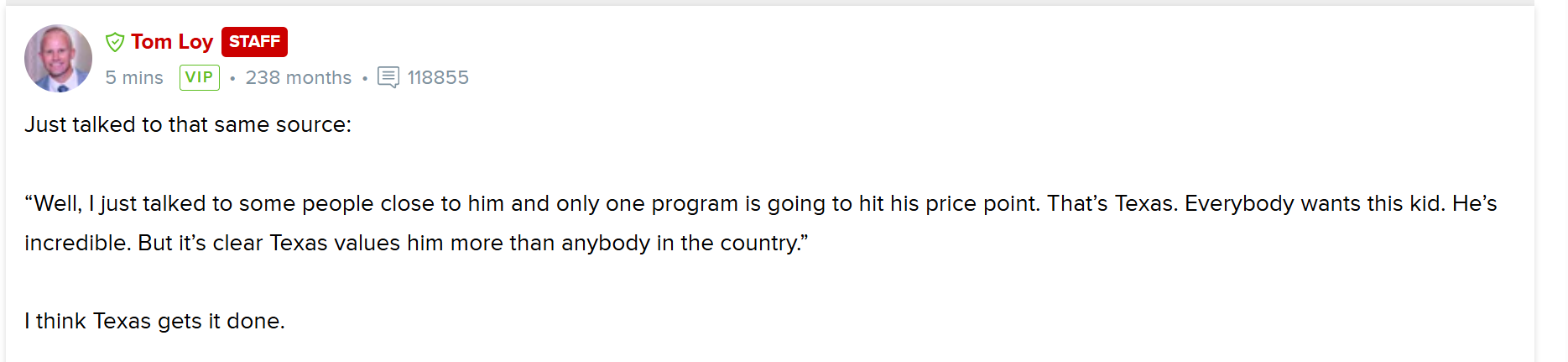
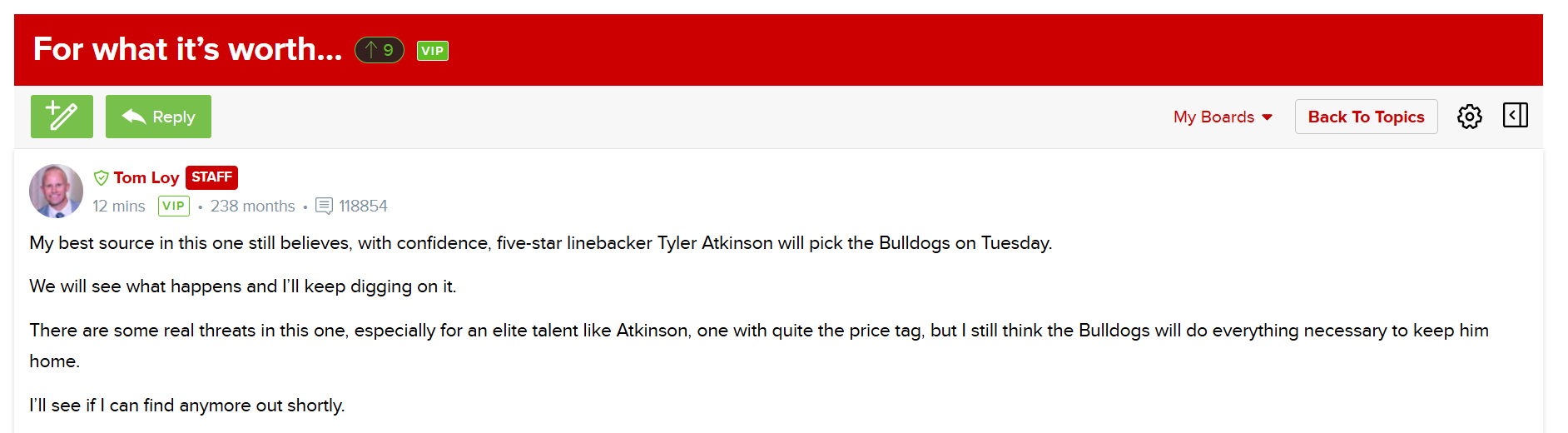
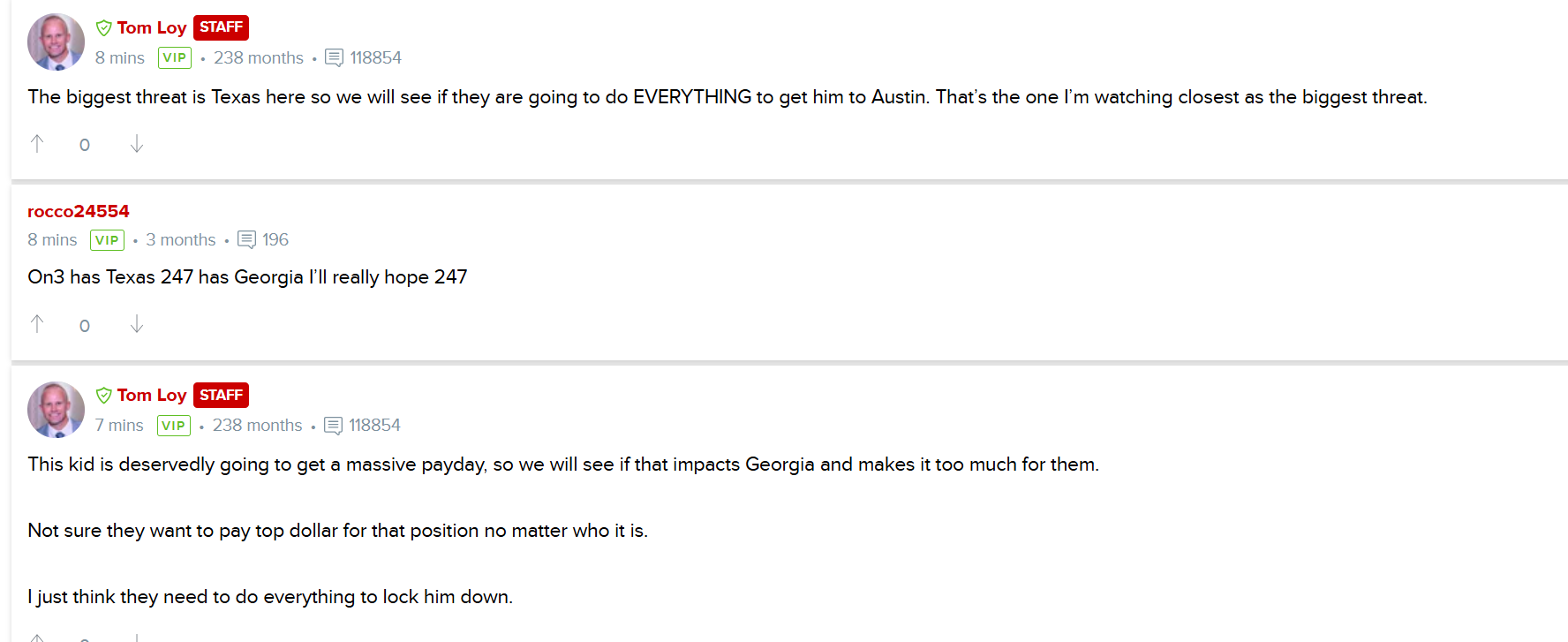
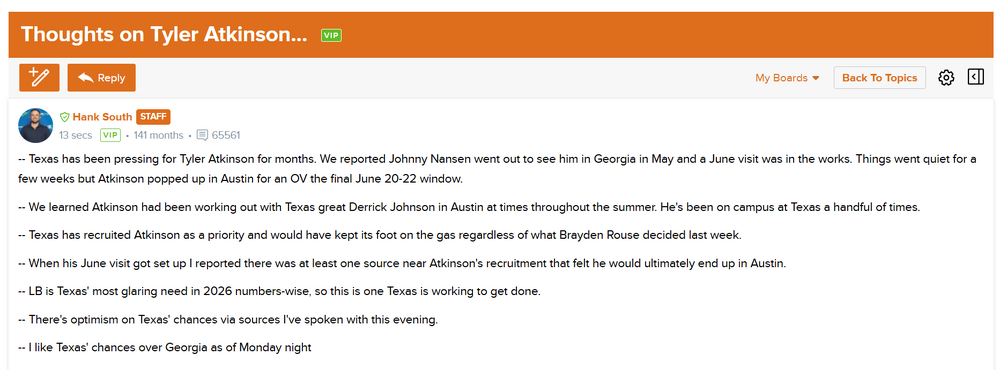 Tom Loy just posted these on the Georgia board. Lulz ...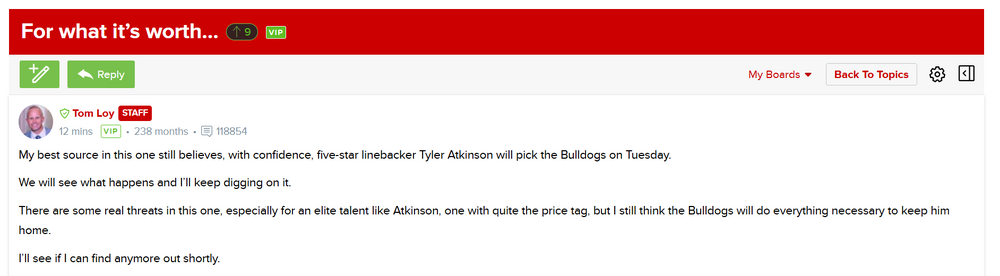
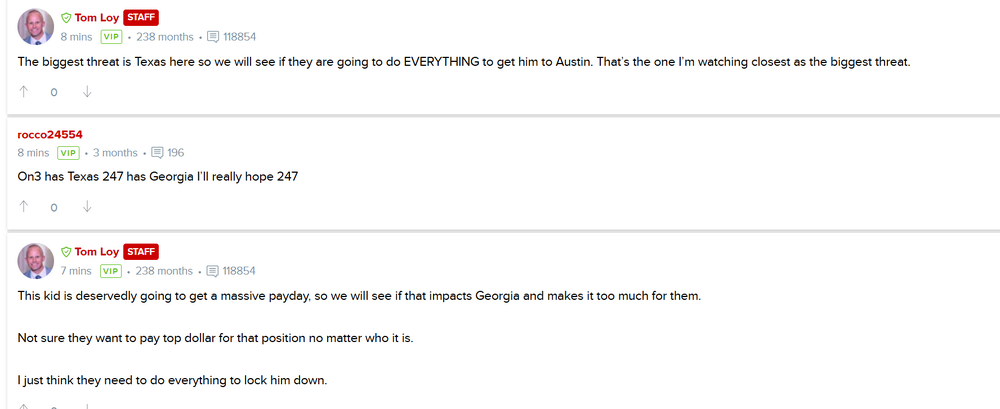
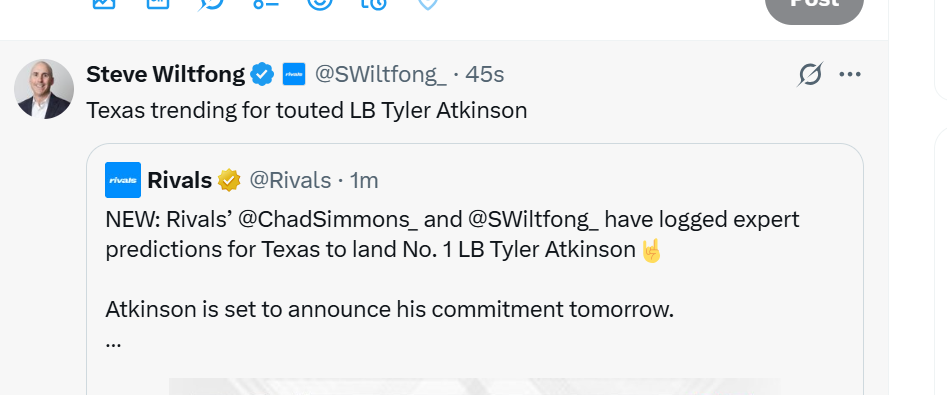
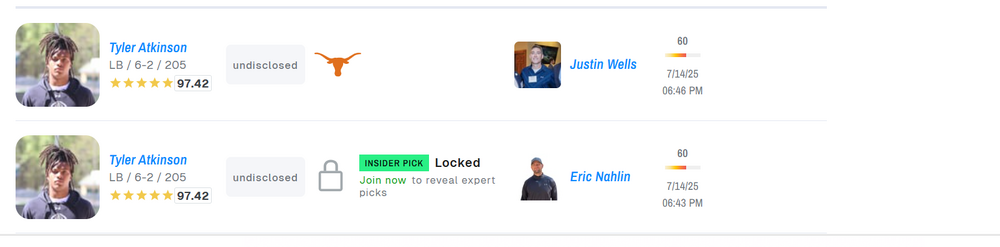
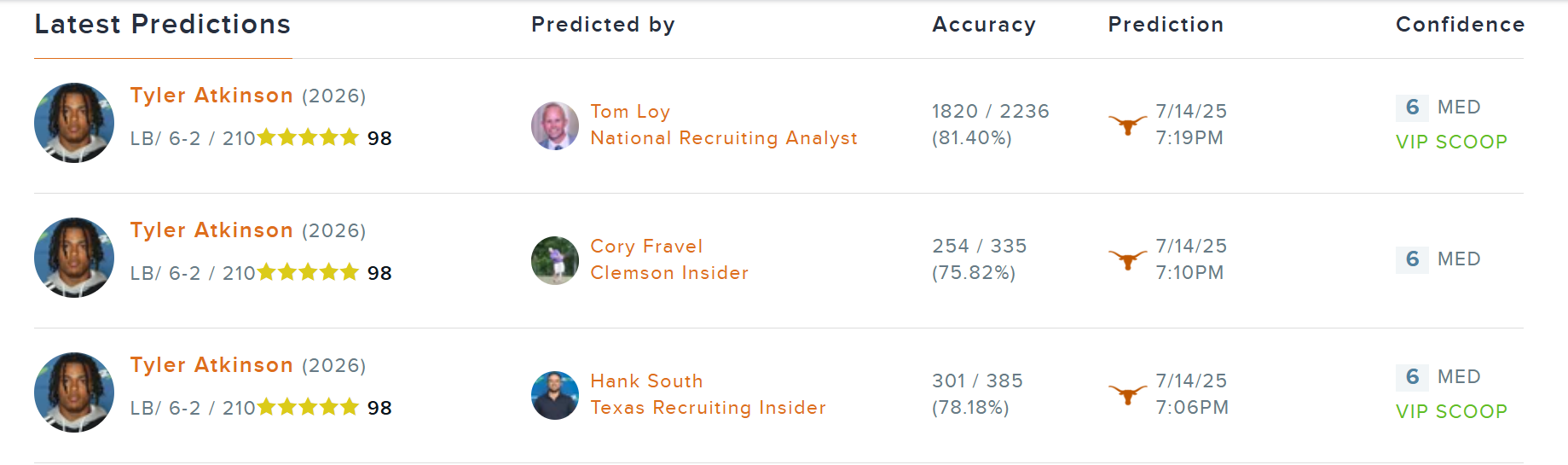
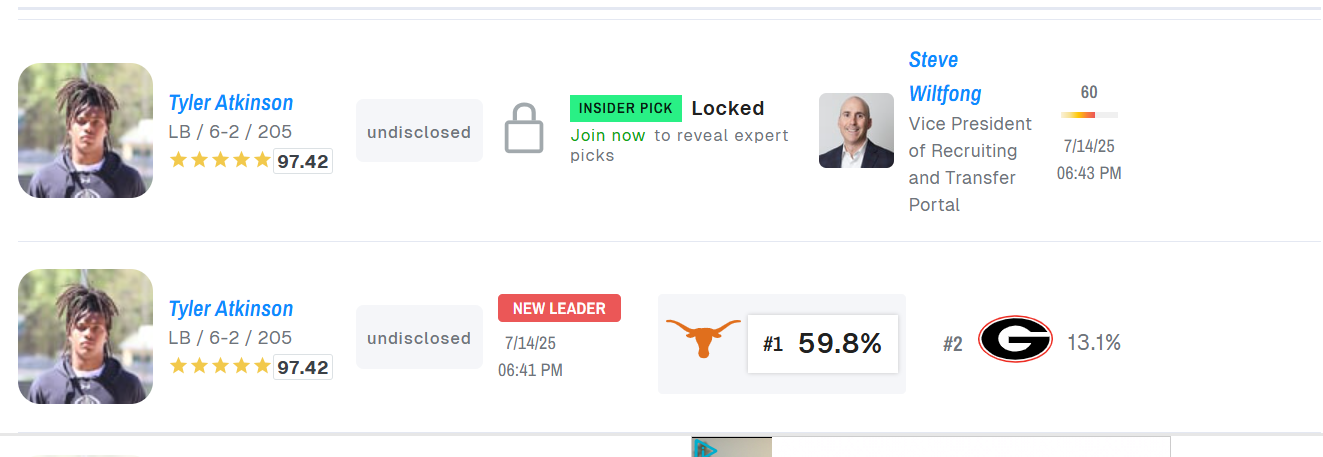
 !!! Wiltfong, Simmons, Nahlin and Wells have CB'ed Tyler Atkinson to Texas. 🙂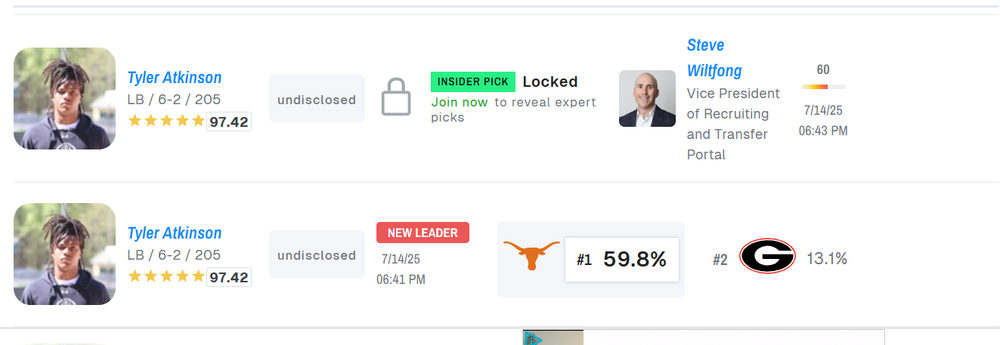
 Lol my friend ... 😂 😂 😂 . (From the "Florida talking to James Johnson" thread on the Florida 247 board.)👀 👀 👀 "Even though I committed, they're still going to try to recruit me," Johnson said of Texas' message since he pledged to UGA. "They know it's not over til December." Texas still battling for Top100 Georgia commit Hank South (Horns 247)
 🙂
🙂

















Football ...
Basketball ...
Baseball ...
Other Sports ...
Futbol ...
🤫995🤫 ...
Gambling ...
Movies & TV ...
Music ...
Hobbies ...
Lulz ...
Food & Travel
...
Daily Texan ...
Business & Markets ...
Cloak Room ...
Help ...
For Sale ...
Board Discussion ...
Advertise...
Tailgate Donations
Account
Search
Configure browser push notifications
Chrome (Android)
- Tap the lock icon next to the address bar.
- Tap Permissions → Notifications.
- Adjust your preference.
Chrome (Desktop)
- Click the padlock icon in the address bar.
- Select Site settings.
- Find Notifications and adjust your preference.
Safari (iOS 16.4+)
- Ensure the site is installed via Add to Home Screen.
- Open Settings App → Notifications.
- Find your app name and adjust your preference.
Safari (macOS)
- Go to Safari → Preferences.
- Click the Websites tab.
- Select Notifications in the sidebar.
- Find this website and adjust your preference.
Edge (Android)
- Tap the lock icon next to the address bar.
- Tap Permissions.
- Find Notifications and adjust your preference.
Edge (Desktop)
- Click the padlock icon in the address bar.
- Click Permissions for this site.
- Find Notifications and adjust your preference.
Firefox (Android)
- Go to Settings → Site permissions.
- Tap Notifications.
- Find this site in the list and adjust your preference.
Firefox (Desktop)
- Open Firefox Settings.
- Search for Notifications.
- Find this site in the list and adjust your preference.