Born Burnt
Legacy Members
-
Joined
Everything posted by Born Burnt
-
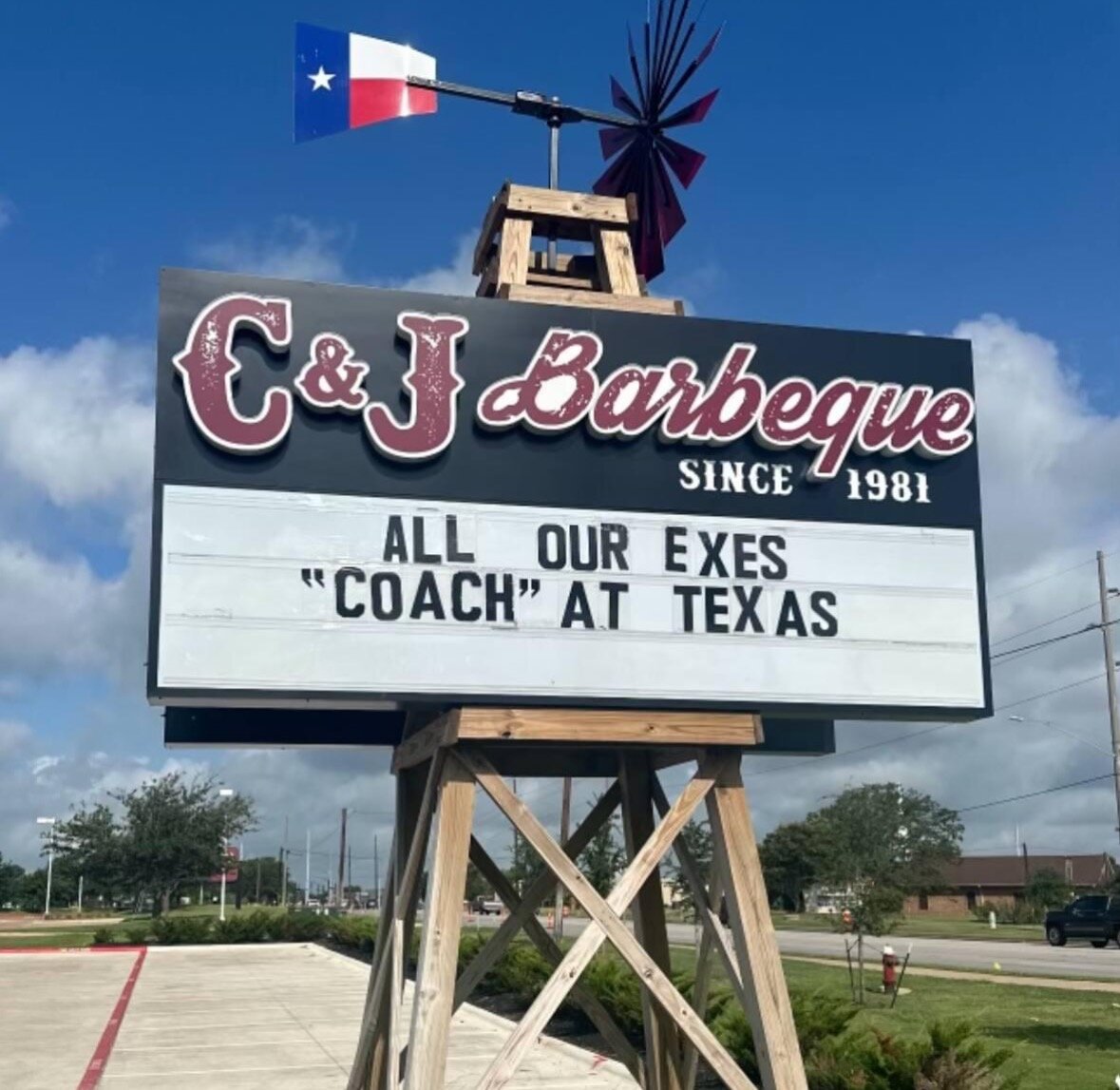
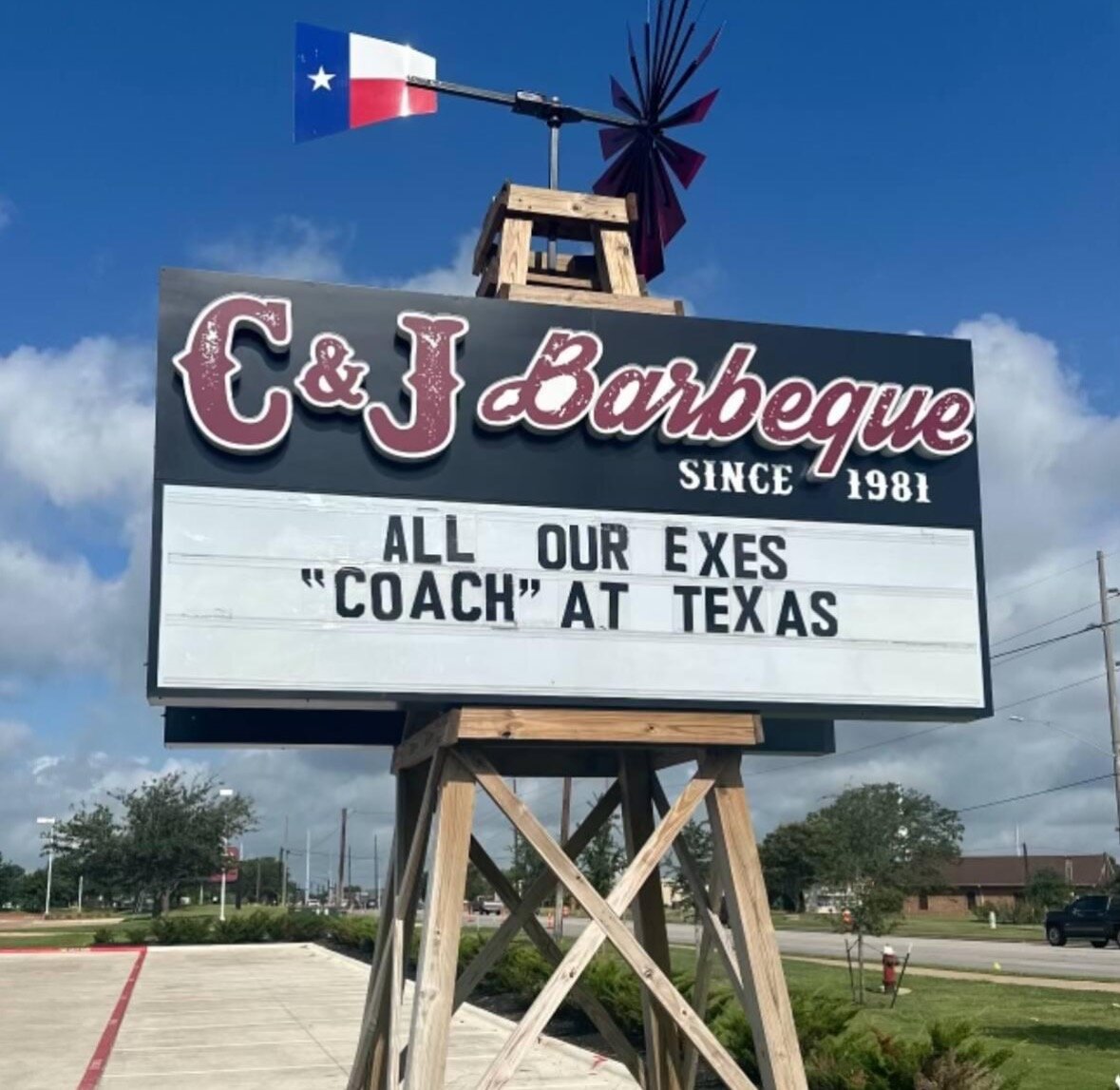
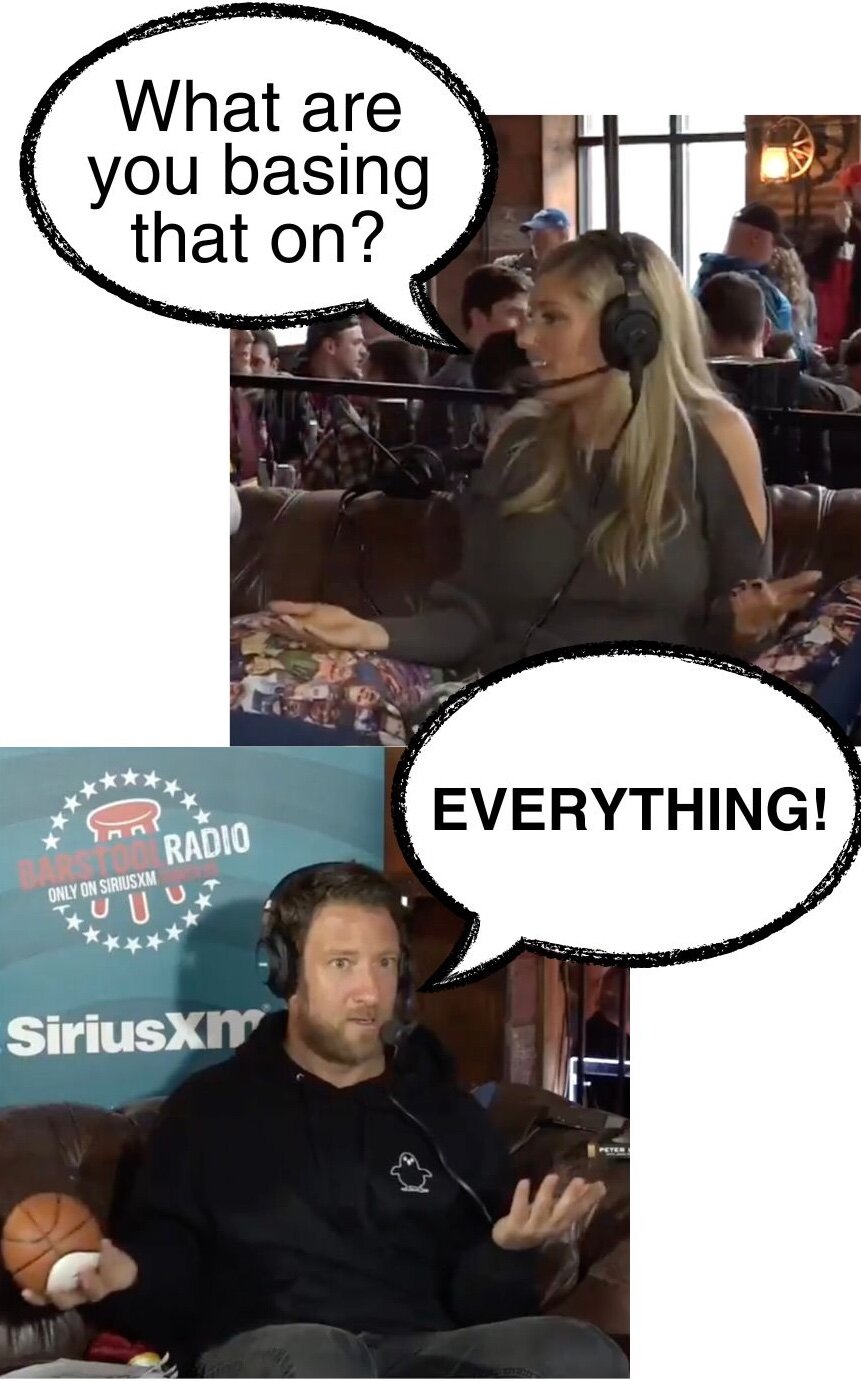
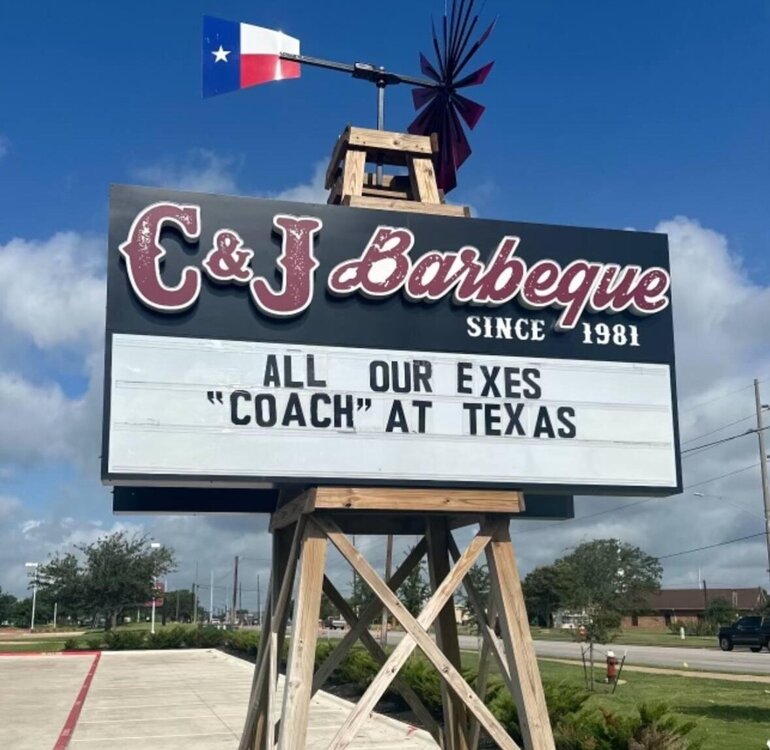
 Cross-posting cuz it needs to be here. Glad to see at least one person in Bryan/College Station has a sense of humor
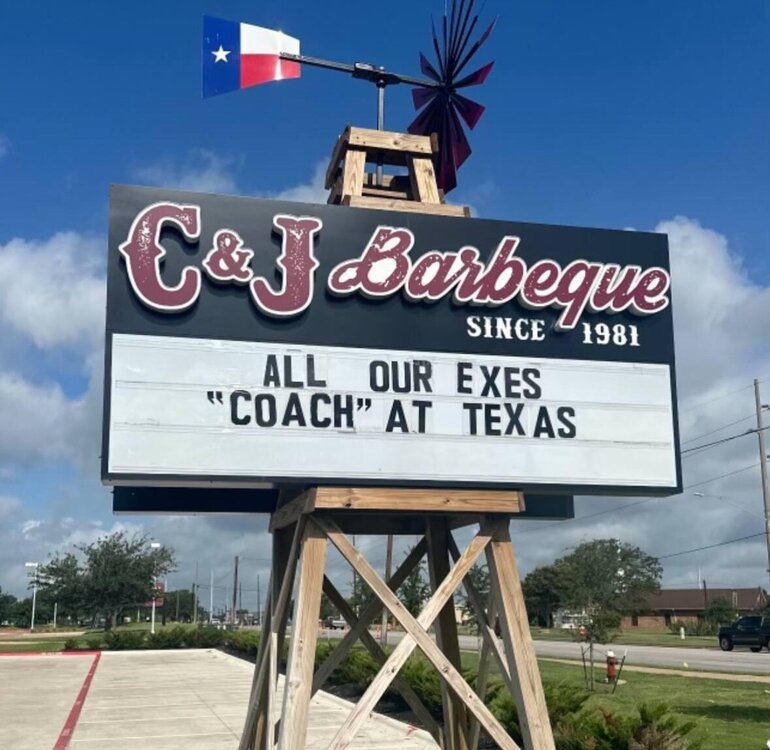 Glad to see at least one person in Bryan/College Station has a sense of humor
 That's what I'm afraid of.
Anyone know why VY missed his SEC Network appearance this evening?
When I first read the thread title, I thought you meant that you needed the helmet to wear in your office. Anyone every been here? Most of it is office supply type stuff, but I've seen some cool sports uniforms & equipment: https://facilitiesservices.utexas.edu/services/surplus-property-moving-services/surplus-reuse-store The hours totally suck.
Such a great exchange...
That's what I'm afraid of.
Anyone know why VY missed his SEC Network appearance this evening?
When I first read the thread title, I thought you meant that you needed the helmet to wear in your office. Anyone every been here? Most of it is office supply type stuff, but I've seen some cool sports uniforms & equipment: https://facilitiesservices.utexas.edu/services/surplus-property-moving-services/surplus-reuse-store The hours totally suck.
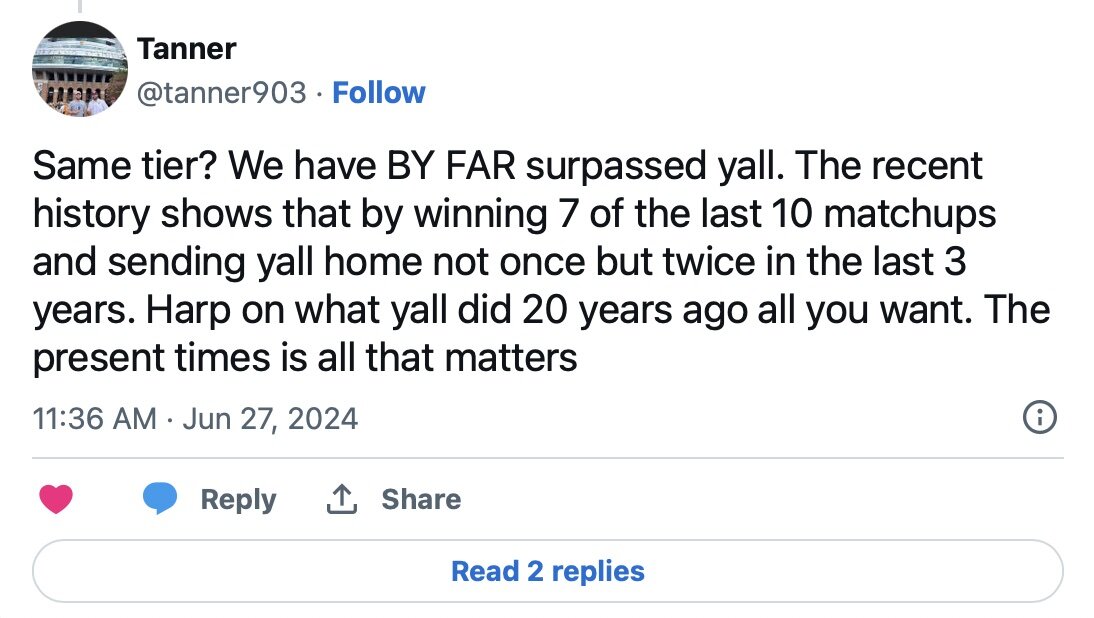
Such a great exchange...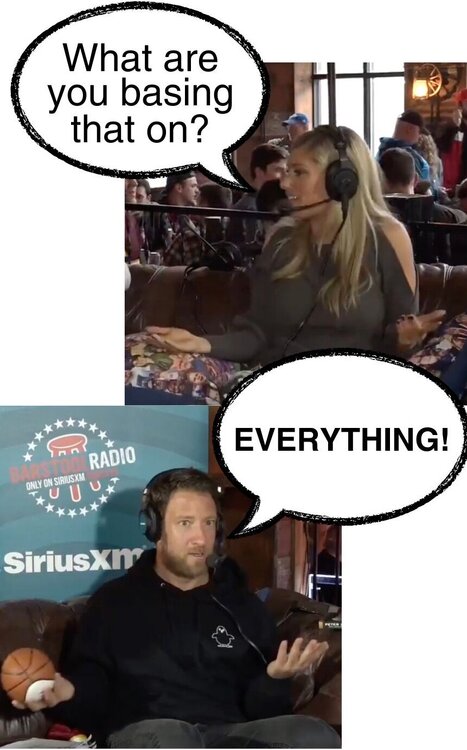 Yep. I tried to recreate that amazing moment in the "Aggy AI thread of dominance" thread, but did a poor job and don't think anyone got the reference. I found the video back then, but can't find it now either. Looks like someone did some scrubbing.
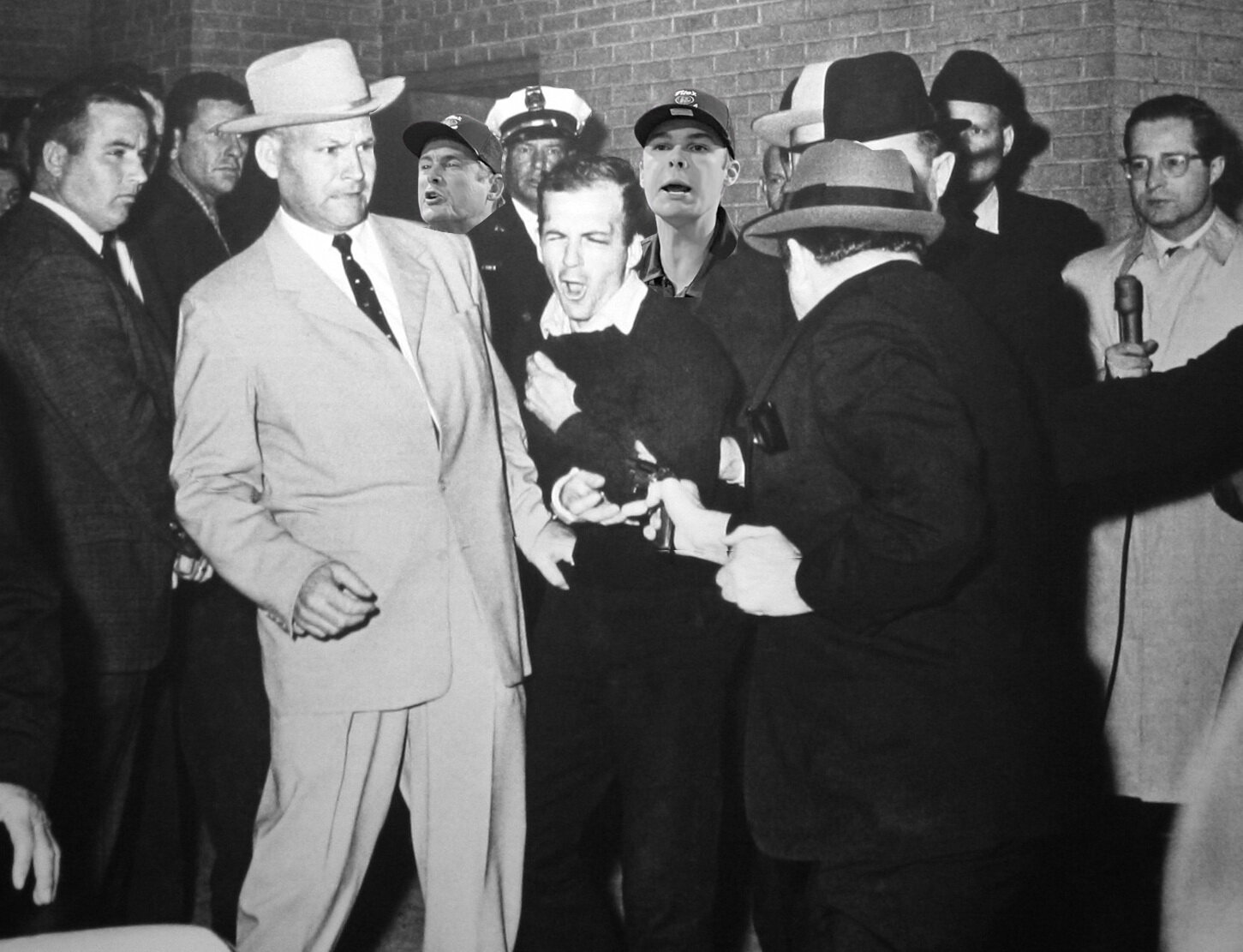
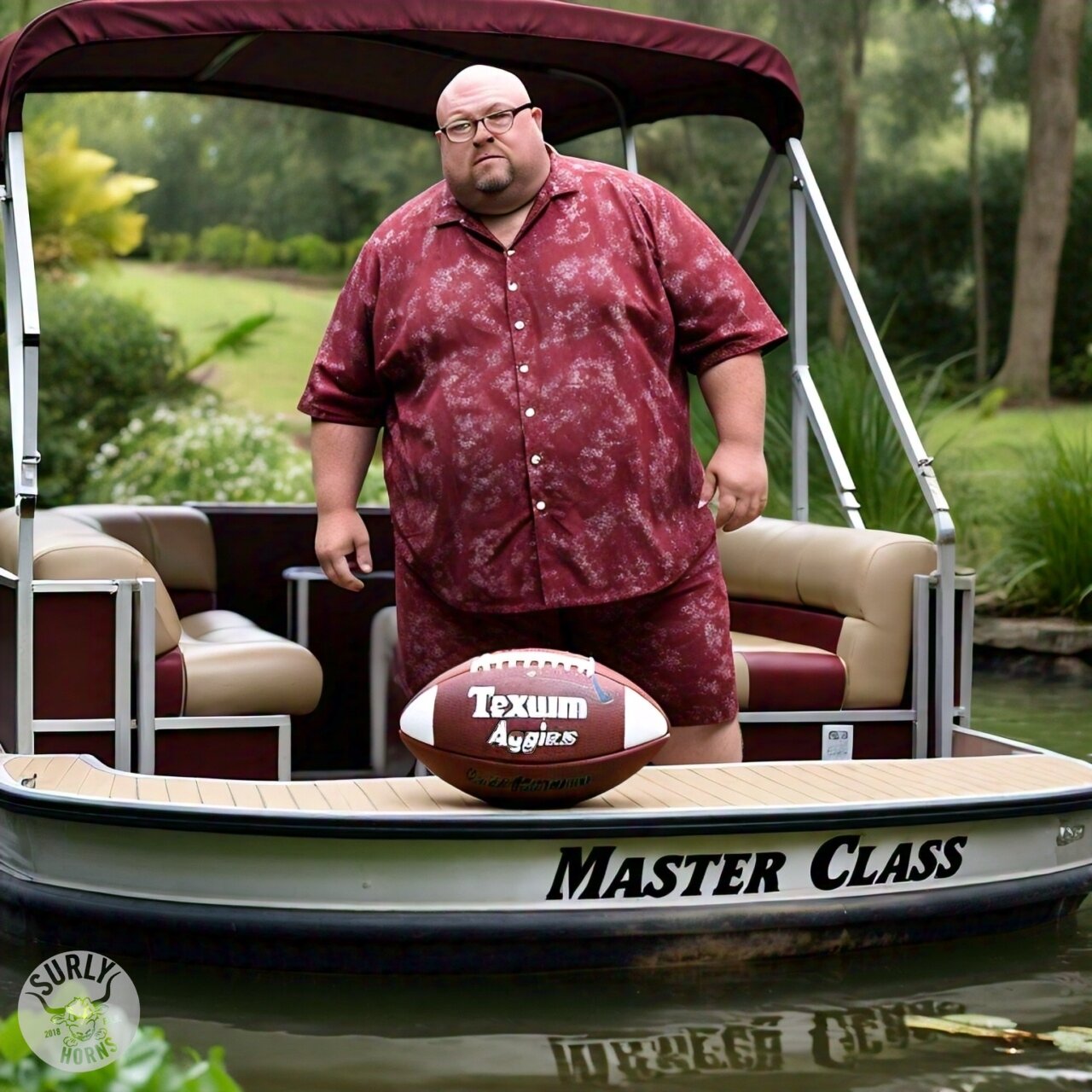
Aggie fans wanted this... Instead of this...
Yep. I tried to recreate that amazing moment in the "Aggy AI thread of dominance" thread, but did a poor job and don't think anyone got the reference. I found the video back then, but can't find it now either. Looks like someone did some scrubbing.
Aggie fans wanted this... Instead of this...
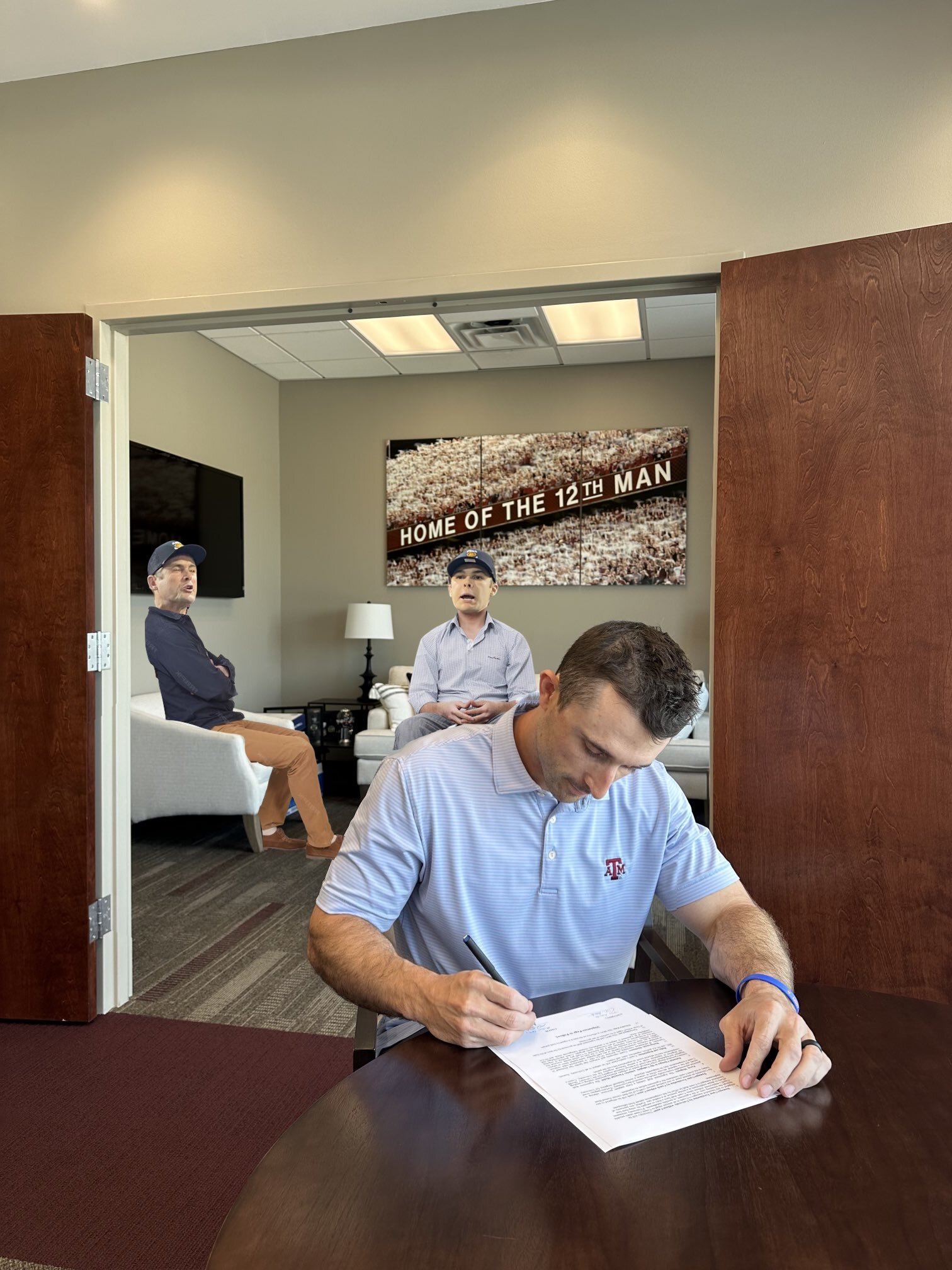
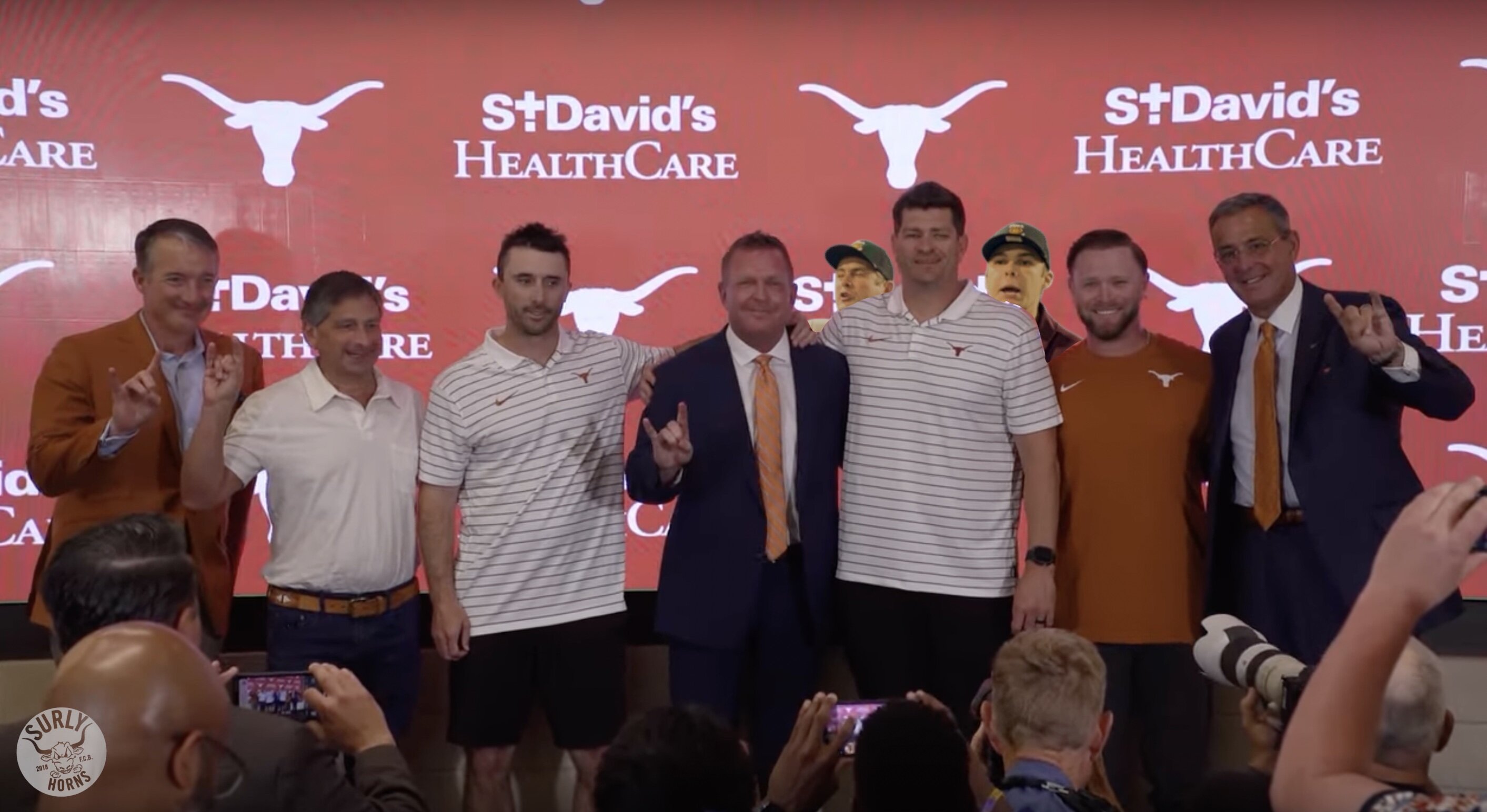
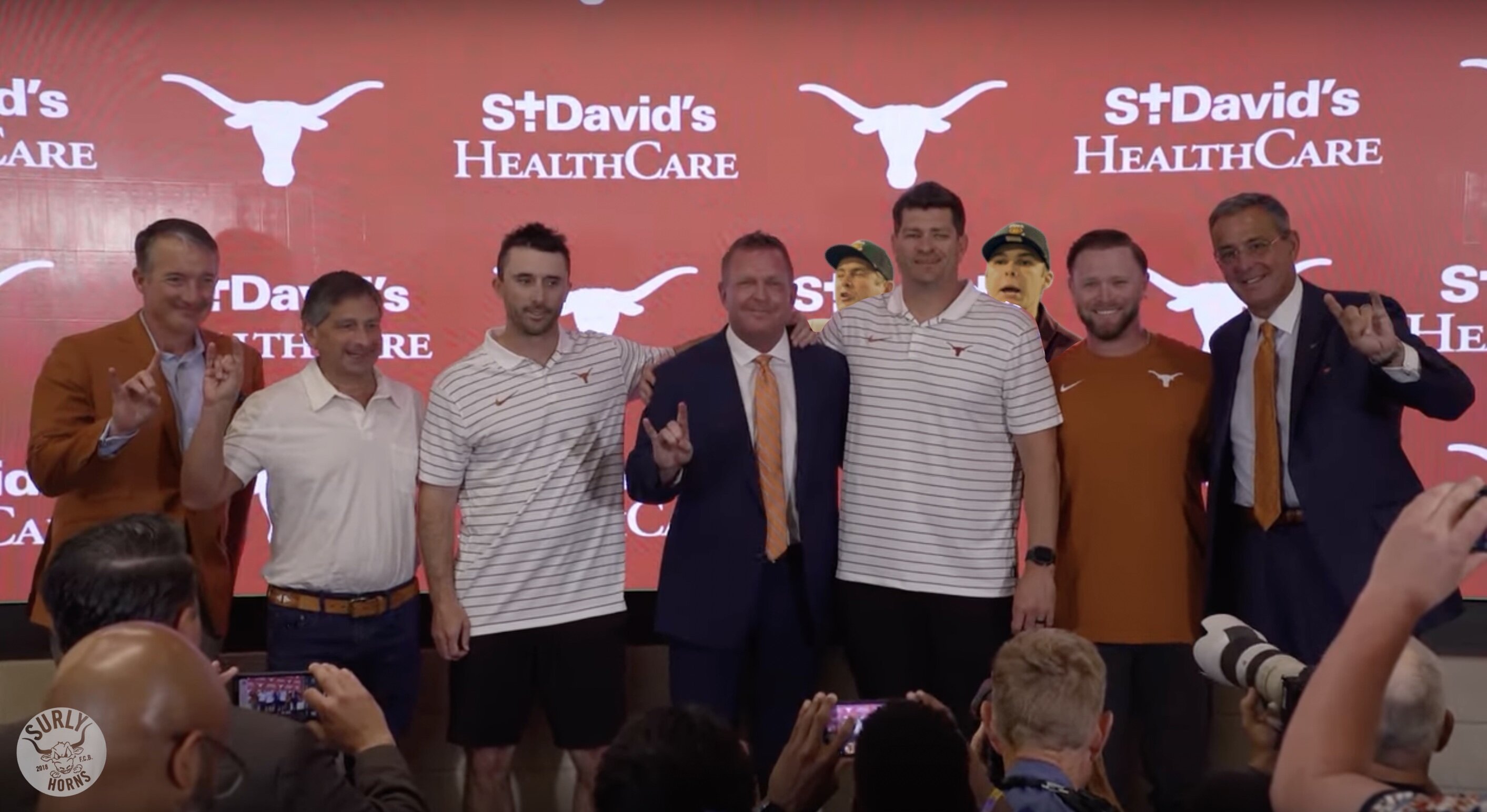
 New coach introduced at Sunday's Longhorn Party?
Spelled bowels wrong
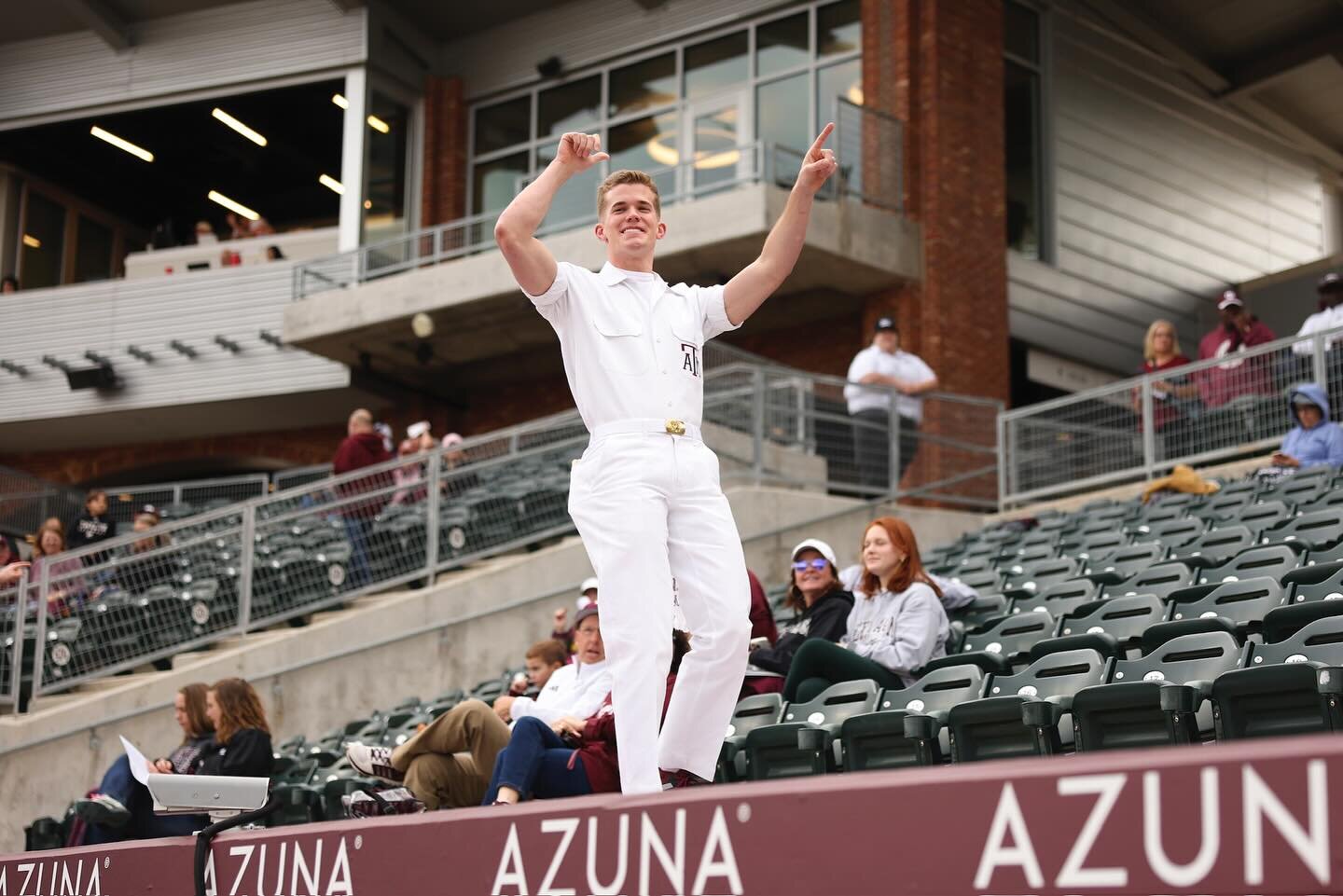
Horse is understandably trying to protect his cornhole.
Football ... Basketball ... Baseball ... Other Sports ... Futbol ... 🤫995🤫 ... Gambling ... Movies & TV ... Music ... Hobbies ... Lulz ... Food & Travel ... Daily Texan ... Business & Markets ... Cloak Room ... Help ... For Sale ... Board Discussion ... Advertise... Tailgate Donations
New coach introduced at Sunday's Longhorn Party?
Spelled bowels wrong
Horse is understandably trying to protect his cornhole.
Football ... Basketball ... Baseball ... Other Sports ... Futbol ... 🤫995🤫 ... Gambling ... Movies & TV ... Music ... Hobbies ... Lulz ... Food & Travel ... Daily Texan ... Business & Markets ... Cloak Room ... Help ... For Sale ... Board Discussion ... Advertise... Tailgate DonationsAccount
Search
Configure browser push notifications
Chrome (Android)
- Tap the lock icon next to the address bar.
- Tap Permissions → Notifications.
- Adjust your preference.
Chrome (Desktop)
- Click the padlock icon in the address bar.
- Select Site settings.
- Find Notifications and adjust your preference.
Safari (iOS 16.4+)
- Ensure the site is installed via Add to Home Screen.
- Open Settings App → Notifications.
- Find your app name and adjust your preference.
Safari (macOS)
- Go to Safari → Preferences.
- Click the Websites tab.
- Select Notifications in the sidebar.
- Find this website and adjust your preference.
Edge (Android)
- Tap the lock icon next to the address bar.
- Tap Permissions.
- Find Notifications and adjust your preference.
Edge (Desktop)
- Click the padlock icon in the address bar.
- Click Permissions for this site.
- Find Notifications and adjust your preference.
Firefox (Android)
- Go to Settings → Site permissions.
- Tap Notifications.
- Find this site in the list and adjust your preference.
Firefox (Desktop)
- Open Firefox Settings.
- Search for Notifications.
- Find this site in the list and adjust your preference.