Born Burnt
Legacy Members
-
Joined
Everything posted by Born Burnt
-
 ...in the Year of the Depend Adult Undergarment.
 -
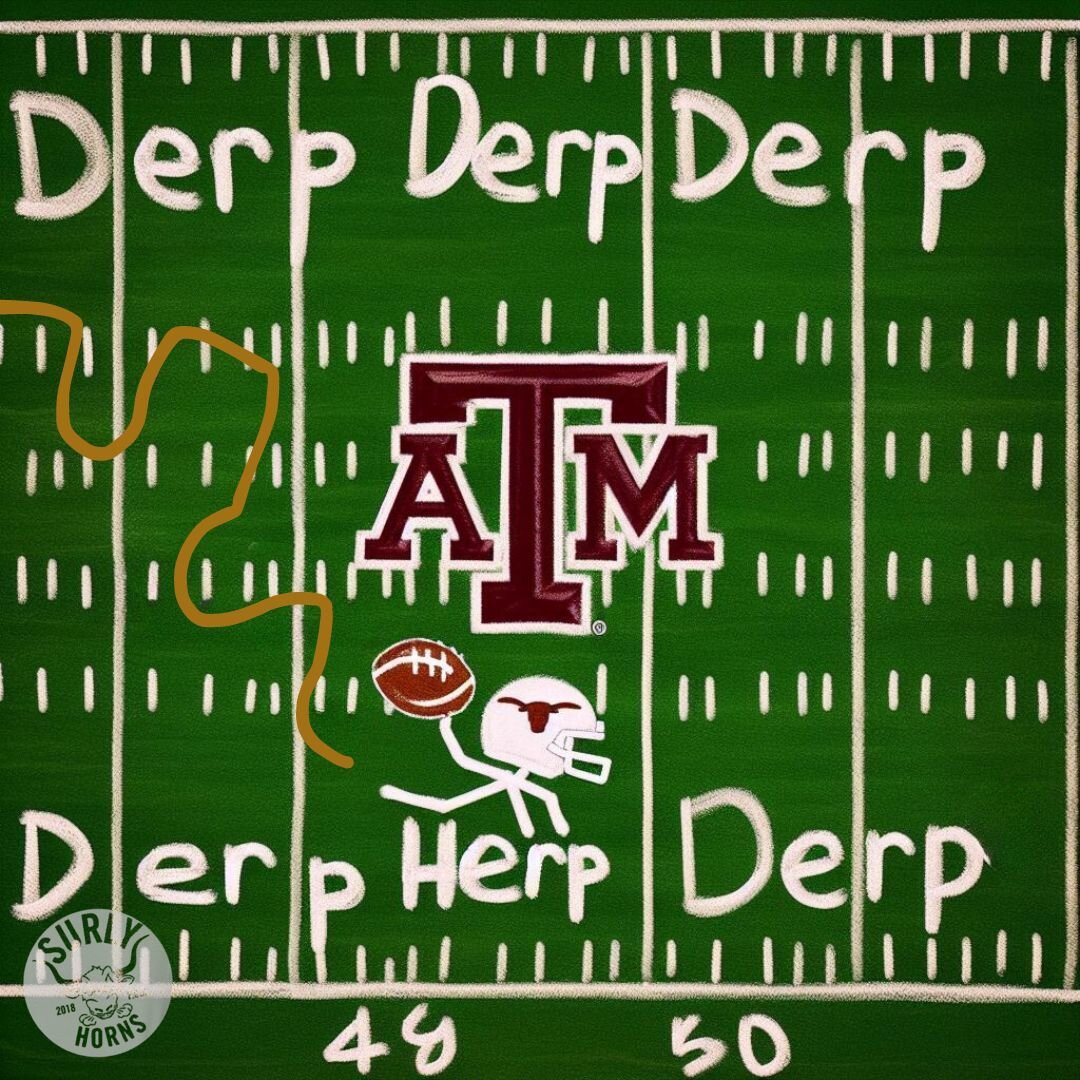
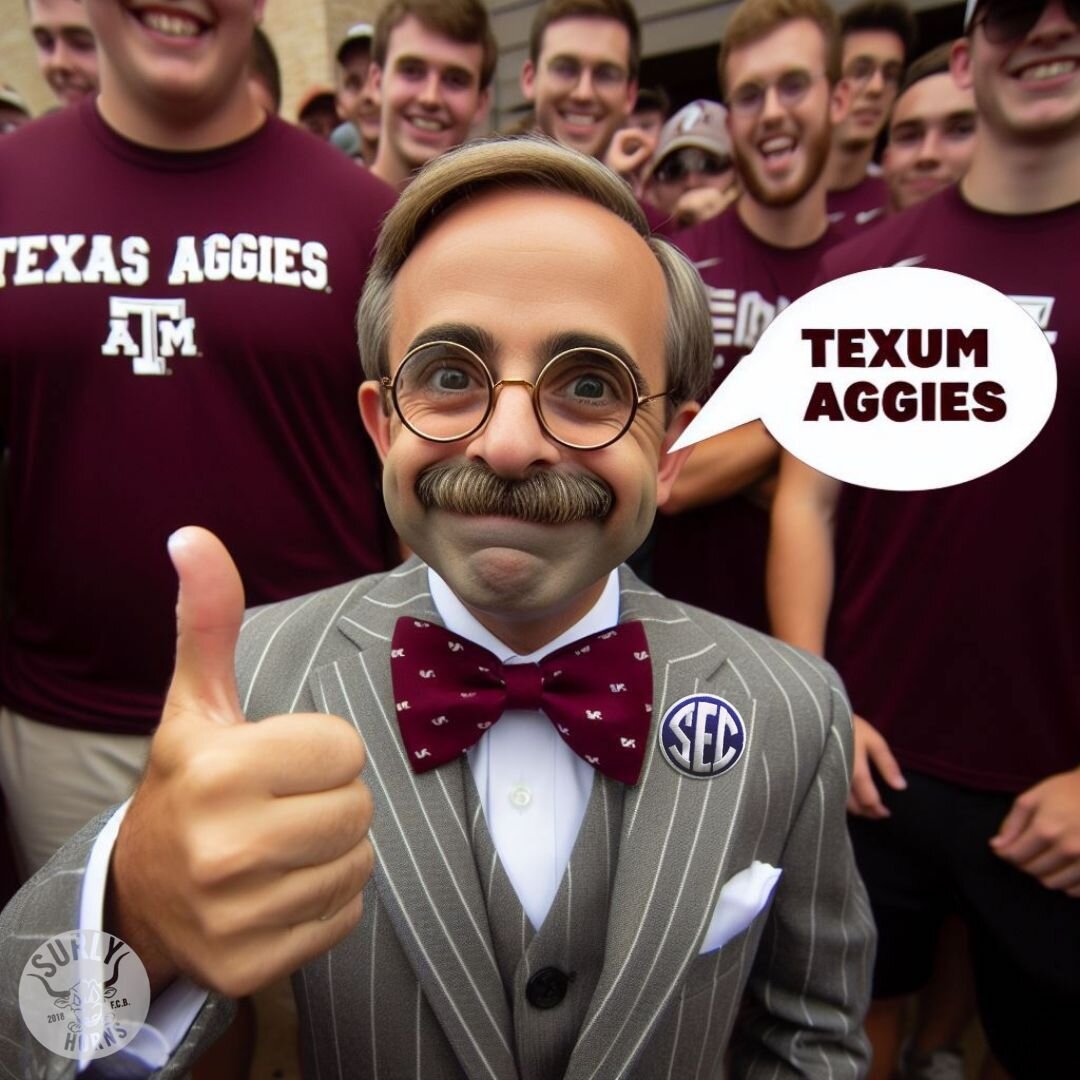
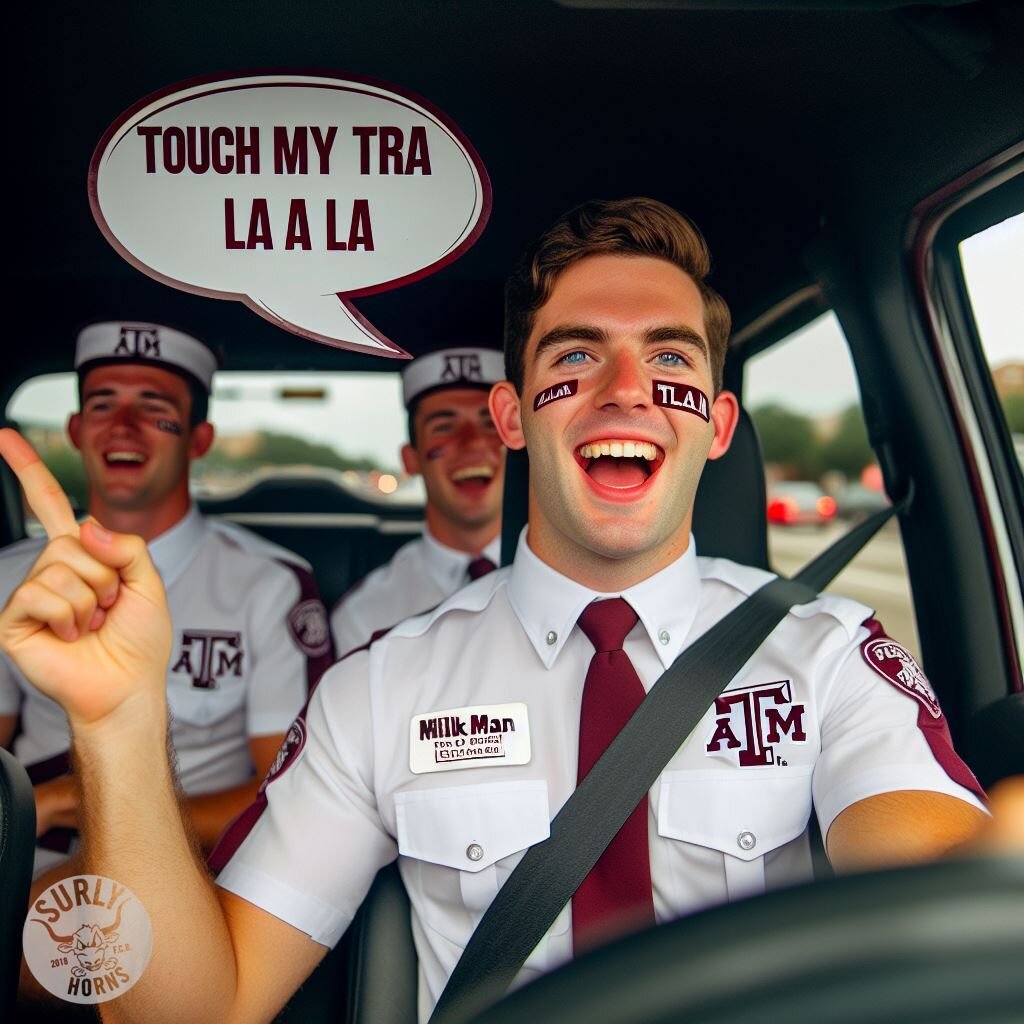
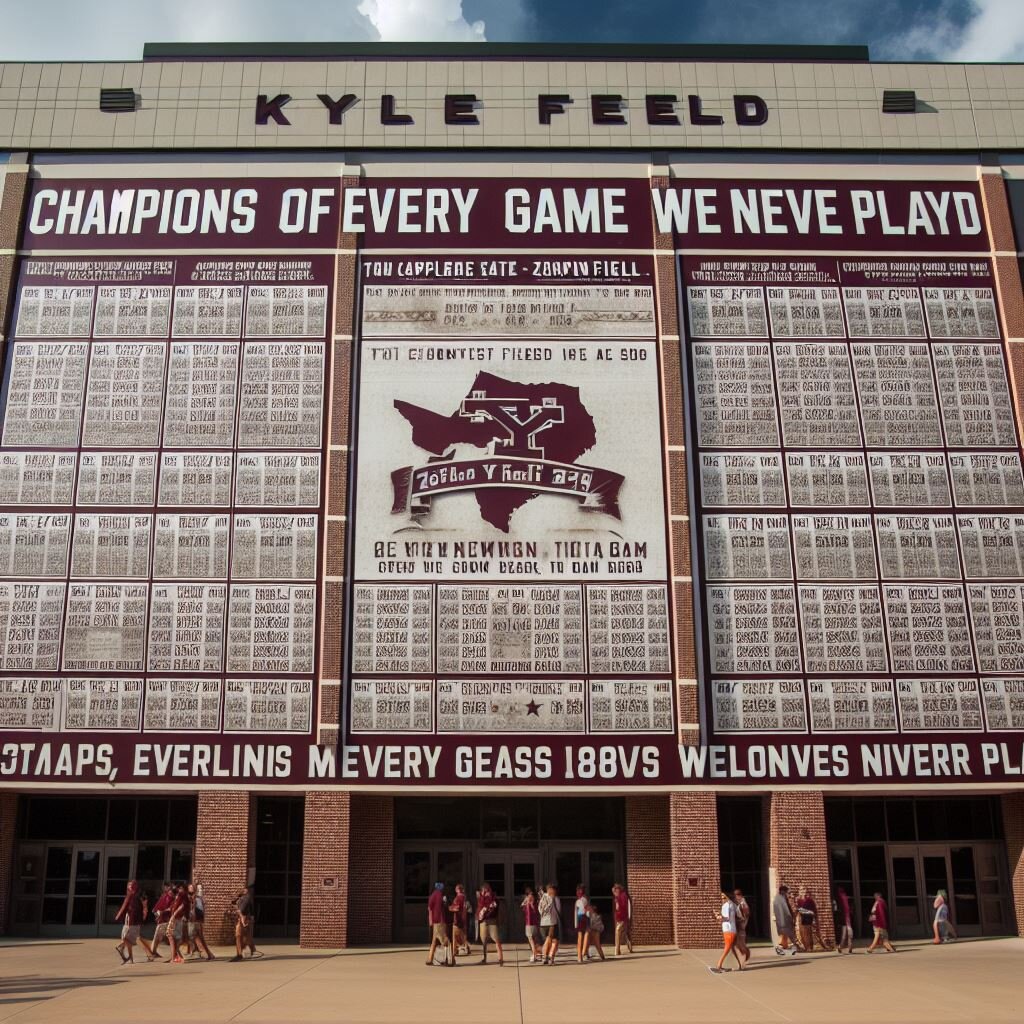
Tried Microsoft Designer Image Creator for the first time. Asked it to create the typical aggie who never shuts up.

-
Here ya go. Use it with extreme prejudice.
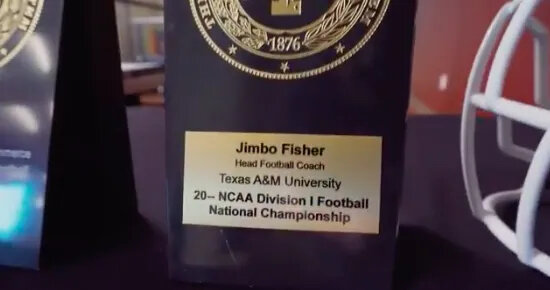
 While this is amazing and a nice addition to their trophy case, sadly, it is not the original. The type has multiple differences from the original – size, weight, italics, leading.
 The BOMC expands its influence https://www.kvue.com/article/news/education/university-of-texas/ut-austin-new-ivies-forbes/269-94324c42-4c40-40bd-a78a-819edfe7ad86
You probably want to stay away from the Aggy AI thread
I find it best just to not talk to them.
I thought you were joking, until I zoomed in...
The BOMC expands its influence https://www.kvue.com/article/news/education/university-of-texas/ut-austin-new-ivies-forbes/269-94324c42-4c40-40bd-a78a-819edfe7ad86
You probably want to stay away from the Aggy AI thread
I find it best just to not talk to them.
I thought you were joking, until I zoomed in... They retired from their first careers and don't need the money.
 Does anyone else like the idea of branding these with a Surly Horns watermark? (Or any original content posted on the site, for that matter.) If so, PM me and I can send you the file. If you use an AI platform that adds its own watermark, there are multiple sites the will remove it for free, including this one: https://www.watermarkremover.io/
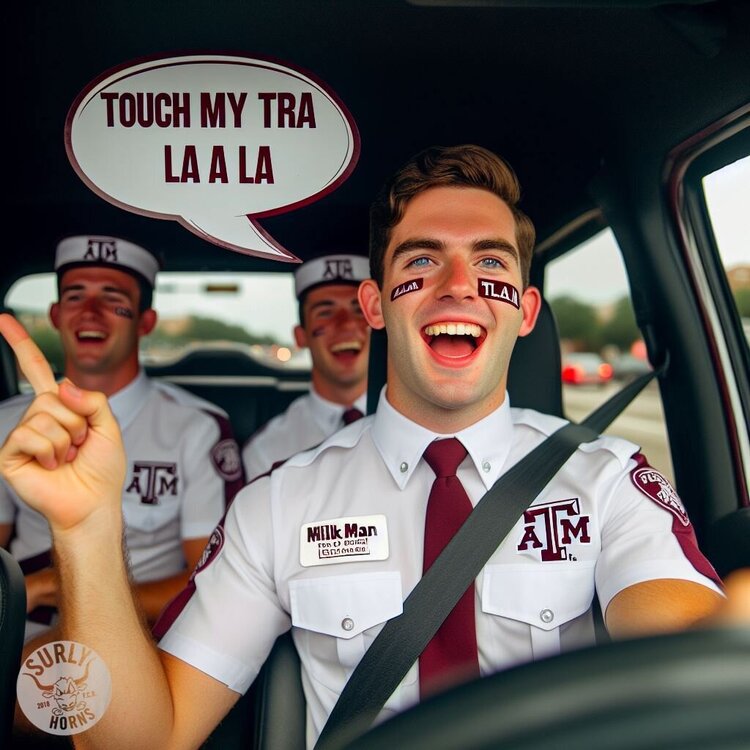 I thought how the AI added a lone Surly member in orange shorts sneaking pics with his phone was truly insightful.
https://www.oed.com/dictionary/patheticness_n?tl=true
Football ... Basketball ... Baseball ... Other Sports ... Futbol ... 🤫995🤫 ... Gambling ... Movies & TV ... Music ... Hobbies ... Lulz ... Food & Travel ... Daily Texan ... Business & Markets ... Cloak Room ... Help ... For Sale ... Board Discussion ... Advertise... Tailgate Donations
I thought how the AI added a lone Surly member in orange shorts sneaking pics with his phone was truly insightful.
https://www.oed.com/dictionary/patheticness_n?tl=true
Football ... Basketball ... Baseball ... Other Sports ... Futbol ... 🤫995🤫 ... Gambling ... Movies & TV ... Music ... Hobbies ... Lulz ... Food & Travel ... Daily Texan ... Business & Markets ... Cloak Room ... Help ... For Sale ... Board Discussion ... Advertise... Tailgate DonationsAccount
Search
Configure browser push notifications
Chrome (Android)
- Tap the lock icon next to the address bar.
- Tap Permissions → Notifications.
- Adjust your preference.
Chrome (Desktop)
- Click the padlock icon in the address bar.
- Select Site settings.
- Find Notifications and adjust your preference.
Safari (iOS 16.4+)
- Ensure the site is installed via Add to Home Screen.
- Open Settings App → Notifications.
- Find your app name and adjust your preference.
Safari (macOS)
- Go to Safari → Preferences.
- Click the Websites tab.
- Select Notifications in the sidebar.
- Find this website and adjust your preference.
Edge (Android)
- Tap the lock icon next to the address bar.
- Tap Permissions.
- Find Notifications and adjust your preference.
Edge (Desktop)
- Click the padlock icon in the address bar.
- Click Permissions for this site.
- Find Notifications and adjust your preference.
Firefox (Android)
- Go to Settings → Site permissions.
- Tap Notifications.
- Find this site in the list and adjust your preference.
Firefox (Desktop)
- Open Firefox Settings.
- Search for Notifications.
- Find this site in the list and adjust your preference.