Chewy's Hairy Horn
Certifiably Surly
-
Joined
-
Last visited
Everything posted by Chewy's Hairy Horn
-
 Meh. That’s fair.
 -
My god we needed that.
-
Almost
-
Well, let’s get pumped for Tom Herman’s third quarter dickstomp!
-
Sunday practice!
-
So am I, so this hits close to home.
-
Yes!!! (but still, fire Herman)
-
They’ll iron all this out tomorrow
-
Football is hard.
-
Coverage is hard.
-
Dive team out there
-
Oh my, my, my.
-
Special
-
Nicely done
-
Alright, alright, alright
-
Lol, crediting the crowd with the delay. Please, delays are our specialty.
-
This is an ugly beginning.
-
And somewhere in Texas, some staffer is giving the rental car contract Force Majeure clause a bit of scrutiny over breakfast.
-
Lil silly of him to even ask.
-
Why would anyone believe that Trump or his campaign would pay at this point? It’s so widely reported that they run out on the bill every time. How do you convince yourself that nah, I’m really not at the intersection of greed and stupidity.
-
Or this: https://trends.google.com/trends/explore?date=today 5-y&geo=US&q=Tom Herman pee tape
-
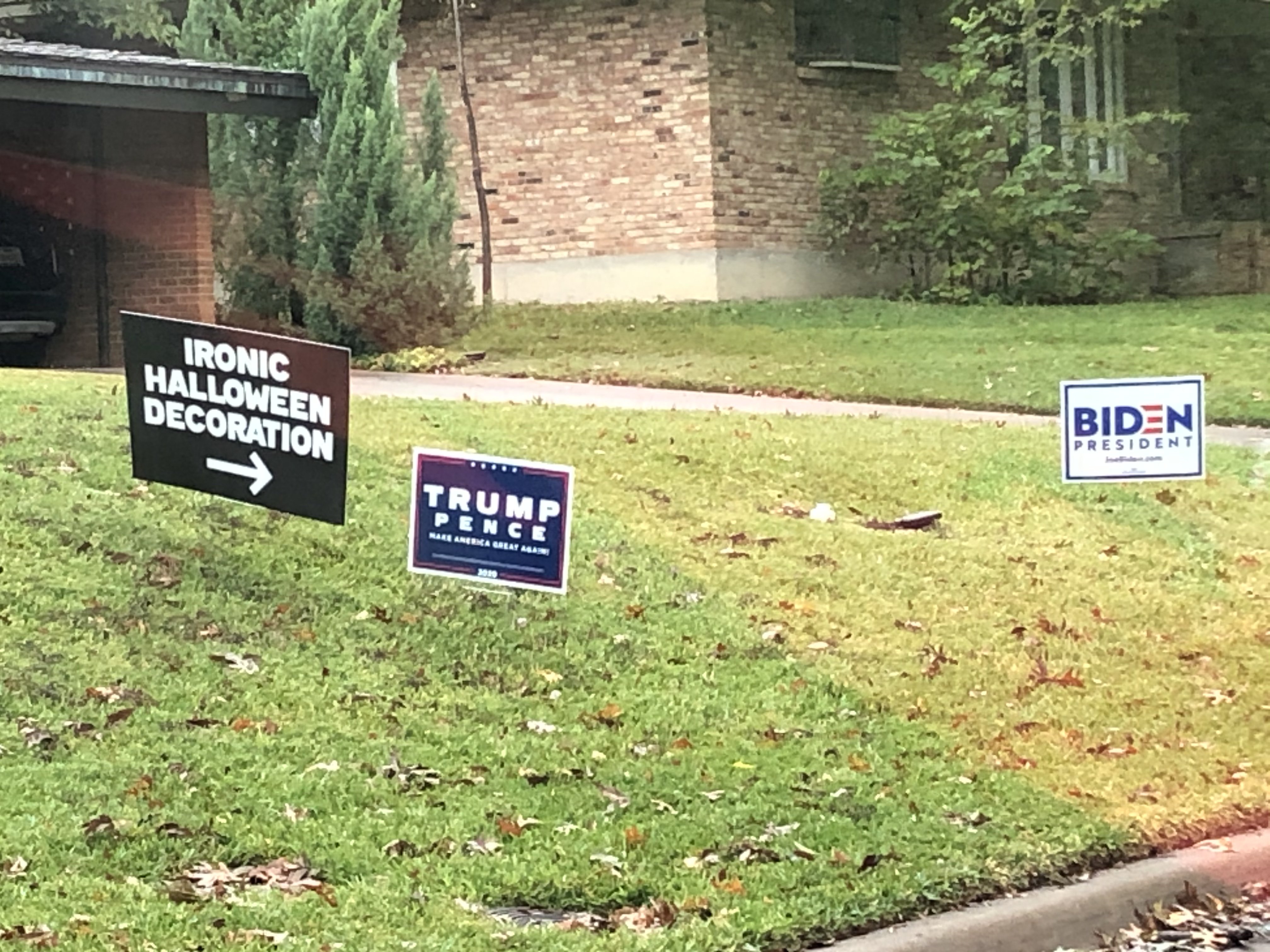
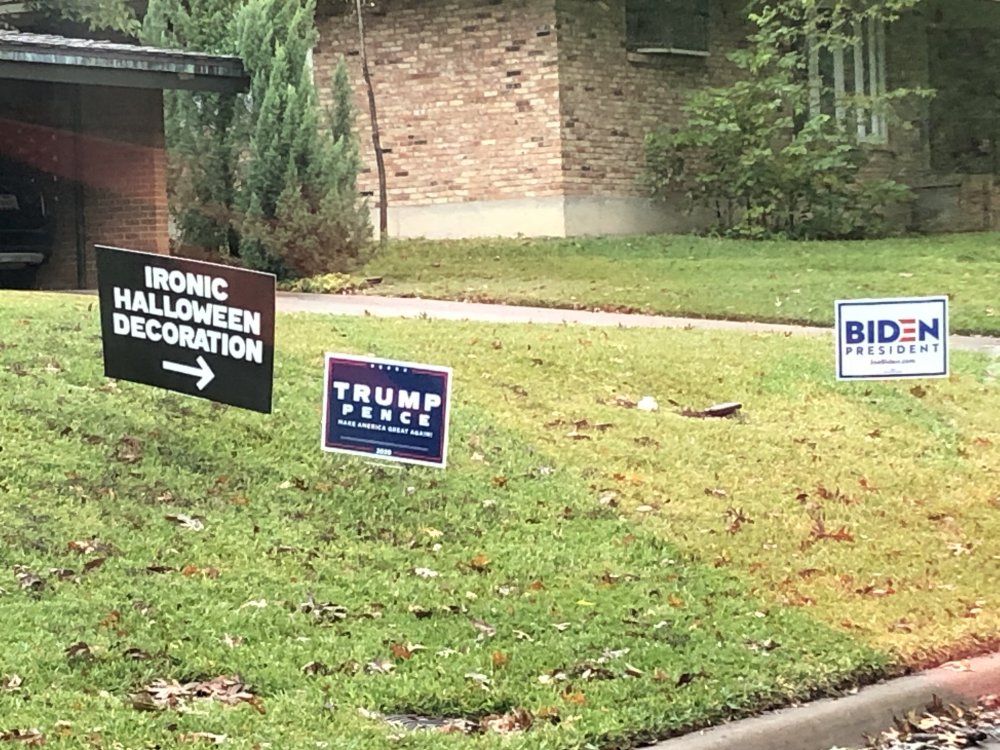
Seen in my East Dallas neighborhood today.
-
Ironically, Trump has lowered the bar so far that their playbook is about as effective as Herman’s binder.
-
So now they call targeting?
-
We are going to win the 3rd quarter!